Universal TV Remote Control for Panasonic
How to Use Your Phone as a Remote for Panasonic
A Universal TV Remote Control for Panasonic is a practical replacement when your original remote is lost, damaged, or no longer working. You can use either a physical universal remote or a smartphone-based remote app, depending on your Panasonic TV model.
Replacement Options
- Physical universal remotes: Many third-party remotes can control Panasonic TVs after entering the correct brand code.
- Panasonic remote apps: Compatible Smart TVs can also be controlled from a smartphone over Wi-Fi.
- Replacement remotes: Dedicated Panasonic-compatible remotes are another simple option for everyday TV control.
How to Set Up a Universal Remote
Turn on your Panasonic TV, hold the Setup or Code Search button, select TV, and enter a compatible Panasonic code listed in your remote’s manual. Test the power and volume buttons, then try another supported code if the TV does not respond.
For a more convenient option, the Remote TV App can turn your smartphone into a remote for compatible Panasonic TVs.
Download the Remote TV App and control your Panasonic TV directly from your phone.
Before starting, download Universal TV Remote Control and connect both devices to the same Wi-Fi network.

Get Universal TV Remote
Control your Panasonic TV from your phone — free to download.
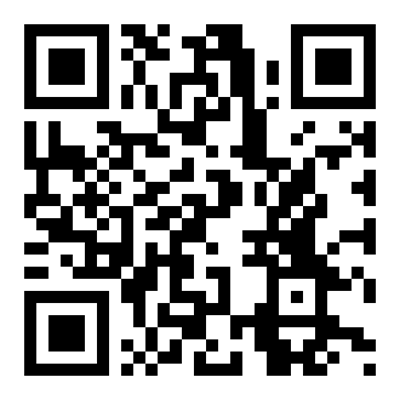

Scan QR to download on iPhone
Supported Panasonic Models
Related TV brands
Disclaimer
This content is for educational purposes only.
Begamob is not affiliated with or endorsed by Panasonic. All trademarks and product names are the property of their respective owners and are used solely for identification purposes.