
Hisense TV Code for Universal Remote: Verified Codes and Programming Steps
There is no single hisense tv code for universal remote control: the correct number depends on the universal remote brand, model, and code-list version. Use the code tool or manual supplied by that remote maker, then test more than Power.
This reference starts with trustworthy code sources, covers Xfinity, GE/Jasco, and One For All separately, and shows how to recover when a code controls only part of a Hisense TV.
Match the Hisense TV Code for Universal Remote to the Handset
Identify the handset model
Open the battery compartment and record the universal remote model plus any code-list version. Jasco’s official GE guidance specifically requires the model and list version before selecting codes. One For All likewise directs users to its setup-code tool with the exact make and model.
A hisense remote code from one ecosystem is not portable to another. A five-digit Xfinity number, a GE list entry, and a One For All setup code can all be valid for Hisense yet represent different databases and entry procedures.
Use that maker’s current code list
- Remote brand
- Remote model
- Code-list version
- TV model
| Remote family | Where the code comes from | Do not mix with |
|---|---|---|
| Xfinity | Xfinity remote support flow | GE or One For All codes |
| GE / Jasco | Model and CL-specific Jasco list | Other CL versions |
| One For All | Setup-code tool or remote manual | Unrelated OFA models |
Use the Xfinity Pairing Flow for Xfinity Remotes
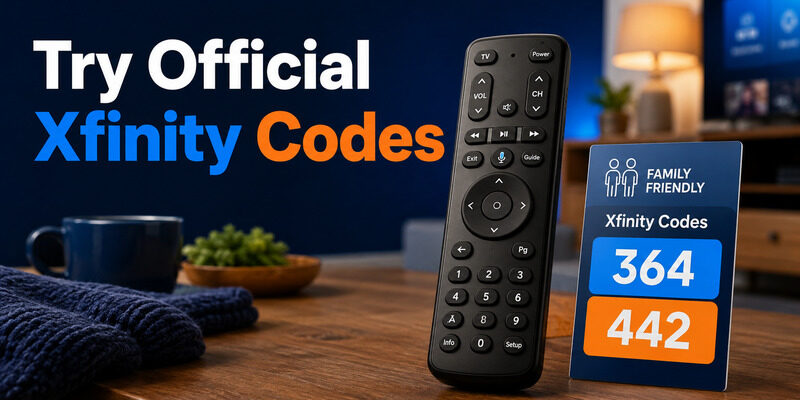
Start from Xfinity’s official remote support and select the exact handset. Models with a Setup button commonly use a hold-until-green sequence, while voice remotes can use an on-screen pairing flow. Do not copy a sequence from a different Xfinity model.
Xfinity support lists 12183 as a common Hisense TV profile in its remote guidance, with alternatives depending on the handset and television. Enter one candidate, test Power and volume, then continue only if coverage is incomplete. That profile is one remote-specific example, not the only hisense tv code for universal remote use.
A hisense tv code for xfinity remote may control the television while leaving Fire TV or Roku platform functions to another connection. Decide whether the Xfinity handset is expected to control the display, the cable box, or both. If direct entry fails, Xfinity’s official programming guidance includes a 9-9-1 search flow for supported remotes.
Save the profile immediately when the TV responds.
- Select the exact Xfinity remote
- Try the listed Hisense profile
- Test power and volume
Find GE Codes by the Jasco List Version
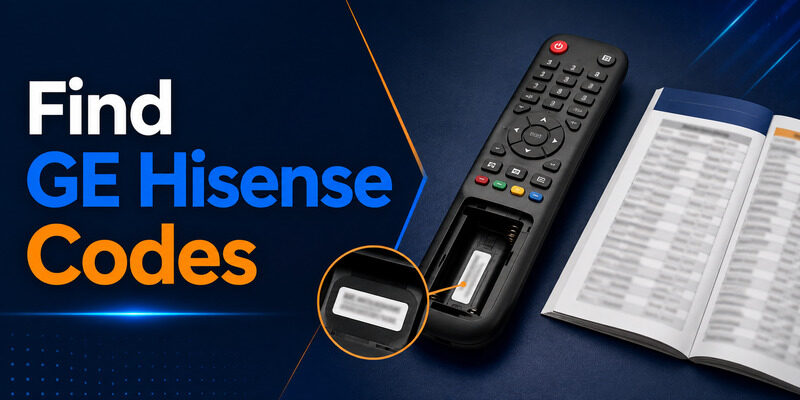
GE-branded universal remotes made by Jasco use code lists tied to the remote’s model and CL version. Locate those markings under the batteries or on the cover, then choose the matching list on Jasco’s official Universal Remote Codes page.
The correct hisense tv code for universal remote control must exist in that handset’s stored list. Do not publish or rely on one floating set of ge universal remote codes for hisense tv without the CL version. A number stored in one remote may be absent from another, even when both carry the GE brand.
Enter candidates in the order shown for Hisense, testing each across Power, volume, mute, input, and navigation. Record the best-performing code before moving to automatic search. If no listed profile works, Jasco’s Auto Code Search can scan all codes stored in the handset.
Keep the TV on, point at the sensor, advance steadily, and save at the first response.
- Read model and CL version
- Open the matching Jasco list
- Enter one code
- Record button coverage
Use One For All Codes for the Exact Remote Model
One For All recommends its Find your setup code tool with the device make and model or the code list in the remote manual. Current One For All lists can show multiple Hisense entries because each stored profile targets a different command set.
For example, the official URC7935 TV code list includes Hisense entries such as 26146 and 42224 among several candidates. Those examples belong to that specific remote family; they are not universal numbers for every One For All handset. Each remains a hisense tv code for universal remote use only within the listed family.
Enter the first recommended one for all remote hisense tv code, save it, and test the whole button set. If Power works but input or navigation does not, try the next Hisense profile and compare. Learning-capable remotes can sometimes copy a missing key from the original handset.
Use that feature only as the One For All manual directs and while the original remote still sends a reliable signal.
- Use the setup-code tool
- Match the remote model
- Test each stored profile
- Learn only missing functions
Enter a Hisense Code Without Losing Your Place
Complete one full entry cycle
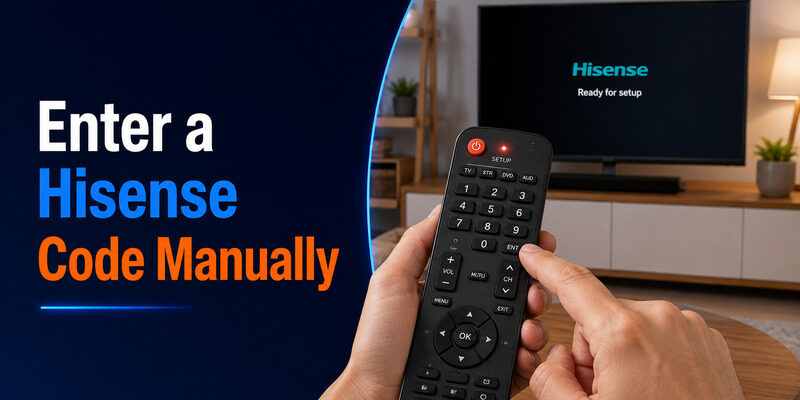
Turn on the television, choose TV mode, and hold Setup or the model-specific pairing keys until the indicator confirms programming mode. Type the candidate hisense tv code for universal remote control slowly and wait for the acceptance signal. Point at the TV and press Power once. If it responds, save the profile when required, then test volume, mute, input, menu, directional keys, OK, and Back.
Mark the result beside the code. If the indicator rejects the digits, confirm the expected code length. Hisense TV remote codes 3 digit, 4 digit, and 5 digit searches often belong to different remote families, so padding or trimming a number does not convert it.
Verify before trying the next code
- Turn on the TV
- Enter programming mode
- Choose TV device
- Type one code
- Save and test
Run Automatic Search Only After Direct Entry
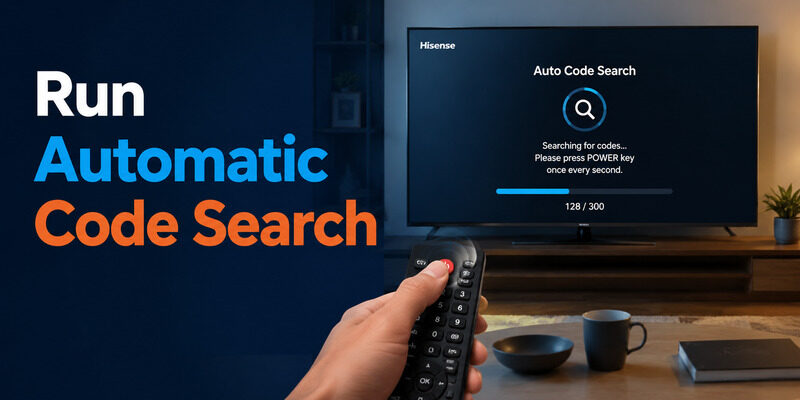
Automatic search is useful when the manual is missing or every listed profile fails. It scans the database already stored in the remote; it does not download new codes. Start with the Hisense TV on and the remote in TV mode The broader workflow still applies: identify the handset before searching..
Follow the exact search sequence for the handset, point at the sensor, and advance one profile at a time. Save immediately when the screen turns off or mutes. The saved result becomes the active hisense tv code for universal remote control.
Turn the TV back on and test the full button set. A search result can find a power-only profile before a better hisense tv code for universal remote appears later in the database. If you move past a working response, restart the search as the manual directs.
Random digit entry is slower and can overwrite a partly successful profile.
- Use TV mode
- Keep line of sight
- Advance steadily
- Save at the first response
Separate Hisense TV Control From Roku or Google TV Control
A Hisense Roku TV or Google TV combines a display with a smart platform. A universal TV code usually targets the display’s infrared command set: power, volume, input, and common navigation. Voice, private listening, or Bluetooth shortcuts may require the original remote or phone app.
A hisense roku tv remote codes 4 digit search is meaningful only for a four-digit handset database that lists Roku TV support. Do not assume the same digits apply to a streaming stick connected by HDMI.
Test the TV’s native Home and menu keys separately from an external streamer. If the universal remote controls the screen but not the stick, the hisense tv code for universal remote is doing its display job.
Use the platform app or a compatible device mode for the streamer rather than discarding a working TV profile.
- Display power and volume
- Built-in smart platform
- External HDMI streamer
Fix a Code That Controls Only Some Buttons
Keep the strongest candidate
Partial response proves that the remote is transmitting and the television sensor can receive it. Write down which groups pass. Then enter the next code from the same model-specific list and compare. A partial hisense tv code for universal remote is evidence, not a final result. Prefer the hisense tv remote control code that covers your daily functions, not necessarily the first code or the one that only powers off the TV. The strongest hisense tv code for universal remote control is the one with the broadest tested coverage.
Input and navigation often reveal the better profile. If no profile controls a special key, check whether that function uses Bluetooth, voice, or a platform account. A universal infrared handset cannot reproduce every protocol. When every code works only at close range, replace batteries and clean the IR windows. Weak transmission is not fixed by cycling through the same list.
Try the next profile for missing functions
- Record the current code
- Score button groups
- Try the next candidate
- Keep the broadest profile
| Test result | Meaning | Next move |
|---|---|---|
| No buttons work | Wrong entry or incompatible profile | Verify code list and retry |
| Power only works | Partial profile | Try the next candidate |
| Core buttons work | Useful TV profile | Save it and add app for extras |
Use Instead of Chasing Unsupported Codes
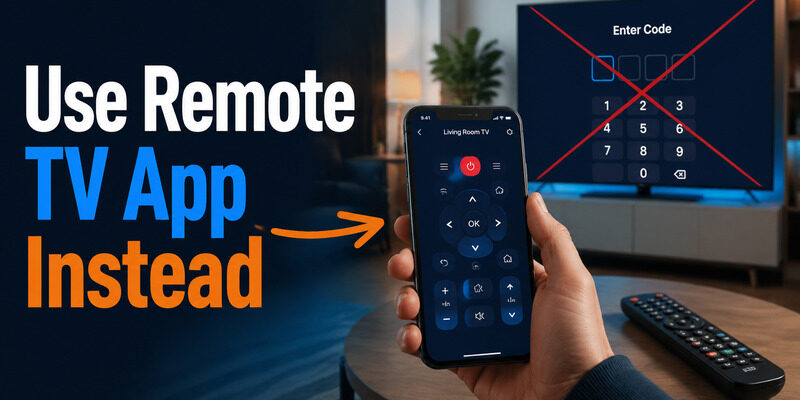
Remote TV App can restore network navigation, playback, and typing on supported Hisense televisions while the universal handset handles infrared power and volume. This hybrid setup is often more reliable than searching indefinitely for one code that claims every smart feature.
Open Remote TV App from the homepage, connect while the television is online, and verify the on-screen prompt. Keep the selected hisense tv code for universal remote saved so you still have tactile offline control.
A network app cannot discover a TV that has lost Wi-Fi. Retain the physical TV button and the programmed universal remote for recovery. If you later buy a replacement, compare protocol support with the exact missing functions.
A second basic IR handset will not add Bluetooth voice or Wi-Fi keyboard entry.
- Save the working TV code
- Connect the phone on Wi-Fi
- Split duties by protocol
Final Thoughts
The right hisense tv code for universal remote comes from the remote maker’s model-specific database, not from one universal Hisense number. Use Xfinity, Jasco/GE, or One For All instructions for the exact handset, enter one candidate at a time, and score Power, volume, input, and navigation.
Keep the profile with the broadest useful coverage. When smart-platform features use another protocol, combine the programmed handset with Remote TV App instead of endlessly recycling codes.
Download LG TV Remote