
LG TV Remote Volume Button Not Working? 12 Practical Fixes to Restore Volume Control
When the lg tv remote volume button not working problem appears, it is tempting to assume the remote has failed. In many cases, the cause is simpler: weak batteries, dirt around the volume rocker, a temporary TV software issue, a lost Magic Remote connection, or an audio-output setup that makes the remote look unresponsive. LG’s current Magic Remote guidance confirms that the Volume control is a standard remote function and that re-registering the remote can resolve some connection problems.
The key is to diagnose the symptom before replacing anything. If the on-screen volume bar moves but the sound does not change, the remote may be sending the command correctly and the real problem may be the audio output or an external sound device. If no volume indicator appears, focus on the remote button, batteries, or remote-to-TV communication.
This guide takes the lg tv remote volume button not working issue from quick checks to advanced fixes so you can stop as soon as volume control returns.
Why Is the LG TV Remote Volume Button Not Working?
The lg tv remote volume button not working symptom usually comes from one of four areas: the physical button, battery power, remote communication, or the TV’s audio path.
The volume rocker is used constantly, so dust, skin oils, dried residue, or ordinary wear can affect it before other buttons fail. If Volume Up works but Volume Down does not, or one side feels sticky or soft, a mechanical problem becomes more likely.
Battery problems can also be misleading. A remote may still power on and respond to some commands while missing others. If the lg tv remote volume button not working issue developed gradually, fresh batteries are an easy first test.
Magic Remote communication is another possibility. LG says a disconnected Magic Remote can be re-registered, but it also notes that basic functions such as power and volume may still operate when the pointer connection is lost. A missing pointer alone therefore does not prove that pairing caused the volume failure.
Finally, the TV may receive the command while sound is being controlled elsewhere. A connected soundbar or receiver can make the lg tv remote volume button not working symptom look like a bad button even when the TV is seeing the command.
Quick Checks Before You Reset Anything
Before resetting the TV, spend two minutes on simple tests. They resolve many lg tv remote volume button not working cases without deleting settings.
Stand in front of the TV and press Volume Up, then Volume Down. Watch for the volume graphic. If it appears and changes, the TV is receiving a command. The problem is more likely the sound output or an external audio device than the remote button itself.
Press Mute and test a few unrelated buttons. If Mute works but both volume directions fail, inspect the rocker. If one volume direction works and the other does not, the lg tv remote volume button not working problem strongly points toward a local button issue.
Remove any silicone case or protective cover from the remote. A tight cover can stop the rocker from traveling far enough to activate the switch underneath.
Also move closer to the TV and remove obvious obstructions. If the lg tv remote volume button not working problem disappears at close range, communication or device-control conditions may be contributing.
Read the on-screen response before changing settings
The screen response can tell you more than the button feel. When lg tv remote volume button not working produces no icon, no number change, and no mute response, the TV may not be receiving the command at all. That keeps the focus on the remote, its batteries, its button contact, or communication.
If a volume number appears and rises or falls normally, do not keep pressing the rocker harder. In that case, lg tv remote volume button not working may only describe what you hear, not what the television is receiving. Switch to the internal speakers and confirm whether the actual loudness follows the on-screen number.
A third pattern is intermittent response: the volume changes only every second or third press. That can happen with weak batteries, contamination around the rocker, or worn internal contacts. Repeat the test from the same position and with the same pressure. Consistent failure on only one side of the rocker makes physical wear more likely, while inconsistent behavior across many buttons points toward a broader power or communication issue.
This simple observation helps prevent an unnecessary factory reset when lg tv remote volume button not working is really an audio-output or button-contact problem.
Test Whether the Problem Is the Remote or the TV
The fastest way to narrow down lg tv remote volume button not working is to send a volume command another way.
If your TV has a physical button or joystick control, use it to change the volume. You can also try another compatible LG remote or a control app if one is available. The goal is simply to learn whether the television can still adjust volume normally.
If another controller works, the lg tv remote volume button not working diagnosis becomes remote-specific: batteries, contamination, mechanical wear, or communication.
If no controller changes the sound, look at the audio setup. If the TV shows a volume bar but loudness stays fixed, the remote may be working while an external audio device ignores or bypasses the TV’s level.
Temporarily switch to the TV’s internal speakers. If volume control immediately returns, the lg tv remote volume button not working symptom is probably being created by the external audio chain rather than by the remote hardware.
This one test can prevent unnecessary remote replacement.
View Related Articles: LG TV Remote iOS: Official iPhone Setup and Control Guide
Clean and Inspect the Volume Rocker
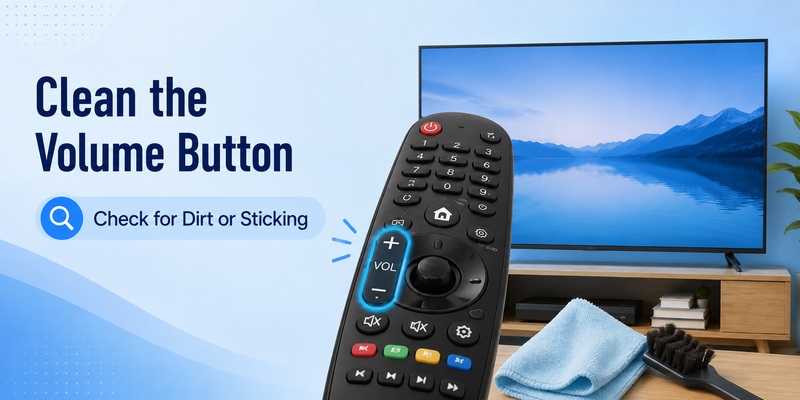
If only volume is unreliable, clean the rocker before doing a factory reset. The lg tv remote volume button not working issue is often mechanical when nearby buttons work normally.
Remove the batteries. Turn the remote upside down and press the volume rocker repeatedly to help loosen debris. Wipe around the button with a dry microfiber cloth, soft brush, or dry cotton swab. Do not pour cleaner into the remote.
Compare the feel of Volume Up and Volume Down. Both sides should have similar travel and spring back after a press. A sunken, sticky, loose, or uneven side can indicate a worn membrane, damaged pivot, or contaminated internal contact.
Reinstall the batteries and test again. If the lg tv remote volume button not working problem improves only when you press hard or at an angle, physical wear is a strong possibility.
Opening the remote can damage clips or internal membranes. Unless you are comfortable repairing small electronics, replacement is usually safer once the rocker is clearly inconsistent.
Replace the Batteries and Power-Cycle the TV
Fresh batteries are one of the lowest-risk fixes for lg tv remote volume button not working, especially when other buttons occasionally miss presses.
Replace both batteries together with a new matching pair and verify the polarity. LG recommends checking or replacing batteries when remote buttons are not working; persistent failure after that can indicate a remote or TV fault.
Test the volume immediately. If the lg tv remote volume button not working issue remains, power-cycle the television: turn it off, unplug it, wait about a minute, reconnect power, and turn it back on. This restarts the TV without intentionally erasing apps, accounts, or picture settings.
Now test Volume Up, Volume Down, and Mute. If all three work, the cause was likely a temporary software or communication state.
If only one side of the rocker still fails after fresh batteries and a restart, hardware wear remains more likely than a TV software problem.
Re-Pair or Reset the LG Magic Remote
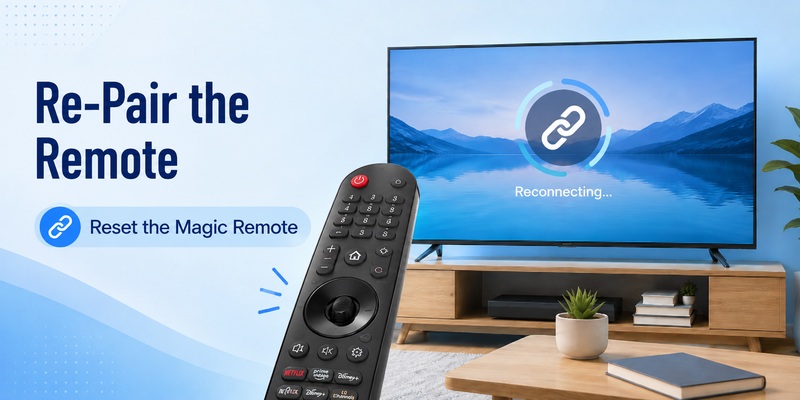
Re-registering the remote is most useful when the lg tv remote volume button not working issue appears with other connection symptoms such as a missing pointer, several unresponsive smart buttons, or frequent disconnections.
LG says pressing the Wheel/OK button can re-register a disconnected Magic Remote. LG also documents unpairing procedures, but the button combination can vary by remote generation and TV model. Current LG support pages show Back + Home for some models and Back + Settings for others, followed by re-registration.
Use this general sequence:
- Install fresh batteries.
- Point the remote toward the TV.
- Press Wheel/OK and watch for a registration message.
- If needed, use the unpair/reset combination specified for your exact remote model.
- Press Wheel/OK again to register it.
If the lg tv remote volume button not working problem disappears after registration, the issue was likely communication rather than a damaged switch.
If pairing keeps failing, restart the TV and reduce nearby wireless interference. LG notes that nearby electronic equipment can affect Magic Remote communication and recommends keeping a Wi-Fi router about 20 cm, or 8 inches, away from the TV.
Do not jump straight to a factory reset. LG warns that resetting the TV to initial settings removes installed apps, sign-in information, Wi-Fi settings, and other saved configuration.
Check Sound Output and External Audio Devices
Sometimes lg tv remote volume button not working is not a remote failure at all. The clearest sign is a volume indicator that changes on screen while actual loudness stays the same.
Temporarily switch the TV to its built-in speakers. If they respond normally, the remote and TV are receiving the volume command. Your attention should move to the soundbar, AV receiver, connection, or audio configuration.
Power-cycle the external audio device and test its own volume control. If you recently changed HDMI ports, installed a soundbar, or changed audio settings, simplify the setup before troubleshooting everything at once.
Mute is another useful clue. If the TV changes its mute or volume status but an external speaker keeps playing at the same level, the lg tv remote volume button not working label is misleading—the command is reaching the TV, but the audio device is not following it.
Once internal-speaker volume works, reconnect external devices one at a time. This isolates the failure much faster than randomly changing settings.
Explore Related Articles: How to Connect LG Remote to TV: Complete Pairing and Recovery Guide
What If Other LG Remote Buttons Are Also Not Working?
The pattern of failures can separate a worn button from a broader remote problem.
If lg magic remote wheel not working appears at the same time, check whether the pointer appears and whether pressing Wheel/OK causes a registration response. LG identifies Wheel/OK as the registration button on supported Magic Remotes.
If lg magic remote scroll wheel not working means scrolling fails but clicking the wheel as OK still works, the scroll mechanism may be worn or dirty. If both scrolling and OK fail, consider the wheel assembly or a broader communication issue.
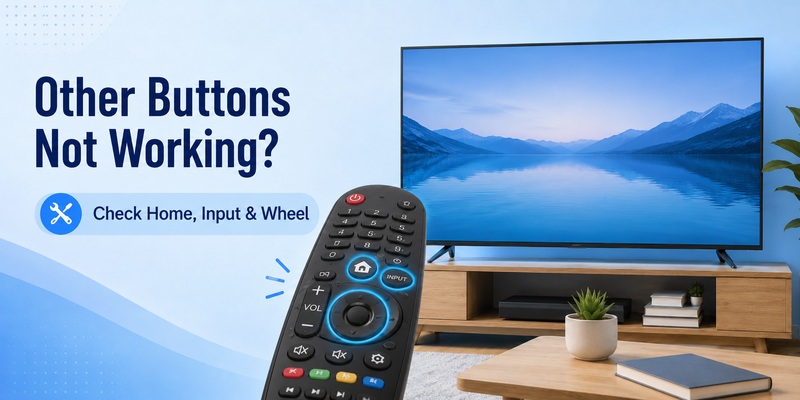
When lg tv remote home button not working appears with lg tv remote volume button not working, test several navigation buttons and consider re-registering the Magic Remote. Multiple unrelated failures make batteries, pairing, software, or general remote damage more plausible.
If lg tv remote input button not working is the second symptom, test Input from another controller or the TV itself. If it works elsewhere, your original remote is still the likely source.
One bad button usually points toward local hardware. Several bad buttons more often point toward power, communication, software, or wider physical damage.
When the Volume Button Is Probably Physically Damaged
After cleaning, fresh batteries, a TV restart, and successful re-registration, persistent lg tv remote volume button not working is increasingly likely to be physical.
Warning signs include one volume direction working while the other fails, a rocker that feels soft or stuck, a button that responds only to heavy pressure, or trouble that began after a drop or liquid spill.
If the lg tv remote volume button not working problem is the only defect and another control method works, replacing the remote may be less disruptive than factory-resetting a healthy TV. Verify the exact replacement model because Magic Remote generations can differ in layout and compatibility.
If the television also ignores volume commands from another known-working controller, replacing the remote may not help. That is when TV-side diagnosis or service becomes more reasonable.
Avoid opening a remote that may still be under warranty. Internal clips, membranes, and contacts are easy to damage.
FAQs and Final Fix Checklist
Why does my LG remote change channels but not volume?
If channel controls work but lg tv remote volume button not working continues, inspect and clean the rocker, replace the batteries, and check whether the on-screen volume indicator appears. If the indicator changes, troubleshoot audio output instead of assuming the button is dead.
Why does the volume bar move but the sound stays the same?
That usually means the TV received the command. In this situation, lg tv remote volume button not working is probably not the true problem. Test the TV’s internal speakers, then check the connected soundbar or receiver.
Should I factory-reset my LG TV?
Not first. For lg tv remote volume button not working, start with batteries, cleaning, a power cycle, alternate controls, internal speakers, and Magic Remote registration. LG says a factory reset erases apps, sign-in data, Wi-Fi settings, and other saved information.
Can re-pairing fix only the volume button?
It can if lg tv remote volume button not working is part of a wider communication problem. If every other button works and only one side of the volume rocker fails, hardware wear is more likely.
When should I replace the remote?
Replacement becomes reasonable when lg tv remote volume button not working survives fresh batteries, cleaning, a restart, successful registration, and internal-speaker testing—especially when the rocker feels damaged or works only under unusual pressure.
Final checklist
Use this order:
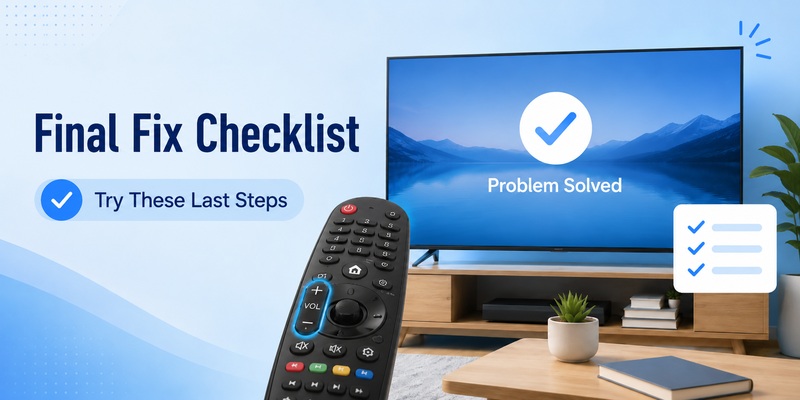
- Check whether the volume indicator appears.
- Test Volume Up, Volume Down, and Mute.
- Remove any remote cover.
- Clean around the rocker.
- Install fresh batteries.
- Power-cycle the TV.
- Test another volume-control method.
- Switch temporarily to internal speakers.
- Re-register the Magic Remote with Wheel/OK.
- Use the model-specific unpair/reset method only if needed.
- Factory-reset only after less destructive fixes fail.
- Replace or service the remote if the rocker is clearly damaged.
For most users, lg tv remote volume button not working can be narrowed down without opening the remote or resetting the entire television. Watch what the TV does when you press the rocker. If the on-screen level changes, troubleshoot the audio path. If nothing appears and another controller works, troubleshoot the remote.
If lg tv remote volume button not working appears with several failing buttons or a missing pointer, batteries and registration deserve priority. If it is isolated to one side of the rocker, physical wear is more likely.
Following the checks in order gives you the best chance of solving lg tv remote volume button not working with the least disruptive fix and makes it much clearer when replacement or professional service is justified.