
How Do You Program a Universal Remote to a TV? Complete Setup, Pairing, and Troubleshooting Guide
Replacing a lost or damaged TV remote sounds simple until you open a new universal remote and discover that it does not immediately control your television. At that point, the most common question is how do you program a universal remote to a tv correctly without wasting time trying random buttons and codes.
Fortunately, most universal remotes follow one of a few predictable setup methods. You can usually program them through direct code entry, automatic code search, brand search, or a learning function. Some newer products also use companion applications or simplified setup procedures.
The exact steps depend on the manufacturer and model of the universal remote, which is why there is no single programming sequence that works for every device. However, once you understand the general process, how do you program a universal remote to a tv becomes much easier.
The most important rule is to identify the remote first. The TV brand matters, but the universal remote determines which programming buttons, code database, and search procedure you need to use.
This guide explains how to program a universal remote, how to find the right setup method, how automatic code search works, what to do with a Smart TV, and how to troubleshoot partial or failed programming.
1. How Do You Program a Universal Remote to a TV? Quick Answer
The quickest answer to how do you program a universal remote to a tv is:
- Turn on the television.
- Install fresh batteries in the universal remote.
- Identify the remote’s model and programming method.
- Enter setup mode.
- Select TV as the device type.
- Enter a compatible TV code or start automatic code search.
- Test Power, Volume, Input, and navigation.
- Save the code or configuration when the remote works correctly.
That is the general workflow, but individual remotes use different buttons.
Some have a dedicated Setup button. Others use Code Search, TV, Magic, or a combination of buttons. Newer remotes may use a mobile application or a simplified brand-selection process.
Direct code entry is usually fastest
If you already know a compatible setup code, direct entry is normally the quickest way to answer how do you program a universal remote to a tv.
The remote manufacturer typically provides a list of numbers associated with television brands. You enter the appropriate code while the remote is in programming mode, then test the result.
One television brand may have several compatible codes, so the first code is not necessarily the best one.
Automatic search works when you do not know the code
If you do not have the manual or code list, many universal remotes can automatically cycle through stored TV profiles.
This process usually takes longer, but it allows you to solve how do you program a universal remote to a tv without manually knowing the correct number.
Smart TVs can often use universal remotes too
People often assume Smart TVs require their original Smart Remote. That is not always true.
A conventional infrared universal remote can frequently control basic Smart TV functions such as:
- Power
- Volume
- Mute
- Channels
- Input
- Menu
- Navigation
Whether advanced functions work depends on the TV and remote.
This means the answer to can you program a universal remote to a smart tv is generally yes, provided the universal remote supports the TV’s control system.
Download LG TV Remote2. What You Need Before Programming a Universal Remote
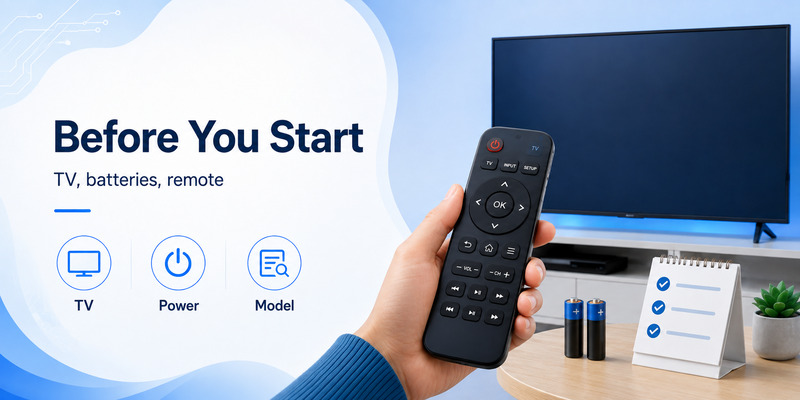
Before asking how do you program a universal remote to a tv, spend a minute preparing. Most programming failures happen because people start entering codes without identifying the correct remote or checking basic hardware.
Find the universal remote model
Check:
- The front or rear label
- Inside the battery compartment
- The battery cover
- Original packaging
- Instruction manual
You may find a model number, revision, or code-list version.
This information matters because two universal remotes from the same manufacturer can use different code lists and different programming instructions.
Identify the TV brand
You should know whether the TV is:
- Samsung
- LG
- Sony
- Hisense
- TCL
- Vizio
- Philips
- Panasonic
- Emerson
- Element
- Toshiba
- Another manufacturer
The brand determines which stored control profiles are likely to work.
If you are wondering how do i pair a universal remote to my tv, remember that most basic universal remotes do not “pair” in the Bluetooth sense. They are programmed to transmit infrared commands that the television recognizes.
Install fresh batteries
Weak batteries can cause several confusing problems:
- Remote indicator does not light correctly.
- Programming mode exits early.
- Infrared commands are inconsistent.
- A code appears to save but buttons fail afterward.
Before troubleshooting how do you program a universal remote to a tv, install fresh batteries.
Turn the TV on manually
Most programming procedures expect the TV to be powered on.
If the original remote is unavailable, use the physical Power button on the television.
It may be:
- Under the center of the TV
- Along the lower edge
- On the rear panel
- Near one of the bottom corners
Keep the remote pointed at the TV
Traditional universal remotes usually use infrared.
For best results:
- Stay a few feet from the television.
- Point the remote toward the TV’s IR receiver.
- Remove objects blocking the signal.
- Avoid turning away during code search.
These small steps make how do you program a universal remote to a tv much more reliable.
3. Program a Universal Remote With Direct Code Entry
Direct code entry is the preferred method when you have the correct TV setup code.
If someone asks how do you program a tv with a universal remote, this is usually the first method worth trying.
Step 1: Locate the code list
Find the code list that belongs to the exact universal remote.
Do not use an unrelated list merely because it contains your television brand.
Different universal-remote manufacturers may assign completely different setup numbers to the same TV.
A typical code list might show several possibilities:
LG TV:
Code A
Code B
Code C
Samsung TV:
Code A
Code B
Code C
The exact numbers depend on the remote.
Step 2: Put the remote into programming mode
A common procedure involves holding a Setup or Code Search button until an indicator remains illuminated.
Other remotes may require you to:
- Hold TV and Power.
- Hold Setup and TV.
- Press a device button after entering setup.
- Hold a Magic key.
- Follow another model-specific sequence.
This is why how do you program a universal remote to a tv cannot be reduced to one button combination for every product.
Step 3: Select TV mode
If your remote controls multiple devices, press the TV button.
This tells the remote you are configuring the television profile rather than a DVD player, soundbar, streaming box, or cable receiver.
Step 4: Enter the first TV code
Use the number buttons to enter a code from the correct list.
The remote may indicate success by:
- Turning off the programming light.
- Blinking once.
- Blinking twice.
- Changing indicator color.
If it gives an error indication, repeat the process with another code.
Step 5: Test the television
Point the remote at the TV and press Power.
If the TV responds, test additional buttons before deciding the programming is complete.
Check:
- Volume Up
- Volume Down
- Mute
- Input
- Menu
- Directional arrows
- OK
- Channel buttons
This is an important part of how do you program a universal remote to a tv because multiple codes can sometimes turn the television on while providing different levels of functionality.
What if only Power works?
Try another compatible code.
A partially compatible profile can recognize common infrared commands without supporting all the buttons needed by your television.
The best solution to how to program a universal remote is therefore not simply finding the first code that works. It is finding the code that provides the most useful button mapping.
📘 Find the Right Guide: Universal TV Remote Control App: Download, Setup, TV Codes, and Troubleshooting Guide
4. Set Up a Universal Remote With Auto Code Search
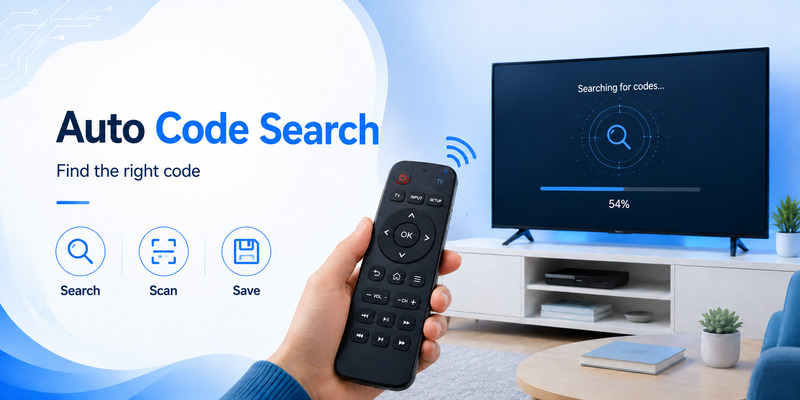
If you have no code list, automatic search is usually the next best option.
This method answers the common question how do you program a universal remote to a tv when you have no idea what setup code the television needs.
What auto code search does
The universal remote contains a database of command profiles.
During automatic search, it cycles through those profiles and repeatedly sends a command—usually Power—to the television.
When the TV responds, you stop the search and save the active profile.
Typical auto-search procedure
Although exact instructions differ, the process often resembles this:
- Turn the TV on.
- Point the remote at the television.
- Hold Setup or Code Search.
- Select TV.
- Start automatic search.
- Wait while the remote sends commands.
- Stop when the TV turns off.
- Save the current code.
- Turn the TV back on.
- Test all important buttons.
This approach can take longer than direct entry because the remote may contain hundreds of possible profiles.
Still, it is one of the best answers to how do you program a universal remote to a tv when the manual has disappeared.
Do not miss the response
During auto search, watch the television carefully.
If the TV turns off and you continue searching for too long, the remote may move past the correct profile.
Some remotes allow you to step backward through recent codes if this happens.
Test more than Power
As with direct code entry, Power is only the first test.
After auto search identifies a working profile, verify:
- Volume
- Mute
- Channels
- Navigation
- Menu
- Input
If the result is incomplete, repeat the search.
The answer to how do u program a universal remote to a tv is often “use automatic search,” but successful programming requires testing after the search stops.
5. Program a Remote Without Knowing the TV Code
You may have a universal remote with no manual, no product packaging, and no idea which code belongs to your TV.
You still have several options.
Use automatic code search
This should usually be your first choice.
It allows the remote to test its internal profiles without requiring you to know the numerical code.
If you are trying to learn how do you program a universal remote to a tv in this situation, look on the remote for buttons labeled:
- Setup
- Code Search
- Search
- Magic
- Set
Then locate the model-specific auto-search procedure.
Try brand search
Some universal remotes provide a faster brand-search mode.
Instead of cycling through every television profile in the database, the remote searches only commands associated with a particular manufacturer.
For example, the process may involve:
- Select TV.
- Enter brand-search mode.
- Press a number assigned to the television manufacturer.
- Hold or repeatedly press Power.
- Save when the TV responds.
Brand search makes how do you program a universal remote to a tv easier when you know the brand but do not know the specific code.
Use a learning remote
A learning universal remote can copy infrared signals from another working remote.
If you still have the original TV remote but want to replace it with a universal controller, learning can be extremely useful.
You place the two remotes facing each other and transfer buttons one at a time.
This can solve missing functions such as:
- Home
- Apps
- Source
- Menu
- Picture Mode
- Special navigation keys
Learning is particularly helpful if direct programming answers how do you program a universal remote to a tv only partially.
Use the manufacturer’s support tools
Search using the exact remote model rather than a generic TV code query.
A useful search structure is:
remote brand + model + programming instructions
That is far more reliable than randomly entering setup numbers from websites that do not identify which remote database they belong to.
📘 Find the Right Guide: LG Universal Remote TV Codes: Codes, Setup and Pairing Guide
6. Can You Program a Universal Remote to a Smart TV?
Yes. In many cases, a universal remote can control a Smart TV.
The question can you program a universal remote to a smart tv is common because modern televisions use smart interfaces, streaming services, Wi-Fi, Bluetooth, and voice control in addition to traditional infrared commands.
Basic controls usually have the best compatibility
A compatible infrared universal remote can often control:
- Power
- Volume
- Mute
- Channel
- Input
- Navigation
- OK
- Menu
These functions are enough for many users.
So if your main concern is how do you program a universal remote to a tv that happens to be smart, the setup procedure may be almost identical to programming an older television.
Advanced smart functions may be limited
Some TV features depend on:
- Bluetooth
- Microphones
- Motion sensors
- Manufacturer-specific communication
- Voice assistants
- Dedicated app buttons
A basic IR universal remote may not reproduce all of those features.
For example, your replacement remote might control navigation but not voice search.
That does not necessarily mean programming failed.
Smart TV pairing vs universal remote programming
There is another important distinction.
An original Smart Remote may connect to the TV through Bluetooth or proprietary wireless communication.
A conventional universal remote often uses infrared and therefore does not need the same pairing process.
That means how do i pair a universal remote to my tv may actually mean either:
- Program an infrared command profile, or
- Pair a Bluetooth-compatible universal remote.
Check the remote documentation to determine which technology it uses.
Use a phone app as an alternative
For modern televisions, a remote TV app can be another useful solution.
Network-based apps may provide:
- Navigation
- Volume control
- Text input
- Streaming app shortcuts
- Source switching
- Touchpad control
A phone-based remote can be especially useful when your physical universal remote handles Power and Volume but lacks advanced Smart TV navigation.
However, an app does not necessarily replace the answer to how do you program a universal remote to a tv because network apps and infrared remotes use different setup methods.
📘 Find the Right Guide: Samsung Universal Remote TV Codes: Complete Codes and Setup Guide
7. How to Reprogram a Universal Remote to a Different TV
If you move a universal remote from one room to another or replace your television, you may need to learn how to reprogram a universal remote to a tv.
In most cases, you simply repeat the original setup procedure using the new television.
Step 1: Identify the new TV
Record:
- Manufacturer
- Model if available
- Whether it is a Smart TV
Step 2: Find the new code
Use the code list corresponding to the universal remote.
Do not assume the previous code will work because the new TV is from the same manufacturer.
Step 3: Enter programming mode
Repeat the remote’s normal setup sequence.
Select TV and enter the new code.
The newly stored profile generally replaces the previous TV configuration.
Step 4: Run Auto Search if necessary
If the code list is unavailable or none of the listed values provide good control, use automatic search.
This is often the easiest way to how to reprogram a universal remote to a tv when moving between different television brands.
Step 5: Test the new configuration
Make sure the previous TV profile is no longer being used.
Test all major functions on the new television.
Can you reset a universal remote?
Some products have a factory-reset sequence.
Resetting may remove:
- Programmed devices
- Learned commands
- Custom button assignments
- Macros
A reset is not normally required merely to reprogram TV mode.
If you are troubleshooting how do you program a universal remote to a tv, only perform a factory reset after checking the manual and trying normal programming again.
8. Why Your Universal Remote Is Not Working
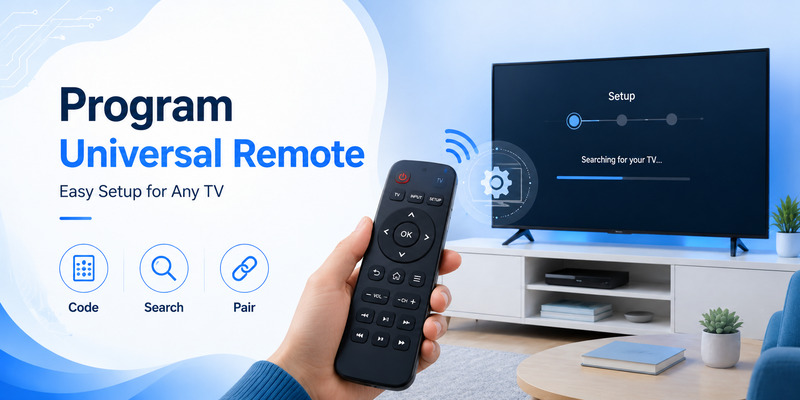
Even after following the normal instructions for how do you program a universal remote to a tv, the TV may not respond.
Most problems fall into a few categories.
Wrong code list
This is one of the most common mistakes.
You may have the correct TV brand but the wrong code database for the universal remote.
A four-digit number listed for one remote manufacturer may have no meaning to another product.
Confirm:
- Remote brand
- Remote model
- Revision
- Code-list version
Then repeat the programming process.
Wrong device mode
A multi-device universal remote may currently be controlling DVD, AUX, SAT, or another device.
Press TV before testing.
This simple mistake can make users think they do not understand how do you program a universal remote to a tv even though the programming itself succeeded.
Weak batteries
Replace them before deeper troubleshooting.
Programming places more demands on consistent remote operation than basic occasional button presses.
Infrared signal is blocked
Move closer and point directly toward the television’s IR sensor.
Remove:
- Decorations
- Soundbars blocking the sensor
- Furniture
- Other objects in front of the TV
The first code is only partially compatible
A TV responding to Power does not prove that the best profile is selected.
Try another code if:
- Input fails.
- Navigation fails.
- Menu does not open.
- Channel buttons behave incorrectly.
This is particularly important when figuring out how do you program a universal remote to a tv for newer Smart TVs.
The universal remote is too old
An older remote may have been manufactured before your television model existed.
Its internal database might not contain a sufficiently compatible profile.
Possible solutions include:
- Learning mode
- Manufacturer update on supported remotes
- Newer universal remote
- Original replacement remote
- Smartphone remote application
The TV does not support the remote’s control technology
A basic IR universal remote requires the television to accept IR commands.
If the device is designed primarily around another control system and provides limited IR compatibility, some functions may remain unavailable.
Explore Related Articles: LG TV Remote Volume Button Not Working? 12 Practical Fixes to Restore Volume Control
9. Test Your Remote After Programming
Programming is not complete when the television first turns off.
A proper answer to how do you program a universal remote to a tv includes functional testing.
Test Power
Turn the TV off and back on.
If both actions work reliably, move to the next functions.
Test Volume
Press:
- Volume Up
- Volume Down
- Mute
Make sure the controls affect the television rather than another programmed device.
Test Input
Input is especially important because it may use a less universal command.
Check whether you can switch between:
- HDMI 1
- HDMI 2
- Live TV
- AV
- Other sources
Test menu navigation
On a Smart TV, verify:
- Home
- Menu
- Up
- Down
- Left
- Right
- OK
- Back
A setup profile that provides reliable navigation is generally better than one that only handles Power and Volume.
Test channels
If you use broadcast or cable channels through the television tuner, check Channel Up and Channel Down.
Save the code
Once everything works, record:
- Universal remote brand
- Remote model
- TV brand
- Working code
This eliminates the need to research how do you program a universal remote to a tv again if the remote loses its settings later.
💡 Discover Helpful Guides: How to Connect Universal Remote to Smart TV: Complete Setup Guide
10. Universal Remote Programming FAQ and Final Checklist
How do you program a universal remote to a tv with a code?
Turn on the TV, put the universal remote into setup mode, select TV, enter a compatible code from the remote’s own code list, and test the controls.
If the first code only controls some functions, try another listed code.
How to program a universal remote without the manual?
Find the model number on the remote or inside its battery compartment.
Search for the manufacturer’s instructions using that model. If supported, use automatic code search.
How do i pair a universal remote to my tv?
If it is a conventional infrared universal remote, you normally program a TV command profile rather than creating a Bluetooth pairing.
If the remote supports Bluetooth or another wireless technology, follow its dedicated pairing procedure.
What if I don’t know the TV code?
Use Auto Code Search or Brand Search if available.
These functions allow you to solve how do you program a universal remote to a tv without manually entering a known setup number.
How do you program a tv with a universal remote if several codes are listed?
Start with the first recommended code and test it.
If Power works but Menu, Input, Volume, or navigation does not, repeat setup using another compatible code.
Can one universal remote control multiple TVs?
Some can, depending on the number of programmable device modes.
However, many remotes only have one TV device slot. Programming a second television into that slot may overwrite the first.
Do universal remotes work with Smart TVs?
Often, yes.
Basic infrared functions frequently work, although advanced Smart Remote features such as voice control may not.
Therefore, when asking how do you program a universal remote to a tv that is smart, expect basic controls to have broader compatibility than proprietary features.
Why does my remote turn the TV off but not change volume?
The code may be partially compatible.
Try another setup code for the same TV brand.
Do I need internet to program a universal remote?
A conventional IR universal remote generally does not need internet to operate after programming.
Internet may be needed only if you use an online code finder, setup application, or network-based remote TV app.
Can I reprogram the remote later?
Yes.
If you replace the television, simply repeat the programming process with the correct profile for the new TV.
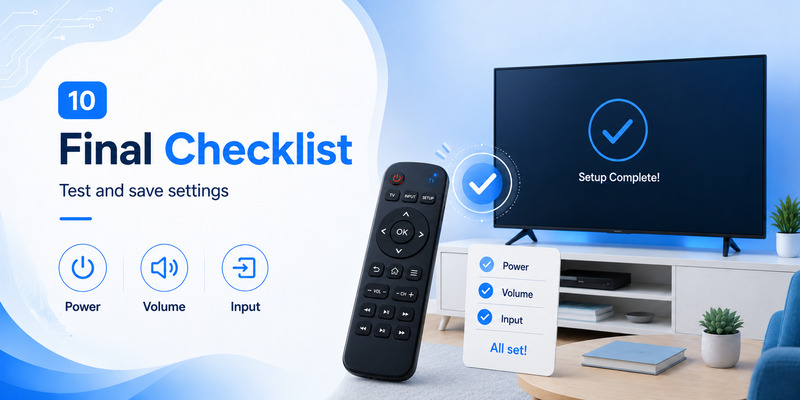
Final checklist
Before deciding that the universal remote is incompatible, confirm:
- The batteries are fresh.
- The TV is turned on.
- You know the exact universal-remote model.
- You are using the correct code list.
- TV mode is selected.
- The remote is pointed at the TV.
- More than one compatible code has been tested.
- Auto Search has been attempted if direct codes fail.
- Power, Volume, Input, and navigation have all been checked.
Final Recommendation
The most effective way to understand how do you program a universal remote to a tv is to stop thinking of universal remotes as automatically compatible devices.
They become compatible after you tell the remote which command profile to use.
For most users, the best setup order is:
Identify remote → identify TV → find official code → enter code → test controls → try another code if necessary → use Auto Search if no code works.
If you already have a setup code, direct entry is usually the fastest solution to how do you program a universal remote to a tv.
If you do not know the code, automatic search is often the easiest alternative.
If the television is a Smart TV, do not assume you need the original Smart Remote. Many universal controllers can still handle everyday functions, although voice commands and other proprietary features may require the manufacturer’s original remote or a compatible app.
When how do you program a universal remote to a tv seems difficult, the problem is usually not the television itself. More often, the wrong code database, incomplete profile, incorrect device mode, weak batteries, or a misunderstanding of the remote’s setup process is responsible.
The most important step is therefore identifying the exact universal remote model before looking for codes or instructions.
Once you use the correct procedure, how do you program a universal remote to a tv is typically a short process: enter setup mode, choose TV, load the correct command profile, test it, and save the configuration.
Download LG TV Remote