
LG Magic Remote Lagging: 12 Fixes for Slow or Delayed Response
A Magic Remote should feel almost immediate. You move your wrist, the pointer follows. You press Home, Volume, or Settings, and the TV reacts. When lg magic remote lagging suddenly starts, however, even basic navigation can become frustrating.
The pointer may jump across the screen, button presses may register a second later, or the remote may work perfectly from one position but become unreliable when you move farther away. In other cases, lg magic remote lagging appears only inside streaming apps or the webOS Home screen.
The important thing is not to assume that the remote itself is broken.
LG identifies low batteries, wireless interference, lost pairing, and nearby electronic devices as common reasons a Magic Remote may respond poorly or disconnect. LG also notes that temporary TV software or memory-related problems can affect normal operation.
This guide walks through the fixes from least disruptive to most advanced.
1. Why Is LG Magic Remote Lagging?
The first step in solving lg magic remote lagging is understanding that the Magic Remote is more complex than a basic infrared remote.
It supports motion control, an on-screen pointer, smart functions, and wireless communication with the television. LG specifically lists radio-frequency interference, pairing problems, and low batteries among the causes of an unresponsive or unstable Magic Remote.
Common symptoms include:
- The cursor follows your hand with a delay.
- The pointer moves in small jumps rather than smoothly.
- Buttons need to be pressed more than once.
- Commands occasionally register several seconds later.
- The remote works close to the television but becomes unstable farther away.
- The pointer disappears temporarily.
- Home or app navigation feels slow while Volume and Power remain responsive.
An lg tv remote delayed response does not automatically mean there is a hardware defect. You need to determine whether the delay occurs before the television receives the signal or after the TV has already received it.
If lg magic remote lagging affects both pointer movement and button response, start with batteries, interference, and pairing.
If buttons appear to register immediately but the webOS interface opens slowly, investigate TV performance instead.
That distinction can save a lot of unnecessary troubleshooting.
Explore Related Articles: How to Connect LG Remote to TV: Complete Pairing and Recovery Guide
2. Identify Whether the Remote or the TV Is Actually Slow
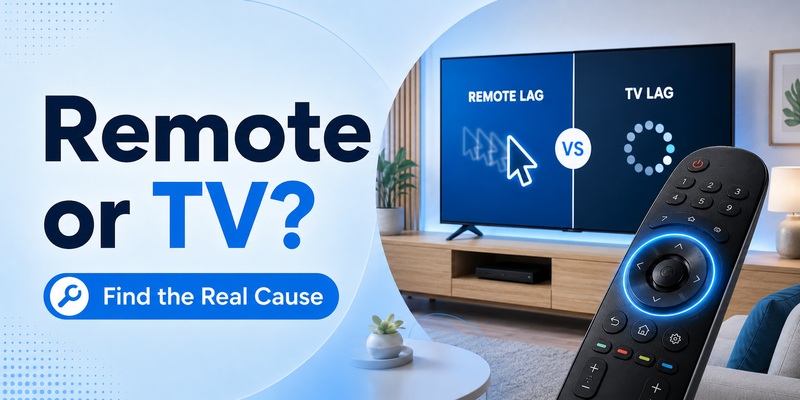
Before resetting anything, perform a simple comparison test.
Press Volume Up several times. Then press Home or Settings. Finally, move the Magic Remote to activate the pointer.
If volume changes immediately while the Home screen takes two or three seconds to appear, the television may be processing the command correctly but loading its interface slowly. In that situation, lg magic remote lagging may actually be webOS lag.
If volume, navigation, pointer movement, and menu commands are all delayed, the connection between the remote and TV becomes more suspicious.
Try standing directly in front of the television and repeat the test.
Next, use the TV’s physical control button if your model has one. If the interface is also sluggish when controlled directly from the television, the remote is unlikely to be the main problem.
You can also observe the pointer. LG specifically acknowledges that wireless interference can cause Magic Remote buttons to become intermittently unresponsive and the on-screen cursor to move irregularly or lag.
This makes pointer behavior particularly useful when diagnosing lg magic remote lagging.
A practical rule is:
- Everything is delayed: check remote communication first.
- Only apps and menus are delayed: check TV performance.
- Only the pointer is unstable: check pairing and interference.
- Only one button is unreliable: inspect the individual button.
When lg magic remote lagging occurs randomly rather than continuously, test the system for several minutes rather than judging it after one successful button press.
View Related Articles: LG TV Remote iOS: Official iPhone Setup and Control Guide
3. Replace the Batteries Before Changing TV Settings
Battery replacement sounds basic, but it should be one of your first steps.
LG states that when Magic Remote batteries become low, the remote may not operate smoothly or may stop operating altogether. LG recommends replacing both batteries together with new batteries of the same type and checking polarity.
That makes weak batteries a particularly relevant cause of lg magic remote lagging.
Remove both old batteries and install a fresh matching pair. Do not replace only one battery.
After replacing them:
- Turn the TV on.
- Wait until webOS has fully loaded.
- Test Volume and navigation buttons.
- Shake the Magic Remote gently to activate the pointer.
- Move the pointer slowly across the entire screen.
If lg magic remote lagging disappears immediately, you have probably found the cause.
Battery-related behavior can be confusing because the remote does not always stop functioning completely. It may continue working while becoming inconsistent.
For example, you might experience an lg magic remote intermittent problem where ten commands work normally and the next two seem to disappear.
LG confirms that low battery power can affect smooth operation and that electronic interference can also disrupt communication.
If fresh batteries do not change the lg magic remote lagging behavior, continue to pairing and interference tests.
View Related Articles: LG TV Remote Volume Button Not Working? 12 Practical Fixes to Restore Volume Control
4. Re-Pair the Magic Remote With Your LG TV
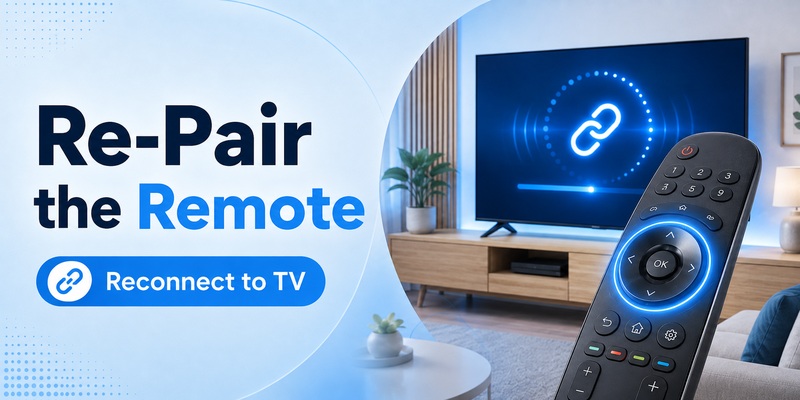
A partially unstable wireless connection can make the remote feel slow even when it has not disconnected completely.
LG recommends re-registering the Magic Remote when its connection to the TV has been lost. On current support guidance, pressing the Wheel/OK button is used to register the remote again after it has been disconnected.
Try the simplest approach first:
- Turn on the TV.
- Point the remote toward it.
- Press the Wheel/OK button.
- Watch for a registration message.
- Test pointer movement again.
If lg magic remote lagging continues, you can unpair and re-register the remote.
LG’s current general guidance describes holding Back and Home simultaneously for at least five seconds on supported models, then pressing Wheel/OK to register again. However, LG also notes that initialization procedures vary by Magic Remote model, so your model manual should take priority if the button combination differs.
After re-pairing, move the cursor from left to right several times.
If lg magic remote lagging becomes noticeably smoother, pairing instability was probably contributing.
Do not repeatedly reset the remote if the problem immediately returns. A connection that becomes unstable again within minutes often points toward wireless interference rather than the registration process itself.
In that situation, lg magic remote lagging should lead you to inspect the equipment positioned around your TV.
Explore Related Articles: LG TV Remote Volume Button Not Working? 12 Practical Fixes to Restore Volume Control
5. Fix Wi-Fi and Wireless Interference Around the TV
Wireless interference is one of the most important—and most frequently overlooked—causes of poor Magic Remote performance.
LG states that electronic devices close to the television can interfere with the wireless signal used by the Magic Remote. LG’s current support guidance recommends keeping a Wi-Fi router approximately 20 cm, or 8 inches, or more away from the TV.
Older LG troubleshooting guidance similarly warns that an access point positioned too close to the television can make a Magic Remote perform unexpectedly.
Therefore, when investigating lg magic remote wifi interference, check what is physically located next to the television.
Potential nearby equipment includes:
- Wi-Fi routers
- mesh Wi-Fi nodes
- wireless access points
- internet phones
- streaming boxes
- game consoles
- wireless transmitters
- USB wireless adapters
- smart-home hubs
Move the router or access point farther away from the TV temporarily and test again.
If lg magic remote lagging becomes smoother after you move one device, you have strong evidence that interference is involved.
You do not necessarily need to rebuild your entire home network. Even repositioning equipment can help.
Avoid stacking your router directly behind the television or placing multiple wireless devices in the same enclosed cabinet.
An lg magic remote wifi interference problem can also explain why the remote behaves normally one day but badly another day, especially if network traffic or nearby wireless equipment changes.
LG specifically documents irregular or lagging cursor movement as a possible symptom of interference between the TV and controller.
After repositioning nearby devices, test lg magic remote lagging from several seating locations rather than only standing immediately in front of the TV.
View Related Articles: LG Magic Remote Battery Drains Fast? Causes, Fixes, and Battery Tips
6. What to Do If the Magic Remote Only Works Near the TV
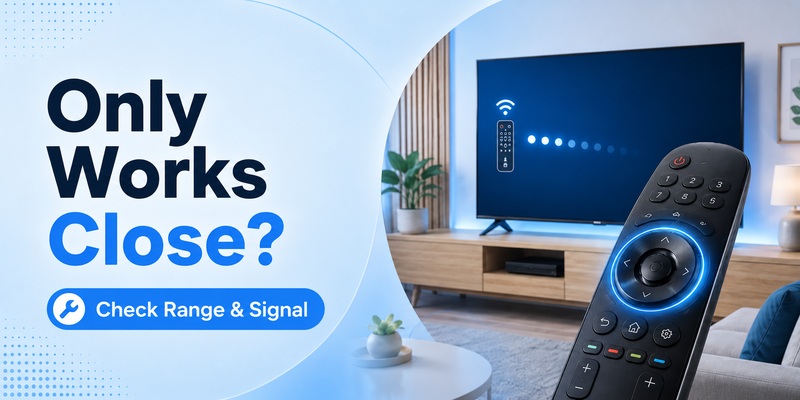
Another useful diagnostic clue is distance.
If you search for lg magic remote only works close to tv, the underlying issue is usually not that you suddenly need to sit nearer to the screen. Instead, short effective range suggests a weak or unstable connection that deserves investigation.
Start with fresh batteries.
Then remove or temporarily reposition wireless equipment around the television.
LG confirms that electronic devices positioned too close to the TV can interfere with radio-wave communication between the Magic Remote and television.
Now test the remote progressively:
- 1 meter from the TV
- normal sofa distance
- slightly left of the screen
- slightly right of the screen
If lg magic remote lagging starts only after you move farther away, repeat the test with nearby network equipment temporarily relocated.
Also avoid placing large objects directly in front of the television while testing.
Although some Magic Remote functions use wireless communication rather than relying solely on traditional line-of-sight infrared, removing obstacles makes the troubleshooting environment easier to control.
If lg magic remote only works close to tv remains true with new batteries, successful pairing, and no nearby wireless equipment, the remote or the television’s communication hardware may require service.
Persistent short-range behavior should not be treated as normal lg magic remote lagging.
7. Restart webOS and Reduce TV-Side Performance Problems
Sometimes the remote is sending commands perfectly and the television itself is slow.
This is especially likely when Volume reacts immediately but Home, Settings, streaming apps, or other smart functions hesitate.
To test this version of lg magic remote lagging, fully restart the TV rather than simply switching it into standby.
Turn the television off, disconnect power, leave it unplugged briefly, then reconnect it and test again.
LG recommends power cycling for certain webOS memory-related problems. For specific memory shortage issues, LG’s support guidance also recommends disabling Quick Start+ and performing a longer power cycle; the exact menu path differs by webOS generation.
If your TV frequently reports memory warnings, apps crash, or the browser reloads unexpectedly, address those problems before assuming lg magic remote lagging is caused by the remote.
You can also remove apps you no longer use. LG documents app removal as part of troubleshooting memory limitations on webOS televisions.
Avoid deleting apps simply because the pointer hesitates once. TV-side cleanup makes the most sense when you see additional signs of system slowdown.
A useful test is to compare pointer motion on an uncomplicated Settings screen with pointer motion while a heavy app is loading.
If the pointer is smooth in Settings but the interface freezes when an app is busy, lg magic remote lagging may actually be an application or TV-resource problem.
Apps running on your phone—including an Authenticator App—do not directly fix Magic Remote communication, so keep troubleshooting focused on the TV, remote, batteries, and nearby wireless environment.
8. Fix an Intermittent or Jumpy Magic Remote Pointer
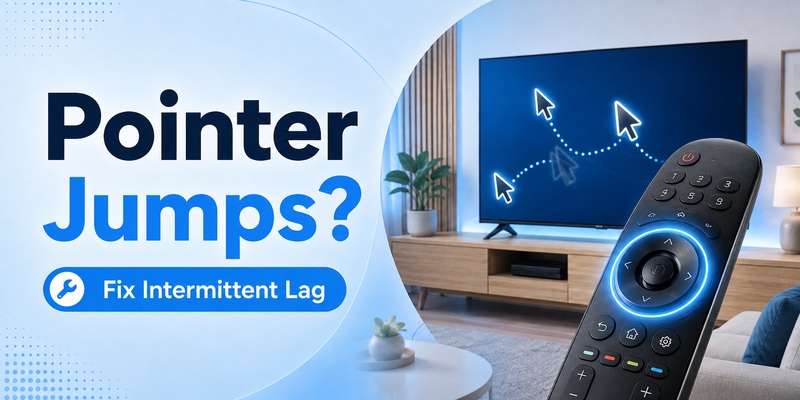
A pointer that jumps, pauses, disappears, or moves unpredictably provides important diagnostic information.
LG specifically says that intermittent button response or a cursor that does not move smoothly can be caused by wireless interference.
If you describe the problem as lg magic remote intermittent, perform the following test:
First, stand at your normal viewing position and slowly move the pointer horizontally across the screen.
The pointer should follow smoothly.
If it pauses in specific areas of the room, move closer and repeat.
Next, relocate nearby wireless equipment and test again.
Then re-register the Magic Remote.
LG notes that when the Magic Remote becomes disconnected, the pointer may disappear while certain buttons such as Power and Volume can continue to function.
That means lg magic remote lagging accompanied by disappearing pointer behavior is more likely to involve wireless communication than a defective television panel.
If the pointer moves smoothly but the Wheel itself does not scroll correctly, inspect the wheel for dirt or physical wear.
If every function is unstable, check batteries again and repeat pairing.
An lg magic remote intermittent symptom that continues after new batteries, reduced interference, and successful pairing increases the likelihood of hardware failure.
9. When Should You Reset or Replace the Remote?
A factory reset should not be the first response to lg magic remote lagging.
LG places battery checks, pairing, and interference troubleshooting before TV reset in its Magic Remote support flow. LG also warns that a full TV reset can erase installed apps, sign-in information, Wi-Fi settings, and other stored configuration.
Before considering a reset, confirm that you have already:
- installed fresh batteries;
- moved nearby wireless devices;
- re-paired the Magic Remote;
- restarted the TV;
- tested at several distances;
- compared button lag with pointer lag;
- checked whether webOS itself is slow.
If lg magic remote lagging remains but another compatible remote works perfectly, replacing the Magic Remote becomes a reasonable next step.
Physical damage is more likely if the behavior started after the remote was dropped, exposed to liquid, or crushed.
If multiple compatible remotes behave the same way, the TV should receive more attention than the individual remote.
LG recommends contacting support when remote problems persist after battery replacement and troubleshooting.
Do not perform repeated factory resets hoping lg magic remote lagging will eventually disappear. If one properly completed reset does not change the behavior, further diagnosis is usually more useful than repeating it.
10. FAQs and Final Troubleshooting Checklist
Why is my LG Magic Remote suddenly lagging?
Sudden lg magic remote lagging can result from low batteries, lost pairing, wireless interference, or temporary TV software problems. LG lists batteries, pairing, and nearby electronic interference among common Magic Remote troubleshooting points.
Start with batteries because it is the fastest and least disruptive fix.
Why does my Magic Remote pointer stutter?
A stuttering pointer can be a sign of wireless interference. LG specifically notes that interference may cause the on-screen cursor to move irregularly or lag.
If lg magic remote lagging affects the pointer more than ordinary button presses, move the router farther from the TV and re-pair the remote.
Can Wi-Fi interfere with an LG Magic Remote?
Yes. LG advises keeping nearby wireless equipment away from the television and currently recommends positioning the Wi-Fi router approximately 20 cm or more from the TV.
Why do Volume and Power work but the pointer does not?
LG explains that when the Magic Remote loses its wireless connection, the pointer may disappear while certain buttons including Power and Volume can still function.
Pressing Wheel/OK can re-register the remote on supported models.
How do I know if the TV is causing the delay?
If basic commands such as Volume react instantly but Home, apps, and Settings are slow, the remote may be sending commands normally while webOS is taking longer to respond.
Restart the TV and look for other performance symptoms before blaming lg magic remote lagging entirely on the remote.