
Hisense TV Remote Flashing Blue: Meaning, Pairing Fixes, and Red-Light Cases
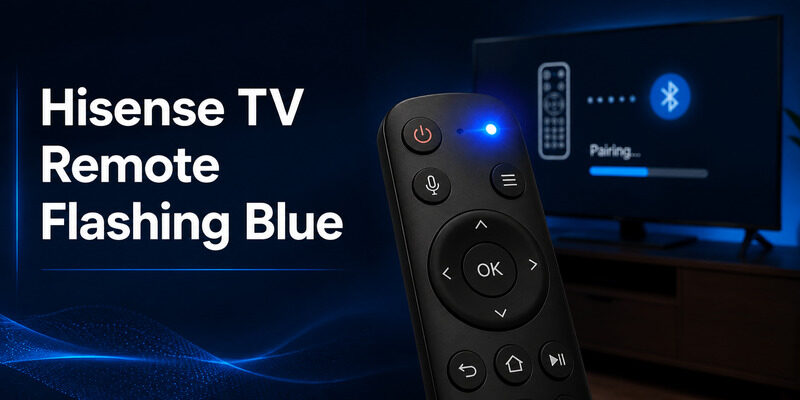
A hisense tv remote flashing blue is usually signaling Bluetooth pairing or a lost wireless connection, but the exact meaning and button combination depend on whether the TV runs Google TV, Roku, Fire TV, VIDAA, or another platform.
Do not start with a factory reset. Record the light pattern and TV response, replace weak batteries, wake the screen fully, and use the model-specific pairing menu before escalating.
Record a Hisense TV Remote Flashing Blue Pattern First
Continuous or pulsing blue
Watch the remote without touching it, then press Power once. Note whether blue light pulses continuously, flashes in a repeating rhythm, appears only during a key press, or changes to red. Also record whether the television responds. A hisense tv remote blue light is useful diagnostic evidence only when paired with behavior.
Continuous pulsing suggests a remote seeking a wireless link, while a brief response to a key can simply confirm that the handset has power.
Single flashes with button presses
- Color
- Rhythm
- Duration
- TV response
| LED behavior | Likely layer | First action |
|---|---|---|
| Blue pulsing | Bluetooth discovery | Open platform pairing menu |
| Brief light on key press | Power present | Test TV response |
| No light | Battery or contact | Install a matched fresh pair |
| Light without a press | Stuck key or fault | Release keys and remove batteries |
Replace Batteries and Free Every Key
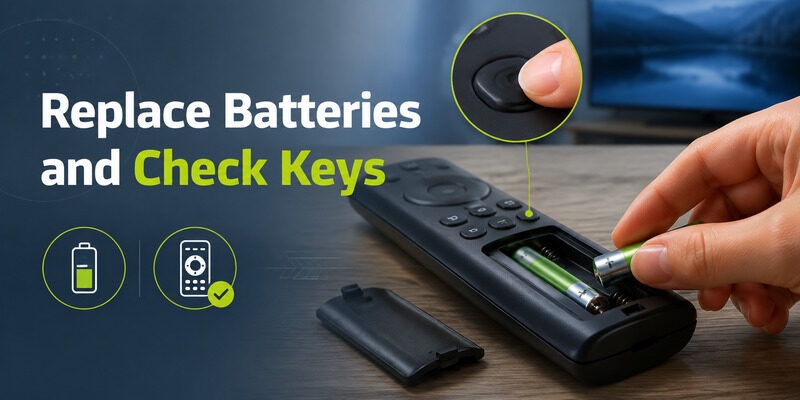
Install a matched pair of fresh batteries using the polarity diagram inside the compartment. Hisense quick-start guides commonly specify two AAA cells for battery remotes, while noting that remote models vary.
Press and release every key, especially Home, Back, microphone, and the directional ring. A stuck key can hold the handset in a pairing sequence or keep the LED active. Remove the batteries for about a minute, press Power briefly to discharge the remote, reinstall the pair, and test one button.
This is a smaller and safer recovery than resetting the television. If the hisense tv remote flashing blue stops with the batteries removed but returns immediately without a press, inspect for liquid residue, a depressed key, or internal damage.
- Use a matched battery pair
- Check polarity
- Release every key
- Reinstall and test once
Pair a Hisense Google TV or Android TV Remote
Wake the TV and open accessories
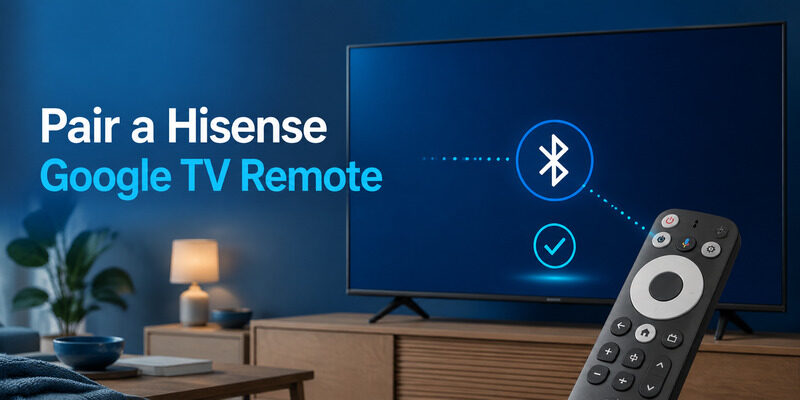
Wake the television with its physical button or a phone remote. Open Settings and the Remotes & Accessories area, then choose the option to add or pair a remote. Some Hisense guides warn that pairing cannot complete while the TV is in standby. Keep the handset within several feet and hold the button combination shown in the model manual until the indicator pulses and the remote appears on screen.
Hisense manuals commonly describe holding paired keys for several seconds, but the actual icons vary. Select the remote name and wait for confirmation. If the hisense tv remote flashing blue continues after the TV reports success, restart the television and check whether duplicate remote entries remain.
Use the model-specific key combination
- Wake the screen
- Open Remotes & Accessories
- Hold the manual’s pairing keys
- Select the remote name
- Check item 5
Use the Roku or Fire TV Pairing Method Instead
Hisense Roku TV and Fire TV models follow their platform’s remote rules, not the Google TV accessory menu. Identify the home screen before copying a key combination from another Hisense model. A Roku simple infrared remote may not pair at all, while a Roku voice remote uses a wireless pairing process.
A Fire TV voice remote uses Amazon’s platform procedure. The shell color does not reveal which protocol is active. If a hisense tv remote flashing blue belongs to a replacement handset, confirm that the remote is compatible with the platform and model.
A television-brand listing alone is not enough. Use the official mobile app for the platform to reach Settings while the physical remote is offline. This lets you verify the TV’s software and pairing menu without guessing.
- Identify the platform
- Confirm remote type
- Use the platform pairing flow
Clear a Stale Connection With a Power Cycle
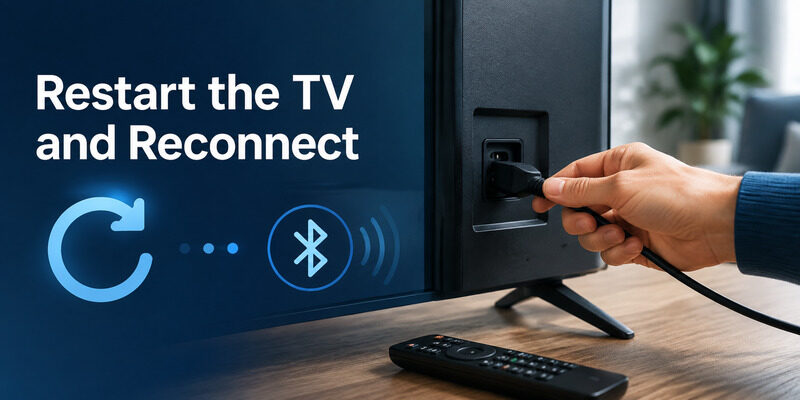
Turn off the TV, unplug it for about a minute, and remove the remote batteries. Press the TV’s physical power button briefly if accessible, then reconnect the television and wait for the home screen.
Reinstall the batteries and test a normal key before entering pairing mode. A clean startup can clear a stale Bluetooth service without deleting apps, accounts, or Wi-Fi settings. The hisense tv remote flashing blue should then be evaluated from this clean state.
If the hisense tv remote flashing blue returns only after one particular key, that key may be held or assigned to a pairing function. Clean its edge and compare its travel with neighboring buttons.
Do not repeat power cycles rapidly. Let the operating system finish starting so the accessory service can discover the remote.
- Unplug the TV
- Remove remote batteries
- Reconnect and wait
- Test one normal key
Forget and Re-Add the Remote Only When Settings Are Reachable
Use a phone app or second remote to open the accessories list. If the problem handset appears but never connects, forget that entry and add it again using the model-specific process.
Take a photo of the settings screen before removal. That preserves the remote name and shows whether multiple entries were present. A hisense tv remote flashing blue with no entry in Settings needs discovery; one listed as connected but unresponsive may need a TV restart, software update, or re-add.
Avoid removing the last working controller until a phone route is tested. Otherwise you may lose access to the very menu required for recovery.
- Open accessories by phone
- Record the old entry
- Forget only the failed remote
- Pair one clean entry
Distinguish Blue Pairing From Red Infrared Feedback
Blue points to wireless state
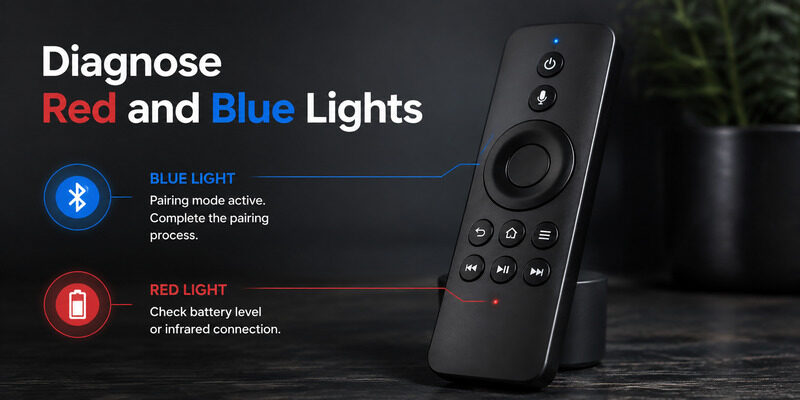
Blue and red LEDs can represent different control layers. A blue pulse commonly accompanies Bluetooth discovery, while red can flash when an infrared command is sent or when a platform remote reports another condition. For a hisense tv remote flashing red, test the infrared emitter through a phone camera and aim directly at the TV sensor. If red appears with every key but the TV never reacts, inspect line of sight and the television’s sensor area.
A hisense tv remote red light blinking continuously without a key press can also indicate a stuck button or low-power behavior. Replace batteries and release keys before interpreting it as a pairing code. Never apply a reset sequence solely because another remote with a similar shell used the same color.
Red often reflects infrared or battery state
- Blue pulsing
- Red on key press
- No light
| Color and response | Interpretation | Next test |
|---|---|---|
| Blue plus pairing screen | Wireless pairing | Complete on-screen selection |
| Red only when aimed at TV | Infrared feedback | Check sensor and line of sight |
| Mixed colors, no response | Model-specific state | Use the exact manual |
Decide When the Handset Has a Hardware Fault
Suspect hardware when the LED remains active with no key press, fresh batteries drain rapidly, the remote was dropped or wet, or the case must be squeezed to respond. A hisense tv remote flashing blue continuously without a key press deserves this hardware check.
These symptoms point beyond a normal pairing loss. Inspect the battery contacts and button movement without opening the full shell. If corrosion, heat, swelling, or liquid is present, remove power and replace the handset safely.
If hisense tv remote flashing blue behavior returns after successful pairing on every restart, test a compatible second remote. Stable operation from the replacement helps isolate the original handset.
Choose a replacement by TV platform and remote part number. Voice, Bluetooth, infrared, and shortcut support should match the functions you need.
- Continuous light with no press
- Rapid battery drain
- Drop or liquid history
- Intermittent pressure response
Use While You Diagnose the LED
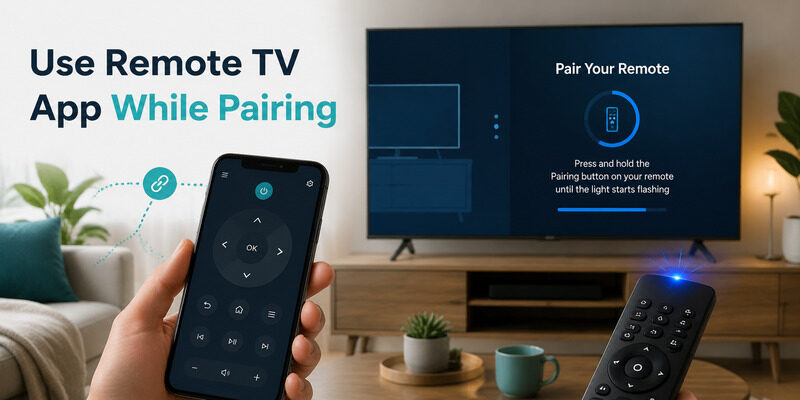
Connect Remote TV App on the same local network before forgetting or resetting the physical handset. It can provide navigation, playback, and access to remote settings on supported televisions. Open Remote TV App from the homepage and verify that the TV responds.
Then diagnose the hisense tv remote flashing blue without losing the only working path into Settings. A phone app cannot pair a remote while the television is fully offline or in a state that blocks accessories.
Wake the TV with its physical button and let the home screen load. If the platform has an official app, keep it available for platform-specific features while Remote TV App serves as a cross-brand backup.
For a broader checklist when every button fails, see the guide after the LED-specific steps are complete.
- Connect before removing the old entry
- Open accessories by phone
- Retest after pairing
Final Thoughts
Treat a hisense tv remote flashing blue as a pairing clue, not an automatic command to factory-reset the TV. Record the pattern, install fresh batteries, wake the screen, identify the platform, and use the exact accessories flow for that model.
Separate blue wireless behavior from red infrared feedback. Keep Remote TV App connected during recovery, and replace the handset when continuous lights, rapid drain, corrosion, or impact damage point to hardware.
Download LG TV Remote