
What Is the Code for TCL TV Universal Remote
By the Remote TV App Team
Last updated: September 2026
Short answer: For an Xfinity remote controlling a TCL Roku TV, 11756 is a listed starting code.
Other remotes need their own codes: there is no number that programs every universal handset. If you searched “what is the code for TCL TV universal remote,” identify the remote manufacturer and model before entering digits. A code for a cable-provider controller may be unusable in a GE remote even when both operate the same television.
Start with the reference table below, then follow your controller’s programming instructions. The aim is to restore the buttons you actually need, including volume and input selection, rather than accepting the first code that briefly turns the screen off.
What Is the Code for TCL TV Universal Remote by Provider
TCL’s official provider-code reference lists the following candidates for TCL Roku TV. These are provider-specific entries, not a universal sequence to enter into every remote. Check the exact accessory’s instructions before using them.
| Controller family | Listed TCL Roku TV candidates | Important boundary |
|---|---|---|
| Comcast or Xfinity | 11756, 12434, 12290, 12292 | Follow the particular Xfinity remote workflow |
| DIRECTV | 11756, 10706 | Verify the receiver and handset model |
| Cox | 1756, 11756, 12434 | Required digit length depends on controller |
| AT&T U-verse | 1346, 12434 | Use the matching remote instructions |
Choose the row that matches your controller
A TCL TV remote codes list becomes useful only when its controller family matches yours. For a Google TV, Android TV, or Fire TV version of TCL television, consult the platform-specific entry instead of treating the Roku column as definitive.
The question “what is the code for TCL TV universal remote” therefore has two identifiers behind it: the TV platform and the handset. Write both down before moving to programming. Doing this once can prevent an evening spent retrying a perfectly valid code from the wrong system.
Keep code length intact
A TCL universal remote code 5 digit search should lead to a controller that accepts five digits. Do not shorten 11756 to 1756 or add a zero to a four-digit entry unless the manufacturer explicitly instructs that conversion. Similar-looking numbers can belong to different databases.
If “what is the code for TCL TV universal remote” brought you to a number without its source, pause before testing it. A code needs its controller context. The number alone cannot tell you which programming method or supported functions accompany it.
Enter the Code With the Correct Programming Method
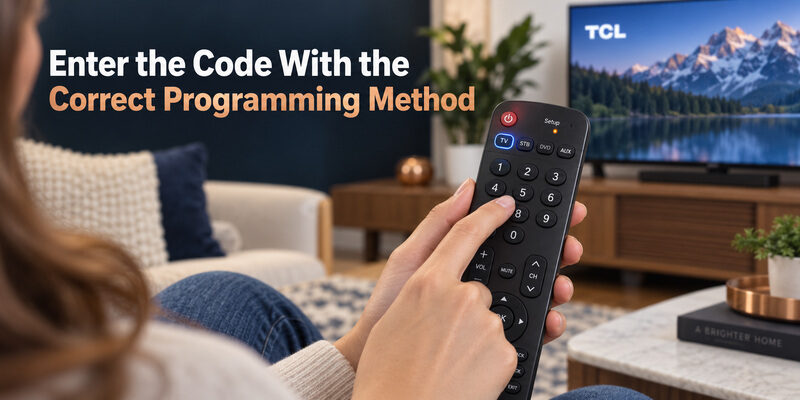
Put the controller into its TV programming mode
Turn the television on using a working control. Install the batteries specified for the universal remote, then open the instructions for that exact model. Some controllers use a Setup button and a TV mode key; others use an on-screen provider setup flow.
- Select the device category: Choose TV rather than a cable box or audio device.
- Enter programming mode: Follow the model’s button sequence and indicator behavior.
- Type the complete code: Enter every digit in the documented order.
- Confirm acceptance: Look for the indicator or on-screen response described in the manual.
Someone asking “what is the code for TCL TV universal remote” may already have the right number but be entering it while the controller is outside programming mode. In that case, the digits are ordinary commands, not a saved TV profile.
Distinguish acceptance from successful control
An accepted code means the handset recognized that entry; it does not prove full compatibility with your television. Test a clear command while aiming appropriately. Keep the instructions nearby so you know how to save, exit, or cancel the programming state.
Do not improvise the save step. If the process requires confirmation and you omit it, the next button press may continue searching or abandon the selection. Resolving “what is the code for TCL TV universal remote” includes retaining the result, not merely seeing a light blink once.
Use Automatic Search When Direct Entry Fails
Follow the search sequence for your model
Automatic search is useful when the correct code list contains several candidates or direct entry has not produced usable control. It searches the codes stored in that handset; it does not download new compatibility or add microphone support.
Jasco’s documented search method for supported remotes sends batches of ten codes and then checks individual candidates. Its individual-code stage calls for approximately three seconds between Volume Up presses. Follow your model’s complete instructions because other remotes use a different search sequence.
For “what is the code for TCL TV universal remote” searches involving a GE, Philips, or UltraPro handset, the remote’s own manual remains the programming authority. A video for a similar-looking controller is useful only if the model and code-list version match.
Save and test the candidate you find
Keep the remote pointed toward the set during search and observe the screen after each step. If the TV turns off, follow the instructions for reviewing and storing the candidate rather than pressing buttons rapidly until it turns on again.
Once saved, test the controls before moving to another device. The practical answer to “what is the code for TCL TV universal remote” may be the code your handset finds through search, but only the manufacturer’s supported readback method can reveal its digits. Do not assume the search position equals a printable code number.
Test More Than the Power Button
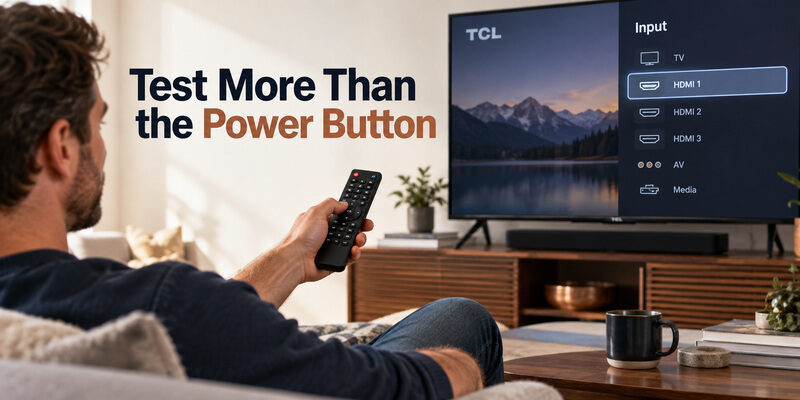
Check the commands used every evening
A partial code can operate Power while failing Volume or Input. Jasco’s universal-remote FAQ identifies partial functionality as a reason to try another supported code. This is a compatibility result, not necessarily a broken key.
| Test | Successful result | If it fails |
|---|---|---|
| Power | TV enters and leaves standby | Recheck code and aiming |
| Volume and mute | Intended speaker output changes | Check code and audio routing |
| Input | Required HDMI source is selectable | Try another supported profile |
| Navigation | Menus respond where supported | Confirm the remote promises this function |
Record the strongest match, not just the first reaction. If two codes behave differently, note which controls each one provides before changing anything else.
Separate missing features from bad codes
An infrared universal remote may never provide the microphone or platform-specific shortcut functions of the original. A search for “what is the code for TCL TV universal remote” cannot solve a feature the accessory does not support.
Test within the product’s stated capabilities. When essential controls remain absent across the documented candidates, a different compatible remote may be more appropriate than another unrelated code list. Keep the original handset until the replacement has passed an ordinary viewing session.
Handle Xfinity Codes and Audio Routing Together
Match the Xfinity handset
For TCL TV codes for Xfinity remote searches, begin with the exact Xfinity remote model and its provider setup instructions. TCL’s Roku reference includes several five-digit candidates, but the way you enter or select them depends on that controller.
Do not mix the TV programming sequence with the sequence used to pair the remote to its cable box. Those are separate relationships. A box can respond normally while the television’s power and volume controls still need configuration.
Before repeating “what is the code for TCL TV universal remote” with a different number, identify which device failed the command. A channel-changing problem inside the cable box is different from the television ignoring Power.
Check where volume commands should go
If you listen through a soundbar or receiver, its volume may require separate setup or routing. The television might show a volume indicator while the sound you hear comes from another device. Observe the actual listening output during testing.
TV control and audio control can be separate assignments. Save the TV’s working code before adjusting the audio device. This preserves progress and avoids losing a correct television profile while investigating a different component.
For a shared entertainment system, write a short note identifying which device handles sound. That makes later support questions more specific than “what is the code for TCL TV universal remote” without any description of the audio path.
Look Up GE Codes by Code List Version
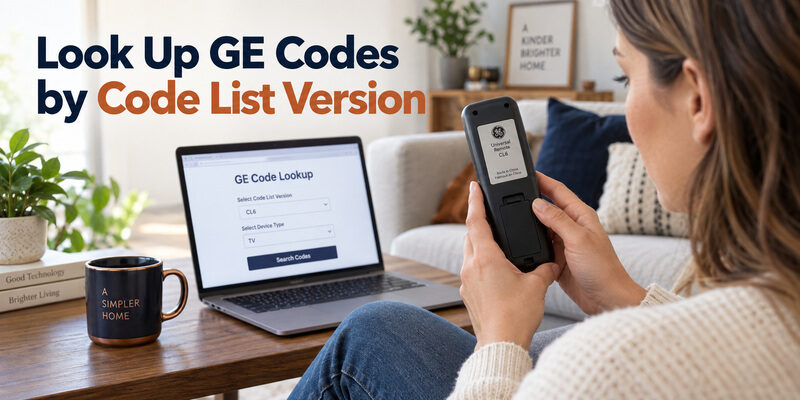
Read the version label first
Jasco’s official lookup asks users to identify the model and code-list version inside the battery compartment or on the cover. Versions such as CL3, CL4, CL5, and CL6 identify the database used by that remote.
For GE universal remote codes for TCL TV, select the matching version, TV category, and TCL brand in that lookup. Do not take a code from another GE generation simply because its case looks similar. The database version is part of the compatibility check.
The missing detail behind “what is the code for TCL TV universal remote” is often this small label. Photograph it before reinstalling the cover so you can refer to it while programming.
Keep the lookup and manual together
General Electric universal remote codes for TCL Roku TV should come from the same version-specific reference as the programming instructions. If the printed booklet and an online list disagree, confirm that both identify the same remote and revision before choosing between them.
Save the successful code beside the remote model, rather than on a note labeled only “TCL.” If the controller is replaced later, the old code is a historical record, not proof that the new handset uses the same database.
That distinction keeps a future “what is the code for TCL TV universal remote” search from starting with an unsupported assumption about a replacement controller.
Treat DISH and Other Remote Families Separately
Identify the full accessory model
A search for DISH 20.1 remote TV codes TCL is narrower than a general DISH code query. Use the provider’s instructions for that particular model and television platform. A provider table that combines several remote generations should be treated as a starting reference.
Do not feed a five-digit candidate into a procedure that expects a different format. The controller’s acceptance behavior and documented entry sequence determine whether the process was completed correctly.
When “what is the code for TCL TV universal remote” refers to a satellite controller, include the model in any support request. The provider name alone may be insufficient. A technician can use the accessory identity to select the correct programming route.
Avoid unverified cross-brand substitutions
A generic or regionally sold universal handset may have its own printed code book. For a search such as kode remote joker TV TCL, identify the actual manufacturer, model, and supplied instructions rather than assuming that a GE or Xfinity list applies.
If the controller lacks a traceable manual or clear compatibility statement, ask the seller for those details. Do not treat hundreds of numbers in an unattributed list as stronger evidence than a short official model-specific reference.
The useful follow-up to “what is the code for TCL TV universal remote” is whether the handset contains a supported TCL profile at all. No amount of random entry establishes support that the seller cannot describe.
Know When a Numeric Code Is the Wrong Tool
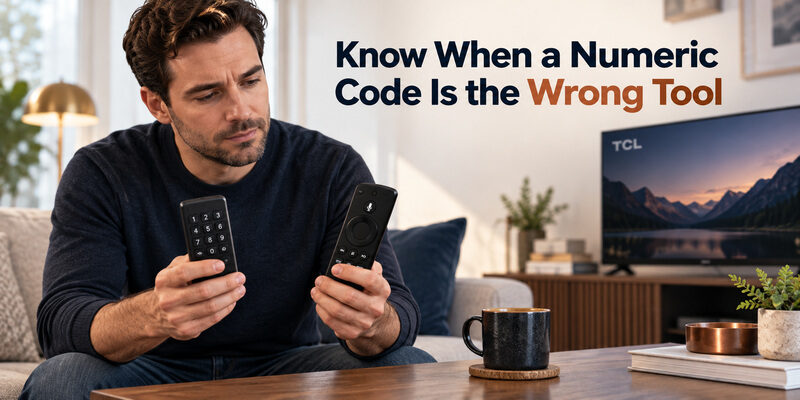
Separate infrared programming from voice pairing
A universal code usually selects a stored control profile. Pairing a voice remote establishes its supported wireless connection. These tasks can coexist in one setup, but they are not interchangeable.
A TCL Google TV remote that needs Home and OK pairing should not be treated as an unprogrammed Xfinity controller. Likewise, entering a TV code cannot add a wireless microphone link to a basic infrared handset.
If a search for “what is the code for TCL TV universal remote” began because voice stopped working, identify the accessory before changing codes. Diagnose the connection that carries the failed feature. A working Power button does not prove that the voice connection is intact.
Separate the television from a streaming player
A Roku player connected by HDMI is not the same device as a TCL Roku TV. The television controls power, inputs, and possibly sound; the player provides its own menus and streaming functions.
Choose which device the universal remote is supposed to operate in each mode. A TCL TV code may control the display without navigating the attached player. Explain that distinction to other viewers so they select the intended device mode.
This is another reason “what is the code for TCL TV universal remote” cannot be answered reliably from the logo currently displayed on screen. Identify the hardware receiving the command.
Keep a Reliable Programming Record
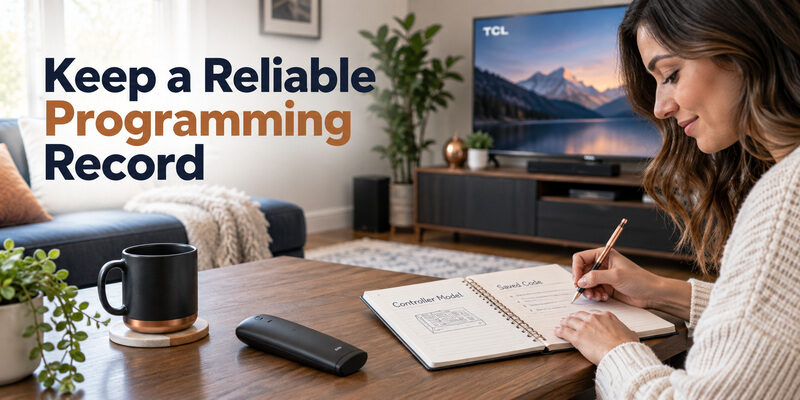
Save the working configuration
Write down the television model, platform, controller model, code-list version where applicable, and saved code. Add the few buttons you tested successfully. This turns a future reset or replacement into a controlled restoration rather than a fresh guessing exercise.
Keep the note with the remote instructions or in a shared household document. A bare number on a piece of paper loses value as soon as someone forgets which controller it belonged to.
For “what is the code for TCL TV universal remote” questions that return after changing equipment, check what actually changed. A new soundbar, replacement handset, or different TV can invalidate part of the previous configuration without affecting everything else.
Stop at a useful verified result
Once the intended controls work, there is no benefit in cycling through more codes to find a theoretically better number. Extra programming can overwrite a functional setup and make the final state harder to explain.
Test the normal sequence: power on, choose the source, start content, adjust volume, and turn the system off. If that sequence succeeds, preserve the result. The purpose of asking “what is the code for TCL TV universal remote” is dependable control, not collecting the largest code list.
Use Phone Control While You Resolve the Code
On a supported television already connected to the required network, a compatible phone app can provide temporary navigation while you locate the correct controller instructions. Complete device selection and any on-screen approval before relying on it.
offers another control option for supported models when physical-remote programming has stalled. Check model support and current app terms, then test Home and the controls you need. Phone control does not program the physical handset.
Use the guide if the existing universal accessory cannot provide your required functions. A correctly matched replacement may solve the underlying limitation more effectively than continuing to search “what is the code for TCL TV universal remote” across unrelated brands.
Keep a physical control route for initial setup or network changes. A television that is offline may not be discoverable by an ordinary phone remote, even if the app worked before the router was changed.
Final Thoughts
The answer to “what is the code for TCL TV universal remote” depends on the controller, its code database, and the television platform. Use a manufacturer-backed candidate, enter it with the matching procedure, and test the commands that matter in daily use.
A saved and verified profile is the real result. Keep the code with the model details, distinguish audio routing from TV control, and use a compatible phone backup while you resolve any remaining limitation.
Download TV Remote App