LG TV Remote App Free Control with LG ThinQ
Short answer: Use LG ThinQ as the first free phone-remote option for a compatible LG smart television.
An LG TV remote app free search can lead to several independent applications, but LG’s own support documentation explains how ThinQ registers a television and opens its available mobile controls. Start there, then verify the features offered for your exact TV and phone.
This guide compares the practical routes, walks through registration, and explains differences between basic navigation, pointer control, sound, and standby. It also covers connection failures, older LG televisions, and why a no-Wi-Fi claim needs real hardware support. Keep the physical remote available during setup so an approval screen does not interrupt the process.
Compare LG TV Remote App Free Options
LG ThinQ is the official starting point for supported LG smart TVs. The best alternative depends on whether you need ordinary viewing controls, a different layout, or an offline recovery method.
| Control route | Best use | Limit to verify |
|---|---|---|
| LG ThinQ | Supported smart-TV control from a phone | Model and software compatibility |
| Independent network app | Alternative interface on listed LG models | Purchases, ads, and supported commands |
| Compatible physical remote | Offline use and first-time setup | Correct buttons and exact model support |
| Infrared phone setup | Supported IR-equipped phone and command profile | Hardware required; not created by software |
ThinQ versus similarly named applications
Check that the listing identifies LG as the publisher of ThinQ. Search terms such as free remote app for LG TV can also return third-party products with similar icons or names. Their pricing and support arrangements are separate from LG’s.
A free LG smart TV remote app should explain which televisions it supports. Do not interpret a broad LG label as a promise for every webOS generation, older smart platform, or non-smart television.
Choose by your required functions
List the controls used in a normal evening: navigation, volume, input, Home, and possibly text entry. A feature that sounds impressive but does not work in your actual viewing application adds little value.
For LG TV remote app free comparisons, test the official route first when compatible. If it provides the necessary functions reliably, you have a clear baseline for judging whether an independent interface offers a worthwhile improvement.
Compare a normal viewing session rather than only an application’s first screen. You need to know whether the remote opens easily, selects the right TV, and remains usable when you return from another phone task. An LG TV remote app free candidate that passes those checks provides a meaningful baseline for any optional upgrade or alternative interface.
Set Up iPhone and Android Permissions
iPhone local-network access
For a free LG TV remote app for iPhone, review the Local Network permission if the TV never appears. Apple requires applications to request this access when browsing nearby network devices. Internet connectivity alone does not grant it.
Allow the relevant permission in the chosen app’s settings and repeat discovery. Change the phone setting before changing the TV configuration when the failure clearly follows a denied permission prompt.
Android setup permissions
For a free LG TV remote app for Android, follow ThinQ’s current permission explanations. Setup-related wireless discovery requirements can depend on the Android version and app workflow. Grant permissions in context instead of assuming every optional feature is needed for basic arrows.
Keep the phone on the intended Wi-Fi network during registration. LG TV remote app free connection problems are easier to diagnose when mobile data, guest Wi-Fi, and unrelated VPN routing are not changing at the same time.
When a second phone succeeds, compare it with the failing phone before erasing the TV’s registration. Note the selected network and whether the discovery prompt was accepted. This isolates an LG TV remote app free problem at the phone level and avoids turning one user’s connection issue into a household-wide loss of working controls.
Prepare ThinQ Registration
Check the TV and phone
Record the full television model and confirm its supported ThinQ functions in the relevant LG documentation. Check the app store’s current phone-system requirements as well. An app that cannot install on an old phone needs a different solution from a TV that cannot be discovered.
Turn the television on and keep an existing controller nearby. Do not reset the TV before registration. A reset can remove network access and create initial setup screens that require the very remote you are trying to replace.
Put the devices on the recommended network
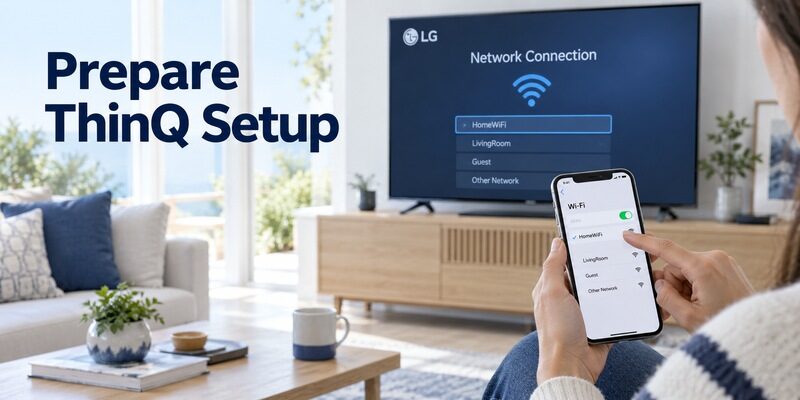
LG’s ThinQ setup article recommends the same network and specifically calls for the same 2.4 GHz Wi-Fi network in that workflow. Follow the instructions that apply to your television when troubleshooting initial registration.
An LG TV remote app free setup should first be established in this straightforward configuration. More complex wired connections, mesh arrangements, or isolated guest networks can be investigated after basic control works.
Photograph or note the model information while menu access is available. If registration later stalls, that record lets you check support without moving the television or depending on the failed phone connection. An LG TV remote app free setup should leave you with a clearer recovery path, not make the only copy of the device information dependent on a working app.
Register the Television in LG ThinQ
Use the device-addition process, not the phone’s Bluetooth accessory menu. A network TV remote and a paired audio accessory are different services.
1. Open LG ThinQ: Install the official app and sign in using the supported account workflow.
2. Add a product: Select the option to add a device and choose the television category or detected TV.
3. Confirm the TV: Follow the request displayed on the phone and television, including any verification code.
4. Finish registration: Give the television a useful room name.
5. Open its card: Select the registered TV to view the controls available for that model.
Keep the verification screen visible until the process finishes. If the request expires, start again and use the current code rather than retrying an old screenshot. Select the intended television when several devices have similar default names.
A saved TV card is useful, but it does not prove that every command is supported. After LG TV remote app free registration, test a simple menu movement before exploring more complex settings or concluding that the phone has fully replaced the handset.
Learn the Controls ThinQ Actually Provides
Navigation and selection
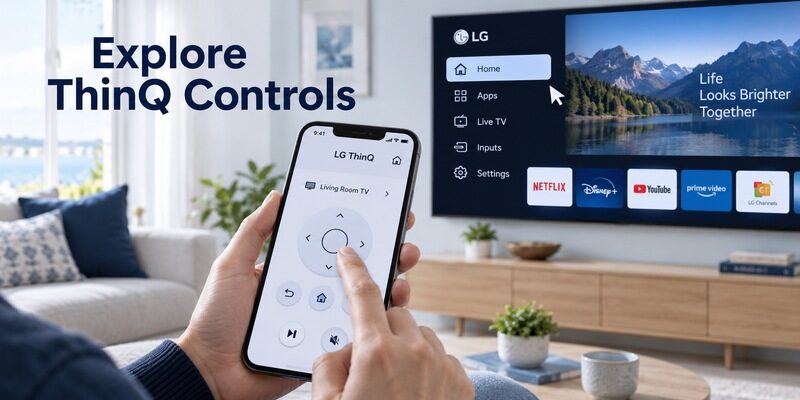
Start with arrows, OK, Back, and any Home control offered by the interface. Move one item at a time in a harmless menu. This confirms that the phone is controlling the selected television and that commands are not simply being queued during a poor connection.
LG’s ThinQ control documentation describes several remote functions, including navigation and model-dependent pointer-related controls. Use the interface shown for your TV, rather than expecting an identical layout to a newer television in a support illustration.
Pointer and scrolling
An LG TV remote app free interface may provide pointer or scrolling functions where supported. That does not mean it reproduces every motion feature of every Magic Remote. Test the specific pointer behavior in the television’s own menus and in your usual apps.
If you chose an LG TV remote app free option because a physical pointer stopped working, separate those issues. Working mobile navigation provides access to the TV, but it does not diagnose the physical remote’s sensor or wireless registration.
Input and channel commands
Check input selection and return to the original source after testing. Channel commands may be relevant to the television’s tuner, while a cable box controls its own channel lineup. Identify which device is receiving the command before deciding a button is broken.
The most useful free LG TV remote app is the one that fits the way you watch. A household using only a streaming stick may need different commands from one using the television’s built-in tuner and several HDMI sources.
Consider the person who uses the controls most often. A pointer can be useful for one viewer while arrows are easier for another. For an LG TV remote app free setup, choose a supported layout that makes selections predictable. Usability in the actual room matters more than matching every gesture shown in an application preview.
Test Sound with the Correct Audio Device
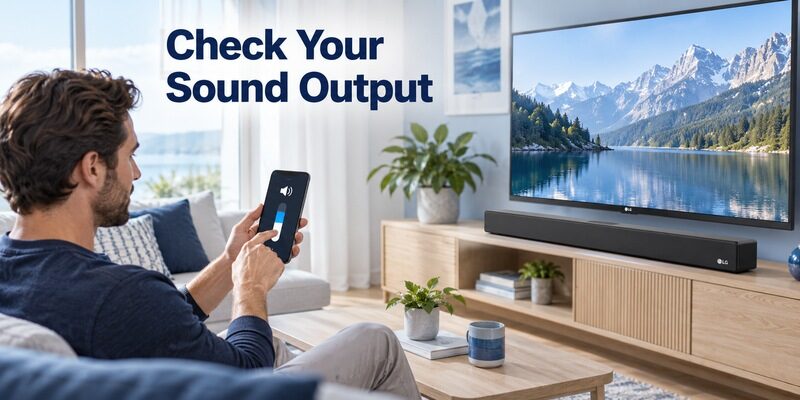
Television speakers
Set a low listening level and test one volume step, then Mute and unmute. Confirm that the sound changes on the television you selected. A moving slider on the phone is not enough if the TV never receives the command.
If the television’s own speaker volume works, the mobile connection has passed that specific test. An LG TV remote app free setup can still need separate investigation for audio routed to another device.
Soundbars and receivers
Identify the active sound output and how that device receives volume commands. HDMI-linked control and an independently controlled receiver are different arrangements. A TV app cannot be assumed to send the original soundbar remote’s infrared signals.
Test the actual sound path, not only the on-screen volume graphic. If the TV shows a change but the receiver does not respond, inspect the audio configuration before replacing a working phone app.
| Result | What it suggests | Next check |
|---|---|---|
| Navigation and TV speaker volume work | Basic TV control is established | External audio arrangement if needed |
| Navigation works but no volume change | Output route or feature limitation | Selected speakers and device control |
| Only one viewing app behaves differently | App-specific function handling | Test the TV Home screen |
Evaluate No Wi-Fi and Older LG TV Claims
Infrared requires a transmitter
A free LG TV remote app without WiFi needs another supported communication route. Some Android phones contain an IR transmitter; many do not. iPhone does not gain that hardware through an application download.
A free universal remote app for LG TV can use a matching IR profile only when suitable hardware exists. Check the phone’s specifications and the app’s supported route before treating its remote-shaped screen as evidence that it can send commands.
Older platforms need model-specific guidance
An older LG smart television may use a different supported app or have fewer mobile functions. A non-smart set may require a physical replacement. The presence of a USB port, a Bluetooth audio feature, or internet streaming alone does not establish ThinQ remote compatibility.
Use the model’s support page for manuals. Searches for LG TV remote manual PDF download free concern documentation, while mobile control is a separate capability. Reading the correct button diagram can help choose a compatible handset when an app is unsuitable.
If a seller recommends additional hardware, ask which exact phone connection and television protocol it supports. Do not purchase an adapter merely because its description mentions universal control. An LG TV remote app free download and a separate paid accessory are different parts of the solution, and both need to be compatible for the arrangement to work.
Understand Power On and Standby
Why a saved television appears offline
The TV can reduce network activity during standby, depending on its supported settings. Turn it on with the physical control and reopen ThinQ. If it becomes reachable immediately, basic connectivity may be healthy while wake configuration remains unresolved.
An LG TV remote app free connection does not guarantee wake from every power state. A television that is unplugged or switched off at the wall cannot receive normal network commands.
Check supported mobile power settings
Consult your model’s manual for the available mobile wake or standby options. Menu names and supported behavior can differ by webOS version. Do not follow a setting path from another model unless the corresponding option actually exists on your set.
Verify wake after a normal standby interval. A test made immediately after switching off may not represent behavior after a longer idle period. Keep a physical fallback until the household’s ordinary power routine has been checked.
Download TV Remote AppFix ThinQ Discovery Without Erasing the TV
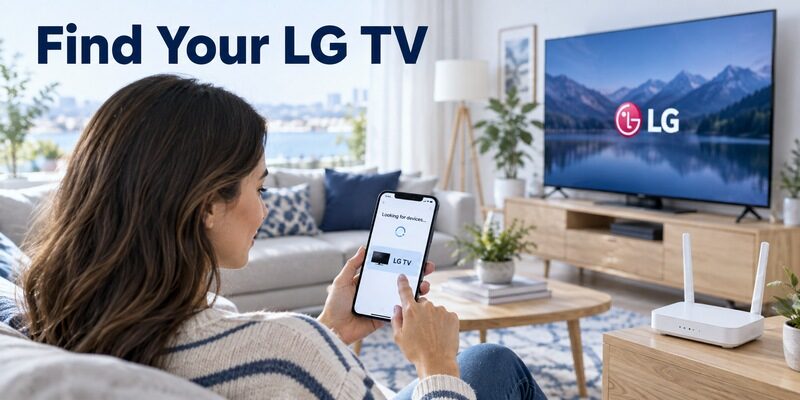
Recheck the registration conditions
Confirm the correct television model, its powered-on state, the recommended network, and phone permissions. Close and reopen ThinQ after a relevant change. Avoid removing a saved TV entry until you know you can approve registration again.
For LG TV remote app free troubleshooting, record whether the device is missing, listed as offline, or connected with only some commands unavailable. Those are different symptoms and should not all trigger the same factory-reset advice.
Isolate router and app changes
If the connection stopped after replacing a router, begin with network reachability. If it stopped after changing phone permissions, begin there instead. Check updates through official channels once the basic prerequisites are confirmed.
Make one reversible change per test. A free LG TV remote app no subscription cannot bypass guest-network isolation or an unsupported TV model, and paying for another interface does not automatically solve those underlying conditions.
Keep a Second Control Route Ready
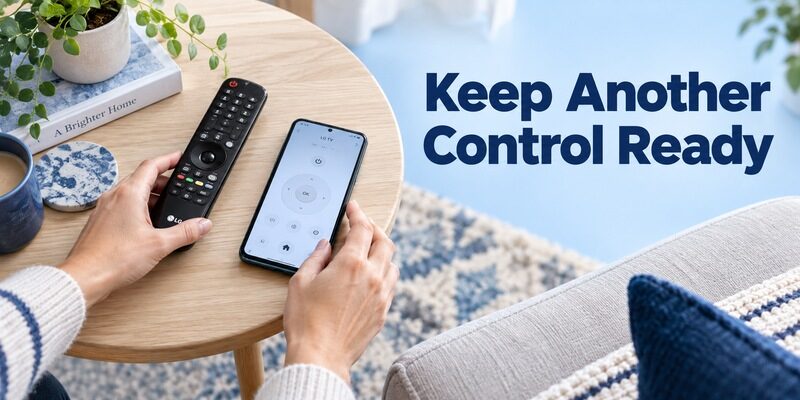
Prepare a useful physical fallback
Keep the compatible handset accessible for network setup, permission prompts, and unsupported settings. Label the replacement part number in a household note so another person can locate the right controller if the main remote disappears.
An LG TV remote app free setup is a convenient addition to this arrangement. It is less dependable as the only recovery tool when the router is offline, the phone is unavailable, or the television is at its initial setup screen.
Review an alternative mobile interface
If ThinQ does not suit your preferred layout, check for current LG compatibility and feature terms. On supported models, it can provide another mobile route for everyday navigation after connection and authorization.
The wider guide explains how to compare official and independent options. Check the functions and costs you will actually use before accepting an upgrade offer.
The best free LG TV remote app for a room is the one that covers the actual routine with understandable limits. Keep a short note of unsupported commands alongside the app name. That makes an LG TV remote app free setup easier for other users to trust without repeatedly attempting a function that the television never exposes.
Frequently Asked Questions
Is LG ThinQ a free TV remote app for LG?
Yes, it is LG’s official starting point for mobile control of compatible smart TVs. Supported functions vary by model and setup. Check the current official listing and avoid confusing separate third-party purchase prompts with ThinQ’s documented television-control workflow.
Will ThinQ replace every Magic Remote feature?
No universal feature match should be assumed. ThinQ can provide useful controls on supported TVs, but pointer behavior, special keys, and other functions depend on the model and app interface. Test the particular feature you need before replacing the physical handset.
Can I connect after losing the original remote?
Yes, if the TV remains reachable and you can complete any required approval. An existing registered connection is especially useful. If the television is offline or stuck at initial setup, you may need a compatible physical controller before an app can help.
Is every LG TV remote app free permanently?
No. Independent apps can offer a free download while charging for continued access or specific features. Read purchase information and test basic controls without accepting an unwanted trial. An LG TV remote app free label alone does not establish permanent unrestricted access.
Final Thoughts
Start an LG TV remote app free setup with ThinQ, verify the model, and complete registration under the recommended network conditions. Test navigation, pointer behavior, sound, and standby independently so you know which functions are reliable.
Keep a compatible physical remote for recovery. If another mobile interface appeals to you, compare it against the working ThinQ baseline and confirm its actual pricing and supported controls before making it part of your daily setup.