
Hisense TV Remote Batteries: Size, Replacement, Drain, and Fixes
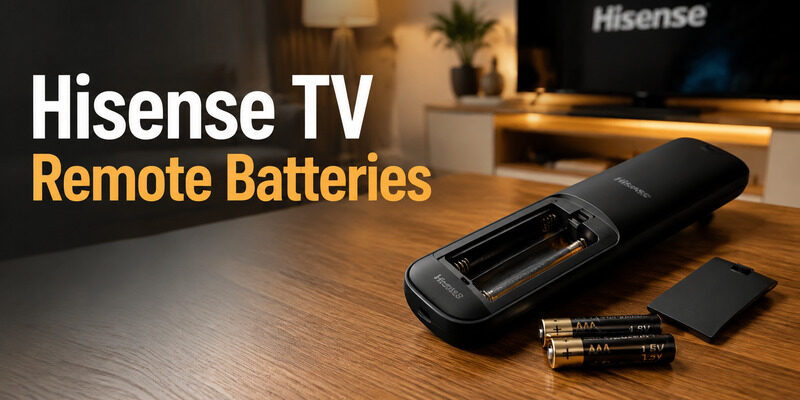
Most Hisense TV remotes use two AAA batteries, but you should confirm the molded label inside the compartment because remote designs vary by platform and model year. Replacing hisense tv remote batteries is simple when polarity and contact pressure are correct.
If a fresh pair fails or drains rapidly, the real cause is often a dirty terminal, stuck key, damaged cover, or pairing issue rather than the battery brand.
Confirm the Size of Hisense TV Remote Batteries
Read the compartment markings
Slide or lift the battery cover and read the embossed size and polarity diagram before buying cells. Hisense quick-start guides for multiple models specify two AAA 1. 5-volt batteries, but Hisense also warns that remote layouts vary. If the markings are worn, search Hisense support with the television model number and compare the remote illustration.
The hisense tv remote battery size should come from the compartment or model guide, not from a photo of a similar handset.
Match the remote to the TV manual
- Battery size label
- Plus and minus diagram
- Remote part number
| Check | What to read | Why it matters |
|---|---|---|
| Compartment label | AAA or other size | Confirms physical fit |
| Polarity diagram | Plus and minus direction | Prevents no-power installation |
| Model guide | Remote illustration | Confirms platform variant |
Replace Both Batteries as a Matched Pair
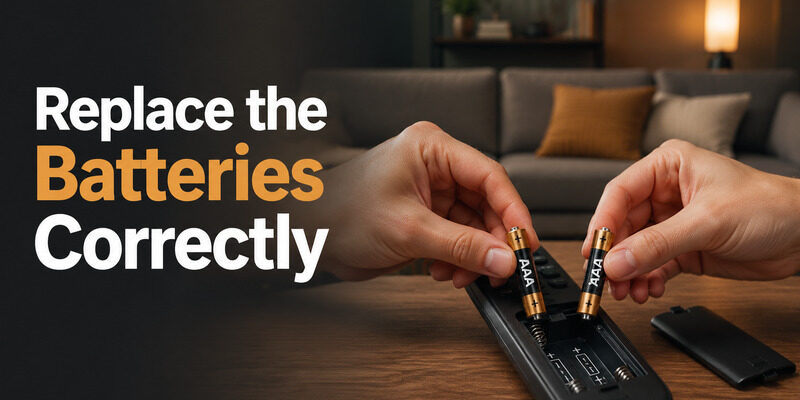
Turn the remote face down, open the cover without twisting it, and remove both old cells. Check for residue, bent terminals, or a battery installed against the polarity diagram. Insert two fresh cells of the same type and age.
Hisense tv remote batteries should always be replaced together for a clean comparison. Press the negative end against the spring first, then lower the positive end into place. This reduces stress on the contact. Restore the cover and test Power from a normal distance before attempting any pairing procedure.
Hisense guidance warns against mixing old and new batteries. Mixed cells can deliver uneven voltage, leak sooner, and make hisense tv remote batteries appear unreliable even when one cell is still usable. If the remote has voice or Bluetooth features, a battery change should not normally erase pairing.
Test basic response first; re-pair only when the power test succeeds but wireless features remain unavailable.
- Remove both old cells
- Inspect contacts
- Match polarity
- Close the cover fully
Open a Tight or Damaged Battery Cover
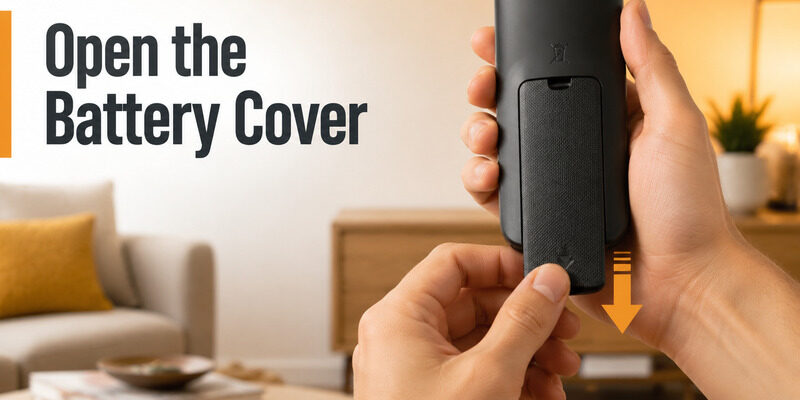
Look for an arrow or textured thumb area and move the cover in that direction. Some covers slide; others release after a small press. Apply broad thumb pressure instead of prying one corner with a metal tool.
If the hisense tv remote battery cover is stuck, remove skin oil from your hands, use a rubber grip, and work along the designed travel path. A cover that lifts on one side but not the other may still be engaged with a rail For full case service, follow without prying at the electronics..
Do not let hisense tv remote batteries lever against a half-open cover. Inspect broken tabs before reassembly. A loose cover can let the cells shift away from the terminals, causing intermittent resets when the remote is moved.
Do not tape directly over leaking cells or force a swollen battery compartment closed. Replace damaged batteries safely and stop using a remote with heat, swelling, or heavy corrosion.
- Find the slide direction
- Use broad thumb pressure
- Avoid metal prying
- Inspect cover tabs
Fix a Remote That Still Fails With New Batteries
Prove electrical contact
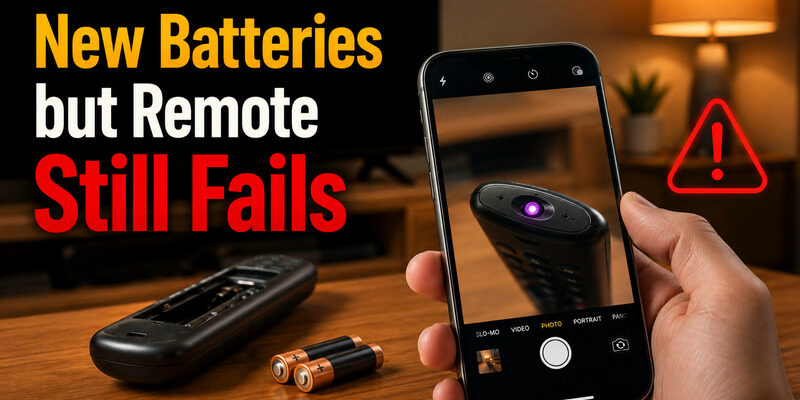
Remove the new pair and compare polarity with the molded diagram. Wipe clean terminals with a dry lint-free swab and gently confirm that spring contacts still press against the cells. Reinstall the pair and watch the indicator while pressing Power. For hisense tv remote not working with new batteries, a visible light suggests that power reaches the circuit.
Test an infrared remote through a phone camera for a flashing emitter, then aim directly at the TV sensor. Voice or Bluetooth controls require a separate pairing check. Hisense setup guidance notes that some remotes cannot pair while the TV is in standby. Wake the television with its physical button before trying the model-specific pairing combination.
Separate power from pairing
- Recheck polarity
- Clean dry contacts
- Test the indicator or IR emitter
- Wake the TV before pairing
| Symptom | Likely cause | Next test |
|---|---|---|
| No light | Polarity or contact | Reinstall and inspect terminals |
| Light works, TV does not | IR path or pairing | Test emitter and wireless link |
| Works when squeezed | Loose contact or cover | Inspect spring pressure |
Stop Batteries From Draining in Days
Find continuous current draw
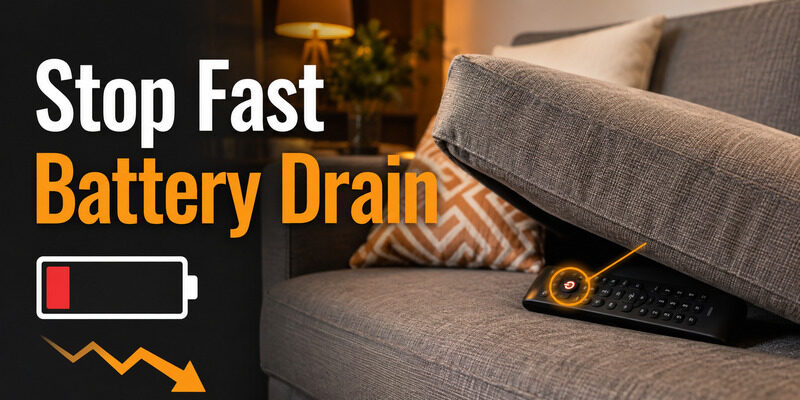
Rapid drain often comes from a stuck key, liquid residue, a remote repeatedly searching for a connection, or damaged circuitry. Press and release every button while watching for one that feels slow or remains lower than its neighbors. Hisense tv remote batteries should not be sacrificed to a key that never releases. Install another matched pair and record the date. If hisense tv remote batteries drain again within a few days, remove them when the remote is not in use for one controlled interval.
That comparison helps separate cell quality from a remote that is drawing current continuously. Do not mix rechargeable and alkaline cells in the same remote. If you choose rechargeables, use a matched set and a suitable charger, and expect their voltage behavior to differ from 1. 5-volt alkaline cells.
Change one variable at a time
- Release every key
- Clean sticky edges
- Use a matched battery type
- Record installation date
| Drain pattern | Possible cause | Action |
|---|---|---|
| Hours to days | Stuck key or circuit fault | Release keys and isolate remote |
| Only one battery weak | Mixed or damaged pair | Replace both together |
| Normal over months | Ordinary use | Install a matched fresh pair |
Clean Contacts Without Damaging the Board
Remove the batteries before cleaning. Start with a dry lint-free swab. For light residue on accessible metal contacts, use a barely damp swab with appropriate electronics-cleaning alcohol and let the compartment dry completely before reinstalling cells. Hisense tv remote batteries should return only after every contact is dry.
Never pour liquid into the compartment or scrape plated contacts with a knife. Scratches remove protective coating and can make future corrosion worse. If an old cell leaked, wear gloves, avoid touching your face, and follow the battery maker’s disposal guidance.
Heavy corrosion that has reached the circuit board is a replacement decision rather than routine hisense tv remote battery replacement. After cleaning, install the pair, close the cover, and test from several angles.
A remote that works only when squeezed has a pressure or internal connection problem, not a battery-capacity problem.
- Remove batteries
- Use a dry swab first
- Let contacts dry
- Dispose of leaking cells safely
Recognize When Pairing Is the Real Problem
If the indicator responds and infrared Power works but voice, Home, or navigation fails, the remote has power and the wireless link may be lost. Open the television’s remote or accessories settings and follow the pairing instructions for that platform.
Do not keep replacing hisense tv remote batteries when every fresh pair produces the same selective failure. A Bluetooth pairing issue, TV software state, or platform setting can leave some functions unavailable while the cells are healthy. Bring the remote within several feet of the TV, wake the screen fully, and hold the exact button combination named in the manual.
Model-specific pairs can differ, so avoid generic button guesses. Healthy hisense tv remote batteries can support pairing once the television is awake. If the remote disappears again after every restart, update the TV, forget the old remote entry if the menu allows it, and pair once more.
Persistent disconnection can justify replacement.
- Indicator works
- IR Power works
- Voice or navigation fails
Use During Battery Diagnosis
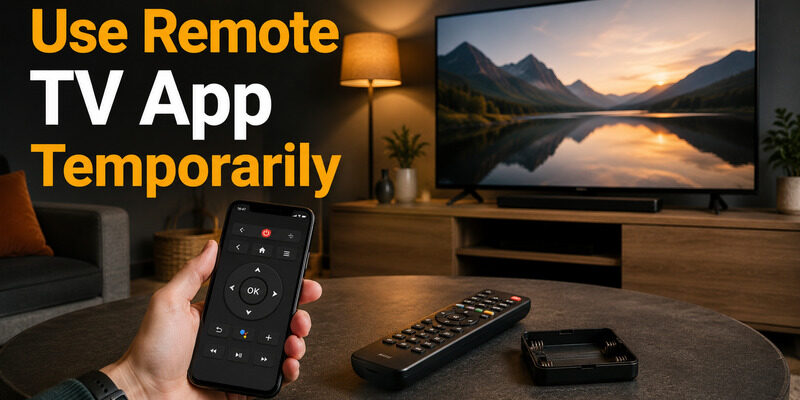
Connect Remote TV App on a phone sharing the television’s local network. It keeps menus accessible while you test hisense tv remote batteries, inspect the cover, or wait for replacement cells.
Use the app to open settings and verify whether the physical handset is still listed. That prevents unnecessary re-pairing when the real problem is only poor battery contact. A phone controller cannot repair corrosion or wake every fully offline TV.
Keep the television’s physical button accessible and restore power before expecting network control. Open Remote TV App from the homepage and test navigation before removing the handset from the TV’s accessories list.
A confirmed fallback reduces the risk of getting locked out of pairing menus. Once the physical remote is stable, leave the app installed for keyboard entry and future recovery. It is a backup, not a reason to ignore a hot, leaking, or mechanically damaged battery compartment.
- Connect on the same Wi-Fi
- Open remote settings
- Retest the handset
- Keep the TV power button accessible
Final Thoughts
Confirm hisense tv remote batteries from the compartment label, then replace both cells together with correct polarity. If a fresh pair fails, inspect contact pressure, cover fit, stuck keys, and pairing before buying more batteries.
Repeated rapid drain is evidence to test the remote itself. Use Remote TV App for temporary control, but replace a handset with heat, leakage, severe corrosion, or persistent internal faults.
Download LG TV Remote