
How to Open Hisense TV Remote Safely for Batteries, Cleaning, or Repair
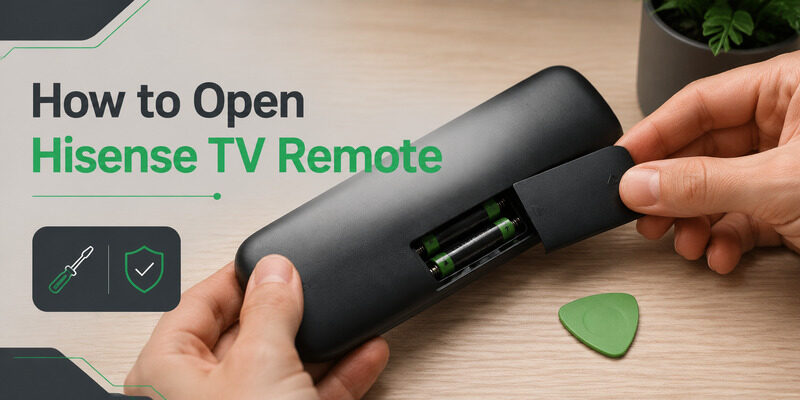
To open a Hisense TV remote, remove the batteries first, check for screws inside the compartment, then release the case clips gradually with a plastic pick along the seam. Not every repair requires opening the full shell. A battery change needs only the rear cover, while sticky buttons or liquid residue may justify case separation.
The method below keeps those two jobs distinct so a simple battery task does not turn into a broken-clip repair.
Decide Whether You Need the Cover or the Full Shell Open
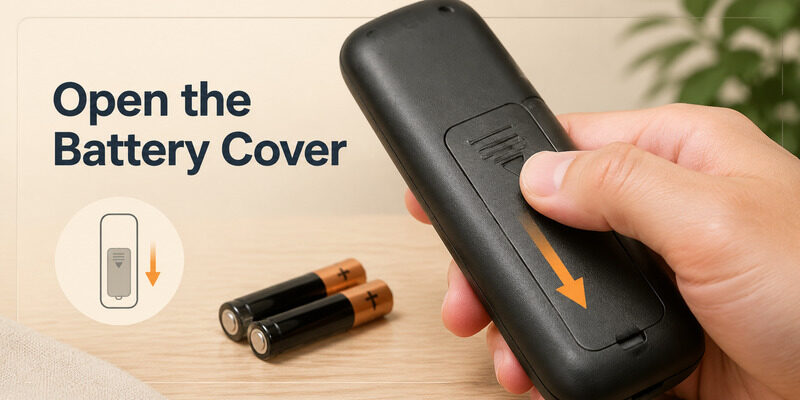
Battery access only
For battery replacement, follow the arrow or textured grip on the rear cover and stop when the compartment is exposed. Do not pry the outer seam. Full disassembly is appropriate only when cleaning beneath the button mat, inspecting internal damage, or replacing a case component.
Before learning how to open hisense tv remote housings, photograph both sides and record the model or remote part number. Voice, Roku, Google TV, Fire TV, and VIDAA handsets can hide screws and clips in different places.
Download LG TV RemoteInternal button or board access
- Battery cover task
- Sticky button task
- Liquid or impact inspection
- Model identification
| Your goal | Open this far | Main risk |
|---|---|---|
| Change batteries | Rear cover only | Breaking the cover rail |
| Clean sticky buttons | Full shell | Damaging clips or contact pads |
| Inspect liquid damage | Full shell only if safe | Spreading moisture |
| Replace a damaged case | Full shell | Losing keys or light guides |
How to Open Hisense TV Remote Battery Compartment
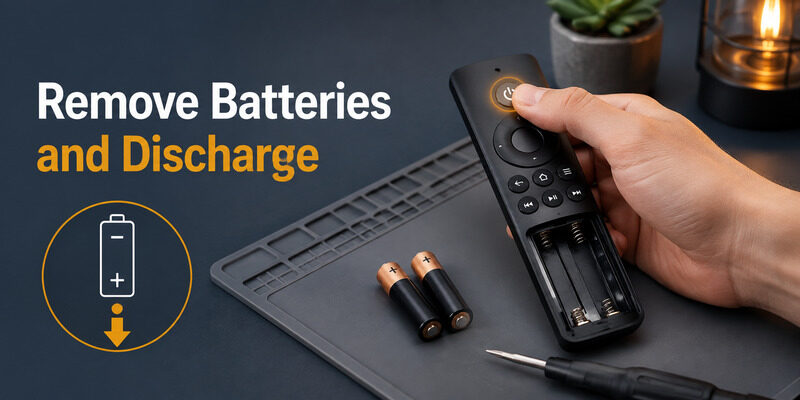
Place the remote face down on a soft cloth. Find the molded arrow or thumb pad and push the cover in the indicated direction while supporting the case with the other hand. Sliding covers should move parallel to the remote, not lift from one corner.
If the cover is tight, clean your hands, use a rubber grip, and apply even pressure. Do not insert a knife under the cover; a damaged rail will let the batteries move and create intermittent contact later. This is the first controlled step in how to open hisense tv remote hardware.
Remove both cells and inspect the compartment. The fastest answer to how to open hisense tv remote cases is often visible here: screws may sit beneath the batteries, or the shell may be clip-only. Set the batteries aside in their original orientation if they are safe and dry.
Do not continue with leaking, swollen, or hot cells inside the workspace.
- Use a soft work surface
- Push along the cover arrow
- Remove both batteries
Discharge the Remote Before Touching the Circuit
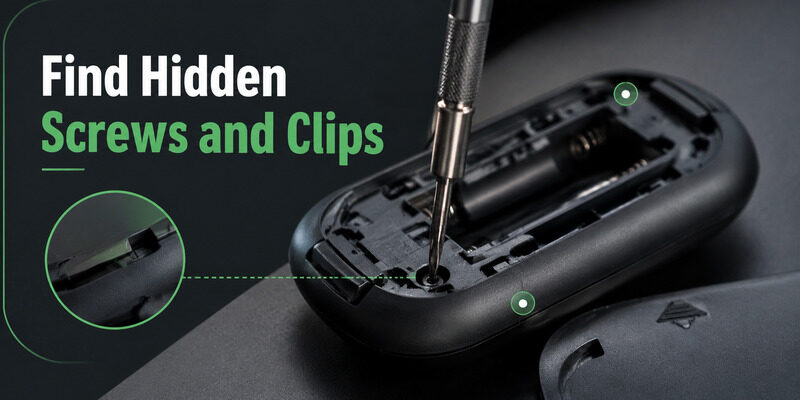
With the batteries removed, press and hold Power for several seconds, then tap a few other keys. This discharges residual energy and confirms that no cell remains hidden in the compartment. Hisense setup guidance for some models recommends removing batteries and pressing a key briefly when recovering remote errors.
For disassembly, the same powerless state reduces accidental commands and protects the work area. Wait if the remote was exposed to liquid. Opening a wet case can spread moisture across the board; keep it unpowered and avoid testing until surfaces are dry.
When planning how to open hisense tv remote hardware, organize a tray for screws and the battery cover. Small fasteners are easy to swap or lose, and a long screw placed in a short post can damage the front shell.
- Remove power
- Hold Power briefly
- Prepare a parts tray
- Keep liquid-damaged remotes unpowered
Locate Screws, Seams, and the First Safe Entry Point
Inspect the empty battery compartment, label area, and lower edge. Remove only screws that clearly join the two shell halves. Do not peel labels or decorative films unless the seam and manual indicate a hidden fastener.
Trace the perimeter seam with a fingernail. A wider gap near the bottom or battery end is usually a safer starting point than the infrared window or microphone opening. Use a thin plastic opening pick.
Metal blades can cut the case, bridge contacts, or slip into the board. Insert only far enough to engage the seam. If the halves will not separate after gentle pressure, stop and search again for a screw.
The rule for how to open hisense tv remote shells is resistance first, force last.
- Check the battery bay
- Trace the case seam
- Start away from the IR window
- Use a plastic pick
Release Case Clips in a Controlled Order
Start at the battery end
Insert the plastic pick at the first accessible gap and twist only enough to release one clip. Leave a second pick in the opened section so the clip does not snap shut while you move along the side. Alternate left and right sides instead of pulling one edge fully open. This keeps stress balanced and reduces the chance of tearing a top hook. A faint click is normal; whitening plastic or a sharp crack means you are bending the shell too far.
Near the infrared window, microphone, or voice button, reduce leverage and look inside before lifting. Some top sections use hooks that slide apart rather than clips that pull straight up. This staged method is the safest practical answer to how to open hisense tv remote controls with clip-only shells.
Work symmetrically toward the top
- Release one clip
- Hold the gap
- Alternate sides
- Protect top hooks
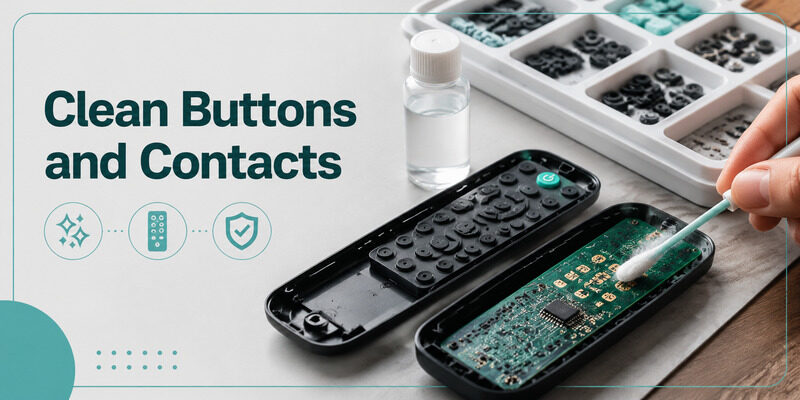
Clean the Button Mat and Board Safely
Lift the rubber mat by its edges and inspect for crumbs, skin oil, or dried residue. Wash only the removable silicone mat with mild soap and water when appropriate, rinse, and let it dry completely away from the electronics. This stage of how to open hisense tv remote hardware requires clean, dry handling.
Clean the circuit board’s contact areas with a lint-free swab lightly moistened with electronics-safe isopropyl alcohol. Do not soak the board, scrape black contact pads, or use household sprays. Knowing how to open hisense tv remote cases does not make aggressive cleaning safe.
For a single sticky button, focus on its plastic opening and matching rubber plunger. Broad cleaning is unnecessary when the rest of the remote is clean. Keep the remote unpowered until every part is dry.
Finishing how to open hisense tv remote hardware safely includes resisting the urge to test a damp board.
- Separate silicone from electronics
- Use minimal cleaning liquid
- Do not scrape contact pads
- Dry completely
Reassemble in the Exact Reverse Order
Seat the mat and board
Place every loose key and the silicone mat into the front shell, checking that each symbol faces the correct opening. Reinstall the board on its posts without trapping the mat edge beneath it. Join any top hooks first if the case design uses them, then press the shell halves together from top to bottom. Each clip should close with light, even pressure. Replace screws with the same length and location.
A correct how to open hisense tv remote procedure ends with equally controlled closure. Install only after the shell sits flush. Test every button, not just Power, because a shifted mat can make one direction or shortcut bind. If the case rocks or a button stays depressed, reopen the nearest edge rather than forcing the screw tighter.
Close hooks before clips
- Align every key
- Seat the circuit board
- Engage top hooks
- Close clips evenly
Stop When Repair Risk Exceeds the Value
Do not continue when the remote contains a swollen battery, heavy corrosion, burnt areas, torn wiring, or a sealed rechargeable pack with no obvious service path. Replace the handset or use an authorized service option.
A voice remote may contain microphones and pairing components that are easy to damage. If the goal is only battery replacement, never escalate to full shell opening because one cover feels tight.
Use the decision table before repeating how to open hisense tv remote steps with more force. A missing screw, hidden hook, or glued section is a signal to identify the exact model.
Also stop if the remote is under a return or warranty process. Opening the full shell can complicate support even when the original problem was unrelated.
- Swollen battery
- Heavy corrosion
- Sealed rechargeable pack
- Warranty or return case
| Condition | Continue? | Safer decision |
|---|---|---|
| Clip-only dry remote | Yes, with plastic tools | Release one clip at a time |
| Heavy corrosion or heat | No | Replace or seek service |
| Sealed pack or warranty case | No | Use official support |
Use While the Remote Is Open
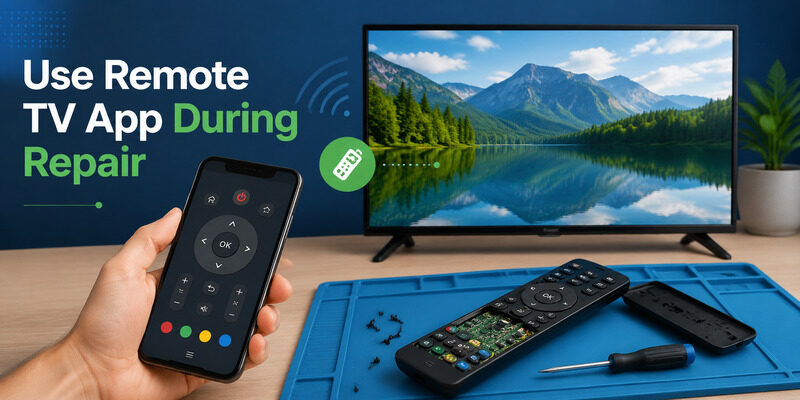
Connect Remote TV App before removing the physical handset from service. A phone on the same local network can keep navigation and playback available while the case dries or replacement clips are sourced. Open the Remote TV App homepage, pair the supported television, and test the controls before beginning disassembly.
That avoids needing a half-assembled remote to approve a connection prompt. The app cannot replace a physical power button when the TV is fully offline, so identify the television’s local button first. It also cannot make a corroded or swollen remote safe.
After reassembly, use the phone to open settings while you verify the physical handset. If voice or Bluetooth pairing was lost, restore it only after basic power and button movement pass. Keep the related available for model-specific pairing instructions and button layout.
- Pair the app first
- Keep TV power access
- Test the rebuilt remote
Final Thoughts
The safe method for how to open hisense tv remote hardware is to separate the job into battery-cover access and full-shell service. Remove power, find every screw, release clips with plastic tools, photograph the layout, and reassemble without forcing hooks or screws.
Stop at corrosion, swelling, sealed packs, or unexplained resistance. A prepared Remote TV App connection keeps the television usable while the handset is being cleaned, dried, or replaced.
Download LG TV Remote