
Sony Remote Control Codes: 3, 4, and 5 Digit Code Guide
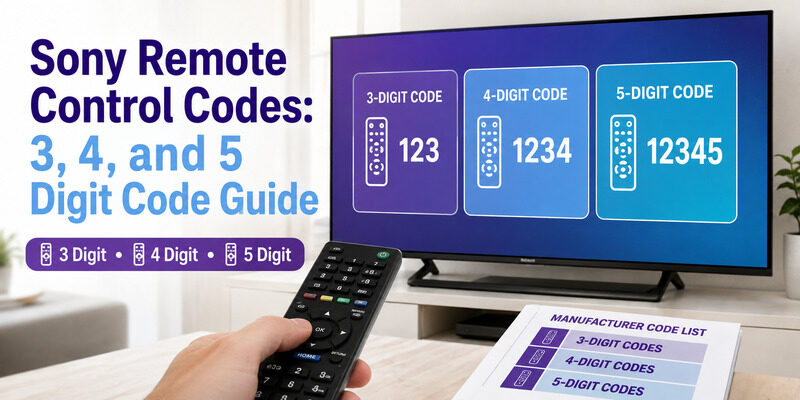
Sony remote control codes are the numeric codes you enter into a universal remote to make it control a Sony TV — they come in 3, 4, and 5 digit formats depending on the universal remote brand you own.
Getting the right code matters, and so does using the right length, since a remote that expects a 4 digit code won’t accept a 5 digit one. That mismatch is a common source of failed programming.
This guide explains how Sony remote control codes work, the difference between 3, 4, and 5 digit codes, where to find Bravia code lists, and how to enter them step by step.
If codes turn out to be more hassle than they’re worth, there’s also a no-code phone app option covered at the end.
Sony Remote Control Codes at a Glance
Code length depends on your universal remote brand. This table shows the common formats and where each is typically used.
| Code Length | Common On | Notes |
| 3 digit | Older or basic universal remotes | Short legacy code format |
| 4 digit | Most modern universal remotes | The most common Sony code format |
| 5 digit | Some cable and provider remotes | Used by certain remote systems |
| Auto search | Any programmable remote | Fallback when no code works |
How Sony Remote Control Codes Work
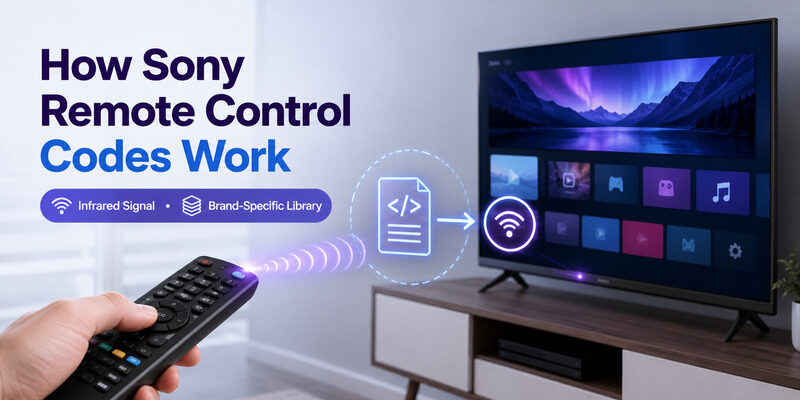
A universal remote controls a Sony TV by sending the infrared signals the TV expects. Sony remote control codes tell the remote which signal set to use, essentially teaching it to speak your Sony TV’s language.
Each universal remote brand keeps its own code library, so the exact sony remote tv codes for one brand differ from another. This is why you should always use the code list that came with your specific remote or its manufacturer’s app, rather than a generic list from an unrelated brand.
In short, Sony remote control codes are brand-specific keys, and matching them to your exact remote is the whole trick to programming success.
3, 4, and 5 Digit Sony Remote Control Codes
The most common question is which code length to use. It depends entirely on your universal remote, not on the Sony TV.
3 Digit Codes
Sony tv remote codes 3 digit are found on older or more basic universal remotes that use a shorter code format. If your remote’s setup asks for three digits, use the 3 digit codes from its list — a longer code won’t fit the entry.
These are increasingly rare, but if you have an older remote, the 3 digit Sony remote control codes are still perfectly valid.
4 Digit Codes
Sony tv remote codes 4 digit are the most common format on modern universal remotes. Most current remotes expect four digits, so the 4 digit codes are the ones most people will need for a recent universal remote.
For the majority of buyers today, the 4 digit Sony remote control codes are the default to reach for first.
5 Digit Codes
Sony tv remote codes 5 digit appear on certain cable and provider remotes that use a longer format. If your remote’s process expects five digits, use the 5 digit codes rather than trying to pad a shorter one.
Finding a Sony Remote Control Codes List
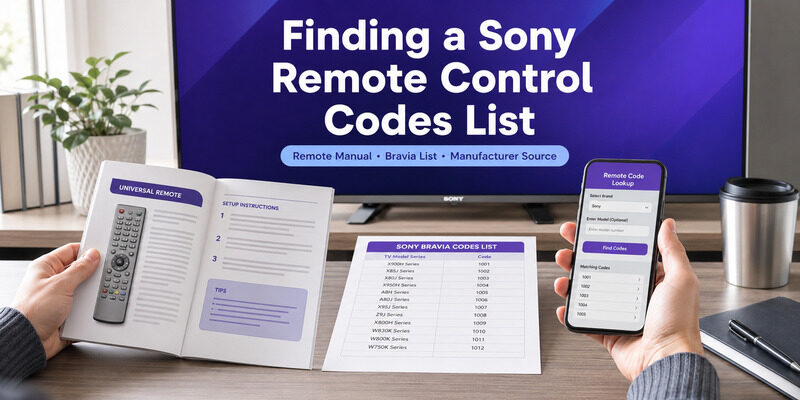
Locating the right list is straightforward once you know where to look for your remote brand.
Your Remote’s Manual
The most authoritative sony tv remote codes list is the one printed in your universal remote’s manual, since it matches that remote’s code format exactly. This is always the first place to check for accurate codes.
If you’ve lost the printed manual, don’t worry — the same list is almost always available from the manufacturer online.
Bravia Code Lists
For Sony’s flagship TVs, a sony bravia tv remote codes list covers the Bravia range specifically. Whether you need a sony bravia tv remote codes 5 digit entry or a shorter one, the list for your remote brand will include Bravia-compatible codes.
Bravia is Sony’s most common smart TV range, so its codes are well documented across every major universal remote brand.
Manufacturer Apps and Websites
Universal remote makers publish free code lists in their apps and on their websites. These are kept current, so if the printed manual is missing, the manufacturer’s online code list is a reliable free source.
These online sources are free, so there’s never a need to pay a third-party site for Sony remote control codes.
How to Enter Sony Remote Control Codes
The programming sequence is similar across universal remote brands, even though button names vary. Here’s the general process.
Manual Code Entry
Turn on the Sony TV, hold the Setup button until the remote’s light stays on, then enter one of the codes for your remote’s format. The light usually blinks or turns off to confirm the code was accepted, and you should test power and volume to verify.
Keep the list within reach as you go, since the first code isn’t always the exact match.
Trying Multiple Codes
Sony usually has several codes per remote brand. If the first controls power but not volume, move to the next code in the list. A partial match means you’re close but not exact, which is normal and fixed by trying the next code.
Working through the list in order is faster than searching for a single ‘perfect’ code, since a full match is usually just an entry or two away.
Auto Code Search
If no listed code works, auto code search steps through the remote’s entire library until the TV responds. It’s slower but doesn’t require knowing a code, and it makes these codes nearly always workable even for unlisted models.
It takes patience but rarely fails, methodically trying every code the remote knows until the TV reacts.
Troubleshooting Sony Remote Control Codes
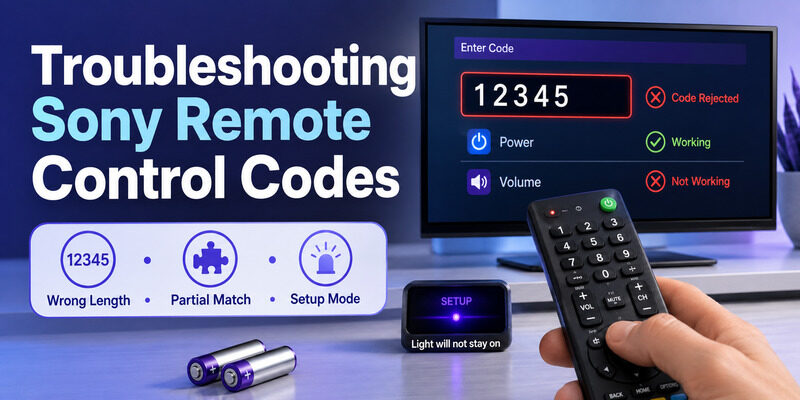
A few issues trip people up when entering codes. Knowing them makes programming go smoothly.
Wrong Code Length
Entering a 5 digit code where a 4 digit one is expected — or vice versa — simply fails. Confirm which length your remote wants before entering a code, since this mismatch is a frequent cause of failed setup.
This is the single most common reason Sony remote control codes seem not to work when the code itself was fine.
Code Controls Power but Not Volume
This partial-match symptom means the code is close but not exact. Move to the next code rather than assuming the remote is incompatible — a full match usually exists a code or two down the list.
It’s actually a good sign, since it means the remote and TV are communicating — only a small adjustment stands between you and full control.
Remote Won’t Enter Setup Mode
If the Setup light won’t stay on, the batteries may be weak. Fresh batteries are worth trying first, since low power can stop the remote from holding setup mode long enough to accept a code.
A remote with just enough charge to light up can still be too weak to complete setup, so fresh batteries are always worth ruling out first.
Are Sony Remote Control Codes Free?
Yes. Legitimate Sony remote control codes are free. Your universal remote’s manual is free and authoritative, and manufacturer apps and websites publish free code lists too.
If a site is charging for Sony remote control codes, the same codes are almost certainly available at no cost from the remote maker directly. There’s no reason to pay for a code list, and a free phone app skips codes entirely if you’d rather avoid them altogether.
When to Skip Codes and Use a Phone App
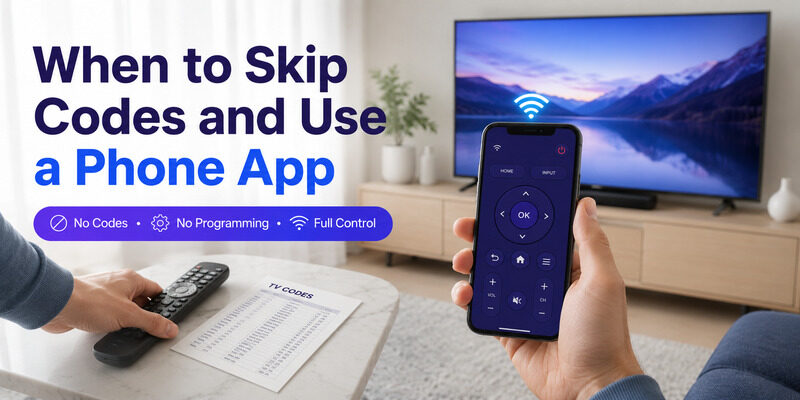
If hunting for the right Sony remote control codes feels like too much work, a phone app skips codes entirely. The Remote TV App connects to a Sony TV over Wi-Fi with no code to find and no programming step.
It covers power, volume, navigation, and app launching, and reaches smart features a coded universal remote can’t. For many people it’s simpler than programming a universal remote at all. to control your Sony TV without codes.
FAQs About Sony Remote Control Codes
What are Sony remote control codes?
They’re the numeric codes you enter into a universal remote so it can control a Sony TV. They come in 3, 4, and 5 digit formats depending on the universal remote brand.
Should I use a 3, 4, or 5 digit code?
Use the length your universal remote expects, not the TV. Most modern remotes use 4 digit codes, older ones may use 3 digit, and some provider remotes use 5 digit codes.
Where do I find a Sony Bravia code list?
Check your universal remote’s manual or the manufacturer’s app or website, searching under Sony or Bravia. Free lists are widely available, and auto code search works if you can’t find one.
Why won’t my Sony code work?
Common causes are using the wrong code length, a partial-match code, or weak batteries. Confirm the format, try the next code in the list, and replace the batteries if the remote won’t hold setup mode.
Do I need codes if I use a phone app?
No. A phone app like the Remote TV App connects over Wi-Fi with no codes and no programming, making it the simplest way to control a Sony TV without a code list.
Final Thoughts
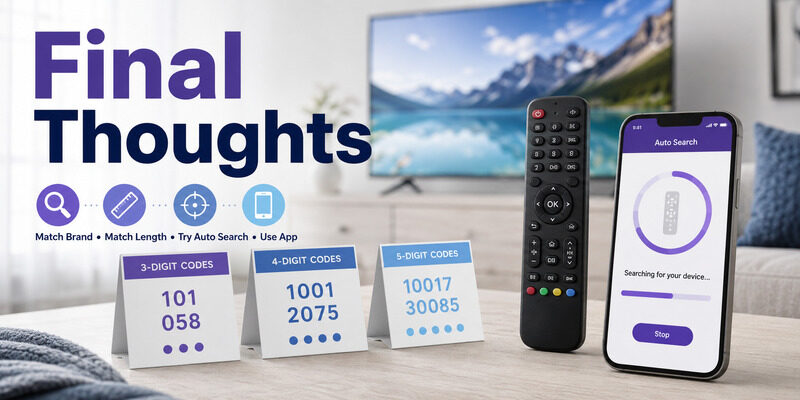
Sony remote control codes come in 3, 4, and 5 digit formats, and the right one depends on your universal remote brand rather than the TV. Use your remote’s own list, match the code length, try the next code if it’s a partial match, and fall back to auto search if needed.
If codes feel like a hassle, the Remote TV App skips them entirely, controlling your Sony TV from your phone over Wi-Fi with no programming at all.
Download TV Remote App