
Sony Remote Control Manual: Setup, Batteries, and Basics
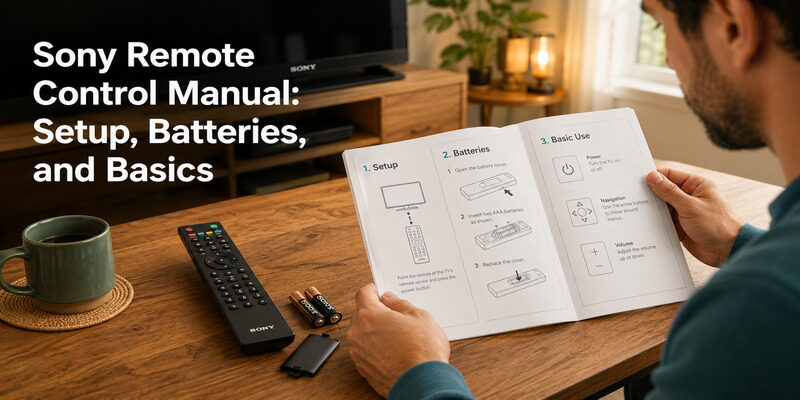
A Sony remote control manual covers the essentials — battery type and replacement, pairing, and button functions — and the core steps are consistent enough across models that a clear guide replaces most of what a manual provides.
Whether you’ve lost the printed booklet or just want quick answers, the common tasks people look up in a Sony remote control manual are battery replacement, the correct battery type, and basic instructions.
This guide walks through those essentials, including how to replace the batteries, which type to use, how to fix a remote that drains batteries too fast, and where to find your model’s official manual if you need it.
It covers standard Bravia remotes and specific models like the RM-YD034 along the way.
Where to Find Your Sony Remote Control Manual
The official Sony remote control manual for your exact model is available on Sony’s support website, searchable by TV or remote model number. It’s free to view or download, so a lost printed booklet is never a real problem.
That said, the everyday tasks people open a Sony remote control manual for — batteries, pairing, and button basics — are covered below, so you often won’t need the full document at all. For anything model-specific beyond these basics, the official sony tv remote manual is the definitive source.
Download TV Remote AppSony Remote Battery Type and Replacement
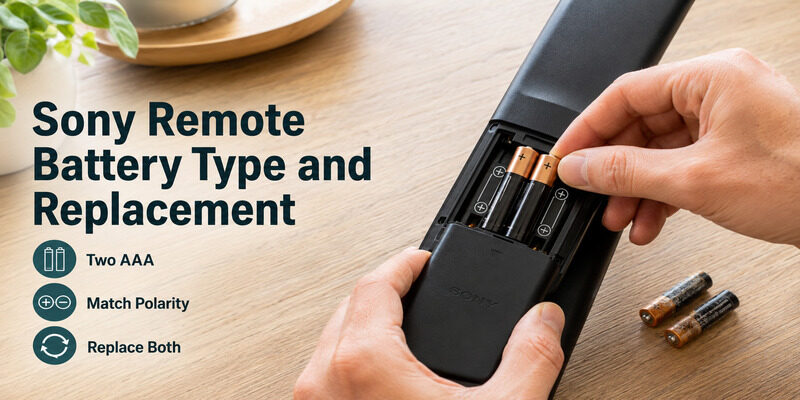
The most common reason to consult a Sony remote control manual is batteries. Here’s what to know without digging through the booklet.
What Battery Type Sony Remotes Use
Most Sony TV remotes use two AAA batteries, though some older or specialized models use AA. If you’re unsure of the sony tv remote battery type, open the compartment and check the size markings molded inside, which always state the correct type.
When buying replacements, take a moment to confirm AAA versus AA, since the two look similar but aren’t interchangeable and a wrong pack means another trip to the store.
How to Replace the Batteries
For a sony tv remote battery replacement, slide off the back cover, remove the old batteries, and insert two fresh ones matching the polarity markings. Replace both at once rather than one at a time, since a mismatched pair causes intermittent glitches — a tip any Sony remote control manual echoes.
Once the fresh cells are in, slide the cover back until it clicks fully closed, since a cover that doesn’t seat can let the batteries lose contact and mimic a dead remote.
The RM-YD034 and Similar Models
For a specific model like the sony tv remote rm yd034 battery replacement, the process is the same: open the compartment, match the battery type shown inside, and insert fresh cells. The RM-YD034 uses standard batteries, so no special type is needed beyond what its markings indicate.
If you’re unsure which model you have, the number is usually printed on the back of the remote or inside the battery compartment.
Fixing a Sony Remote That Drains Batteries Fast
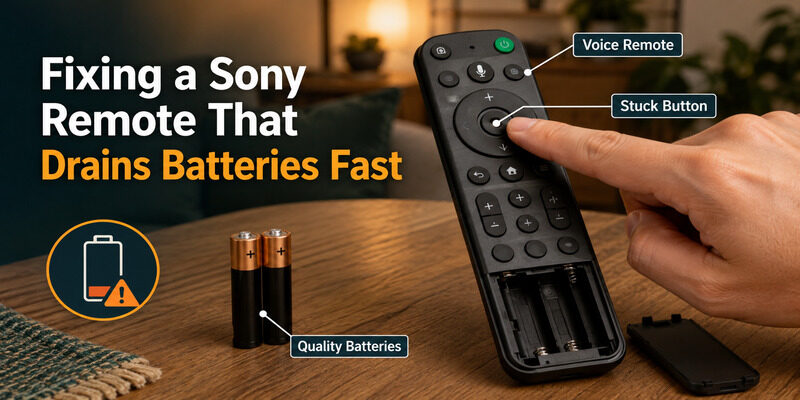
A frequent complaint that sends people to a Sony remote control manual is rapid battery drain. If your sony tv remote battery drain fast, a few causes are worth checking.
Normal Drain on Voice Remotes
Enhanced voice remotes with Bluetooth and a microphone naturally use more power than simple infrared remotes, so somewhat faster drain is partly expected on those models. It isn’t necessarily a fault.
If the drain feels extreme even for a voice remote, though, it’s worth ruling out the other causes below before assuming the remote is faulty.
Check for a Stuck Button
A key that stays pressed in a drawer or bag drains batteries quickly, since the remote keeps transmitting. Press each button to confirm none are jammed, and store the remote where nothing rests on it.
This is one of the most overlooked causes, and it’s an easy one to fix once you spot the jammed key.
Use Quality Batteries
Cheap batteries drain faster and can leak over time. Quality alkaline cells last noticeably longer, and replacing both at once keeps the pair balanced for steady performance.
Basic Sony Remote Instructions
The core instructions in any Sony remote control manual cover pairing and everyday use. These are the same across most models.
Pairing an Enhanced Remote
For a Bluetooth voice remote, the sony tv remote instructions for pairing are: with the TV on, hold the pairing button until the TV shows a confirmation. This links the remote to the TV, and it’s the first step after inserting fresh batteries.
Hold the button until you see the on-screen confirmation rather than a quick tap, and keep the remote within a few feet of the TV for the strongest connection during pairing.
Everyday Button Use
The basic sony tv remote manual button functions are consistent: power at the top, a directional pad and OK in the middle for navigation, volume and channel on the sides, and playback and app shortcuts near the bottom. Learning these sections once covers everyday use.
After a day or two, most people navigate by feel without looking down, since the layout is designed around where your thumb naturally rests.
Legacy Sony Remotes and Their Manuals
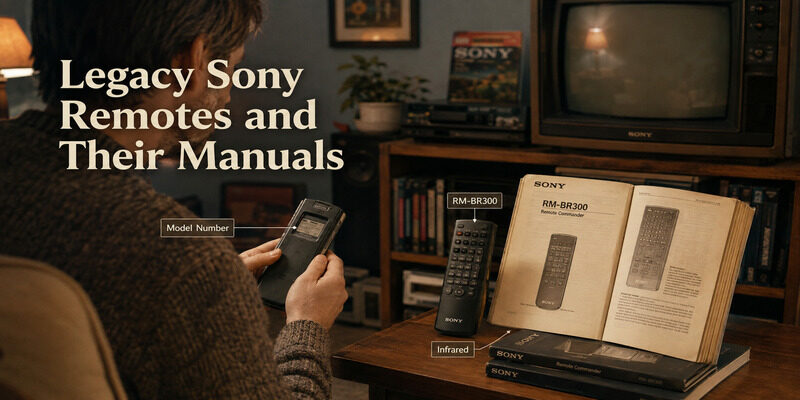
Older Sony remotes have their own manuals too, and the basics still apply across generations.
The RM BR300 Manual
The sony remote control unit rm br300 manual covers a legacy model with simpler infrared controls than today’s Bravia remotes. Its battery and button basics mirror those in any Sony remote control manual.
Because it’s an older design, its features are simpler, so there’s less to learn than with a modern voice remote.
Maintaining Older Remotes
If you’re keeping an older Sony device running, the model-specific manual on Sony’s support site is the best reference. For batteries and basic use, though, the standard guidance applies regardless of the remote’s age.
When You Don’t Need the Manual at All
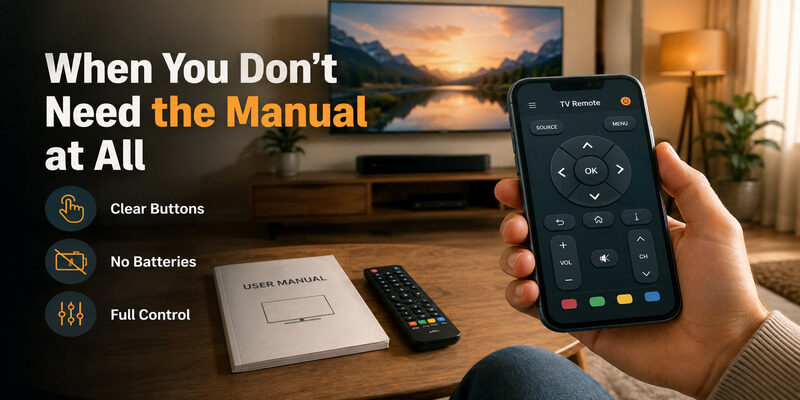
For many people, the fastest alternative to a Sony remote control manual is a phone app that labels every function clearly on screen. There’s no booklet to find and no button positions to memorize.
A phone app also sidesteps battery issues entirely, since it runs on your phone rather than AAA cells. If your remote is lost or its manual is long gone, an app covers everything the manual would have helped you do.
For anyone who finds physical remotes fiddly, this is often a permanent switch rather than a temporary workaround, since a labeled on-screen layout removes all the guesswork.
Skip the Manual With a Remote TV App
Instead of hunting for a Sony remote control manual, the Remote TV App turns a phone into a Sony remote over Wi-Fi, with every function clearly labeled and a full keyboard built in.
There are no batteries to replace and no manual to consult — just clearly marked controls on your phone. to control your Sony TV without a physical remote or its manual.
FAQs About the Sony Remote Control Manual
Where can I find my Sony remote control manual?
Sony’s official support website hosts manuals searchable by TV or remote model number, free to view or download. The everyday basics — batteries, pairing, buttons — are also covered in guides like this one.
What battery type does a Sony TV remote use?
Most Sony TV remotes use two AAA batteries, though some older or specialized models use AA. Check the size markings molded inside the battery compartment to confirm the correct type.
How do I replace the batteries in a Sony remote?
Slide off the back cover, remove the old batteries, and insert two fresh ones matching the polarity markings. Replace both at once to avoid the intermittent glitches a mismatched pair can cause.
Why does my Sony remote drain batteries so fast?
Voice remotes use more power than infrared ones, so some extra drain is normal. Beyond that, check for a stuck button and use quality alkaline batteries, which last longer.
Do I need the manual to pair my Sony remote?
Not usually. For enhanced remotes, hold the pairing button with the TV on until it confirms. This standard step works across most Sony models without needing the full manual.
Final Thoughts
A Sony remote control manual mainly covers batteries, pairing, and button basics — all of which are consistent enough across models to handle without the printed booklet. Sony’s support site has model-specific manuals if you need one, including for legacy remotes like the RM BR300 and RM-YD034.
For everyday tasks, the guidance above covers it, and the Remote TV App skips the manual entirely by labeling every function on your phone. Learn the basics once and a missing manual stops being a concern.
Download TV Remote App