
Sony TV Remote Repair: Fix, Replace, or Go App-Free
For most Sony TV remote repair needs, start with the free fixes — fresh batteries, cleaning the buttons, and re-pairing — before deciding whether to pay for a repair, buy a genuine replacement, or switch to a free phone app.
Many remotes that seem broken are actually fixable in minutes, so it’s worth ruling out the simple causes before spending anything. When a remote is truly dead, though, you have clear options at different price points.
This guide covers DIY Sony TV remote repair, when to repair versus replace, where to find genuine Sony remotes, warranty and service considerations, and the free app that replaces a remote entirely.
Whether your remote is glitchy, dead, or simply lost, there’s a fix below to match.
Sony TV Remote Repair Options Compared
Four routes cover almost every situation. This comparison lays them out so you can see which fits before reading the detail below.
| Option | Cost | Best For |
| DIY fixes | Free | Batteries, sticky buttons, lost pairing |
| Professional repair | Low to mid | Physical damage worth fixing |
| Genuine replacement | Mid | A dead remote you want to match exactly |
| Free phone app | Free | An instant no-cost replacement |
Try These Free Sony TV Remote Repair Fixes First
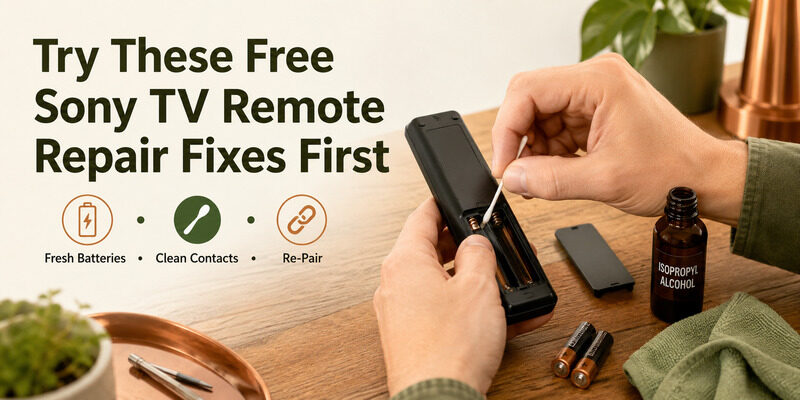
Before paying for anything, work through the free fixes. These solve the majority of Sony TV remote repair cases without a technician or a purchase.
Replace the Batteries
Weak batteries are the number-one reason a remote misbehaves, and a battery that still lights an indicator can be too weak to sustain a connection. Fresh alkaline batteries, both replaced at once, are the first and easiest Sony TV remote repair step.
It sounds almost too simple, but a large share of remotes brought in for repair just needed a fresh set of batteries. Always rule this out before anything else.
Clean the Buttons and Contacts
If specific buttons stick or fail, debris under them is often the cause. Opening the remote and gently cleaning the buttons and the contacts beneath can restore them, a common DIY Sony TV remote repair for a remote where only some keys work.
Work gently and let everything dry fully before reassembling, since moisture on the contacts can cause new problems. A soft cloth and a little isopropyl alcohol are usually all you need.
Re-Pair the Remote
For a Bluetooth voice remote, a lost pairing often looks like a dead remote. Re-pairing it with the TV frequently fixes the problem entirely, making it one of the most effective free Sony TV remote repair steps before considering a replacement.
Hold the pairing button until the TV shows a confirmation, and wait a few seconds for the link to complete. Weak batteries can cause a first attempt to fail, so pair with a fresh set installed.
Repair vs. Replace: Which Makes Sense?
Once the free fixes are exhausted, the question is whether to repair or replace. The right answer depends on the damage and the remote type.
When Repair Makes Sense
Professional Sony TV remote repair can be worth it for an expensive voice remote with a fixable fault, or when a service center is convenient. Searching sony tv remote repair near me or a sony tv remote service center near me finds local options for physical fixes.
Weigh the repair quote against the price of a genuine replacement — if repair costs nearly as much as a new remote, replacement is usually the better value.
When Replacement Makes Sense
For a basic remote or one with a failed infrared emitter, replacement is usually cheaper and faster than repair. If a phone-camera test shows the remote isn’t emitting, a Sony TV remote repair likely isn’t worth it, and a replacement or app is the better route.
The phone-camera test is the deciding factor here: point the remote at a phone camera and press a button, and if you see no faint light, the emitter has failed and repair rarely pays off.
Buying a Genuine Sony Replacement Remote
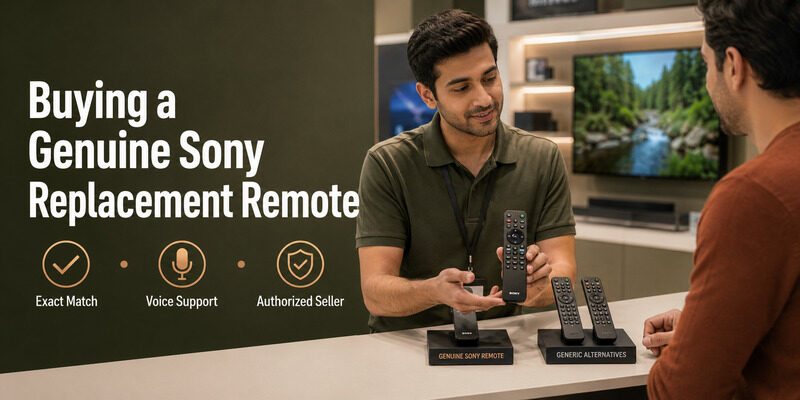
If you choose to replace, a genuine remote guarantees an exact match. A genuine sony bravia tv remote restores every button and feature with no compatibility guesswork, which is why many people prefer it over generic alternatives when a Sony TV remote repair isn’t practical.
Genuine remotes are available from Sony and authorized retailers. They cost more than compatible third-party remotes but offer the most reliable fit, especially for voice models where feature support varies among aftermarket options.
Finding a Lost Sony TV Remote
Sometimes the issue isn’t a broken remote but a missing one. Before any repair or replacement, rule out that the remote is simply misplaced.
Using a Remote Finder
Some Sony setups include a sony tv remote finder feature that helps locate an enhanced remote. If yours supports it, trigger the finder before assuming a lost sony tv remote is gone for good — it can save the cost of a replacement entirely.
The feature only exists on certain enhanced remotes, but when available it’s the fastest possible way to end the search.
Checking Common Hiding Spots
A lost remote most often turns up in couch cushions, under furniture, or in another room. A quick search of these spots frequently ends the hunt, and a phone app keeps the TV usable while you look, so there’s no rush to buy a replacement.
It’s worth checking bags, laundry, and children’s play areas too, since remotes travel surprisingly far around a home.
Warranty and Cost Considerations
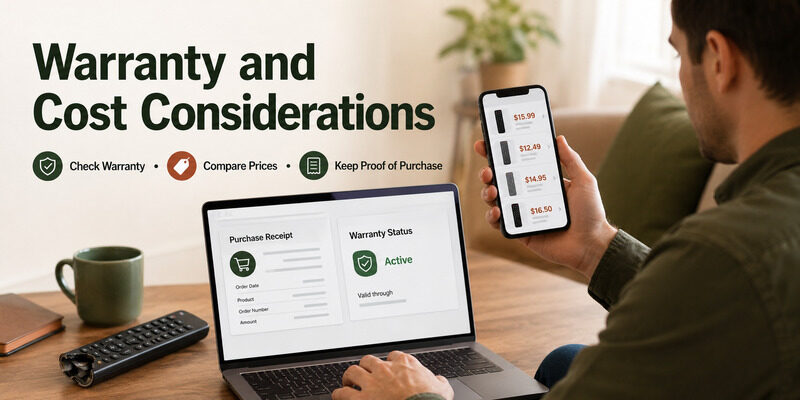
Cost and warranty affect whether repair or replacement is the smarter choice, so a few factors are worth checking.
Checking Your Warranty
If your remote or TV is still covered, a sony tv remote warranty may cover a faulty remote at no cost. Check your warranty status before paying for a Sony TV remote repair or a replacement, since a covered fault costs nothing to resolve.
Warranty terms vary by region and purchase date, so have your proof of purchase handy when you check.
Comparing Prices
Prices vary by region — searches like sony tv remote price in bangladesh, sony tv remote price in nepal, or sony tv ka remote kitne ka aata hai reflect that. Compare a few sellers before buying, and remember a free app covers full control, so there’s rarely a need to overpay for a replacement.
Marketplace listings sometimes mark up ordinary remotes well above their value, so a quick price comparison across a couple of sellers is always worth the minute it takes.
Deciding What’s Right for You
With several routes available, a simple way to choose keeps the decision quick and avoids overspending.
Start Free, Then Escalate
Always run the free fixes first — batteries, cleaning, re-pairing — since they solve most cases at no cost. Only if those fail should you consider paid repair or a replacement, and even then a free app may be all you need.
Match the Cost to the Remote
Spend in proportion to the remote’s value. A basic remote rarely justifies a paid repair when a cheap replacement or free app exists, while an expensive voice remote with a small fault can be worth fixing.
Consider Going App-First
Many people find that once they set up a phone app, they never bother replacing the physical remote at all. If you’re comfortable using your phone, the app-first route skips repair and replacement decisions entirely.
The Free Alternative to Any Sony TV Remote Repair
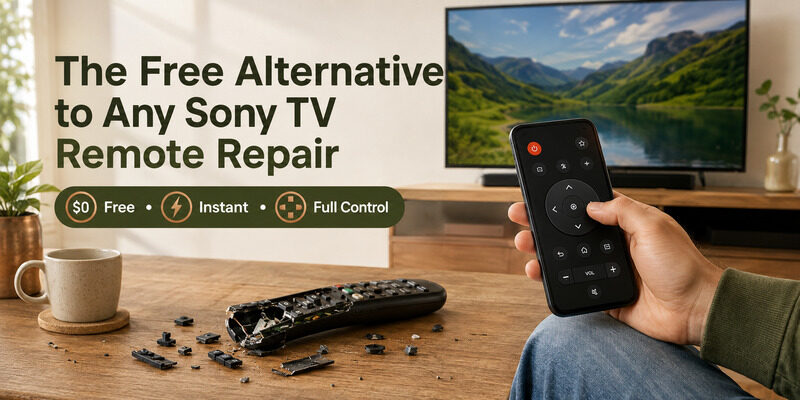
Before paying for a Sony TV remote repair or a replacement, it’s worth trying a free phone app. The Remote TV App turns a phone into a full Sony remote over Wi-Fi, covering power, volume, navigation, and app launching at no cost.
For many people it removes the need to repair or replace at all, and it keeps the TV fully usable the moment a remote fails. It’s the fastest, cheapest fix of all — a genuine sony tv remote free alternative. before spending on a repair or replacement.
FAQs About Sony TV Remote Repair
Can I repair a Sony TV remote myself?
Often yes. Fresh batteries, cleaning sticky buttons, and re-pairing a voice remote solve most problems for free. Only physical damage or a failed emitter typically needs professional repair or replacement.
Is it cheaper to repair or replace a Sony remote?
For basic remotes or a failed infrared emitter, replacement is usually cheaper. Professional repair can be worth it for an expensive voice remote with a fixable fault, or under warranty.
Where can I buy a genuine Sony remote?
Genuine Sony remotes are available from Sony and authorized retailers. They cost more than third-party remotes but guarantee an exact match, which matters most for voice models.
How do I find a lost Sony TV remote?
Use the remote finder feature if your setup has one, then check couch cushions, under furniture, and other rooms. A phone app keeps the TV usable while you search.
Can I use my phone instead of repairing the remote?
Yes. The Remote TV App controls a Sony TV over Wi-Fi with full functionality and no cost, making it a genuine free alternative to repairing or replacing a physical remote.
Final Thoughts
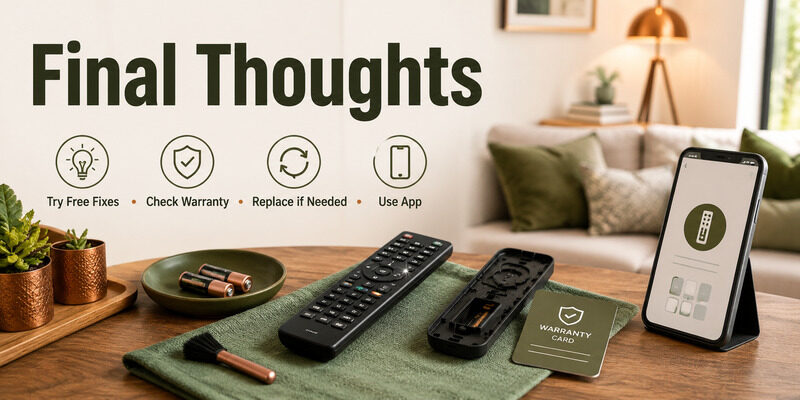
Most Sony TV remote repair needs are solved for free — fresh batteries, cleaning the buttons, or re-pairing fix the majority of cases. When a remote is truly dead, weigh professional repair against a genuine replacement based on the damage and cost, and check your warranty first.
And before spending anything, try the Remote TV App, which replaces a physical remote entirely at no cost. That way you only pay for a repair or replacement if you genuinely want the physical remote back.
Download TV Remote App