TCL TV Remote Control Replacement Buying Guide
Last updated: September 2026
Short answer: Buy a TCL TV remote control replacement that explicitly supports your TV’s full model number and platform.
The lowest-priced handset is useful only if it operates the controls you need. TCL televisions can run Roku, Google TV, Android TV, or Fire TV, and similar-looking accessories may support different functions. A TCL logo, a matching screen size, or a familiar shortcut button does not establish that a replacement will work.
Use this guide to prepare a clear compatibility check, compare original and third-party options, and assess the seller’s terms. A TCL TV remote control replacement should restore your actual viewing routine, including navigation, input selection, and audio control. If the old handset still responds occasionally, test it before ordering so you do not replace a working remote for a television or network problem.
Build a TCL TV Remote Control Replacement Shortlist
Start with the complete television model
Find the model on the rear label, purchase receipt, packaging, or system-information screen. Keep any regional suffix. If the label is difficult to reach, use a safe alternative source rather than pulling a large television from its mount just to read it.
Copy the model exactly into your notes before searching. A TCL TV remote control replacement listing that names your full model provides stronger evidence than a broad title saying “all TCL TVs.” If the listing is unclear, ask the seller to confirm support for that exact model in writing.
Add the remote identity and required functions
Photograph the old remote, including its model or part marking when available. Record whether it has voice, numeric buttons, side volume controls, or a charging port. You are documenting requirements, not assuming that a replacement must have an identical appearance.
Separate essential buttons from optional shortcuts. For example, Input may be essential for a game console, while a missing branded streaming key may be acceptable if Home still reaches the service. A TCL TV remote control replacement can be a good fit without reproducing every decorative detail of the original.
Compare Original Compatible and Universal Options
Choose an original part for a familiar setup
An original TCL TV remote can be a sensible choice when you want the original layout and the functions specified for the television. Confirm the part reference through TCL support or a seller that can identify the compatible accessory. The word “original” in a marketplace title is a claim to verify, not independent proof.
If several part numbers are offered, ask whether they are supported alternatives or different versions. A TCL TV remote original replacement should come with a clear compatibility explanation. Do not pay an original-part premium for an unidentified handset simply because the product photo includes a familiar logo.
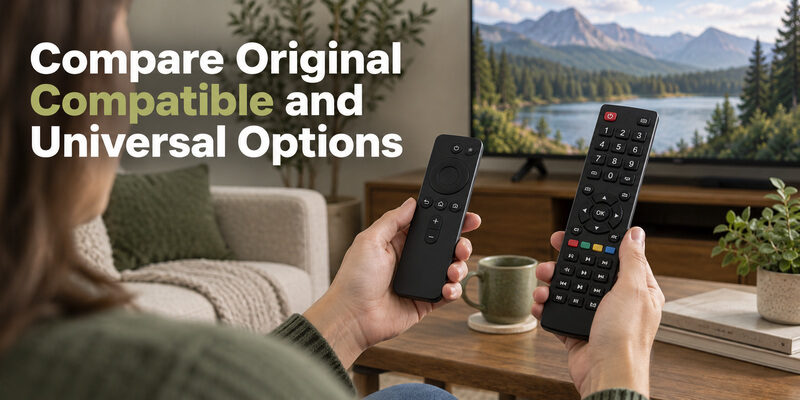
Evaluate compatible and universal products by function
A compatible replacement may provide the everyday commands at a different price or with a slightly different layout. A universal remote can also make sense when you want to operate additional infrared equipment. TCL’s universal-remote guidance warns that advanced features and programming methods vary by remote model.
| Option | Reason to consider it | Main check before buying |
|---|---|---|
| Original part | Familiar layout and specified TV functions | Correct part and trustworthy source |
| Compatible replacement | Straightforward everyday control | Exact TV support and feature list |
| Universal remote | One handset for several components | Supported codes and essential commands |
| Phone app | Immediate backup on a connected TV | Platform, network, and permissions |
A TCL TV remote control replacement should be compared within its intended category. An IR-only budget unit and a paired voice handset do not provide the same set of features.
Avoid Platform and Region Mismatches
Check Roku TV accessories carefully
Roku distinguishes television remotes from player remotes in its official accessories documentation. A controller intended for a separate Roku player is not automatically a replacement for the television itself. If your TCL set runs Roku, require the product description to identify Roku TV support.
Also check the accessory model when comparing voice options. Roku’s current compatibility guidance distinguishes some hardware versions, so “newest Roku remote” is not enough detail. Buy by the stated device support, not by an assumption that newer always means more compatible.
Treat Google Android and Fire TV models separately
For Google TV, Android TV, and Fire TV televisions, confirm the TCL model rather than relying on the platform name alone. A TCL TV remote control replacement may send a power command but still need pairing for navigation, or lack the voice function you expected.
Regional listings require additional care. A seller offering a TCL TV remote in Pakistan, India, Qatar, or another market may carry products intended for local TV variants. Compare the full model and part number with your own set. A shared screen size or series name is not a substitute for that match.
Download TV Remote AppCheck the Features a Listing Does Not Explain
Ask about voice and special controls
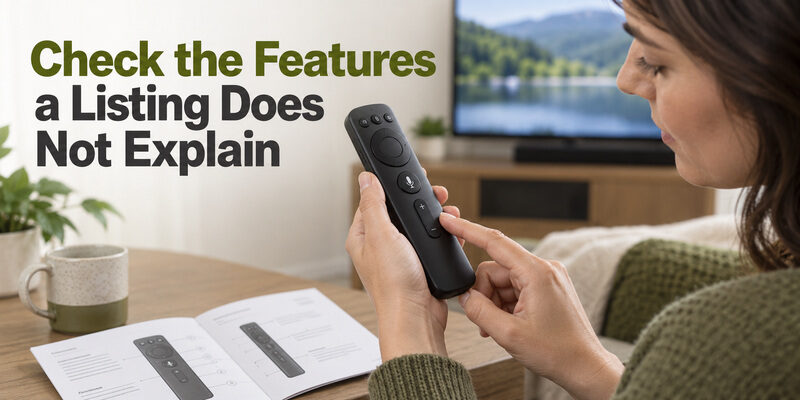
If you use voice search, ask whether the replacement’s microphone works with your television and whether pairing instructions are included. Some listings combine photos of several products; make sure the selected variation is the one being described. Confirm what will actually arrive in the package.
For a TCL TV remote control replacement, the key questions are practical: can it navigate Home, select an HDMI input, operate mute, and return from menus? Do not infer unlisted features from a photo. A microphone symbol or a pictured app button can be misleading if the seller’s compatibility statement covers only basic control.
Check physical usability and included items
Look at button size, spacing, and the location of volume controls. If another household member uses the television more often, compare the layout with their routine. A replacement TCL TV remote that is technically compatible but difficult to read or hold may be the wrong purchase.
Read what is included: handset, battery cover, batteries, charging cable, and instructions where applicable. Do not assume that an attractive headline price includes consumables. Note whether the remote is sold as new, used, or refurbished, because condition can affect both the buying decision and the seller’s return terms.
Compare Prices Without Losing the Model Match
Compare equivalent products
There is no single reliable TCL TV remote price for every model and country. An original voice handset, a basic infrared replacement, and a universal remote can differ substantially. Compare listings only after confirming the accessory type and compatibility, otherwise the apparent saving may simply reflect missing functions.
For a TCL TV remote control replacement, record the total amount payable rather than the first price shown. Include delivery, any required batteries, and costs associated with returning an incompatible item. Use the current checkout total for a purchase decision; this guide does not substitute a fixed price for live local availability.
Assess local and cross-border offers separately
Someone searching for a TCL TV remote original price in Pakistan should first identify the exact original part. A low-price imported accessory and a locally supported original part are different offers, even if the titles use similar words. Ask who handles a compatibility problem after delivery.
Do not assume a higher price guarantees authenticity or a lower price proves a defect. Look for a coherent model list, clear product condition, and a seller willing to answer specific questions. The best-value TCL TV remote control replacement is the one that meets your needs at an acceptable total cost and with workable recourse if it does not.
Choose a Seller With a Clear Compatibility Answer
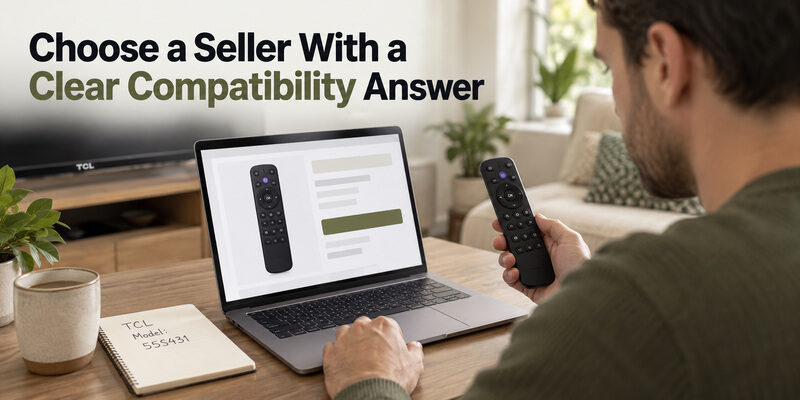
Use local shopping to verify the item
For a TCL TV remote near me search, take your model note and old handset photo to the shop. Ask to compare the actual item, especially its part marking and essential buttons. A retailer’s ability to test the accessory can be useful, but do not assume an in-store demonstration on another TV proves support for yours.
If same-day control is your priority, ask whether the specific compatible unit is physically in stock. Confirm the item, not just the product category. A shop may sell remotes generally without having the TCL TV remote control replacement you need.
Check marketplace variations and seller identity
When browsing a TCL TV remote online, inspect the selected variation, seller, supported model list, and return conditions together. On large marketplaces, a shared product page can contain different sellers or product options. The photo at the top of the page may not describe every selectable variant.
Searches such as TCL TV remote Amazon or TCL TV remote Walmart identify shopping routes, not guaranteed compatibility or availability. Save the specific listing details before ordering. A TCL TV remote control replacement purchase should be traceable to the actual accessory and seller you selected, rather than to a broad search result.
Protect the Purchase With Useful Questions
Before paying, send the seller your TV model and ask about any feature the listing leaves uncertain. Keep the response with the order. This is especially helpful if the accessory is marketed as compatible with many platforms or if several remote versions share one listing.
Use questions that can be answered concretely:
- Model support: Does this exact remote work with my complete TCL TV model?
- Voice function: Will its microphone work on that model after pairing?
- Input access: Can it select my TV’s HDMI inputs and return to Home?
- Return route: What happens if the listed compatible remote fails those controls?
For a TCL TV remote control replacement, a clear negative answer can be as useful as a positive one: it prevents a mismatched order. Unanswered compatibility questions remain unresolved. Avoid interpreting silence as confirmation merely because the listing contains your TV brand.
A TCL TV remote warranty question also needs the actual seller and product terms. A TV warranty does not automatically settle coverage for a separately purchased accessory, accidental damage, or a lost handset. Check the applicable written policy and keep proof of purchase. This guide does not assume the same coverage across countries or retailers.
Test the Replacement Before Discarding Packaging
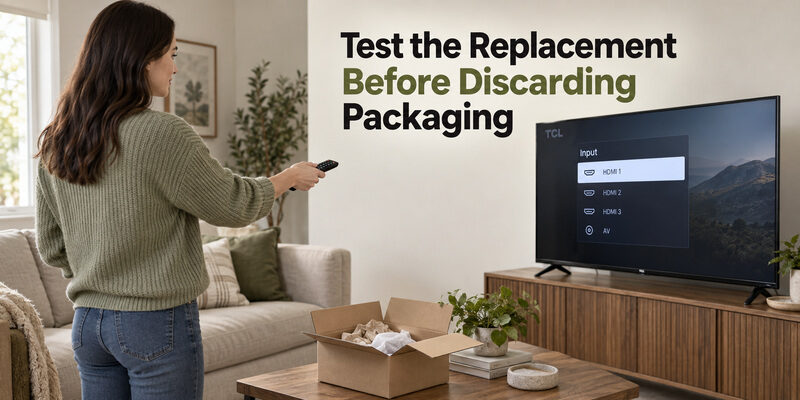
Complete the correct initial setup
Inspect the delivered model and condition before using it. Fit the specified batteries or charge it as instructed. A compatible simple infrared unit may need no pairing, while a supported voice remote requires the platform’s pairing procedure. Universal products should follow their own manufacturer’s programming steps.
If a new TCL TV remote is not working, avoid declaring it defective before checking that the delivered variant matches the order. A TCL TV remote control replacement can fail simply because a different model was shipped. Photograph the label and package so the seller can compare them with the listing.
Test a full viewing routine
Start the TV, open Home, navigate to an app, change an input, adjust volume, and use mute. Test voice separately if it was promised. If your sound comes from a soundbar, confirm that the remote affects the intended audio device rather than only showing a TV volume indicator.
| Acceptance test | What to observe | Record if it fails |
|---|---|---|
| Startup | TV powers on reliably | Indicator and distance |
| Navigation | Arrows, OK, Back, and Home respond | Exact failed keys |
| Source change | Correct HDMI input opens | Menu behavior |
| Audio | Intended output changes | TV or soundbar response |
| Voice if included | Supported request is received | Pairing and microphone response |
Keep packaging until essential functions pass. When a TCL TV remote control replacement has a reproducible problem, report the failed task and the pairing or programming method you used. That is more actionable than saying only that the remote does not work.
Keep Watching While You Arrange a Replacement
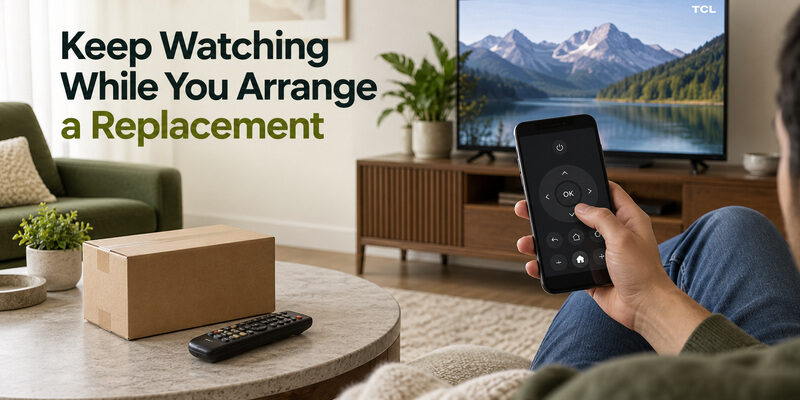
For a television already reachable on your home network, a compatible phone app may restore navigation while an order is in transit. Start with the app appropriate to the built-in platform and complete its device-selection or pairing prompts. A phone can be particularly useful for typing searches and opening familiar apps.
On supported televisions, is another fallback while you arrange a TCL TV remote control replacement. Check model support and the current app terms first. Set up phone control before changing the TV’s network, because a disconnected television may not be discoverable.
Keep the distinction between temporary control and accessory replacement clear. A phone app does not prove that a physical replacement is compatible, and it may not handle initial setup after a reset. If you need help identifying the original controller category, the guide explains the platform differences before you buy.
For shared households, consider leaving a simple compatible physical backup in a known place after the new handset arrives. A TCL TV remote control replacement is most useful when it restores predictable access for everyone who watches, including people who do not have the phone app installed.
If the original handset works after fresh batteries or after moving a soundbar, pause the order and decide whether you still need a spare. A replacement purchase is justified by your remaining need, not by the fact that you began shopping. This quick recheck can also prevent an unfair fault report against the seller of a perfectly compatible new controller.
If you buy two units for different rooms, verify both television models independently. The TCL TV remote control replacement confirmed for one set should not automatically be added to the cart for the second. Label the delivered handsets or their storage locations so they remain associated with the televisions you tested.
When a seller proposes a substitute after ordering, request the substitute’s actual part reference and supported functions before accepting it. A TCL TV remote control replacement that is merely described as equivalent may omit voice or use a different pairing process. Keep the original order description so you can compare the proposed change with what you intended to purchase.
Common Replacement Questions
Where should I buy a TCL TV remote?
Choose a seller that confirms your full TV model, describes the actual accessory, and provides clear return terms. TCL support can help identify the correct part. Local shops and online retailers are both useful routes when the compatibility evidence is specific.
Is an original remote always necessary?
No. A confirmed compatible replacement can handle everyday tasks, and a suitable universal model can serve some setups. An original part is worth considering when you need the familiar layout or specific advanced functions. Compare those requirements before deciding.
Will a replacement remote need programming?
It depends on the type. A compatible simple IR handset may work immediately, a voice model may need pairing, and a universal remote may need programming. Follow the delivered accessory’s instructions for your television rather than assuming one method applies to all.
Can I choose a remote by screen size alone?
No. The same screen size can appear across different platforms, regions, and model years. A TCL TV remote control replacement should be matched to the complete television model and required functions. Size can help describe the TV, but it is not the compatibility test.
Final Thoughts
A TCL TV remote control replacement is a model-matching purchase first and a price comparison second. Record the television and remote identities, choose the functions you need, and keep the seller’s compatibility answer with the order.
Test the delivered unit during the return period. If it passes your actual viewing routine, keep the setup details for future reference. A verified TCL TV remote control replacement and a working phone backup can restore convenient control without repeated orders or unnecessary television resets.