
Roku Remote Quit Working? Here’s How to Fix It
If your Roku remote quit working, start with fresh batteries and a remote re-pair — those two steps fix the large majority of dead Roku remotes before any deeper troubleshooting is needed.
Roku uses two kinds of remotes, and which one you have changes the fix. A simple infrared remote needs line of sight and usually just batteries, while an enhanced “point-anywhere” remote pairs over Wi-Fi Direct and sometimes needs re-pairing after it drops its connection.
This guide moves from the fastest fixes to the deeper ones, so you can stop as soon as your remote comes back to life. It also covers the brand-specific quirks for TCL, Hisense, Onn, and Element Roku TVs, since a Roku remote quit working situation can look slightly different on each.
Whatever the cause, there’s also a way to keep watching right now using a phone, which we’ll cover near the end.
Quick Diagnosis: Why Your Roku Remote Quit Working
Before trying fixes, this table maps the most common symptoms to their usual cause and the fastest fix. Find your symptom, then jump to the matching section below for detail.
| Symptom | Likely Cause | First Fix to Try |
| No response at all | Dead batteries | Replace both batteries with fresh ones |
| Works sometimes, then stops | Weak batteries or interference | Swap batteries; move closer to the TV |
| Power button works, nothing else | Partial pairing or wrong remote mode | Re-pair the remote from scratch |
| Slow or delayed response | Low battery or network congestion | Fresh batteries; restart the TV |
| Stopped after a TV update | Pairing reset by firmware | Re-pair using the pairing button |
Start Here: The Two Fixes That Solve Most Cases
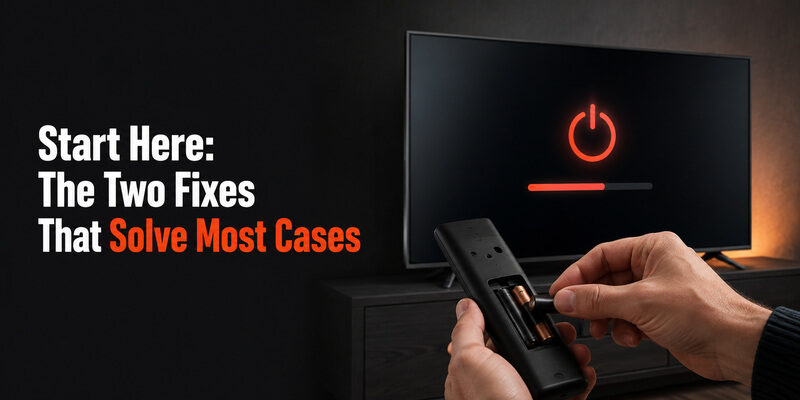
When a Roku remote quit working, two steps resolve it far more often than anything else. Try both before moving on.
Replace the Batteries
This sounds obvious, but weak batteries are the number-one reason a Roku remote quit working, and a battery that still powers a small light can be too weak to sustain a Wi-Fi Direct connection. Use two fresh alkaline batteries rather than partially-used or rechargeable ones, which often read as “fine” but underperform under load.
After swapping, wait a few seconds and test several buttons, not just power. A remote that responds to everything again means batteries were the whole problem.
One detail people miss: batteries can fail unevenly. If you only replace one of the two and reuse a half-drained one alongside it, the remote may still misbehave. Always replace both at once so you’re not diagnosing a half-fixed remote, which can make it look like batteries weren’t the issue when they actually were.
Restart the Roku TV or Device
A quick restart clears temporary software glitches that can make a remote seem dead. Unplug the Roku TV or streaming device from power, wait about 10 seconds, then plug it back in and let it fully boot.
This is worth doing even if you suspect the remote itself, because a frozen Roku system can ignore a perfectly good remote until it’s restarted.
A full unplug-and-wait is more effective than a quick power-cycle, because it fully clears the device’s memory rather than just rebooting the software layer. Give it the full 10 seconds unplugged — a rushed reconnection sometimes doesn’t clear the glitch that made the Roku remote quit working in the first place.
Understanding Your Roku Remote Type First
Before diving deeper, it helps to know which of the two Roku remote types you have, because it changes which fixes even apply when a Roku remote quit working.
The distinction is simple once you know what to look for, and it saves you from trying a re-pair on a remote that doesn’t support pairing at all.
Infrared (IR) Remotes
IR remotes are the simpler, older type. They need a direct line of sight to the TV and have no pairing button. If a Roku remote quit working and it’s an IR model, the fix is almost always batteries, line of sight, or a hardware issue — never re-pairing, since there’s nothing to pair.
You can identify an IR remote by the absence of a pairing button in the battery compartment and the need to point it directly at the TV to work.
Enhanced Point-Anywhere Remotes
Enhanced remotes connect over Wi-Fi Direct and work without line of sight — you can control the TV with the remote pointed anywhere in the room. These have a pairing button inside the battery compartment and can lose their pairing, which is why re-pairing is a key fix for them.
Many enhanced remotes also include extra features like a headphone jack, voice button, or TV power and volume buttons, which the basic IR remotes lack.
How to Re-Pair a Roku Remote That Quit Working
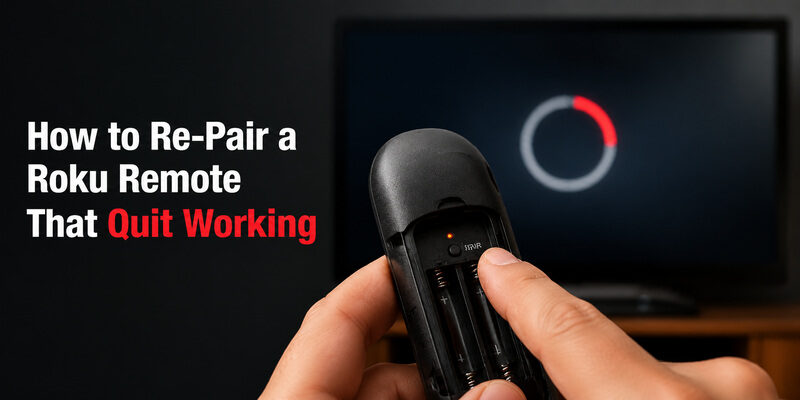
If fresh batteries and a restart didn’t help and you have an enhanced (point-anywhere) remote, re-pairing is the next step. This is the fix for most cases where a Roku remote quit working after an update or a power event.
Finding the Pairing Button
Open the battery compartment. Enhanced Roku remotes have a small pairing button inside, sometimes marked with a pairing icon. Infrared remotes don’t have this button — if yours doesn’t, it’s an IR remote and re-pairing doesn’t apply.
A related guide on connecting a Roku remote from scratch is available in .
The Re-Pairing Sequence
With the Roku TV or device powered on, press and hold the pairing button for about five seconds until the light on the remote begins flashing. Wait up to 30 seconds for the on-screen pairing message to appear and complete.
If it times out, remove the batteries, reinsert them, and repeat. A remote that pairs and then works fully has resolved the Roku remote quit working problem at its most common root.
Hold the button a touch longer than feels necessary — a brief tap won’t trigger pairing mode. The flashing light is your confirmation that the remote actually entered pairing mode; if you don’t see it flash, you haven’t held the button long enough, and the pairing won’t take.
If Re-Pairing Fails Repeatedly
Repeated pairing failures usually point to either batteries too weak to complete the handshake or a hardware fault in the remote. Try one more fresh set of batteries; if pairing still fails, the remote itself may need replacing. A full reset walkthrough is covered in .
When New Batteries Don’t Fix It
A frustrating variant of this problem is a Roku tv remote not working with new batteries — you’ve done the obvious fix and nothing changed. This narrows the cause considerably.
If genuinely fresh batteries produce no response at all, the issue is almost never the batteries and usually one of three things: the remote lost its pairing, the Roku system is frozen, or the remote has a hardware fault. Work through re-pairing and a restart first, since those are free and fast, before concluding the remote is broken.
Rule Out the TV’s IR Sensor
For infrared remotes, a blocked or failed IR sensor on the TV can mimic a dead remote. Make sure nothing is in front of the TV’s sensor and that you have a clear line of sight. Testing from directly in front, up close, isolates whether distance or obstruction is the issue.
Bright sunlight or certain LED lighting can occasionally interfere with IR reception too, so if the remote works at night but not during the day, ambient light near the sensor may be the hidden cause.
Test With a Phone Camera
For IR remotes, point the remote at a phone camera and press a button. A working IR remote shows a faint light on the camera screen that the naked eye can’t see. No light means the remote isn’t emitting — a strong sign the hardware, not the batteries, is at fault.
This quick test is the single most decisive diagnostic for an IR remote. It cleanly separates a battery or pairing problem from a genuine hardware failure, so you’re not guessing about whether the remote is worth saving.
Brand-Specific Notes for Roku TV Remotes
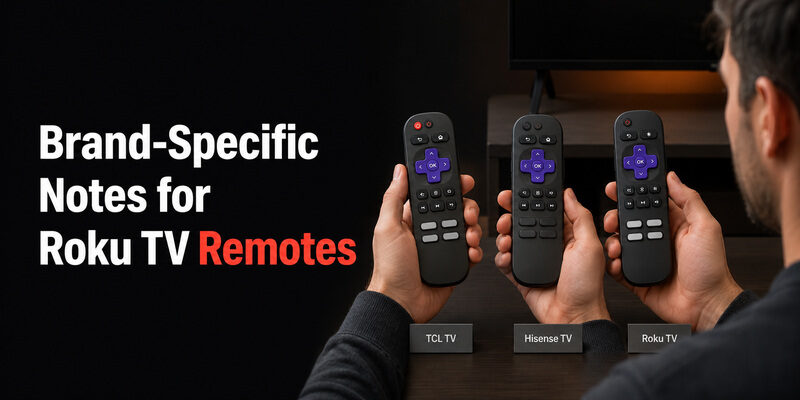
Roku powers TVs from several brands, and while the core fixes are the same, each has small quirks worth knowing when a Roku remote quit working.
TCL Roku TV Remotes
A tcl roku tv remote not working responds to the same battery-and-re-pair routine as any Roku remote. TCL’s enhanced remotes are common, so check for the in-compartment pairing button before assuming it’s an IR-only model.
TCL is one of the most widespread Roku TV brands, so if your TCL remote quit working, you’re in good company — and the standard Roku fixes apply without any TCL-specific complication.
Hisense Roku TV Remotes
A hisense roku tv remote not working follows the identical process. If you also have a Hisense set on a different platform, note that its remote steps differ — but on a Hisense Roku TV specifically, the Roku re-pairing sequence applies.
Confirm your Hisense set actually shows the Roku home screen before using these steps; a Hisense VIDAA TV looks similar but uses a completely different remote system.
Onn and Element Roku TV Remotes
An onn roku tv remote not working or an element roku tv remote not working uses the same fixes. These budget-brand remotes sometimes ship with lower-quality batteries, so a battery swap is especially worth trying first on these models.
Because these are value-oriented brands, their remotes can also show physical wear sooner than premium models, so keep the phone-camera hardware test in mind if batteries and re-pairing don’t revive them.
Fixing Specific Button and Response Problems
Sometimes a Roku remote quit working only partially — one button fails, or the whole remote lags. These narrower problems have their own fixes.
Power Button Works but Nothing Else
When the power button works but nothing else does, the remote is usually only partially paired or stuck in a limited IR mode. A full re-pair typically restores the rest of the buttons. This is a classic sign the remote isn’t fully dead — it just needs to re-establish its complete connection.
Remote Is Slow to Respond
A roku tv remote slow to respond is often a low-battery symptom before an outright failure, so replace batteries first. Network congestion on a busy Wi-Fi network can also delay enhanced remotes; restarting the router occasionally helps in stubborn cases.
Specific Buttons Not Working
If most buttons work but a few don’t, the cause is usually physical wear or debris under those specific buttons rather than a pairing or battery issue. This is a hardware sign, and a remote with several worn buttons is usually more economical to replace than to repair.
Preventing Your Roku Remote From Quitting Again
Once you’ve revived the remote, a few habits reduce the odds of a repeat. A Roku remote quit working situation is often preventable with minimal effort.
Use Quality Batteries
Cheap or old batteries are the most common repeat offender. Using fresh, name-brand alkaline batteries meaningfully extends the interval between failures, and it’s the single easiest way to keep a Roku remote quit working problem from coming back every few weeks.
Keep the Roku Software Updated
Keeping the Roku device on current software reduces the firmware glitches that occasionally reset a remote’s pairing. Most Roku devices update automatically, but confirming it’s current after any major issue is worth the minute it takes.
Have a Backup Control Ready
Installing a phone app in advance means the next time a Roku remote quit working, you’re not scrambling — you simply open the app and keep watching while you deal with the hardware at your own pace.
When to Replace Rather Than Repair
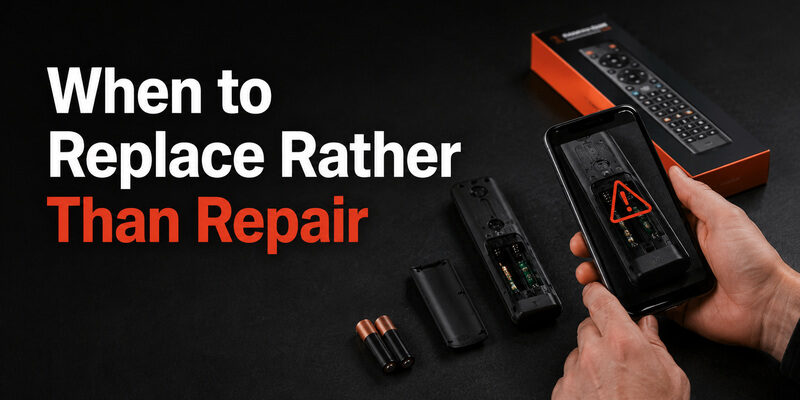
There’s a point where continuing to troubleshoot costs more time than it’s worth. If you’ve replaced batteries, re-paired, restarted the device, and confirmed with a phone-camera test that an IR remote isn’t emitting, the remote itself has likely failed.
At that stage, a replacement remote is the practical move. Enhanced Roku remotes and basic IR replacements are both widely available, and a replacement pairs in seconds using the same steps above. A dedicated guide to replacements is available in . Until the replacement arrives, a phone app keeps the TV fully usable so a Roku remote quit working never means a dark screen.
Common Mistakes That Make Troubleshooting Harder
A few avoidable missteps turn a five-minute fix into an afternoon of frustration when a Roku remote quit working. Knowing them saves time.
Replacing Only One Battery
Pairing a fresh battery with a half-drained one leaves the remote underpowered and makes it look like batteries weren’t the problem. Always change both together so your test is clean and conclusive.
Giving Up After One Failed Pairing
A single failed pairing attempt doesn’t mean re-pairing won’t work. Weak batteries frequently cause the first attempt to fail; a fresh set plus one more try succeeds far more often than people expect before they conclude the remote is dead.
Assuming the Remote Is Broken Too Soon
Declaring the remote dead before running the phone-camera test or trying a device restart is the most common way people replace a remote that was actually fine. Run the free diagnostics first; a Roku remote quit working message is often a software or battery issue wearing a hardware disguise.
What to Do If the Remote App Also Fails
Many people switch to the official Roku app when the physical remote dies, only to find the roku tv remote app not working either. The app relies on both the phone and the Roku device being on the same Wi-Fi network, so a network mismatch is the usual culprit.
Confirm both devices are on the same network, restart the app, and restart the Roku device if needed. If the app connects but the physical remote is still dead, at least you can keep watching while you sort out the hardware. A related fix guide is available in .
Keep Watching Now With a Remote TV App
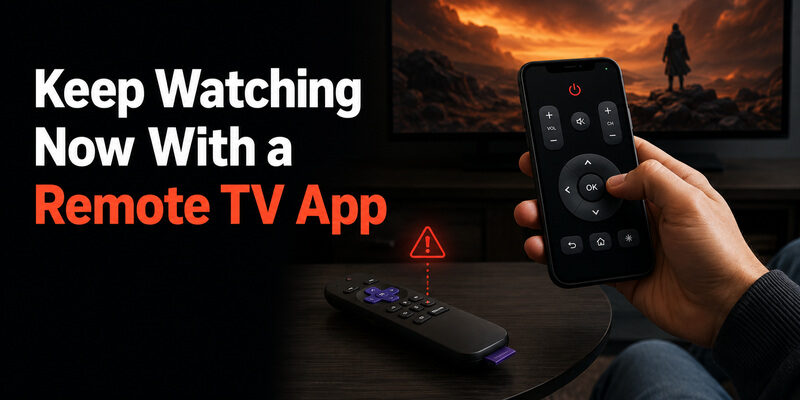
While you troubleshoot why your Roku remote quit working, you don’t have to sit in front of a stuck screen. The Remote TV App turns a phone into a working remote over Wi-Fi, restoring power, volume, navigation, and app launching so the TV stays usable.
It’s the fastest way to regain control the moment a Roku remote quit working, and for many people it becomes a permanent backup they keep installed for exactly these situations. to keep watching while you fix or replace the physical remote.
FAQs About a Roku Remote That Quit Working
Why did my Roku remote quit working suddenly?
The most common sudden causes are drained batteries and a pairing reset triggered by a TV software update or power interruption. Fresh batteries plus a re-pair resolve the majority of sudden failures.
How do I reset a Roku remote that stopped working?
Remove the batteries, unplug the Roku device for 10 seconds, plug it back in, reinsert the batteries, then hold the pairing button for five seconds to re-pair. This clears most stuck states.
Can I use my phone if my Roku remote quit working?
Yes. The Remote TV App or the official Roku app controls the TV over the same Wi-Fi network, so you can keep watching immediately while you fix the physical remote.
Why is my Roku remote not working with new batteries?
If fresh batteries change nothing, the remote likely lost its pairing, the Roku system is frozen, or the remote has a hardware fault. Re-pair and restart before concluding the remote is broken.
Does a slow Roku remote mean it’s about to die?
Often, yes. A remote that’s slow to respond is frequently showing an early low-battery symptom, so replacing batteries usually restores full speed before an outright failure.
Final Thoughts
When a Roku remote quit working, the fix is usually simpler than it feels: fresh batteries and a re-pair solve most cases, a restart handles the frozen-system ones, and a phone-camera test tells you when the hardware is genuinely done.
Brand quirks for TCL, Hisense, Onn, and Element sets are minor, and the same routine applies across all of them. Keep the Remote TV App installed as a backup so the next time a Roku remote quit working, you can keep watching without missing a beat.
Download LG TV Remote