
Roku TV Remote Batteries: Size, Types, and Replacement
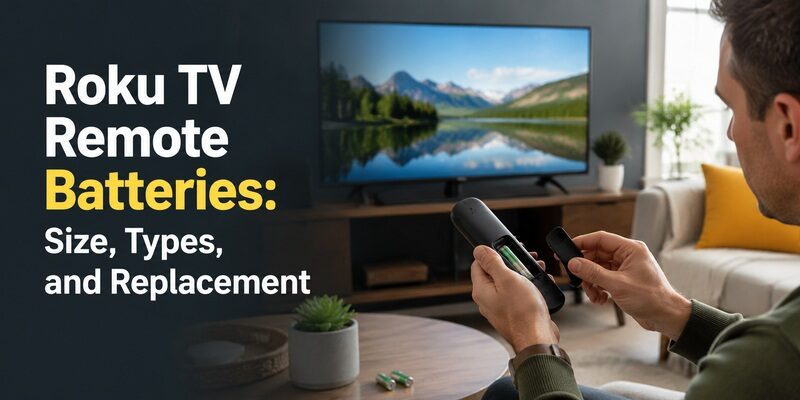
Most Roku TV remotes use two AAA batteries, though some enhanced voice remotes and older models use AA instead, so the exact roku tv remote batteries you need depend on your specific remote.
Getting the size right matters, and so does knowing what to do when a remote stops working even after a fresh set — a surprisingly common problem that usually isn’t about the batteries at all.
This guide covers the battery size for every common Roku TV remote type, brand-specific notes for TCL, Hisense, Philips, and Westinghouse Roku TVs, how to change batteries on a remote with no lid, and how long a set typically lasts.
It also explains what to check when new roku tv remote batteries don’t fix a dead remote, so you don’t waste money on batteries that were never the issue.
Roku TV Remote Batteries: Size by Remote Type
The first thing to confirm is which size your remote takes. This table covers the common Roku TV remote types and their battery requirements.
| Remote Type | Battery Size | Quantity |
| Standard Roku TV remote | AAA | 2 |
| Enhanced voice remote | AAA (some AA) | 2 |
| Older Roku TV remote | AA | 2 |
| Roku streaming device remote | AAA | 2 |
| Roku voice remote pro (rechargeable) | Built-in, USB charged | N/A |
What Size Batteries Does a Roku TV Remote Take?
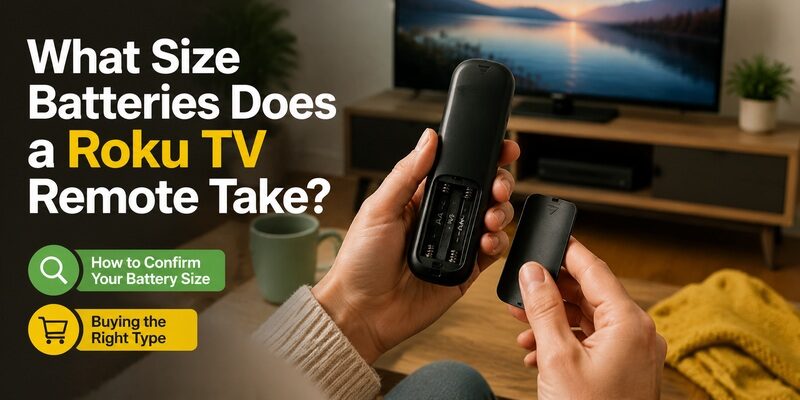
The most common answer to the roku tv remote battery size question is two AAA batteries, which cover the majority of standard and enhanced Roku TV remotes made in recent years.
Some older remotes and a few specific models use two AA batteries instead. The rechargeable Roku Voice Remote Pro is the exception — it has a built-in battery charged over USB rather than replaceable roku remote control batteries. When in doubt, open the compartment and check the size markings printed inside, which always state the correct battery type.
It’s a small detail, but confirming the size before a shopping trip is worth the few seconds it takes. AAA and AA batteries look similar in packaging but won’t substitute for each other, and buying the wrong pack is a frustrating way to end up still without a working remote.
How to Confirm Your Battery Size
Slide off the battery cover and look at the markings molded into the compartment, which show AAA or AA and the correct orientation. The old batteries themselves also have their size printed on the side, so matching that is the simplest way to buy the right roku tv remote batteries.
This two-second check prevents the common mistake of buying AA when you needed AAA, or vice versa. Since the two sizes look similar at a glance but aren’t interchangeable, confirming before you buy saves a wasted trip.
Buying the Right Type
Standard alkaline batteries are the safe default and give reliable performance. Lithium batteries last longer but cost more, and rechargeable batteries can work but sometimes output slightly lower voltage that affects enhanced remotes. For most people, quality alkaline roku remote control batteries are the best balance of cost and reliability.
Avoid the cheapest bulk no-name batteries for enhanced voice remotes in particular, since their voltage can sag under the higher power draw of Bluetooth and a microphone, leading to a remote that seems to fail early even though it’s technically ‘new.’
Brand-Specific Roku TV Remote Battery Notes
Roku TVs are made by many brands, and while the battery size is usually the same, people often search for their specific brand. Here’s what to know for the common ones.
TCL Roku TV Remote Batteries
TCL roku tv remote batteries are almost always two AAA. TCL is one of the most common Roku TV brands, and its standard and enhanced remotes follow the usual AAA requirement, so a standard pack of AAA batteries is what you need.
Hisense Roku TV Remote Batteries
Hisense roku tv remote batteries are also typically two AAA. On a Hisense Roku TV specifically, the remote matches the standard Roku battery requirement — just confirm it’s a Roku model and not a VIDAA Hisense set, which may differ. Related battery guidance is in .
Philips and Westinghouse Roku TV Remotes
Philips roku tv remote batteries and westinghouse roku tv remote batteries follow the same AAA standard in most cases. Because these are Roku TVs, the platform sets the remote design, so battery requirements are consistent with other Roku brands. Always verify against the compartment markings if unsure.
This consistency across brands is genuinely helpful: if you own more than one Roku TV from different manufacturers, a single pack of AAA batteries almost certainly covers all of their remotes, with no need to track separate sizes per brand.
How to Change Batteries on a Roku TV Remote
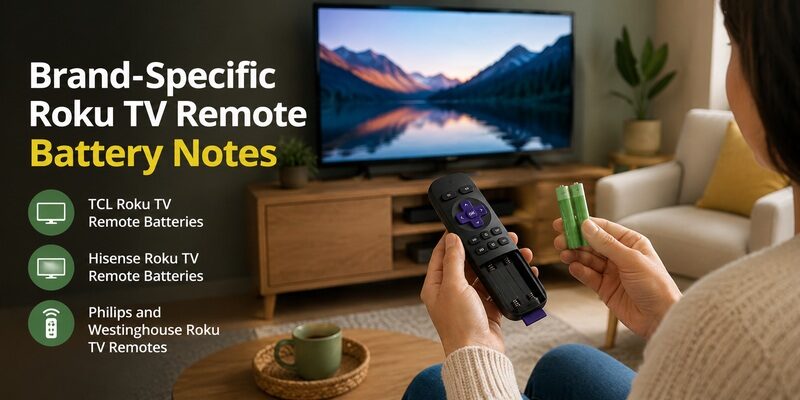
Changing roku tv remote batteries is straightforward on most models, but a few remotes have unusual covers that trip people up.
Standard Battery Cover Removal
Most Roku remotes have a cover on the back that slides off or pops open with light thumb pressure near the bottom edge. Remove the old batteries, insert the new ones matching the polarity markings, and slide the cover back on until it clicks.
Changing Batteries Without a Lid
Some remotes lose their battery cover over time, and people search how to change batteries on roku tv remote without lid. Without the lid, insert the batteries matching the polarity markings and secure them with a small piece of tape over the compartment to hold them in place and maintain contact.
It’s a temporary fix rather than ideal, but it keeps the remote working until you find the lid or replace the remote. Make sure the tape holds the batteries firmly, since loose contact is the most common reason a lidless remote behaves erratically.
If you’d rather not rely on tape long-term, inexpensive replacement battery covers are available for many popular Roku remote models, or you can switch to a phone app and set the lidless remote aside entirely.
When New Batteries Don’t Fix the Remote
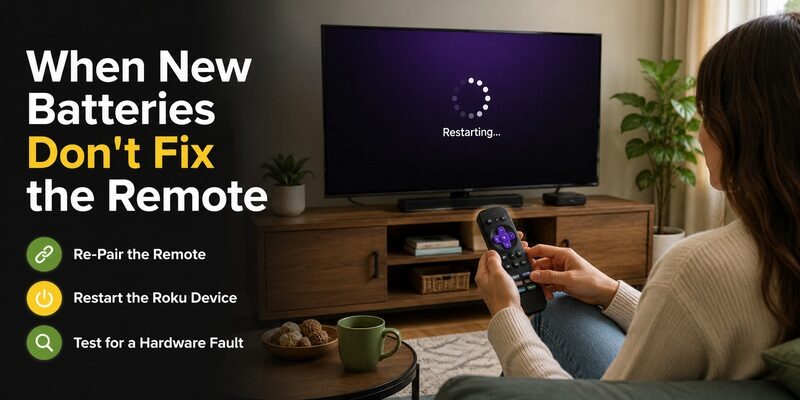
One of the most frustrating problems is a roku tv remote not working with new batteries — you’ve done the obvious fix and nothing changed. This narrows the cause considerably, because it rules out the batteries themselves.
If genuinely fresh batteries produce no response, the issue is usually one of three things: the remote lost its pairing, the Roku system is frozen, or the remote has a hardware fault. The same applies to a tcl roku tv remote not working with new batteries — the brand doesn’t change the diagnosis.
Re-Pair the Remote
For an enhanced remote, a lost pairing is the most likely cause when new batteries don’t help. Hold the pairing button inside the battery compartment for five seconds to re-pair. A full reset walkthrough is in .
This is the step people most often skip, jumping straight to buying yet another set of batteries. If the batteries are genuinely fresh, re-pairing is far more likely to be the actual fix.
Restart the Roku Device
A frozen Roku system can ignore a perfectly good remote. Unplug the TV or streaming device for 10 seconds, plug it back in, and let it fully boot before testing the remote again with the new roku tv remote batteries installed.
Give it the full 10 seconds rather than a quick off-and-on, since a rushed reconnection sometimes leaves the same glitch in place that made the remote seem dead.
Test for a Hardware Fault
For an infrared remote, point it at a phone camera and press a button — a working remote shows a faint light on the camera screen. No light after fresh batteries means the remote hardware has failed and needs replacing, not more batteries.
This camera test is the single most decisive check for an IR remote, cleanly separating a battery or pairing problem from a genuine hardware failure so you’re not guessing about whether the remote is worth keeping.
How Long Do Roku Remote Batteries Last?
Battery life varies by remote type and usage, but there’s a rough pattern worth knowing so you can plan ahead.
A standard infrared Roku remote sips power and can run for many months to a year on one set of roku tv remote batteries. Enhanced voice remotes with Bluetooth and a microphone draw more power and typically need fresh batteries more often. Heavy daily use, especially of voice search, shortens the interval noticeably.
Temperature and battery quality also play a role. Cheap batteries and cold rooms both shorten life, while quality alkalines in a normal indoor environment reach the upper end of these estimates. If your remote seems to eat batteries unusually fast, the type of battery is often the first thing worth changing.
Signs Your Batteries Are Low
The first sign is usually a remote that responds slowly or intermittently rather than dying outright. A sluggish remote is often showing an early low-battery symptom, so a fresh set frequently restores full speed before an outright failure.
Extending Battery Life
Using quality alkaline batteries and turning off features you don’t use, like the remote finder’s constant listening on some models, can extend how long a set lasts. Storing spare batteries so you’re never caught without them is the simplest way to avoid downtime.
Removing the batteries from a remote you won’t use for a long stretch — a spare in a drawer, for example — also prevents slow drain and the risk of leakage that can damage the contacts inside the compartment.
Common Mistakes When Replacing Roku Remote Batteries
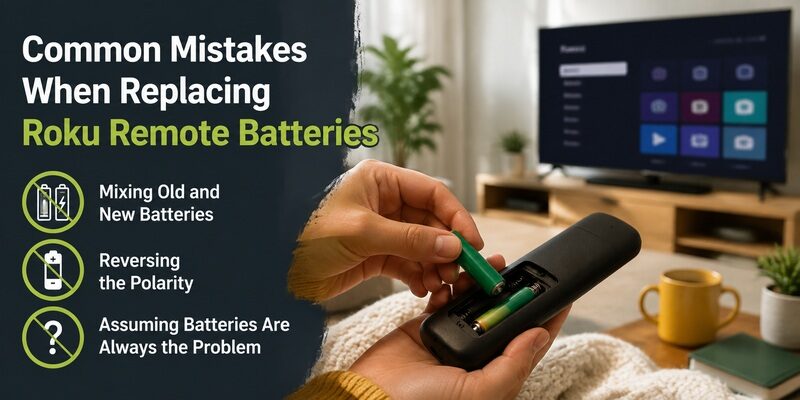
A few avoidable errors turn a simple battery swap into a confusing troubleshooting session. Keeping these in mind makes replacing roku tv remote batteries painless.
Sidestepping these three mistakes means a set of fresh roku tv remote batteries almost always solves the problem on the first try.
Mixing Old and New Batteries
Pairing one fresh battery with one half-drained one leaves the remote underpowered and behaving erratically. Always replace both roku tv remote batteries at the same time so you’re not diagnosing a half-fixed remote.
Reversing the Polarity
Installing a battery backwards is easy to do in low light and stops the remote from working entirely. Double-check that each battery’s flat negative end sits against the spring, matching the markings inside the compartment.
Assuming Batteries Are Always the Problem
When a remote dies, batteries are the first thing to try but not the only possible cause. If a fresh set doesn’t help, move on to re-pairing and a device restart rather than buying yet more roku tv remote batteries.
Keep Watching When Your Remote Batteries Die
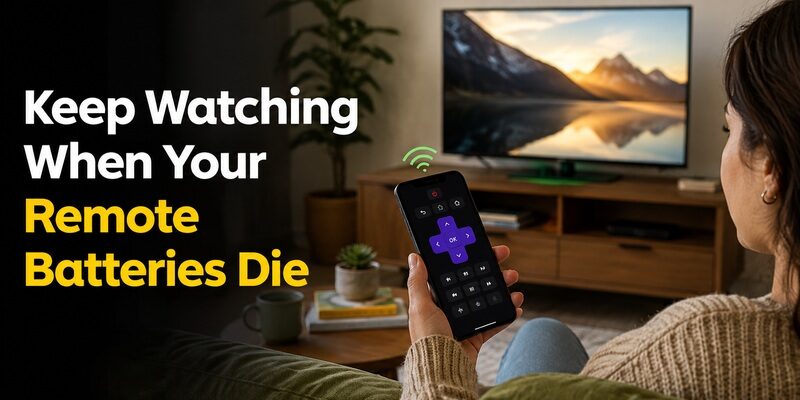
The moment your remote goes dead and you don’t have spare roku tv remote batteries on hand, you don’t have to lose access to your TV. The Remote TV App turns a phone into a working remote over Wi-Fi, covering power, volume, navigation, and app launching.
It’s the fastest way to keep watching while you pick up fresh batteries, and many people keep it installed as a permanent backup for exactly these moments. so a dead battery never means a dark screen.
FAQs About Roku TV Remote Batteries
What size batteries does a Roku TV remote use?
Most Roku TV remotes use two AAA batteries. Some older models and a few enhanced remotes use two AA instead. The Roku Voice Remote Pro has a built-in rechargeable battery charged via USB.
Why isn’t my Roku remote working with new batteries?
If fresh batteries change nothing, the remote likely lost its pairing, the Roku system is frozen, or the hardware has failed. Re-pair the remote and restart the Roku device before concluding the remote is broken.
How do I change Roku remote batteries without the lid?
Insert the batteries matching the polarity markings and secure them with a small piece of tape over the compartment. It’s a temporary fix that maintains contact until you find the lid or replace the remote.
How long do Roku remote batteries last?
A standard infrared remote can last many months to a year. Enhanced voice remotes with Bluetooth and a microphone drain faster, especially with heavy voice-search use, and need replacing more often.
Can I use rechargeable batteries in a Roku remote?
Yes, but rechargeables sometimes output slightly lower voltage that can affect enhanced remotes. Quality alkaline batteries are the more reliable choice for most Roku TV remotes.
Final Thoughts
Most roku tv remote batteries are two AAA, with a few older or specialized remotes using AA or a built-in rechargeable cell. Confirming the size against the compartment markings is the surest way to buy the right ones.
And when a fresh set doesn’t revive the remote, remember it’s usually a pairing or hardware issue, not the batteries. Keep the Remote TV App installed as a backup, and a dead battery becomes a quick errand rather than a night without your TV.
Download TV Remote App