
Sony Universal Remote TV Codes: Full Programming Guide
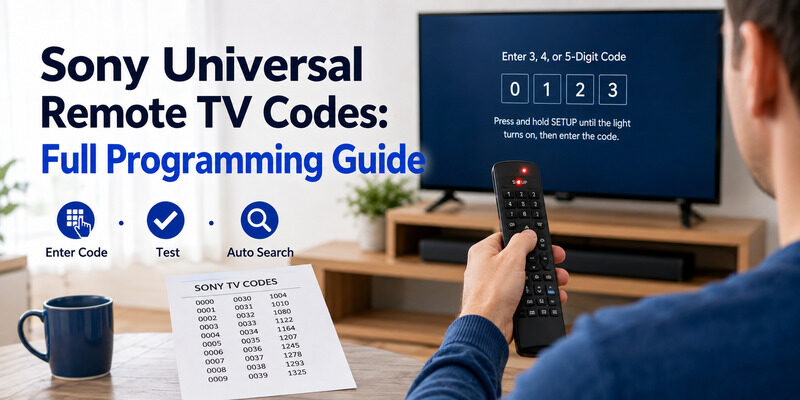
To program a universal remote to a Sony TV, enter the Sony universal remote TV codes from your remote’s code list, or use auto code search if the listed codes don’t work.
Codes are specific to your universal remote brand, so the right Sony universal remote TV codes for a GE remote differ from those for a One For All or an Xfinity remote. Matching the code to both your remote and your Sony TV is what makes it work.
This guide explains how Sony universal remote TV codes work, how to enter them, and the specific steps for popular remotes like GE, One For All, Xfinity, Jio, and Sky Q — plus a note on using a Sony remote with other devices.
If codes feel fiddly, there’s also a no-code phone app option covered at the end.
How Sony Universal Remote TV Codes Work
A universal remote controls a Sony TV by sending the infrared signals the TV expects. Sony universal remote TV codes tell the remote which signal set to use, essentially teaching it to speak your Sony TV’s language.
Each universal remote brand keeps its own code library, so the codes are tied to the remote brand as much as to Sony. This is why you should always use the codes from your specific remote’s manual or its manufacturer’s app, rather than a generic list from an unrelated brand.
Once the correct code is entered, the remote controls power, volume, input, and channel on the Sony TV — the core functions, though not smart-menu features a native remote offers.
Download TV Remote AppHow to Enter Sony Universal Remote TV Codes
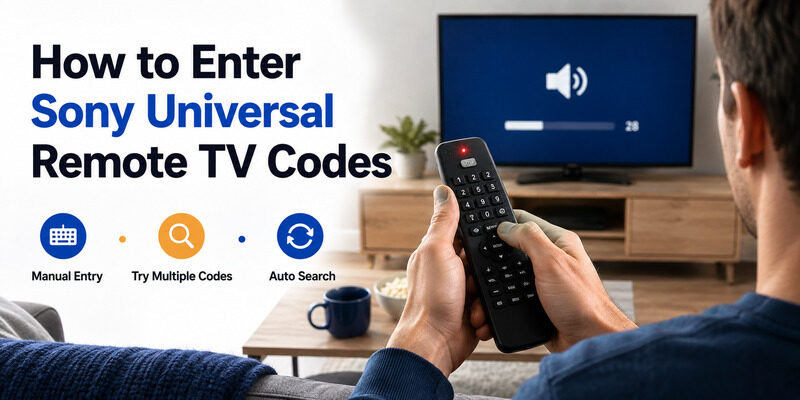
The programming sequence is similar across universal remote brands, even though button names vary. Here’s the general process for how to connect a universal remote to a Sony TV.
Manual Code Entry
Turn on the Sony TV, hold the Setup button until the remote’s light stays on, then enter one of the codes. The light usually blinks or turns off to confirm the code was accepted. Test power and volume to verify it works.
Trying Multiple Codes
Sony usually has several codes per remote brand. If the first code controls power but not volume, move to the next code in the list. A partial match means you’re close but not on the exact code, which is normal and fixed by trying the next code.
Auto Code Search
If no listed code works, auto code search steps through the remote’s entire library until the TV responds. It’s slower but doesn’t require knowing a code, and it’s the fallback that makes these codes nearly always workable even for unlisted models.
Sony Codes for Popular Universal Remote Brands
Different universal remote brands use different code lists, so here’s where to look for the most common ones.
GE Universal Remote Codes for Sony TV
GE remotes are among the most common, and ge universal remote codes for sony tv are published in the remote’s manual and GE’s code app. GE lists several Sony codes, so work through them in order if the first is only a partial match — the right one is usually a few entries down.
GE’s lists are extensive, so even if the first few codes don’t work, there are usually more to try before resorting to auto search.
One For All Codes for Sony TV
For a One For All remote, the sony tv code for one for all remote is found in the remote’s guide or the One For All website. As with any brand, use its specific list rather than assuming codes are interchangeable between remote makers.
One For All also offers an online setup assistant that can look up the correct code for your exact Sony model, which speeds things up.
Provider Remotes: Xfinity, Sky Q, and Jio
Cable and provider remotes have their own codes. To pair xfinity remote to sony tv or program xfinity remote to sony tv, use the Xfinity setup with its Sony code. A sky q remote code for sony tv works similarly through the Sky Q setup. And to connect jio remote to sony tv, follow the Jio remote’s pairing steps with the Sony code — each provider has its own version of these codes.
With provider remotes, the programming often runs through an on-screen setup flow rather than a bare code entry, so follow the prompts your provider shows.
Will Any Sony Remote Work With Any Sony TV?
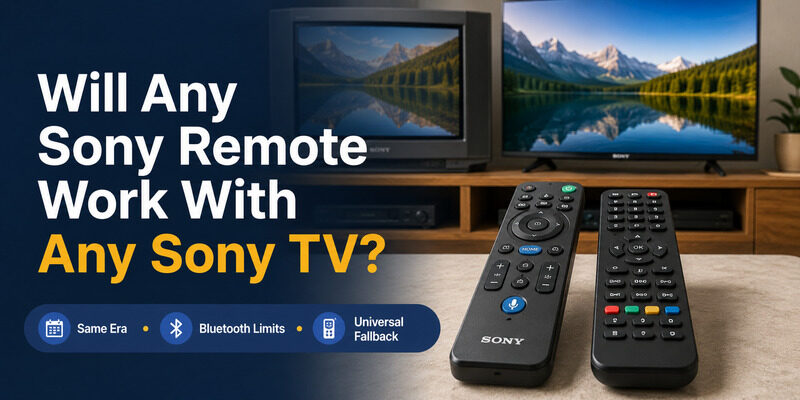
A common related question is whether Sony’s own remotes are cross-compatible. The answer to will any sony remote work with any sony tv is: often, but not always.
Many Sony remotes work across Sony TVs, especially within the same era and platform, but a voice or Bluetooth remote from one model may not fully control an older or different Sony TV. This is separate from universal codes, which apply when you’re programming a third-party universal remote rather than pairing a genuine Sony one.
So if a genuine Sony remote won’t fully control your set, a third-party universal remote programmed with Sony universal remote TV codes is the dependable fallback.
Using a Sony Remote With Other Devices
A few searches ask about controlling non-Sony devices with a Sony remote or vice versa. Here’s how those cases work.
Neither of these device-to-device features replaces Sony universal remote TV codes; they’re separate systems that happen to come up in the same searches.
Controlling a Soundbar
To control samsung soundbar with sony tv remote, the two must support HDMI-CEC, which lets connected devices share basic commands over HDMI. When enabled, a Sony TV remote can adjust a connected soundbar’s volume, though this uses CEC rather than universal remote codes.
Sony Remote Code for Xbox One
A sony tv remote code xbox one search usually relates to controlling the TV through the Xbox or vice versa via HDMI-CEC. This is a device-to-device feature rather than a universal remote code, so it’s set up in the console and TV settings, not by entering universal remote codes.
Troubleshooting Sony Universal Remote TV Codes
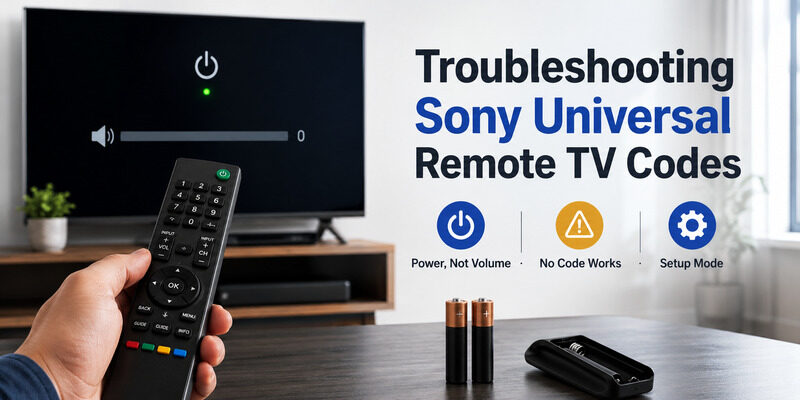
Even with the right list, a few issues trip people up when entering Sony universal remote TV codes. Knowing them makes programming smooth.
Code Controls Power but Not Volume
This is the most common partial-match symptom. It means the code is close but not exact. Move to the next code rather than assuming the remote is incompatible — a full match usually exists a code or two further down.
It’s a good sign, really — a partial match means the remote and TV are communicating, and only a small adjustment stands between you and full control.
No Code Works at All
If none of the listed codes work, switch to auto code search. This walks through every code in the remote’s memory automatically and finds matches for models not covered by the printed list.
Auto search takes patience but rarely fails, since it methodically tries every code the remote knows until the TV reacts.
The Remote Won’t Enter Setup Mode
If the Setup light won’t stay on, the remote’s batteries may be weak. Fresh batteries are worth trying before concluding the remote is faulty, since low power can stop it from holding setup mode long enough to accept a code.
This is an easy one to overlook, since a remote with just enough charge to light up can still be too weak to complete setup.
Free Code Lists and Where to Get Them
Many people wary of sites that charge for codes specifically want free Sony universal remote TV codes. The good news is that legitimate codes are free.
Your remote’s own manual is free and authoritative, and manufacturer apps and websites publish free code lists too. There’s no need to pay — if a site is charging, the same Sony universal remote TV codes are almost certainly available free from the remote maker directly.
Tips for a Successful First Programming
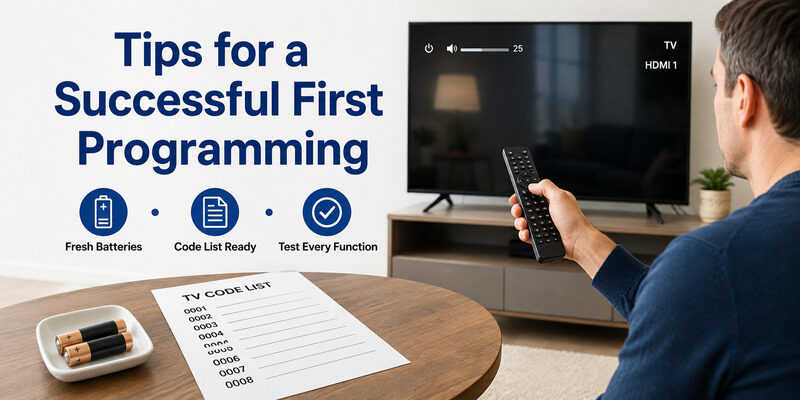
A little preparation makes entering Sony universal remote TV codes go smoothly on the first attempt.
Start With Fresh Batteries
Weak batteries can stop a remote from holding setup mode, causing a code entry to fail even when the code is correct. Starting with fresh batteries removes this variable before you begin entering Sony universal remote TV codes.
Keep the Code List Handy
Have the full list within reach, since you may need to try more than one of the Sony universal remote TV codes before landing on a complete match. Working through them in order is faster than searching for a single ‘right’ code.
Test Every Function
After a code takes, test power, volume, mute, and input before considering it done. A code that nails power but misses volume isn’t the ideal match, and trying the next one often gets you full control.
When to Skip Codes and Use a Phone App
If hunting for the right Sony universal remote TV codes feels like too much work, a phone app skips codes entirely. The Remote TV App connects to a Sony TV over Wi-Fi with no code to find and no programming step.
It covers power, volume, navigation, and app launching, and it reaches smart features a coded universal remote can’t. For many people it’s simpler than programming a universal remote at all. to control your Sony TV without codes.
FAQs About Sony Universal Remote TV Codes
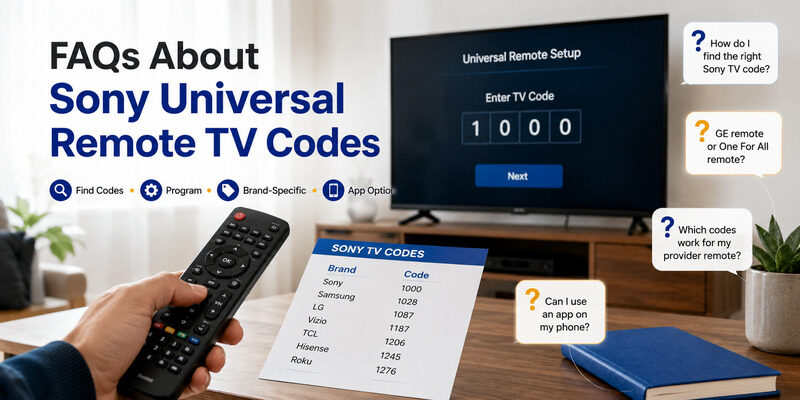
Where do I find Sony universal remote TV codes?
Check your universal remote’s printed manual or the manufacturer’s code app, searching under Sony. Free code lists are also published online, and auto code search works if you can’t find a specific code.
How do I program a universal remote to a Sony TV?
Turn on the TV, hold Setup until the light stays on, enter a Sony code, and test power and volume. If it’s a partial match, try the next code, or use auto code search.
Do GE and One For All use the same Sony codes?
No. Codes are specific to the remote brand, so GE and One For All each have their own Sony code lists. Always use the list for your specific remote brand.
Can I pair an Xfinity or Sky Q remote to a Sony TV?
Yes. Both use their own setup process with a Sony code. Follow the provider remote’s programming steps and enter the Sony code it lists for TV control.
Do I need codes if I use a phone app?
No. A phone app like the Remote TV App connects over Wi-Fi with no codes and no programming, making it the simplest way to control a Sony TV without a code list.
Final Thoughts
Sony universal remote TV codes are the key to making a universal remote control your Sony TV — enter the code for your remote brand, try the next one if it’s a partial match, and fall back to auto search if needed. GE, One For All, Xfinity, Sky Q, and Jio each have their own Sony codes.
If codes feel like a hassle, the Remote TV App skips them entirely, controlling your Sony TV from your phone over Wi-Fi with no programming at all.
Download TV Remote App