
Lost Insignia TV Remote: What to Do Right Now
By the Remote TV App Team
Last updated: September 2026
Short answer: A lost insignia tv remote doesn’t leave you stuck — the TV’s own physical buttons handle power and volume immediately, and the Remote TV App restores full remote-level control over Wi-Fi within a couple of minutes.
This guide covers both of those fast fixes, practical ways to actually find the missing remote, when it makes more sense to order a replacement instead of keep searching, and what changes if the lost remote is the Bluetooth-based Fire TV Edition voice remote rather than a standard infrared one.
None of the steps below require special tools, and the first two can be done before you even start looking for the physical remote.
Fast Ways to Control Your TV Right Now
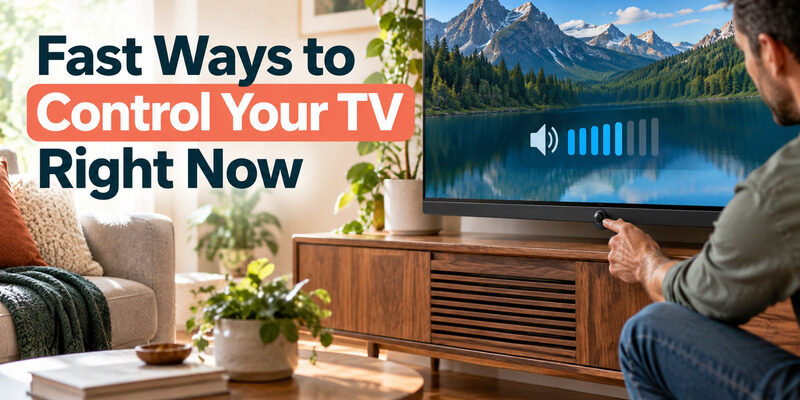
Before doing anything else, get basic control back so a lost insignia tv remote doesn’t mean an unusable TV in the meantime while you look for it or wait on a replacement.
Using the TV’s Physical Buttons
Nearly every Insignia TV has a power button and often a joystick-style control on the back or bottom edge that handles volume and basic navigation without any remote at all. This works immediately, regardless of whether the remote is lost, dead, or simply out of reach at the moment, and it doesn’t require any setup or Wi-Fi connection to use.
Checking for a Second Remote
If the TV came bundled with a streaming device or was purchased as part of a package, there may be a second compatible remote already in a drawer somewhere — worth a quick check before assuming a full replacement is necessary for what a lost insignia tv remote situation might actually just need is a five-minute search of an obvious spot.
Download TV Remote AppUsing the Remote TV App While You Search
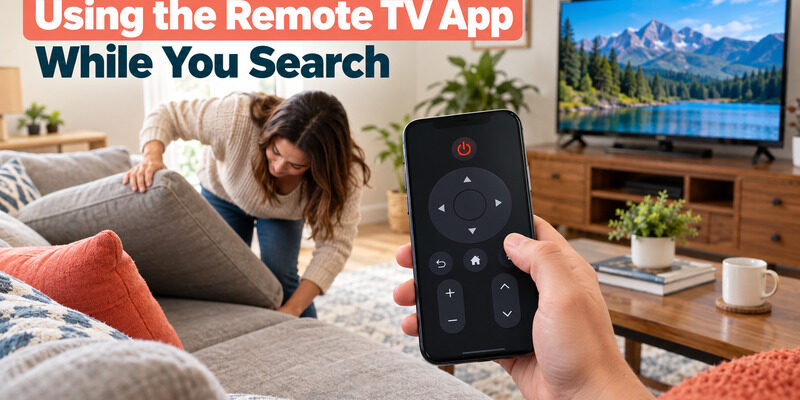
The Remote TV App turns a smartphone into a full-featured remote over Wi-Fi, which solves a lost insignia tv remote situation almost completely while the physical search continues in the background.
Getting Set Up in Minutes
As long as the TV is already on and connected to Wi-Fi, connecting the app takes just a couple of minutes and restores volume, navigation, and app control immediately. There’s no code to enter and no waiting on a delivery.
Why This Beats Waiting It Out
Unlike hoping the remote turns up, the app gives permanent, reliable control that doesn’t depend on ever finding the lost remote at all — many people simply keep using it even after the original remote resurfaces from wherever it was hiding. You can to stop searching under couch cushions out of urgency.
| Fast Fix | Setup Time | What It Restores |
| TV’s physical buttons | None needed | Power, volume, basic menu navigation |
| Remote TV App | A couple of minutes | Full remote-level control over Wi-Fi |
| Second remote (if available) | None needed | Complete original functionality |
Finding a Lost Remote
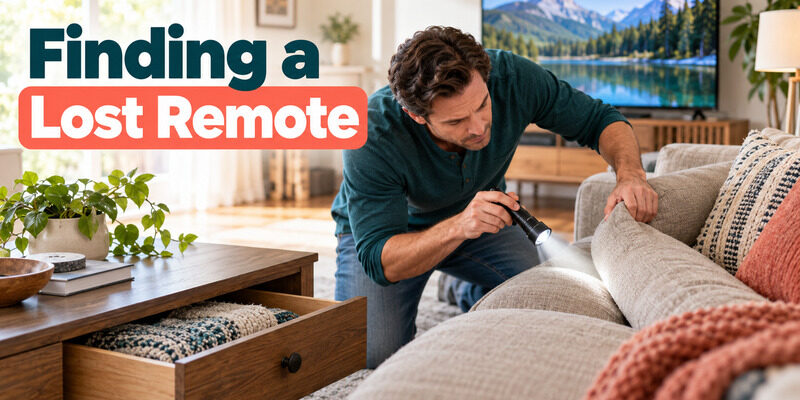
Once basic control is restored, there’s no more time pressure, which makes the actual search for a lost insignia tv remote easier and considerably less frustrating.
Common Places Remotes Hide
Couch cushions and the gap between cushions and armrests account for a large share of lost remotes, followed by nightstands, coffee table drawers, and inside bags or jacket pockets from the last time the remote was moved. Checking under furniture with a flashlight covers most of the remaining cases, and looking inside blankets or throw pillows that get shuffled around during regular use accounts for a surprising number of finds.
A Simple Search Routine
Work room by room rather than repeatedly checking the same spot, and enlist another person if possible — a second set of eyes covers more ground and often spots what a stressed, repeated search misses. Setting a 10-minute limit on the first pass keeps the search from turning into an all-evening project before deciding whether to move on to a replacement.
| Situation | Best Immediate Fix |
| Remote lost somewhere in the house | TV’s physical buttons + Remote TV App while searching |
| Remote lost and confirmed gone (moved, discarded, etc.) | Order a replacement remote |
| Fire TV Edition voice remote specifically lost | Same fixes, plus note it’s Bluetooth-paired, not infrared |
When to Buy a Replacement Remote
At some point, continuing to search for a lost insignia tv remote stops being worth the time compared to just ordering a new one.
Signs It’s Time to Stop Searching
If the remote hasn’t turned up after a thorough search of every likely spot, or if you know it was accidentally thrown away or left somewhere outside the home, a genuine connects the same way the original did, with no special setup beyond batteries or a quick Bluetooth pairing. There’s little benefit to an extended search once the obvious spots have already been checked twice.
Universal Remotes as an Alternative
A universal remote programmed to your Insignia TV works as a permanent full-featured replacement rather than a temporary stand-in, and most support an auto-scan setup that skips needing to know a specific code, which makes it a reasonable option even for someone who isn’t sure a lost insignia tv remote will ever turn up.
🗺️ Browse How-To Guides: Lost Insignia TV Remote: What to Do Right Now
Lost Insignia Fire TV Edition Remote
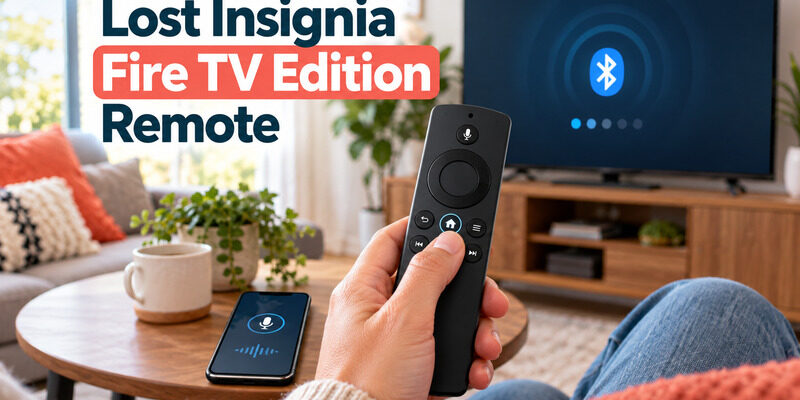
A lost Fire TV Edition voice remote follows the same first steps, with one important difference in how the eventual replacement connects, since this remote type behaves differently from a standard infrared one at every stage.
Bluetooth Pairing Instead of Infrared
Since the Fire TV Edition remote uses Bluetooth rather than infrared, a replacement or spare remote needs an actual pairing sequence — point it at the screen and hold the Home button for up to a minute — rather than just working on line of sight alone the way a standard lost insignia tv remote replacement would. A dedicated guide to an covers that full pairing process, including the remote’s built-in LED troubleshooting mode, in more detail.
Using Voice Control From a Phone in the Meantime
While waiting on a replacement, the Fire TV mobile app on a phone can often substitute for the lost voice remote’s core functions, including voice search, in addition to the Remote TV App’s navigation and volume controls.
FAQs About a Lost Insignia TV Remote
Can I control my Insignia TV without the remote at all?
Yes. The TV’s own physical buttons handle power and volume immediately, and the Remote TV App restores full remote-level control over Wi-Fi within a couple of minutes of setup, covering nearly everything a dedicated remote would.
Will a universal remote work if my Insignia remote is lost?
Yes, most universal remotes support Insignia TVs through an auto-scan setup that finds the correct code automatically, making them a solid permanent replacement rather than just a temporary fix while you keep searching.
How do I find my Insignia Fire TV remote if it’s lost between couch cushions?
The Fire TV Edition remote doesn’t have a “find my remote” chime feature built in on Insignia sets, so a physical search using the same common-hiding-spot approach — cushions, nightstands, bags — remains the most reliable method available.
Is it worth buying a replacement instead of continuing to search?
If a thorough search of every likely spot hasn’t turned up the remote, ordering a replacement usually costs less in time and frustration than an extended search, especially since the Remote TV App can bridge the gap while a new one ships.
Does losing the remote affect my TV’s settings or saved apps?
No, a lost insignia tv remote has no effect on the TV’s saved settings, installed apps, or Wi-Fi connection — everything remains exactly as it was, and control resumes normally once a replacement or the Remote TV App is in place.
📖 Read More Guides: Insignia TV Remote Codes: Complete Programming Guide
Final Thoughts
A lost insignia tv remote is inconvenient but never actually leaves the TV unusable: the physical buttons and the Remote TV App cover nearly everything a dedicated remote can do while you search or wait on a replacement. Work through a quick, methodical search of the usual hiding spots, and if it doesn’t turn up, ordering a genuine replacement or programming a universal remote gets you back to normal without any lasting downside.
Download TV Remote App