
Insignia TV Remote Replacement: Options and Buying Guide
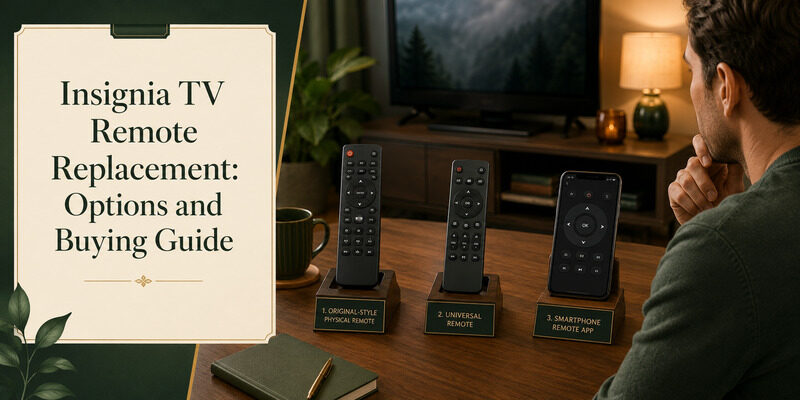
The best Insignia TV remote replacement is a genuine Insignia remote matched to your model, though a universal remote or a free phone app can replace it too — often faster and cheaper.
Most Insignia smart TVs run Amazon Fire TV, which affects which replacement remote you need and where to buy it. The right choice depends on whether you’ve lost your remote, broken it, or just want a backup.
This guide compares every Insignia TV remote replacement option, covers where to buy including Best Buy and Amazon, explains Fire TV Edition remotes, and shows the free app that replaces a remote at no cost.
Before you spend anything, there’s an instant free option worth trying first.
Insignia TV Remote Replacement Options Compared
Four routes cover almost every situation. This comparison lays them out so you can see which fits before reading the detail below.
| Option | Cost | Best For |
| Genuine Insignia remote | Mid | An exact match for your model |
| Fire TV replacement remote | Low to mid | Insignia Fire TV Edition models |
| Universal remote | Low to mid | Basic control at a low price |
| Free phone app | Free | An instant no-cost replacement |
Genuine vs. Universal Insignia TV Remote Replacement
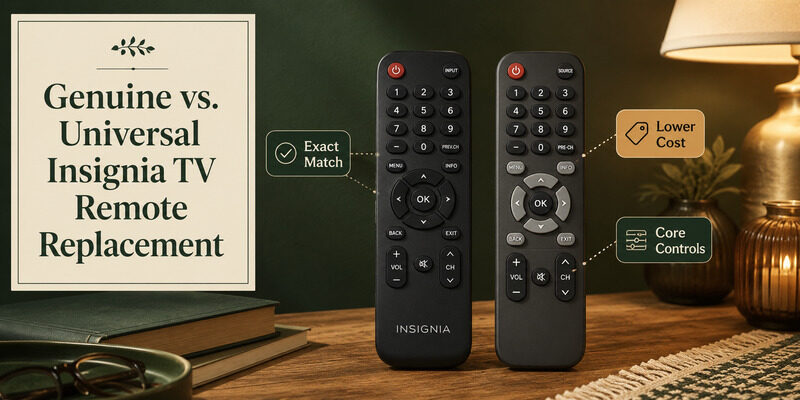
The first decision is whether to buy a genuine Insignia remote or a universal one. Both work; they differ in price and feature coverage.
Genuine Insignia Remotes
A genuine Insignia TV remote replacement guarantees an exact match — every button works and the layout is identical to your original. A new remote from Insignia or an authorized seller is the most reliable choice, though it usually costs more than a universal remote.
They also tend to be better built than the cheapest no-name alternatives, so if your household is hard on remotes, the extra cost can pay off over time.
Universal Remotes
A universal remote is a lower-cost option that covers power, volume, input, and channel once programmed with an Insignia code. It won’t replicate smart-menu shortcuts, but for basic control it’s an inexpensive, widely available fix.
Many homes already have a universal remote in a drawer, which makes this effectively free if you’re willing to spend a couple of minutes programming it.
Which to Choose
If you want the exact original experience, a genuine remote is the safe Insignia TV remote replacement. If you just need core control back at the lowest cost, a universal remote or a free app does the job for less.
A useful way to decide is to list the buttons you actually press in a typical week and pick the cheapest option that covers all of them.
📘 Find the Right Guide: Insignia TV Remote Replacement: Options and Buying Guide
Replacement Remotes for Insignia Fire TV Edition
Most Insignia smart TVs are Fire TV Edition models, which matters for choosing a replacement. A replacement remote for insignia and toshiba fire smart tv edition is a common search, since Insignia and Toshiba Fire TVs use similar Fire TV remotes.
For these models, an Amazon Fire TV replacement remote works as an Insignia TV remote replacement, since the TV runs Fire TV underneath. This gives you more options than Insignia-branded remotes alone, and Fire TV remotes are widely available.
Fire TV Voice Remotes
A Fire TV voice remote adds Alexa voice search on top of standard control, and it pairs with an Insignia Fire TV as a full Insignia TV remote replacement. It’s a good choice if you want voice features restored on a Fire TV Edition set.
If you relied on voice search with your original remote, matching that feature is worth the small extra cost over a basic non-voice model.
Confirming Compatibility
Before buying, confirm your Insignia TV is a Fire TV Edition — if the home screen looks like Amazon Fire TV, a Fire TV remote is the right match. For non-Fire Insignia models, a genuine Insignia remote or universal remote is the better match.
Getting this right the first time saves the hassle of a return, so it’s worth the thirty seconds it takes to check the interface.
💡 Discover Helpful Guides: Insignia TV Remote App: Free Options and How to Set Up
Where to Buy an Insignia TV Remote Replacement
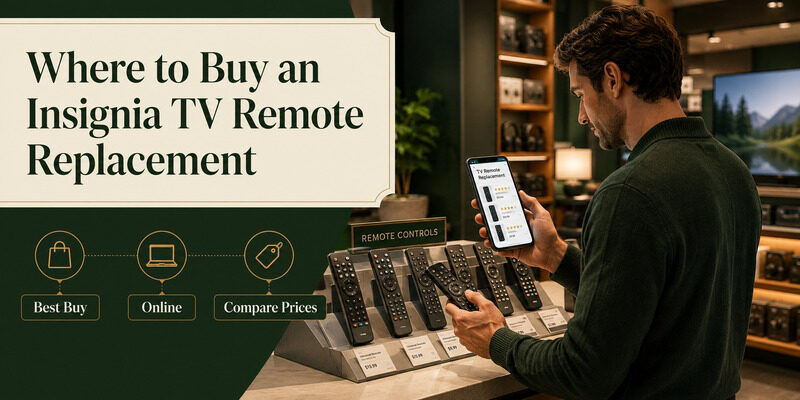
Knowing where to look helps you get a fair price and a compatible remote. A few common sources cover most needs.
Best Buy
Since Insignia is Best Buy’s house brand, a best buy insignia tv remote is a natural first stop. Searching best buy insignia tv remote replacement finds genuine and compatible options, and staff can help confirm the right model for your TV.
In-store staff can also test compatibility on the spot, which removes the guesswork some online listings leave you with.
Amazon and Online Marketplaces
An amazon insignia tv remote search turns up both genuine and compatible replacements, often at a range of prices. Read the listing carefully to confirm compatibility with your model, and favor sellers with a clear return policy.
Marketplace listings sometimes mark up ordinary remotes well above their value, so a quick comparison across a couple of sellers is always worth the minute it takes.
Comparing Prices
Prices vary between sellers for the same remote, so compare a few before buying. And remember a free app covers full control, so there’s rarely a reason to overpay when a no-cost option exists.
Factoring in shipping time matters too — if you need control today, a free app bridges the gap while any physical remote is in transit.
Deciding Between Repair, Replacement, and an App
With several routes available, a simple decision path keeps the choice quick and avoids overspending on a remote.
Start Free
Before spending anything, try a phone app and rule out a merely lost remote. A free app keeps the TV fully usable immediately, so there’s no urgency to buy, and a found remote makes any purchase unnecessary.
Match the Spend to the TV
Spend in proportion to how you use the TV. A secondary-room set rarely justifies a premium remote when a universal one or a free app suffices, while a main living-room TV may warrant a genuine or Fire TV voice remote for full features.
Consider Going App-First
Many people find that once a phone app is set up, they never bother buying a physical remote at all. If you’re comfortable using your phone, the app-first route skips the replacement decision entirely.
📖 Read More Guides: Insignia TV Remote Codes: Complete Programming Guide
First, Rule Out a Merely Lost Remote
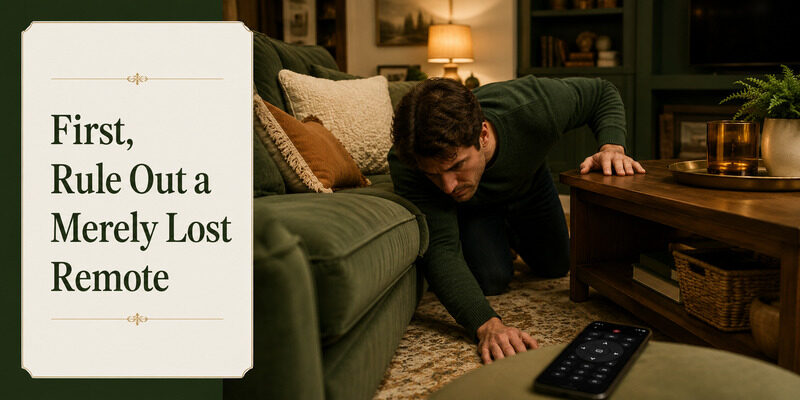
Before buying a replacement remote for insignia tv, it’s worth confirming the original is truly gone rather than misplaced. Many people buy an Insignia TV remote replacement only to find the original in the couch a day later.
Check couch cushions, under furniture, other rooms, and bags. A quick search often ends the hunt, and a phone app keeps the TV usable while you look — removing any pressure to rush an order.
How to Pair a New Insignia Replacement Remote
Once your Insignia TV remote replacement arrives, setup is quick. The method depends on the remote type.
A Fire TV replacement remote pairs by holding the home button for several seconds with the TV on, until it connects. A universal remote needs an Insignia code entered or an auto code search. A genuine Insignia remote for a non-Fire model may work on insertion of batteries or need a simple pairing step. Test power, volume, and navigation before considering setup complete.
The Free Alternative to Any Insignia TV Remote Replacement
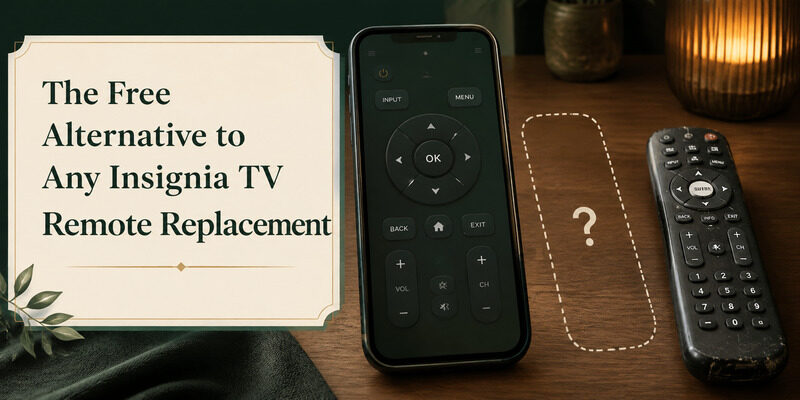
Before buying any Insignia TV remote replacement, it’s worth trying a free phone app first. The Remote TV App turns a phone into a full Insignia remote over Wi-Fi, covering power, volume, navigation, and app launching at no cost.
For many people it removes the need to buy a replacement at all, and it keeps the TV fully usable the moment a remote goes missing. It’s the fastest, cheapest fix of all. before spending on a physical Insignia TV remote replacement.
💡 Discover Helpful Guides: Insignia TV Remote Not Working? How to Fix It Fast
FAQs About Insignia TV Remote Replacement
What’s the cheapest Insignia TV remote replacement?
A free phone app is the cheapest, covering full control over Wi-Fi at no cost. Among physical remotes, a basic universal remote is usually the least expensive option.
Where can I buy an Insignia TV remote?
Best Buy is a natural first stop since Insignia is its house brand. Amazon and other online marketplaces also carry genuine and compatible remotes. Compare prices and confirm compatibility before buying.
Does a Fire TV remote work as an Insignia replacement?
Yes, for Insignia Fire TV Edition models. Since these TVs run Fire TV, an Amazon Fire TV remote pairs with them as a full replacement, including voice remotes for Alexa search.
How do I pair a new Insignia remote?
A Fire TV remote pairs by holding the home button with the TV on. A universal remote needs an Insignia code or auto search. Test all functions once paired to confirm it works.
Can I use my phone instead of buying a replacement?
Yes. The Remote TV App controls an Insignia TV over Wi-Fi with full functionality at no cost, making it a genuine alternative to buying a physical replacement remote.
Final Thoughts
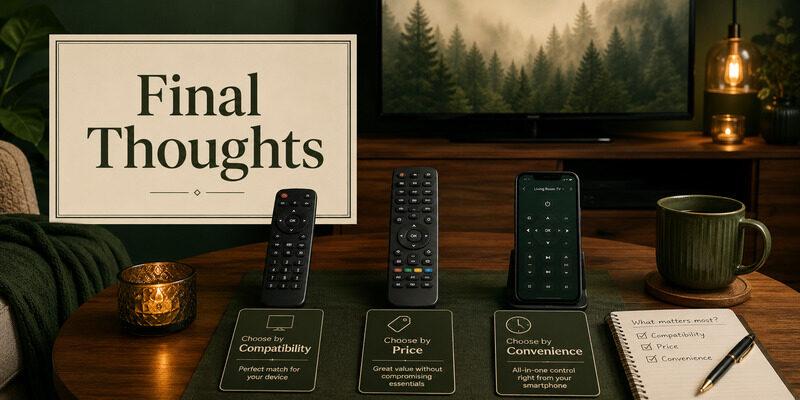
Choosing an Insignia TV remote replacement comes down to how much functionality you need: a genuine remote for the exact original experience, a Fire TV remote for Fire TV Edition models, a universal remote for basic control at low cost, or a free phone app for an instant no-cost fix.
Rule out a merely misplaced remote first, try the Remote TV App to keep watching immediately, and then decide whether a physical replacement is worth buying. With the app as a backup, a lost Insignia remote never means an unusable TV.
Download TV Remote App