
Insignia TV Remote App: Free Options and How to Set Up
An Insignia TV remote app lets you control your Insignia TV from your phone over Wi-Fi — install a compatible remote app, connect to the same network as the TV, and your phone handles power, volume, navigation, and app launching.
Because most Insignia smart TVs run Amazon Fire TV, the Fire TV app and reputable free alternatives both work as an Insignia TV remote app, so you’re not limited to a single option.
This guide covers the best Insignia TV remote app choices, what’s genuinely free, how to set one up on Android and iPhone, and the common questions about controlling an Insignia TV without the original remote.
Whether your Insignia remote is lost or broken, a free app puts control back in your hand.
Insignia TV Remote App Options Compared
Several apps can control an Insignia TV. This table compares the main routes so you can choose before reading the detail below.
| App | Works With | Cost |
| Amazon Fire TV app | Insignia Fire TV models | Free |
| Remote TV App | Insignia smart TVs | Free |
| Other third-party apps | Varies by model | Free / freemium |
| Physical remote | All Insignia TVs | Comes with TV |
Is There an App for an Insignia TV Remote?
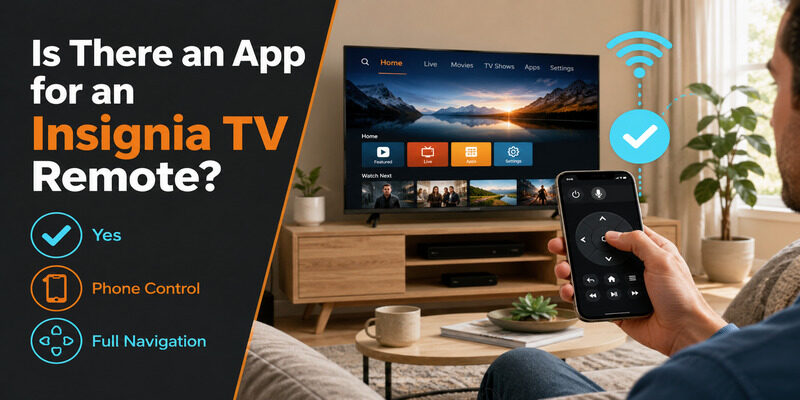
Yes. The answer to is there an app for insignia tv remote is a clear yes. Because most Insignia smart TVs run Amazon Fire TV, the Amazon Fire TV app works as an insignia tv remote app, and reputable third-party apps do too.
So whether you want the official Fire TV option or a free alternative like the Remote TV App, controlling an Insignia TV from your phone is fully supported. A capable remote app covers everything the physical remote does for daily use.
This broad compatibility is possible because the Fire TV platform underneath most Insignia smart TVs is well supported, so a range of apps can connect to it rather than just one proprietary option.
💡 Discover Helpful Guides: Insignia TV Remote Replacement: Options and Buying Guide
Is the Insignia TV Remote App Free?
Cost is the first thing people check, so it’s worth being clear about what’s free.
Genuinely Free Options
Yes — a free insignia tv remote app exists on multiple fronts. The Amazon Fire TV app is free, and trusted third-party apps like the Remote TV App are free too. So a free option is not only possible but the norm for core control.
A useful test: if you can navigate menus, adjust volume, and open apps without ever seeing a purchase prompt, the app is genuinely free. Anything less is a trial dressed up as free.
Watching for Fake ‘Free’ Apps
Some apps advertise as an insignia tv remote free download but paywall basic functions or bury them under ads. Check reviews before installing, and favor well-known options where ‘free’ genuinely means free.
Reading the one-star reviews specifically is often the fastest way to spot a paywalled app, since disappointed users tend to call out locked features right away.
📘 Find the Right Guide: Insignia TV Remote Not Working? How to Fix It Fast
The Amazon Fire TV App for Insignia
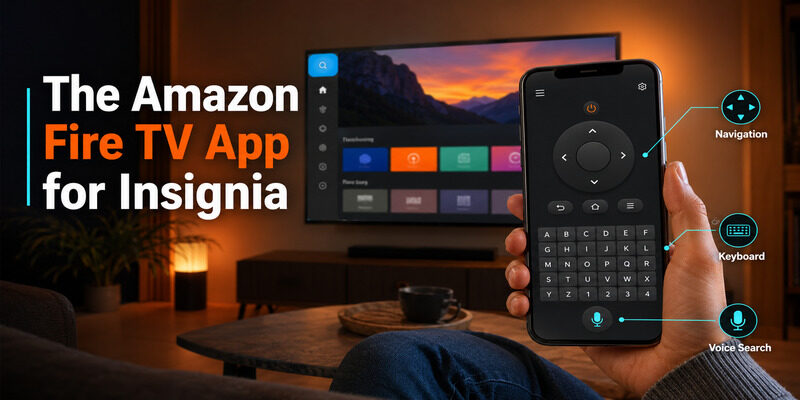
Since most Insignia smart TVs are Fire TV models, the Amazon Fire TV app is a natural starting point for an insignia tv remote app.
What It Offers
The amazon insignia tv remote app — really the Amazon Fire TV app connected to an Insignia Fire TV — provides full navigation, a keyboard for text entry, and voice search. It’s a complete remote app for Fire TV models at no cost.
Because it’s Amazon’s own app for Fire TV, it tends to stay compatible with new Fire TV features and updates faster than third-party options.
When It’s the Best Fit
If your Insignia TV is a Fire TV Edition, the Fire TV app is often the best choice because it integrates directly with the Fire TV interface. It’s the most seamless option for those specific models.
You can confirm whether your model is a Fire TV Edition by checking the interface — if the home screen looks like Amazon Fire TV, the Fire TV app is the natural match.
🗺️ Browse How-To Guides: Insignia TV Remote Batteries: Size, Type, and Replacement
The Remote TV App as a Free Alternative
If you want a clean, straightforward insignia tv remote app, the Remote TV App is a strong free alternative that also works across other TV brands.
What It Offers Free
The Remote TV App covers power, volume, navigation, and app launching over Wi-Fi at no cost. It’s a genuine free insignia tv remote, with a simple interface that’s easy to pick up right away.
There’s no trial period or feature countdown; the core controls simply work from the first launch.
Multi-Brand Convenience
One advantage is that it works across TV brands, so a household with more than one type of smart TV can control them all from a single app. as a free insignia tv remote app that also covers your other TVs.
For a home with an Insignia TV plus other brands, that consolidation into one app is a genuine day-to-day time-saver.
How to Set Up an Insignia TV Remote App
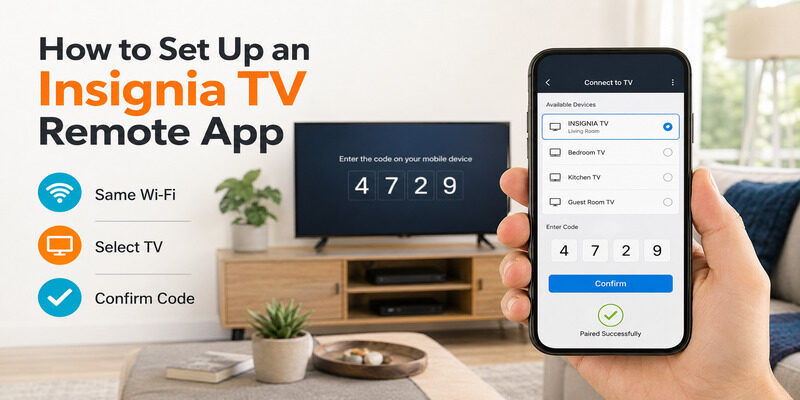
Setup is quick and works the same in principle on any phone. The main requirement is that your phone and Insignia TV share the same Wi-Fi network.
On Android
For a free insignia tv remote app for android, download from the Google Play Store, connect your phone to the same Wi-Fi as the TV, and select the TV. It works over the network just like on any phone, so setup takes about a minute.
Installation is the same as any other Android app — search, tap install, and open — and no account is usually required just to use the basic remote.
On iPhone
For a free insignia tv remote app for iphone, download from the App Store and grant local network permission when iOS prompts. Then join the same Wi-Fi as the TV and select it. The experience on phone is the same on iOS as on Android.
iOS is strict about the local network permission for privacy reasons, which is why it’s a common stumbling block on a first setup. Allowing it is essential for the app to find the TV.
Completing the Connection
Open the app, let it scan for devices, and select your Insignia TV. Confirm an on-screen code if prompted, and the app is ready. From there it works just like the physical remote.
If more than one TV appears in the list, the app usually labels them by name or room so you can pick the right Insignia set.
📖 Read More Guides: Insignia TV No Remote: How to Control It Without One
Can an Insignia TV Remote App Work Without Wi-Fi?
A common question is whether these apps work offline. The honest answer to insignia tv remote app without wifi is: mostly no, because the app communicates with the TV over the network.
An insignia tv remote without wifi generally isn’t possible with a network-based app, since the phone and TV need to be on the same Wi-Fi to talk. For a fully offline situation, the physical infrared remote is the fallback. But once your network is up, an app covers everything, which is why this limitation matters only during an outage.
If working without Wi-Fi is a hard requirement for you — say, in a setup with no home network at all — the physical remote remains the right tool, and an app simply isn’t designed for that scenario.
Where to Download an Insignia TV Remote App
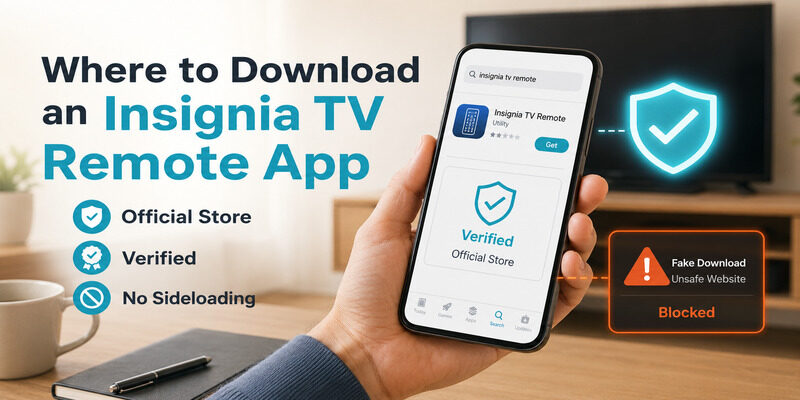
Always do an insignia tv remote download from your phone’s official app store — the Google Play Store or Apple App Store. These screen apps for safety, unlike random websites.
You may see sites offering to download insignia tv remote apps directly, but installing from outside the official stores carries security risk. The legitimate apps are free in the stores anyway, so there’s no reason to sideload. An insignia tv remote online search should always lead you back to the official app store for the actual download.
A quick way to stay safe is to search the app store directly rather than following a download link from a web page, which removes any chance of landing on a fake or bundled installer.
Insignia Remote App vs. Physical Remote
Once you have app control working, it helps to know when each option is the better one to reach for, since they complement each other.
When the App Wins
For searching, entering passwords, and replacing a lost remote instantly at no cost, the app is the clear choice. Its keyboard and constant availability make it more convenient for these tasks than any physical remote, and there’s nothing to lose in the couch cushions.
When the Physical Remote Wins
During a network outage, or for the very first power-on of a fully-off TV that isn’t on the network, the physical infrared remote has the edge since it doesn’t need Wi-Fi. Many people keep it nearby for these specific moments while using the app for everything else.
Using Both Together
The two aren’t mutually exclusive. Most households end up using the app as the primary controller for its convenience while keeping the physical remote as a network-independent backup, which covers every possible situation.
💡 Discover Helpful Guides: Insignia TV Codes for an Xfinity Remote: Quick Answer
Why Keep a Free App Installed
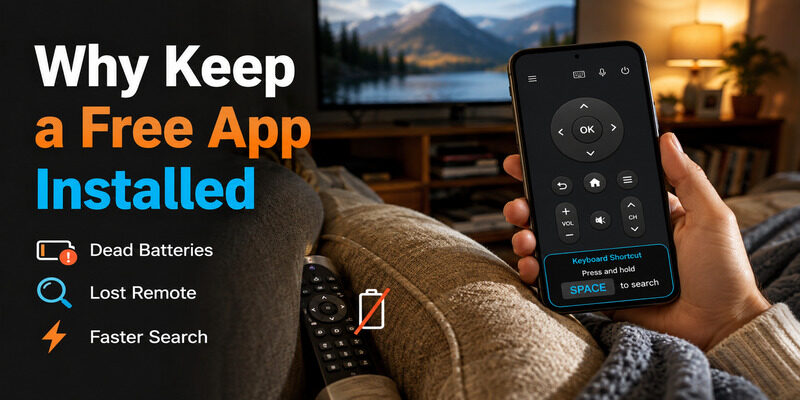
Even if your physical Insignia remote works perfectly, keeping a free app installed is smart. It’s free insurance plus everyday convenience.
The day your remote’s batteries die or it slips behind the couch, a pre-installed app means you lose nothing — you just open your phone and keep watching. Add the keyboard for faster searching and the app earns its place even alongside a working remote.
Think of a free Insignia TV remote app as a permanent safety net that also happens to make daily control more convenient.
Get a Free Insignia TV Remote App
If you want a reliable, genuinely free option, the Remote TV App covers full Insignia control over Wi-Fi at no cost — power, volume, navigation, and app launching, with a clean interface and multi-brand support.
It’s the fastest way to turn your phone into an Insignia remote without spending anything or hunting for the physical remote. to control your Insignia TV for free.
FAQs About the Insignia TV Remote App
Is there a free Insignia TV remote app?
Yes. The Amazon Fire TV app is free for Insignia Fire TV models, and reputable alternatives like the Remote TV App are free too. Neither charges for core control like navigation and volume.
Does the Insignia TV remote app work on Android and iPhone?
Yes. Apps are available on both the Google Play Store and Apple App Store and work the same way — connect to the same Wi-Fi as the TV and control it over the network.
Can I use an Insignia remote app without Wi-Fi?
Generally no. Network-based apps need your phone and TV on the same Wi-Fi to communicate. For a fully offline situation, the physical infrared remote is the fallback.
Which app is best for an Insignia Fire TV?
For Insignia Fire TV Edition models, the Amazon Fire TV app integrates most directly. The Remote TV App is a strong free alternative that also works across other TV brands.
Where should I download an Insignia remote app?
Always use your phone’s official app store. Avoid unofficial download sites, since they carry security risks, and the legitimate free apps are available in the official stores anyway.
Final Thoughts
An Insignia TV remote app is easy to find and genuinely free — the Amazon Fire TV app for Fire TV models and trusted alternatives like the Remote TV App both cover full control at no cost. Just avoid apps that paywall the basics or come from unofficial download sites.
Setup takes about a minute on Android or iPhone once your phone and TV share a network, though it does need Wi-Fi to work. Keep a free app installed as a backup and a daily upgrade over the physical remote, and a lost Insignia remote stops being a problem.
Download TV Remote App