
Why Is My LG TV Remote Not Working? Complete Troubleshooting Guide
LG smart TVs offer a smooth entertainment experience with advanced features like streaming apps, voice control, and Magic Remote technology. However, one of the most frustrating situations is when the remote suddenly stops responding.
If you are searching why is my lg tv remote not working, the problem can come from several different causes, including weak batteries, connection failures, software errors, blocked sensors, or damaged hardware. In some cases, the remote may still light up but fail to control the television properly.
LG uses different remote technologies depending on the TV model. Standard LG remotes usually communicate through infrared signals, while Magic Remotes use Bluetooth pairing and motion sensors. Because of this, the troubleshooting process depends on the type of remote you have.
This guide explains the most common reasons behind LG remote problems and provides step-by-step solutions. Whether your remote is completely unresponsive, slow, disconnected, or only partially working, these methods can help you restore control quickly.
1. Why Is My LG TV Remote Not Working? Common Reasons Behind the Problem
When users ask why is my lg tv remote not working, they usually experience one of several common situations. The remote may fail to turn on the TV, buttons may stop responding, or the television may ignore commands even though the remote appears normal.
Understanding the possible causes helps you identify the correct solution instead of replacing the remote unnecessarily.
Weak or Dead Batteries
Battery problems are the most common reason an LG remote stops working. Even when the remote indicator light appears, weak batteries may not provide enough power to send reliable signals.
Common battery-related symptoms include:
- Remote works only from a short distance
- Buttons respond slowly
- Some buttons work while others fail
- Remote disconnects randomly
If you think my lg tv remote is not working with new batteries, check whether the batteries were installed correctly. Incorrect polarity, poor battery contact, or low-quality batteries can still prevent the remote from functioning.
Try removing the batteries, waiting a few seconds, and installing a fresh pair again. Cleaning the metal contacts inside the battery compartment can also improve the connection.
LG Remote Is Not Properly Paired With the TV
LG Magic Remote models do not work like traditional infrared remotes. They rely on Bluetooth communication, which means the remote must be paired with the television.
A Magic Remote may stop working after:
- TV software updates
- Resetting the television
- Changing batteries
- Long periods without use
- Connecting another remote
This is a common reason users wonder why does my lg tv remote not work even though the remote itself appears undamaged.
The solution is usually to reset and reconnect the remote through the LG TV pairing process.
Blocked Sensor or Signal Interference
Standard LG remotes require a clear signal path between the remote and the television receiver.
The TV may not respond if:
- Objects block the infrared sensor
- A soundbar covers the receiver area
- Dust affects the sensor
- Strong sunlight interferes with the signal
Move any objects away from the bottom area of your TV screen and test the remote again.
For Magic Remote users, wireless interference can also affect performance. Nearby Bluetooth devices, routers, or other wireless equipment may occasionally interrupt communication.
Physical Damage to the Remote
Sometimes the issue is not the television but the remote itself.
Signs of remote hardware damage include:
- Buttons getting stuck
- Cracked plastic casing
- Liquid exposure
- No indicator light
- Random button failures
If your remote has been dropped or damaged, internal components may no longer send commands correctly.
In this situation, troubleshooting settings will not solve the issue. Replacing the remote may be the most practical option.
Explore Related Articles: How to Connect LG Remote to TV: Complete Pairing and Recovery Guide
2. How to Check LG Remote Batteries, Sensors, and Hardware Issues
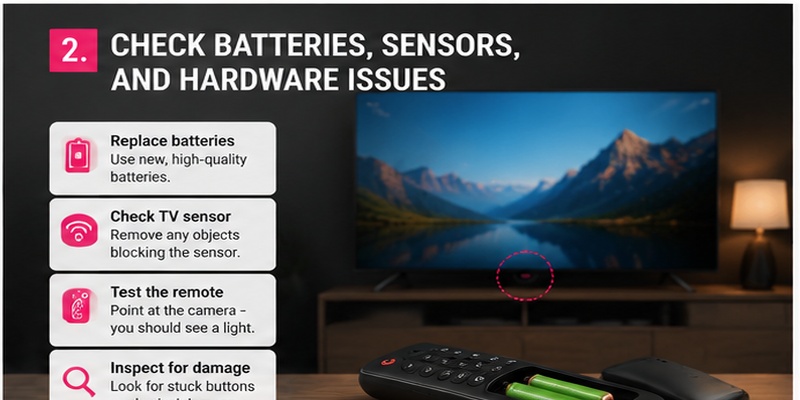
Before changing TV settings or resetting your device, start with basic hardware checks. Many LG remote problems can be fixed within minutes.
Test the LG Remote Signal
A simple smartphone camera test can help determine whether your remote is sending signals.
Follow these steps:
- Open the camera app on your smartphone.
- Point the remote toward the camera lens.
- Press different buttons.
- Check if a flashing light appears on the camera screen.
If you see a flashing signal, the remote is transmitting correctly.
If there is no visible signal, the problem may be caused by:
- Dead batteries
- Internal remote damage
- Faulty buttons
- Circuit problems
This test does not work with every remote type, but it is useful for many infrared LG controllers.
Replace Batteries Correctly
Replacing batteries sounds simple, but incorrect installation is a frequent cause of remote problems.
Follow these steps:
- Remove the old batteries.
- Check the battery compartment for dust or corrosion.
- Insert new batteries with the correct polarity.
- Close the cover securely.
- Test the remote again.
Avoid mixing different battery brands or combining old and new batteries because unstable power can affect performance.
If the remote still does not work after replacement, the problem may involve pairing or hardware instead of battery power.
Check the TV Receiver Sensor
For infrared remotes, the TV sensor must receive the signal directly.
Try these solutions:
- Stand closer to the television
- Point directly toward the sensor
- Remove objects blocking the TV
- Clean the sensor area
If your TV responds only when you stand very close, the sensor or remote transmitter may be weak.
Inspect Remote Buttons
Sometimes only specific buttons fail.
For example:
- Power button works but volume does not
- Navigation buttons work but Home does not
- Number buttons fail randomly
This usually indicates physical button wear.
Press each button carefully and check whether any feel different from the others. A button that feels stuck or unusually soft may indicate internal damage.
View Related Articles: What Is a Magic Remote Control for LG TV? Complete Setup Guide
3. How to Reconnect and Pair Your LG Smart TV Remote Correctly
Many users searching why is my lg smart tv remote not working are actually experiencing a pairing problem.
LG Magic Remote requires a Bluetooth connection, and losing this connection prevents advanced features like pointer control and voice commands from working.
How to Pair LG Magic Remote Again
To reconnect your Magic Remote:
- Turn on your LG Smart TV.
- Point the remote toward the television.
- Press the Wheel (OK) button.
- Wait for the pairing notification.
- Follow the instructions shown on the TV screen.
After successful pairing, the pointer should appear when you move the remote.
If nothing happens, try resetting the remote before pairing again.
Reset LG Magic Remote Connection
A reset can remove connection errors.
Common reset steps:
- Press and hold the Home and Back buttons.
- Wait several seconds.
- Release the buttons.
- Press the Wheel button to pair again.
The exact combination may vary depending on your Magic Remote generation.
After resetting, keep the remote close to the TV during the pairing process.
Remove Previous Bluetooth Connections
Multiple connected devices can sometimes create conflicts.
Try:
- Turning off nearby LG TVs
- Disconnecting unused Bluetooth accessories
- Restarting the television
- Pairing the remote again
A clean connection process often fixes problems where the remote works temporarily but disconnects later.
4. LG Remote Not Responding: Software and Connection Fixes
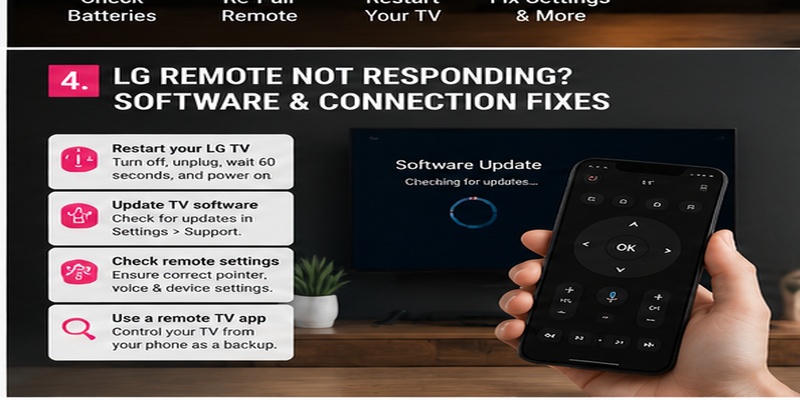
Sometimes the reason why is my lg tv remote not working is not related to the remote itself. The controller may be functioning correctly, but temporary software errors, incorrect settings, or connection problems can prevent your LG TV from receiving commands.
Modern LG Smart TVs rely heavily on software to manage Bluetooth connections, remote pairing, and smart features. A small system error can cause delayed responses, lost connections, or complete remote failure.
Before replacing your remote, try these software-based troubleshooting methods.
Restart Your LG Smart TV
A simple restart is one of the easiest solutions for many LG remote problems.
When your TV runs continuously for a long time, temporary system errors may appear. These errors can affect Bluetooth connections, remote detection, and smart TV functions.
Follow these steps:
- Turn off your LG TV.
- Unplug the power cable from the wall outlet.
- Wait for about 60 seconds.
- Plug the TV back in.
- Turn it on and test the remote.
This process clears temporary memory and allows the TV system to restart completely.
Many users assume the remote is broken when the real issue is a temporary TV software problem. Restarting both the television and remote connection can often restore normal operation.
Update LG TV Firmware
Outdated software can create compatibility problems between your television and remote.
LG regularly releases firmware updates to improve:
- System stability
- Bluetooth performance
- Remote compatibility
- Smart TV features
To check for updates:
- Open Settings on your LG TV.
- Select All Settings.
- Go to Support.
- Choose Software Update.
- Install available updates.
After updating, restart your TV and reconnect the remote.
A firmware update is especially important for LG Magic Remote users because the remote depends on software communication with the television.
Check Remote Settings
Incorrect settings can also make users think the remote is not working.
Review the following options:
- Pointer settings
- Voice recognition settings
- Bluetooth device connections
- Accessibility settings
For example, if the Magic Remote pointer disappears, the remote may still control basic functions while motion control is disabled.
Adjusting the settings can restore missing features without replacing the remote.
Use a Remote TV App as Backup Control
If your physical remote stops responding completely, using a remote TV app can provide temporary access to your television.
A smartphone remote application allows you to:
- Navigate TV menus
- Open settings
- Adjust volume
- Restart the TV
- Reconnect the Magic Remote
This is especially useful when you cannot access important settings because the physical controller is unavailable.
A mobile remote should not always replace the original LG remote, but it can be an effective backup solution during troubleshooting.
5. How to Fix LG Magic Remote Problems Step by Step
LG Magic Remote offers more advanced functions compared with traditional controllers. Features like cursor movement, scrolling, and voice commands create a smoother experience, but they also introduce additional connection points that can fail.
If your Magic Remote is not responding correctly, use these troubleshooting methods.
LG Magic Remote Cursor Not Showing
One of the most common Magic Remote issues is when the pointer disappears from the screen.
The remote buttons may still work, but the cursor does not appear when you move the controller.
Possible causes include:
- Lost Bluetooth pairing
- Motion sensor problems
- Weak batteries
- Temporary TV software errors
Try these solutions:
- Shake the remote gently.
- Press the Wheel button.
- Move the remote toward the TV.
- Replace batteries.
- Pair the remote again.
If the cursor returns after pressing the Wheel button, the remote is likely working normally.
Why Is My LG TV Remote So Slow?
Many users ask why is my lg tv remote so slow when buttons take several seconds to respond or the pointer moves with delay.
Slow response can happen because of:
- Weak batteries
- Bluetooth interference
- Too many connected devices
- TV software lag
- Network-related smart features
To improve response speed:
- Replace batteries with high-quality ones.
- Restart the TV.
- Remove unused Bluetooth devices.
- Update LG software.
- Re-pair the remote.
If only the cursor feels slow while buttons respond normally, the issue is usually related to motion tracking rather than the entire remote.
Voice Control Not Working
LG Magic Remote includes voice features that allow users to search content and control some smart functions.
If voice commands stop working, check:
- Internet connection
- LG account status
- Microphone permissions
- Language settings
Voice recognition requires communication between the remote, TV software, and online services.
If normal buttons work but voice does not, the remote itself may not be damaged.
Why Is My LG TV Remote Power Button Red?
Many users search why is my lg tv remote power button red after noticing the indicator light behaves differently.
A red light usually means the remote is transmitting a signal or responding to button presses. It does not automatically mean the remote is broken.
However, if the light appears but the TV does not respond, possible causes include:
- Remote is not paired
- TV sensor is blocked
- Bluetooth connection failed
- TV software needs restarting
Try resetting and reconnecting the remote before considering replacement.
View Related Articles: LG TV Remote iOS: Official iPhone Setup and Control Guide
6. Advanced Solutions When Your LG TV Remote Still Does Not Work
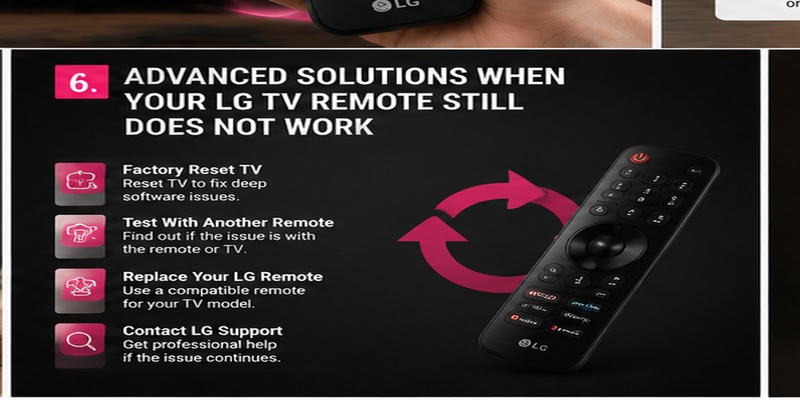
If basic troubleshooting does not solve the issue, you may need to try more advanced methods.
These solutions are useful when my lg tv remote is not working properly even after checking batteries, pairing, and settings.
Factory Reset Your LG TV
A factory reset can solve serious software problems that affect remote communication.
Before resetting:
- Save important account information
- Remember installed apps
- Note personal settings
To reset:
- Open LG TV settings.
- Select General.
- Choose Reset to Initial Settings.
- Follow the instructions.
After the reset completes, you will need to set up the TV again and reconnect the remote.
A factory reset should be considered a final software solution because it removes customized settings.
Test With Another Compatible Remote
Testing another LG-compatible remote can help identify where the problem exists.
If another remote works:
- Your original remote likely has a hardware problem.
If another remote also fails:
- The TV receiver, Bluetooth module, or software may be causing the issue.
This test helps avoid buying a replacement remote unnecessarily.
Replace Your LG Remote
Sometimes the simplest solution is replacing a damaged remote.
Consider replacement if:
- Buttons no longer work
- The remote has physical damage
- Battery replacement does not help
- Pairing repeatedly fails
Before purchasing a new remote, check:
- LG TV model number
- Remote compatibility
- Magic Remote generation
- Supported features
A wrong replacement remote may control basic functions but fail to support advanced features like voice commands or pointer control.
Contact LG Support
Professional assistance may be necessary when:
- The TV does not respond to any remote
- Bluetooth pairing constantly fails
- The TV sensor is damaged
- Software problems continue after reset
LG support can help identify whether the issue comes from the remote or the television hardware.
Download LG TV Remote7. Best Alternatives and Prevention Tips for Future LG Remote Problems
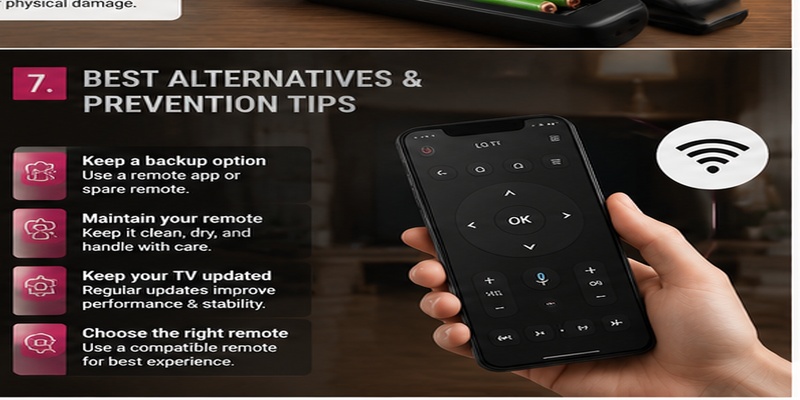
Knowing what to do when your lg tv remote stops working helps you avoid frustration and unnecessary replacement costs.
The best approach is combining proper maintenance with a reliable backup solution.
Use a Backup Remote Solution
A backup controller can save time when your main remote suddenly fails.
Useful alternatives include:
- Smartphone remote applications
- Universal TV remotes
- Spare LG-compatible controllers
A phone-based controller can help you access settings, restart the TV, and reconnect your main remote.
For users who frequently lose remotes, keeping a backup solution ready is a practical choice.
Maintain Your Remote Properly
Proper maintenance can extend the life of your LG remote.
Follow these habits:
- Replace batteries before they completely drain.
- Keep the remote away from liquids.
- Avoid dropping it.
- Clean buttons regularly.
- Store it in a safe location.
Small habits can prevent many common remote failures.
Keep Your LG TV Updated
Regular software updates improve communication between the television and remote.
Updates may fix:
- Bluetooth connection problems
- Slow response
- Pairing issues
- Smart feature errors
Checking for updates every few months helps maintain stable performance.
Choose the Correct Replacement Remote
If replacement becomes necessary, always select a remote designed for your specific LG TV model.
Check:
- Model compatibility
- Remote generation
- Voice support
- Motion control support
A compatible remote ensures you can use all important features instead of only basic buttons.
Final Thoughts
If you are wondering why is my lg tv remote not working, the cause is usually something simple such as weak batteries, lost pairing, blocked sensors, or temporary software problems.
Start with basic troubleshooting: replace batteries, restart your TV, check the sensor, and reconnect the remote. For Magic Remote users, pairing and Bluetooth settings are often the key areas to check.
If your remote continues to fail, advanced solutions like firmware updates, factory resets, or replacement may be necessary.
Keeping a backup option such as a smartphone remote application can also make future problems easier to handle. With the right troubleshooting steps, most LG remote issues can be fixed quickly without replacing your television.
Download LG TV Remote