
Apple TV Remote Android: How to Control Apple TV From Android
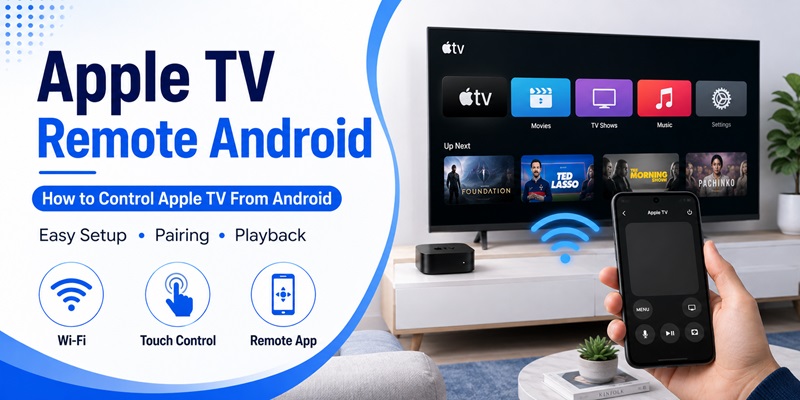
If you use an Android phone but have an Apple TV connected to your television, losing the physical Siri Remote can create an awkward situation. You may have your phone in your hand, yet Apple TV is waiting for input from a remote that you cannot find.
That is why many users search for an apple tv remote android solution.
The short answer is that an Android phone can be used to control Apple TV with compatible remote-control software, although the setup is different from using an iPhone. Apple’s current documentation describes its built-in Apple TV Remote for iPhone, iPad, and Apple Watch. Apple also offers the Apple TV streaming app on Android, but that app is primarily for watching Apple TV content rather than turning an Android phone into Apple’s official remote control.
For Android users, the practical option is therefore usually a compatible third-party remote application that communicates with Apple TV over the local network. Several current Android remote apps describe support for Apple TV pairing and Wi-Fi control.
This guide explains how to set up an apple tv remote android, connect it correctly, navigate Apple TV, enter text, and solve the most common pairing problems.
1. Can You Use an Apple TV Remote Android?
Yes, it is possible to use an Android phone as a remote for Apple TV when you have a compatible remote app and both devices can communicate over the same network.
However, there is one important distinction to understand before installing anything.
Apple does not provide the same built-in remote experience on Android
On iPhone and iPad, Apple TV Remote is integrated into Control Center. Apple instructs users to open Control Center, select Apple TV Remote, choose an Apple TV, and complete pairing if required.
Android does not have this iOS Control Center integration.
Therefore, when people search for an apple tv remote for android, they are usually looking for an Android application that independently provides compatible Apple TV controls.
Third-party Android remotes can fill the gap
Compatible Android remote applications can discover an Apple TV over the local network and provide common controls such as navigation, playback, touchpad input, and text entry.
For example, current Google Play listings for third-party Apple TV remote applications describe Wi-Fi pairing, touchpad navigation, keyboard input, and playback controls.
The exact features depend on the application, Android phone, Apple TV model, television, and home network.
For most users, the main requirement is simple: the apple tv remote android should reliably move through menus and control media playback.
2. What You Need Before Controlling Apple TV From Android
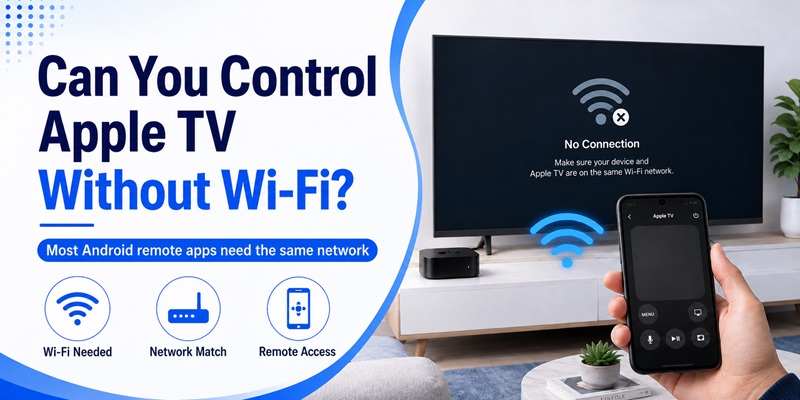
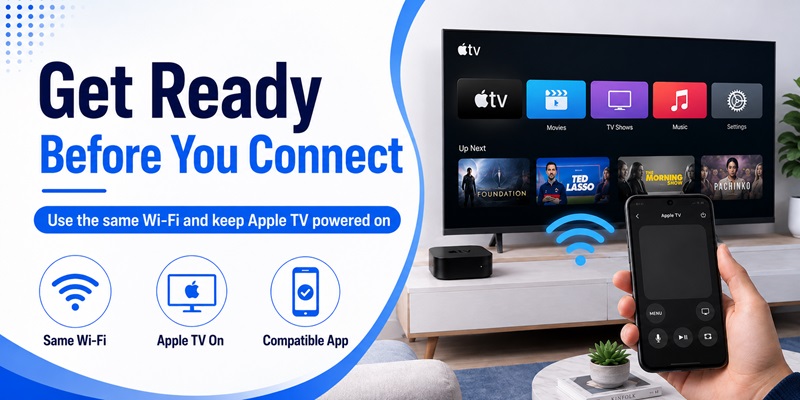
Before trying to connect your phone, prepare both devices properly. Most problems with an apple tv remote android happen because the phone and Apple TV cannot discover each other.
Connect both devices to the same Wi-Fi network
For a network-based remote, your Android phone and Apple TV generally need to be reachable through the same local network.
Check Wi-Fi on your Android phone first.
Then check the network used by Apple TV. If you still have access through the original remote, go to Apple TV’s network settings and confirm the network name.
Apple similarly recommends checking that devices are on the same Wi-Fi network when troubleshooting its own Apple TV Remote connection on iPhone or iPad.
Keep Apple TV powered on during setup
Your Apple TV should be awake while performing the initial connection.
If Apple TV is completely offline or cannot connect to the home network, a Wi-Fi-based apple tv remote android may not be able to discover it.
You should also know which Apple TV you want to control if several devices are connected to your network. Naming each Apple TV by room can make identification much easier later.
3. How to Set Up an Apple TV Remote Android
Once the devices are ready, setting up an apple tv remote android should only require a few basic steps.
Step 1: Find a compatible Android remote app
Open your normal Android app marketplace and search for an application that specifically states support for Apple TV.
Do not confuse the official Apple TV Android application with an apple tv remote app for android.
Apple’s official Android Apple TV app provides access to Apple TV entertainment, subscriptions, Watchlist, Continue Watching, downloads, and other viewing features. Apple launched the Android version in February 2025.
That does not mean it functions as the same Apple TV Remote found in iOS Control Center.
Step 2: Install and open the remote
After choosing a compatible app:
- Install the application.
- Open it on your Android phone.
- Allow nearby-device or network-related permissions when legitimately required.
- Start device discovery.
- Wait for your Apple TV to appear.
A good apple tv remote android should clearly indicate which Apple TV it has found before you begin pairing.
Avoid granting unrelated permissions unless a particular optional feature genuinely needs them.
Download TV Remote APP📖 Read More Guides: Download Remote TV Android: How to Install and Set Up a TV Remote App
4. How to Pair Your Android Phone With Apple TV
Pairing is the most important part of the setup.
Many users assume that installing an apple tv remote android means the phone will instantly control the television. In practice, Apple TV may first require authorization.
Select your Apple TV
Open your remote app and look for a device discovery screen.
Your Apple TV may appear using its configured device or room name.
Tap the correct device.
Some Android Apple TV remote applications describe a simple pairing routine after both devices are connected to the same Wi-Fi network.
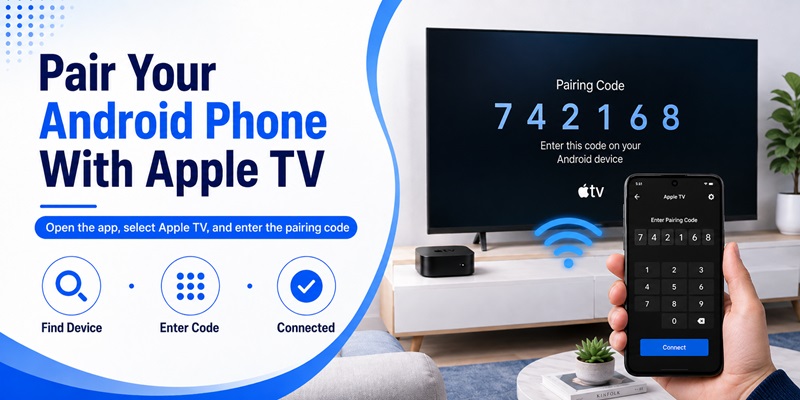
Enter or confirm the pairing code
Depending on the remote application and setup, a pairing code or confirmation request may appear.
Follow the instructions shown on your Android phone and Apple TV.
Apple’s own remote pairing process on iPhone and iPad can also require a four-digit passcode during setup, demonstrating the general principle that Apple TV may require authorization before accepting remote commands.
Once pairing succeeds, test your apple tv remote android by pressing a directional button or swiping on the touchpad.
If Apple TV responds immediately, the basic connection is working.
Explore Articles: Download a Remote TV App for Android: Control Your TV With Your Phone
5. How to Use Apple TV Remote Controls on Android
After pairing, the remote interface should feel familiar even if you normally use a Siri Remote.
Most apple tv remote android applications try to reproduce the controls required for everyday navigation.
Navigate Apple TV menus
The main interface may use either directional buttons or a touchpad.
With directional controls, tap:
- Up
- Down
- Left
- Right
- Select or OK
- Back
- Home
With a touchpad interface, you can usually swipe in the direction you want to move and tap to select an item.
Third-party Android remote listings currently advertise touchpad navigation among their Apple TV control features.
Control movies and shows
When media is playing, your apple tv remote android may provide:
- Play
- Pause
- Rewind
- Fast forward
- Previous
- Next
These controls are particularly useful if your physical Siri Remote is temporarily missing.
Some apps may also provide volume controls. Whether volume adjustment works as expected can depend on how Apple TV, your television, soundbar, receiver, and HDMI control are configured. Apple’s own documentation notes that Apple TV volume control can involve compatible speakers or home-theater configurations.
6. How to Type and Search on Apple TV From Android
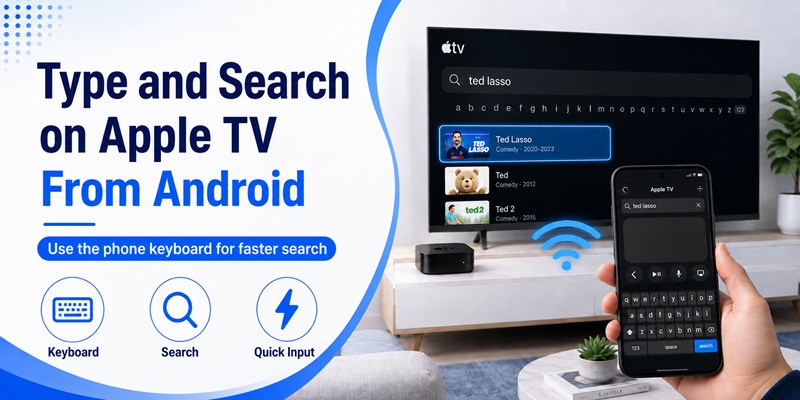
One of the most useful reasons to set up an apple tv remote android is text entry.
Entering a long movie title or password one letter at a time with an on-screen TV keyboard can be frustrating.
Use the Android keyboard
Some compatible remote applications include keyboard input.
When a text field appears on Apple TV, open the keyboard function inside your remote application and type using the keyboard on your Android phone.
Current Android Apple TV remote listings describe keyboard support for convenient text entry.
This can make searching much faster.
Use it for common searches
Keyboard control is particularly useful when:
- Searching for movies
- Searching for TV shows
- Entering usernames
- Entering search terms
- Browsing apps with text search
Be cautious when entering passwords through any third-party application. Use software from a developer you trust and review its privacy information before using sensitive text-entry features.
For basic navigation and search, however, keyboard support can make an apple tv remote on android more practical than relying entirely on a physical remote.
7. How to Fix Apple TV Remote Android Connection Problems
If your apple tv remote android cannot find or control Apple TV, do not immediately assume the app is broken.
Start with the network.
Check the Wi-Fi network
Confirm that your phone and Apple TV are connected to the same local network.
For example:
Android phone: HomeWiFi
Apple TV: HomeWiFi
This is what you want.
If the phone is using a guest network while Apple TV is connected to your main network, discovery may fail because some routers isolate guest devices.
Restart the connection
Try these steps in order:
- Close the remote app.
- Disable Wi-Fi on your Android phone.
- Enable Wi-Fi again.
- Reopen the remote app.
- Search for Apple TV again.
If that does not work, restart Apple TV and your Android phone.
Apple recommends checking the same network, updating devices, and restarting devices when its official Apple TV Remote cannot connect from an iPhone or iPad.
Although a third-party apple tv remote android is different software, those network troubleshooting steps are still useful starting points.
Pair the device again
If the app can see Apple TV but buttons no longer respond, remove the saved connection and repeat pairing.
Also ensure another Apple TV with a similar name has not accidentally been selected.
📖 Read More Guides: Free TV Remote App Android: Free Setup and Usage Guide
8. Can You Control Apple TV Without Wi-Fi?
Usually, a third-party apple tv remote android relies heavily on network connectivity.
This is different from the physical Siri Remote supplied with Apple TV.
The physical Apple remote uses Bluetooth
Apple documents that recent Siri Remote and Apple TV Remote models communicate with Apple TV through Bluetooth, while IR can be used for controlling other equipment.
An Android application cannot automatically reproduce that behavior simply because Bluetooth exists on the phone.
Its developer must specifically support a compatible communication method.
Wi-Fi is generally the easiest method
Current third-party Android Apple TV remote applications commonly instruct users to connect the Android device and Apple TV to the same Wi-Fi network.
Therefore, if you are setting up an apple tv remote android, assume that a working local network is required unless your selected app explicitly documents another supported method.
If Apple TV has never been connected to your current network and you have lost the physical remote, initial setup can become more difficult. In that situation, restoring access with the original remote or another supported Apple device may be necessary before a network remote can work.
9. Apple TV App vs Apple TV Remote on Android
This distinction causes a lot of confusion.
A user may search is there an apple tv remote app for android, see Apple’s official Apple TV application in Google Play, install it, and then expect a virtual Siri Remote.
These are different functions.
Apple TV app for Android
Apple’s official Apple TV Android app is designed primarily for watching Apple TV content.
Apple states that the Android application supports features including Continue Watching, Watchlist, streaming, subscriptions, and offline downloads.
Think of it as a streaming and entertainment application.
Apple TV remote functionality
The official remote-control experience documented by Apple is integrated into supported Apple devices such as iPhone and iPad through Apple TV Remote in Control Center. Apple also documents remote use from Apple Watch.
For Android, users looking specifically for an apple tv remote android generally need compatible remote-control software from another developer.
This is also different from searching for an android tv remote app ios, which refers to controlling Android TV from an Apple device rather than controlling Apple TV from Android.
Understanding the direction of control helps you install the correct application.
10. Tips for Using an Apple TV Remote Android Every Day
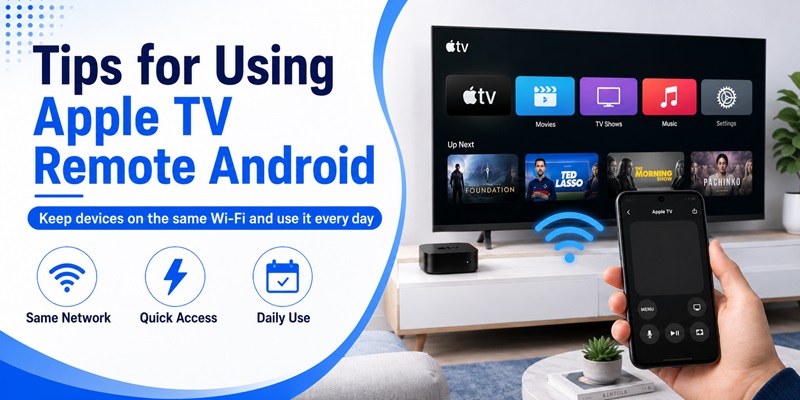
Once your apple tv remote android is paired and working, a few simple habits can make it much more reliable.
Keep both devices on the same network
If your Android phone automatically switches between networks, the remote may suddenly stop detecting Apple TV.
When this happens, check Wi-Fi before changing any other settings.
Save the correct Apple TV
If your home has more than one Apple TV, give each device a recognizable name.
For example:
- Living Room Apple TV
- Bedroom Apple TV
- Office Apple TV
Then select the right device inside your Remote TV App instead of repeating discovery every time.
Keep the physical remote when possible
An apple tv remote android is extremely useful as a backup, but keeping the Siri Remote available is still worthwhile.
The physical remote can help when:
- Wi-Fi is unavailable.
- Network settings change.
- Apple TV needs initial setup.
- The remote application cannot discover Apple TV.
- You need a feature that the Android app does not support.
Test important controls after setup
Do not stop after confirming that directional navigation works.
Test:
- Home
- Back
- Play and pause
- Touchpad navigation
- Keyboard input
- Volume, if supported
- Reconnection after closing the app
This tells you whether your apple tv remote android can genuinely replace the physical remote for your normal viewing routine.
Final Thoughts
Using an Android phone to control Apple TV is possible, but the process is slightly different from the experience on an iPhone.
Apple currently documents its integrated Apple TV Remote for devices such as iPhone, iPad, and Apple Watch, while the official Apple TV application available on Android focuses on viewing Apple TV content.
For users who specifically need an apple tv remote android, the practical approach is to use a compatible Android remote application.
Start by connecting your phone and Apple TV to the same Wi-Fi network. Open the remote application, discover Apple TV, complete the pairing process, and then test navigation and playback.
If the connection fails, check the Wi-Fi network first. Restart the app and devices, search for Apple TV again, and repeat pairing if necessary.
Once properly configured, an apple tv remote android can provide convenient navigation, playback controls, touchpad input, and potentially keyboard entry directly from the Android phone you already carry.
It may not reproduce every feature of Apple’s Siri Remote, but for everyday navigation and media control, a compatible apple tv remote android can be a practical backup whenever the physical remote is missing, out of reach, or unavailable.
Download TV Remote APP