
Free TV Remote App Android: Free Setup and Usage Guide
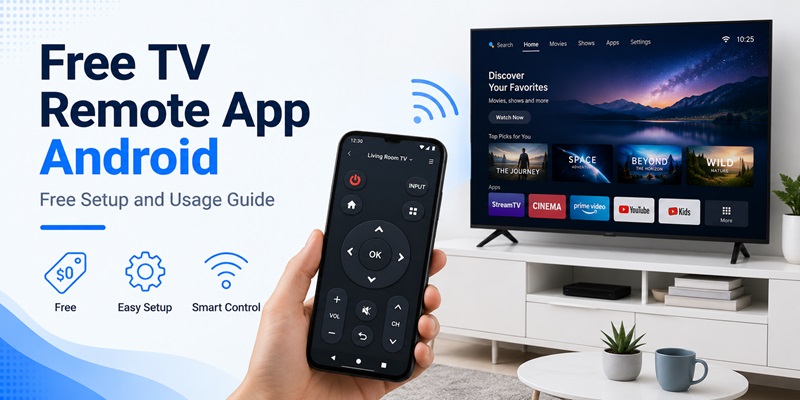
Losing a TV remote is frustrating, especially when you only want to change the volume, switch inputs, or open a streaming app. Fortunately, an Android phone can often become a convenient replacement. A free tv remote app android solution allows you to control compatible televisions directly from your smartphone without immediately buying another physical remote.
However, not every remote app works the same way. Some rely on Wi-Fi, some require an infrared sensor, and others support only specific television platforms. An app may also be free to install but place certain functions behind a subscription.
This guide explains how to find a genuinely useful free tv remote app android, set it up correctly, connect it to your television, and troubleshoot common problems. The focus is on free usage and practical setup rather than premium features you may never need.
1. What Is a Free TV Remote App Android?
A free tv remote app android is an application that lets an Android smartphone send remote-control commands to a compatible television. Depending on the connection method, your phone may communicate with the TV through the same Wi-Fi network, infrared signals, Bluetooth, or a television manufacturer’s supported control system.
Your phone becomes a virtual remote
Once connected, the phone screen usually displays familiar controls such as:
- Power
- Volume up and down
- Channel controls
- Navigation arrows
- Home
- Back
- Mute
- Input selection
- Play and pause
More advanced applications may include a touchpad, keyboard, app launcher, media controls, or casting tools.
The main advantage of a free tv remote app android is convenience. Your smartphone is usually nearby, so you do not need to search the room for a missing remote every time you want to control the television.
Free does not always mean completely free
When searching for a free remote control app android, check what “free” actually includes. Some apps provide the main remote buttons without payment but charge for extra tools. Others display advertising or offer an optional premium upgrade.
If your goal is simply controlling volume, navigation, playback, and power, you may not need any paid features at all.
📖 Read More Guides: Google TV Remote App for Android: Phone Control Guide
2. How to Choose a Truly Free TV Remote App Android
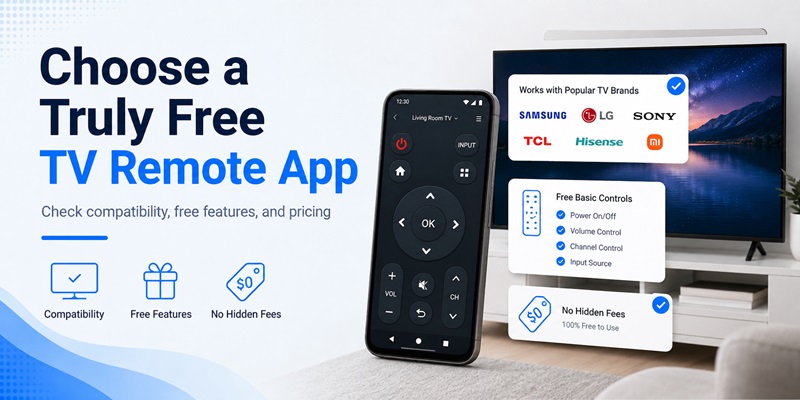
There are many remote applications available, so choosing the right one matters more than downloading the first result you see.
A good free tv remote app android should provide the basic controls you need without forcing you to subscribe before you can actually operate your television.
Check compatibility first
Before installing an app, identify your TV’s brand and operating system. Different smart televisions may use Google TV, Android TV, Roku, Fire TV, proprietary smart TV platforms, or other systems.
Look for a free smart tv remote app for android that explicitly supports your television type.
Compatibility is especially important if you expect one application to control several TVs. A universal app may support multiple brands, but individual features can vary between models.
Check which features are free
Read the app description carefully before installing it. Ideally, free access should include essential functions such as:
- Directional navigation
- Volume adjustment
- Playback controls
- Home and back buttons
- Power control when supported
A free tv remote control app for android does not necessarily need every advanced feature. For many users, reliable basic controls are more valuable than dozens of premium options.
Also check whether the app clearly explains advertisements, subscriptions, trials, or optional purchases.
3. How to Set Up a Free TV Remote App Android
Setting up a free tv remote app android is usually simple, particularly when both devices use the same Wi-Fi network.
Step 1: Identify your television
Before downloading anything, check:
- TV brand
- TV model if available
- Whether the TV is a smart TV
- Which network the TV uses
- Whether your Android phone has an IR blaster
Knowing these details helps you choose the correct connection method.
Step 2: Install the remote app
Search your normal Android app store for a compatible remote application. If you see a listing such as all tv remote control app for android free download, verify the developer, permissions, user reviews, and supported TV brands before installing.
Avoid downloading random APK files from unknown websites simply because they promise unlimited free access.
After installation, open the free tv remote app android and follow the initial setup screen.
Step 3: Allow necessary permissions
A network-based remote may need permission to discover nearby devices. Depending on your Android version and app features, additional permissions may also be requested.
Only grant permissions that make sense for the feature you are using.
For example, a remote application normally does not need access to your contacts simply to change television volume.
📖 Read More Guides: Sony TV Remote App for Android: Complete Download and Setup Guide
4. How to Connect Your Android Phone to a TV
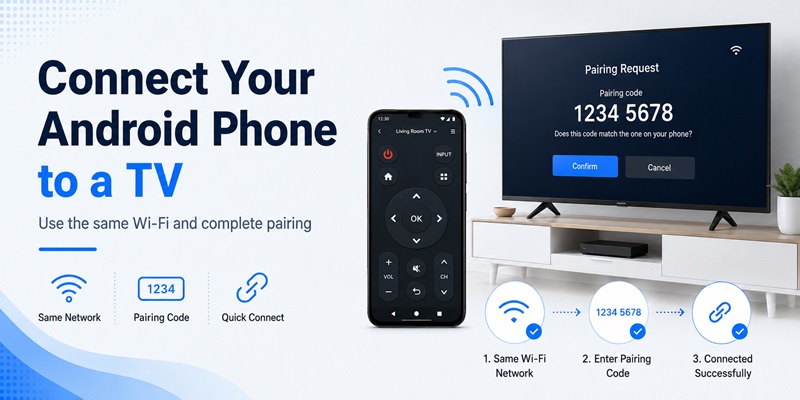
Most modern smart TV remote apps connect over a local network.
For the best chance of success, make sure your phone and television are connected to the same home network before opening the free tv remote app android.
Connect through Wi-Fi
A typical setup looks like this:
- Turn on the television.
- Connect the TV to your home Wi-Fi.
- Connect the Android phone to the same network.
- Open the remote application.
- Tap the option to search for nearby televisions.
- Select your television.
- Confirm the pairing code if one appears.
- Wait for the remote interface to open.
Your TV may display a PIN or confirmation request. Enter that code on your phone to authorize the connection.
Once paired, a free tv remote app android can usually reconnect automatically when both devices return to the same network.
What if the TV does not appear?
Check that both devices are really on the same network. Some routers create separate guest networks that prevent connected devices from communicating with one another.
You can also restart the app, disable and re-enable Wi-Fi, or restart the television.
5. Can a TV Remote App Work Without Wi-Fi or IR?
A common search is tv remote app without wifi or ir free android, but there is an important technical limitation to understand.
A phone needs some communication method to send commands to the television. An app alone cannot magically control a TV without a compatible connection.
Using infrared without Wi-Fi
Some Android phones include an infrared blaster. If your device has one, a compatible free tv remote app android may send commands directly to the television without using Wi-Fi.
This works similarly to a traditional infrared remote.
However, many newer Android phones do not contain IR hardware. Installing an app cannot add an infrared transmitter that physically does not exist.
What if your phone has no IR?
If your phone lacks IR, the most common option is Wi-Fi.
Some televisions or streaming devices may also support Bluetooth or another manufacturer-specific connection, but availability depends on the hardware.
Therefore, when looking for android remote control free solutions, first determine what connection technology your television and phone actually support.
In most cases, you need at least Wi-Fi, infrared, Bluetooth, or another compatible communication method.
Download TV Remote APP6. How to Use the Main Remote Control Features
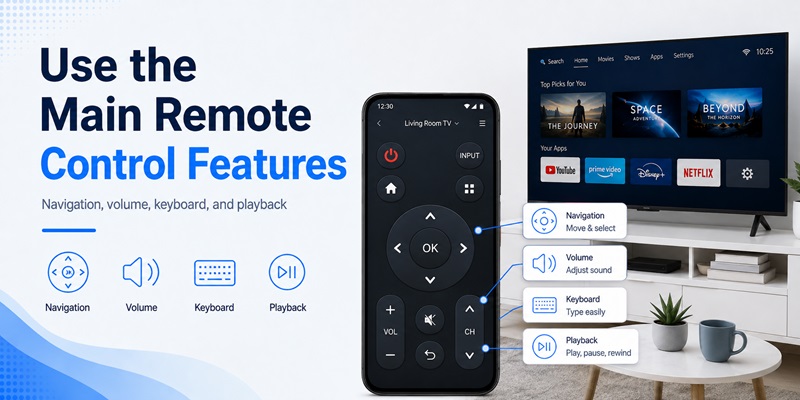
After your free tv remote app android is connected, begin with the basic controls before exploring additional tools.
Navigation and volume
The most useful buttons are typically:
- Up, down, left, right
- OK or select
- Home
- Back
- Volume
- Mute
These controls are enough for navigating menus and opening most television apps.
A good free remote control app for android should make these buttons large enough to use comfortably without looking closely at the screen every time.
Keyboard and touchpad
Typing a movie title using a physical TV remote can be slow. Some apps provide an Android keyboard that allows you to enter text directly from your phone.
A touchpad can also make navigation faster on compatible TVs.
If these tools are included in the free version, they can make a free tv remote app android considerably more convenient than a traditional remote.
Playback controls
When watching compatible media, the app may provide:
- Play
- Pause
- Fast forward
- Rewind
- Previous
- Next
Some Remote TV App products may also include casting or screen-mirroring tools. These are useful extras, but they are not required if your main goal is simply replacing a missing remote.
Explore Articles: Samsung TV Remote App Android: Complete Download and Setup Guide
7. How to Fix a Free TV Remote App Android That Cannot Connect
Connection problems are common but usually easy to diagnose.
If your free tv remote app android cannot find the television, start with the network rather than immediately reinstalling the app.
Confirm the Wi-Fi connection
Make sure:
- The phone is connected to Wi-Fi.
- The television is connected to Wi-Fi.
- Both devices are using the same network.
- The TV is turned on.
- Device discovery is enabled if required.
If your router has both 2.4 GHz and 5 GHz bands, the devices can often still communicate, but router configuration may affect discovery.
Restart both devices
Close the free tv remote app android completely and reopen it.
If that does not work:
- Restart the television.
- Restart Wi-Fi on the phone.
- Restart the router if necessary.
- Open the remote app again.
- Search for the television.
A fresh network connection often solves temporary discovery issues.
Remove and pair again
If the television was previously paired but stopped responding, remove the saved TV from the app and repeat the pairing process.
Also check the TV’s settings for previously authorized mobile devices. Removing an old authorization and reconnecting may solve the issue.
8. How to Use One Android Remote With Different TV Brands
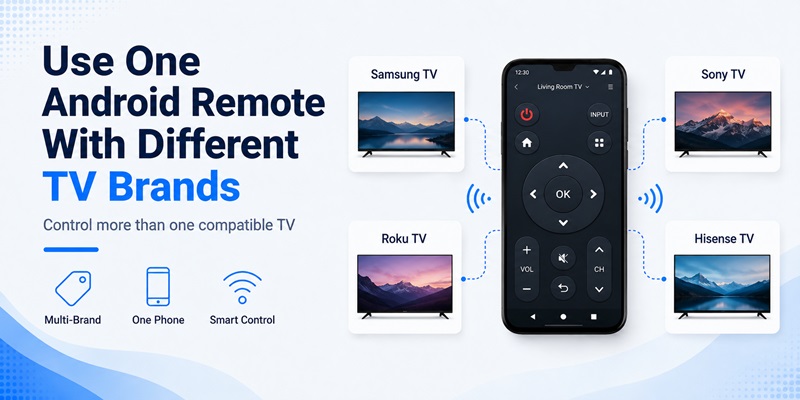
Some users want one free tv remote app android instead of installing a separate application for every television.
This can work, but universal compatibility should not be assumed.
Universal versus brand-specific control
Universal remote apps attempt to support multiple brands from one interface. They are useful if your household has several different televisions.
Brand-specific apps may offer tighter integration but usually work with a smaller range of devices.
When considering an all tv remote control app for android free download, check whether the exact television brands you own are supported rather than relying only on the phrase “all TV.”
No application can guarantee compatibility with every model ever produced.
Save multiple televisions
If supported, add each television separately and give it an easy-to-recognize name, such as:
- Living Room TV
- Bedroom TV
- Family Room TV
Then you can switch devices inside the free tv remote app android instead of pairing again every time.
This is especially convenient for households using multiple smart televisions.
9. How to Keep a Free Remote App Safe and Reliable
Free software can be useful, but installation habits still matter.
A free tv remote app android should come from a source you trust and request only reasonable permissions.
Review permissions
Before granting access, consider whether each permission is connected to the app’s features.
Nearby-device or local-network access may be necessary for discovering a television. Other permissions may be required for optional features such as media casting.
Be cautious if a simple remote app requests access that appears unrelated to television control.
Avoid unnecessary APK downloads
Searching for a free solution may lead to unofficial APK websites. Although an APK is simply an Android application package, downloading software from unknown sources creates unnecessary risk.
For most users, installing a reputable free tv remote app android from an established app marketplace is the simpler choice.
Understand subscriptions before accepting them
Some apps advertise free installation but offer a trial that automatically becomes a subscription.
Read the payment screen carefully. If your only requirement is basic TV control, look for a free mode instead of accepting a trial you do not need.
10. Is a Free TV Remote App Android Worth Using?
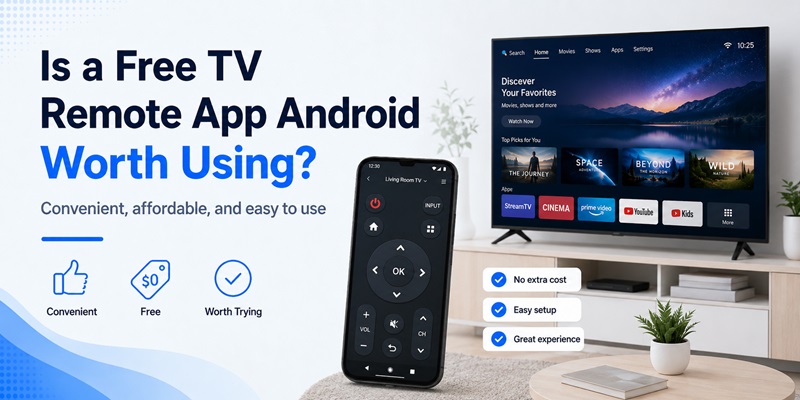
For many households, yes.
A free tv remote app android can be an effective temporary or everyday replacement for a physical remote, particularly when the television already supports network control.
Best situations for using one
A remote app is especially useful when:
- Your physical remote is lost.
- The batteries are dead.
- You want a keyboard for TV searches.
- You use several televisions.
- You frequently have your phone nearby.
- You want basic controls without purchasing another remote.
The biggest factor is compatibility rather than price. A completely free application is not useful if it cannot communicate with your television.
When a physical remote may still be necessary
A phone remote is not always a complete replacement.
If your television is disconnected from Wi-Fi and your Android phone has no IR blaster, initial setup may require the original remote or physical controls on the TV.
Power-on functionality can also depend on the television model and its network settings.
For this reason, treat a free tv remote app android as a convenient control option rather than assuming every phone can control every TV under every condition.
Final Thoughts
The best way to find a useful free tv remote app android is to start with compatibility, not the number of features advertised.
First identify your television platform. Then determine whether your phone will connect through Wi-Fi, infrared, Bluetooth, or another supported method. Install the application from a trusted source, pair the devices, and test basic navigation before considering premium features.
If Wi-Fi control is available, keep your phone and television on the same network. If your phone includes an IR blaster, you may also have an offline control option for compatible televisions.
Most importantly, remember that a free tv remote app android cannot overcome missing hardware. A phone without infrared cannot generate IR signals through software alone, and a network remote cannot communicate with a disconnected television unless another supported connection method exists.
For users who mainly need volume controls, navigation, playback buttons, and quick access to TV menus, a free tv remote app android can provide almost everything needed for everyday viewing without immediately spending money on a replacement remote.
Download TV Remote APP