
Panasonic TV Remote Universal Compatibility and Setup Guide
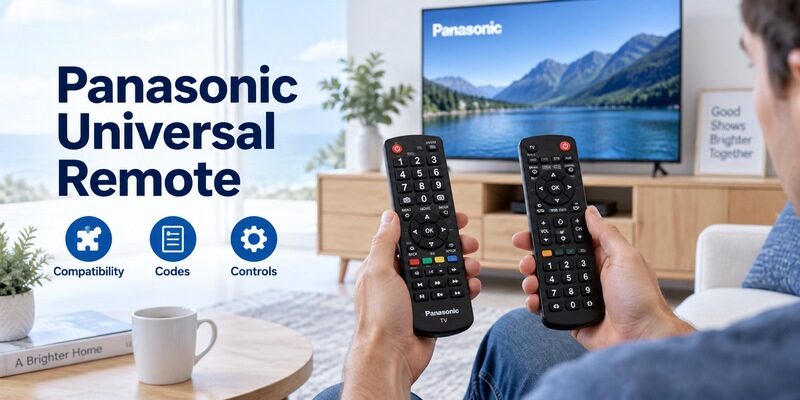
Short answer: A compatible universal remote can control a Panasonic TV using the code system supplied by the remote manufacturer.
If your search for “panasonic tv remote universal” brought up several contradictory code lists, start with the handset you own. Its model and code-list version determine which numbers it accepts; the television brand alone cannot identify the correct entry. Basic infrared control, smart-TV navigation, and microphone features also have different requirements.
This guide explains how to choose a universal remote for panasonic tv, find the right instructions, and judge whether setup really worked. It also covers partial compatibility, older VIERA televisions, and the circumstances in which a phone can provide a useful second control method.
Choosing a Panasonic TV Remote Universal Option
Choose for the functions you need every day. A handset that turns the screen on can still leave you unable to select an input or open the settings menu.
| Remote option | Best reason to choose it | Check before ordering |
|---|---|---|
| Panasonic-specific replacement | Familiar TV button layout | Exact television compatibility |
| Multi-device universal remote | Control TV and other equipment | Separate device modes and code support |
| Learning remote | Copy useful working buttons | Original remote and learning capability |
| Compatible phone remote | A second way to navigate | Supported TV platform and network access |
Basic viewing controls
For an older television used with a cable box, Power, Volume, Mute, and Input may cover most TV tasks. The cable box can continue handling channels and its own guide. A simple panasonic tv remote universal solution is reasonable when those responsibilities are clear.
Write down the controls you actually reach for during an evening. Include changing to a game console or returning from an HDMI device to broadcast television. Those actions reveal missing keys more reliably than counting how many buttons a product photograph shows.
Think about who will use the replacement, too. Large, separated volume keys may matter more than controlling five devices from one handset. Someone who mainly watches a set-top box should not have to remember a complicated mode change just to mute the television. Before choosing, compare the button photograph with the viewer’s normal routine and mark anything that would require an unfamiliar extra step.
Smart features and voice
A microphone icon on a replacement listing deserves a separate compatibility check. An infrared command profile does not establish the Bluetooth connection required by a compatible voice remote. Do not assume a product can add voice hardware or services to a television that lacks them.
When comparing panasonic tv remote universal listings, look for an explicit statement about your TV platform and microphone support. A promise of “all functions” without model detail is weaker evidence than a precise compatibility document.
📘 Find the Right Guide: Panasonic TV Remote: Choose, Set Up and Replace It
Find the Handset Identity Before Searching for Codes
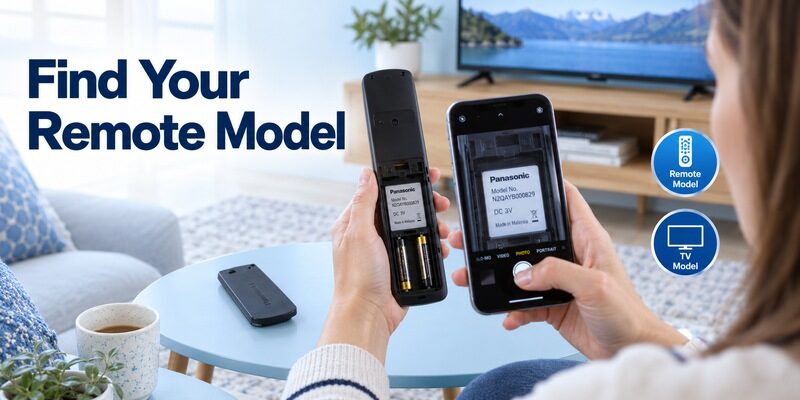
Read the remote label
Open the battery compartment and copy the complete remote model. Include the letters and suffixes, and photograph the label before replacing the cover. Brand names can appear on several generations of products whose programming instructions differ.
For GE-branded products made by Jasco, the manufacturer’s Universal Remote Codes guidance distinguishes code-list versions such as CL3, CL4, CL5, and CL6. The version belongs to the remote. A panasonic tv remote universal search becomes much more useful once you add that identifier.
Keep the television identity separate
Record the TV’s full model from its label or model information screen. Screen size and “VIERA” are useful descriptions, but neither is a complete compatibility reference. If the TV is mounted, use an accessible label or existing paperwork instead of pulling it forward alone.
Keep two clearly named notes: “TV model” and “remote model.” Mixing them is an easy way to download instructions for the wrong device. This distinction matters even when both items carry Panasonic branding.
The serial number identifies an individual unit, while the model identifies its product family. Keep the serial available for manufacturer support, but use the model when looking for instructions. For a panasonic tv remote universal purchase, send the seller that model and ask about the specific functions you need. A clear written answer is easier to assess than a reply that simply repeats the brand name from the listing.
Download TV Remote AppUse Code Lists from the Correct Remote Family
There is no single Panasonic code that works in every universal handset. A panasonic tv remote code is an entry in a particular manufacturer’s command library.
Three digit four digit and five digit entries
Searches for panasonic tv remote codes 3 digit, panasonic tv remote codes 4 digit, and panasonic tv remote codes 5 digit describe different input formats. They are not interchangeable versions of one number. Adding zeros or removing a digit does not translate between libraries.
If a panasonic tv remote universal article supplies numbers without naming the remote family, treat the list as incomplete. Use the manual or official lookup for your handset and select Panasonic under the TV device category.
GE and other multi-device brands
For ge universal remote codes for panasonic tv, match the Jasco code-list version first. For another manufacturer’s remote, use that manufacturer’s lookup instead. A code printed in a Panasonic television manual may concern a different control task, such as programming a supplied handset for external equipment.
Keep the relevant Panasonic candidates in their published order. Write each one down as you test it, including whether it controlled only Power or also the other required functions. This small record prevents repeated failed attempts.
Pay attention to the equipment category above a code table. Panasonic makes products beyond televisions, and a code for a disc player does not become a TV code because the same company made both devices. If the lookup asks for a category, select TV before selecting Panasonic. This also helps explain why a number copied from a search snippet can be valid in its original context and still be wrong for your job.
💡 Discover Helpful Guides
Can You Factory Reset a Panasonic TV Without a Remote?
Enter a Code Without Losing Track of Setup
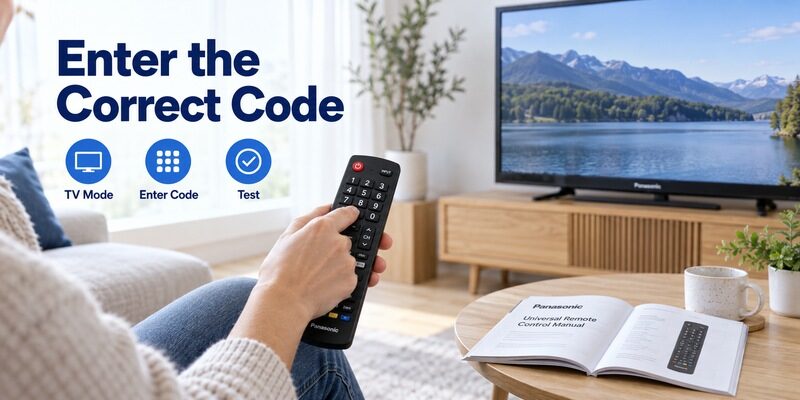
The precise button sequence comes from the universal remote’s instructions. Do not combine steps from different manuals, even if both mention a Setup button.
Prepare the screen and remote
Turn the television on with its physical control or an available working handset. Insert the battery type specified for the universal remote, and sit where its infrared end has a clear path to the TV receiver.
For panasonic tv remote universal programming, keep the correct code list beside you before entering setup mode. Long pauses while looking up a number can let the remote leave that mode, making the next digits ordinary TV commands.
Follow the model-specific sequence
1. Select the TV procedure: Use the television programming section of your remote manual.
2. Enter setup mode: Follow the named button and indicator instructions exactly.
3. Select the device mode: Choose TV if the handset supports several equipment types.
4. Enter the candidate code: Preserve its digit count and any leading zero.
5. Finish and test: Save or exit as instructed, then try the essential controls.
Those steps explain the workflow without pretending every remote has the same keys. If its light signals an invalid entry, check the format before trying another Panasonic candidate. Repeating an incorrectly entered code gives no evidence about compatibility.
Pause between complete attempts and return the handset to a known state using its documented exit procedure. Accidental button presses can otherwise leave you unsure whether the remote is accepting a code or controlling a device. A panasonic tv remote universal setup record should distinguish “code rejected” from “code accepted but no TV response.” Those outcomes point to different checks and make a support conversation much more productive.
📘 Find the Right Guide: App for Panasonic TV Remote: VIERA and Platform Options
Search Automatically When the Printed Codes Fail
Know what automatic search changes
Automatic search cycles through the command profiles already stored in a handset. It does not download new Panasonic support or discover the television’s firmware. A panasonic tv remote universal setup can therefore fail after a complete search if the required profile is absent.
Consult the official automatic-search procedure for the exact remote. Some products use grouped commands followed by a more precise search; others advance differently. Saving the successful profile is part of setup, not an optional final step.
Watch the television while searching
Keep the remote aimed at the screen’s receiver area and respond when the expected change occurs. If you look away and continue pressing, you may move past the useful profile. Follow the manual’s recovery instructions rather than restarting with a guessed combination.
After a search succeeds, test Input and Menu before calling the job finished. The first profile that switches the television off may be less complete than another candidate. Record a working result where the rest of the household can find it.
If a search completes without success, verify the starting conditions before running the whole cycle again. Was the TV on, was TV mode selected, and did the remote remain aimed correctly? Once those conditions are confirmed, repeating the same search indefinitely is unlikely to add useful information. Check the manufacturer’s model support or choose a more specifically matched handset instead of treating a longer search as a stronger compatibility test.
Test More Than the Power Button
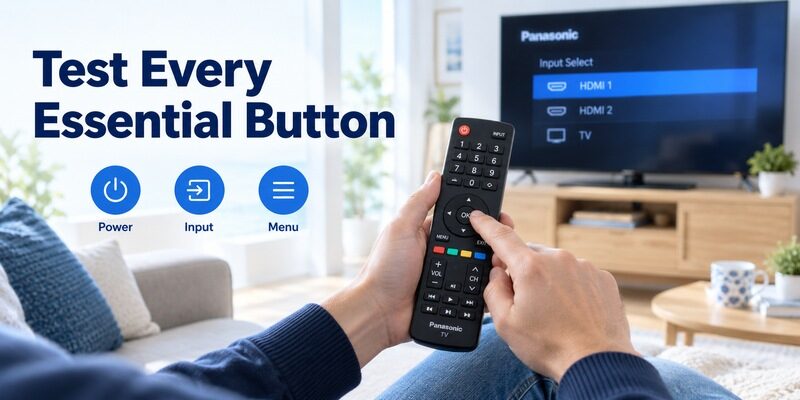
A panasonic tv remote universal match is only useful when it covers your routine. Test in the TV interface as well as the current HDMI source.
| Test | Useful result | What a failure can reveal |
|---|---|---|
| Power from standby | TV starts reliably | Wrong profile or obstructed signal |
| Volume and Mute | Intended audio device responds | Audio routing or device-mode issue |
| Input selection | Required HDMI source opens | Missing input command |
| Arrows and OK | TV menu can be navigated | Incomplete navigation mapping |
| Back or Exit | Menu closes predictably | Missing or differently mapped key |
Check navigation inside television menus
Open a harmless menu, move between two options, and return without changing a setting. This tests directional commands, confirmation, and exit behavior together. It is more informative than repeatedly pressing Power while the screen is already on.
A universal panasonic tv remote control may label a command differently from the original handset. Consult its key guide before concluding that a function is missing. If a needed command genuinely has no equivalent, choose another profile or remote.
Test the whole viewing arrangement
Repeat the check while watching the source used most often. A soundbar can receive volume commands while the TV handles input selection, so two successful functions may involve different devices.
For a family evaluating panasonic tv remote universal compatibility, a practical acceptance test is a complete viewing trip: start the TV, select the intended source, adjust sound, and return to standby. Ask the regular viewer to try that sequence too.
Do not forget less frequent tasks that become essential after a change at home. Connecting a new console, adjusting subtitles, or selecting a different sound output may need keys that ordinary channel viewing never uses. Keep those tasks on your acceptance note even if you test them later. A panasonic tv remote universal replacement should fit the television’s intended use over time, rather than only the program playing during the first check.
💡 Discover Helpful Guides: Can You Factory Reset a Panasonic TV Without a Remote?
Handle Older VIERA Sets and Replacement Handsets
VIERA describes a family
A panasonic viera universal remote needs to match the actual television and required controls. Older sets can have keys for aspect ratio, input selection, or menu access that matter more than modern streaming shortcuts.
Panasonic’s remote compatibility directory lists different handset part numbers for different television series. That is a useful reminder that similar appearance does not establish full compatibility. Use the guide when identifying an older setup.
Brand-specific replacement is another category
One For All publishes dedicated support for its URC 1914 Panasonic TV Replacement Remote. A product of this kind has its own setup and compatibility documentation; it should not inherit instructions written for a GE multi-device handset.
Your panasonic tv remote universal choice may ultimately be a brand-specific replacement because its layout fits the job. Compare that convenience with a multi-device model’s ability to control separate equipment. Neither advantage replaces checking the exact TV.
If the old handset still sends some commands, a learning model may preserve an unusual key that its preset profile omits. Confirm the learning procedure and limitations before buying; copying a command depends on having a usable source for it. A completely failed original cannot demonstrate the missing function. This makes learning a potentially useful feature for a worn remote, but a less certain solution when the original has been lost.
Diagnose Partial or Inconsistent Control
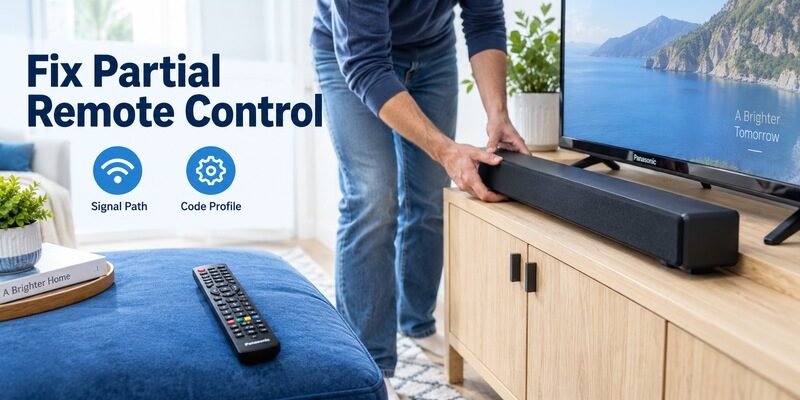
Only a few buttons work
If Power responds but Menu and Input do not, return to the code list and test another supported profile. Keep the current code in your notes so you can restore the partial result if later candidates are worse.
This is a common decision point in panasonic tv remote universal setup: an incomplete profile is different from a completely dead handset. Changing batteries repeatedly will not add a missing command to the code library.
Commands work only at close range
Check the path to the receiver and remove obstacles such as a soundbar placed directly in front of it. Test from a consistent position with fresh, correctly installed batteries. Avoid judging several variables at once.
If an original compatible handset works from the same seat while the universal remote does not, focus on the universal unit or its setup. If both fail, investigate the television and receiver path. The guide covers that broader diagnosis.
The wrong device changes
On a multi-device remote, confirm which mode is active before altering a TV code. Volume settings may also be assigned to a sound system through a manufacturer-specific feature. Consult those settings when sound responds somewhere unexpected.
Keep panasonic tv remote universal troubleshooting reversible. Change one assignment, test it, and note the outcome. Resetting the television to factory defaults is disproportionate when the unresolved issue is the remote’s device selection.
💡 Discover Helpful Guides: Panasonic TV Remote Instructions for Buttons Menus and Daily Use
Use a Phone as a Supported Backup
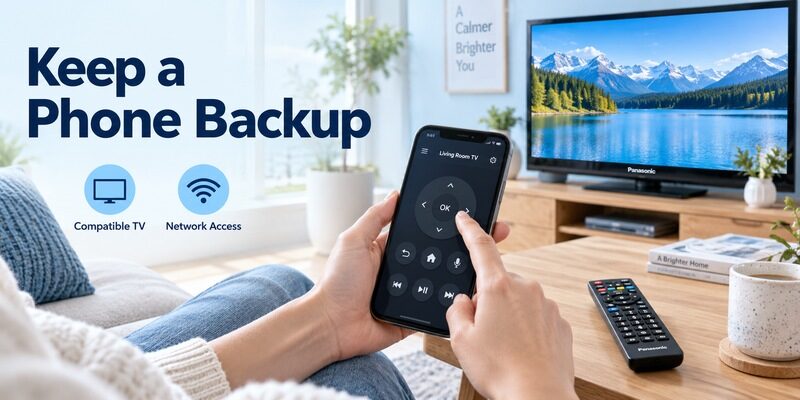
A panasonic tv remote universal app search can be useful when a compatible smart TV already has network access. Phone control depends on the TV’s platform and available control features. An app cannot make an offline, unsupported television respond merely because the brand is listed.
Remote TV App can provide a second navigation method on supported setups while you compare physical remotes. Check compatibility and connection requirements on the homepage before relying on it for an essential task.
Test the backup while the physical remote still works. That lets you approve any on-screen connection prompt and verify that the phone controls the intended television. For panasonic tv remote universal planning, this preparation is more useful than discovering the app for the first time after every other controller has failed.
Keep a working physical option if first-time setup, standby wake, or network changes require one on your model. The best arrangement is the one that remains usable by everyone who watches the television.
Name the television clearly inside any supported app so that a bedroom screen is not confused with the living-room set. Then check a reversible action such as one volume change before relying on more consequential controls. This final detail makes a panasonic tv remote universal backup practical in a home with several televisions and gives another viewer a straightforward way to confirm that the correct screen is selected.
💡 Discover Helpful Guides: Panasonic TV Remote Universal Compatibility and Setup Guide
Frequently Asked Questions
Will a universal remote work on a Panasonic TV
A supported model can, particularly for basic infrared commands. Check the universal remote’s compatibility information and test the controls you need. The phrase “panasonic tv remote universal” describes a category of solutions, not a guarantee for every handset and television combination.
Will any Panasonic remote work with any Panasonic TV
No. Shared branding or a familiar case can conceal different button maps and smart features. Confirm the television model against an official parts reference or a precise replacement listing before buying. A working Power command alone is insufficient evidence.
Why do Panasonic TV universal remote codes differ between websites
They may belong to different manufacturers, remote generations, or code-list versions. A useful panasonic tv remote universal reference identifies that context. Match the list to your handset rather than collecting unrelated numbers into a longer list.
Can universal infrared control restore voice commands
An infrared code does not create microphone pairing. Voice requires the appropriate handset, supported TV platform, and any relevant service setup. Choose the remote for voice compatibility explicitly instead of treating it as an automatic extension of basic TV control.
📘 Find the Right Guide
Panasonic TV Remote in Mobile for Android and iPhone
Final Thoughts
Before putting away the manuals, make a small instruction note for the next person. Include the button used to select the TV device mode, the way to change inputs, and any separate soundbar control. Leave out setup codes from the everyday instructions so nobody enters programming mode by accident. Your panasonic tv remote universal configuration can stay documented in a second note with the model information. Separating ordinary operation from programming makes the remote easier to use and reduces accidental changes when someone simply wants to watch a program. Update the note if you later replace the cable box or sound system.
The strongest panasonic tv remote universal setup starts with two exact identifiers: the TV model and the universal remote model or code-list version. Use the remote manufacturer’s instructions and test the full viewing routine before accepting a result.
Keep the successful configuration with your television paperwork, including any soundbar assignment and missing functions. If the handset cannot provide an essential control, a correctly matched replacement is a better next step than endless code guessing. A supported phone connection can remain a useful backup alongside it.
Download TV Remote App