
Universal Remote TV App: How to Turn Your Phone Into a Smart TV Remote
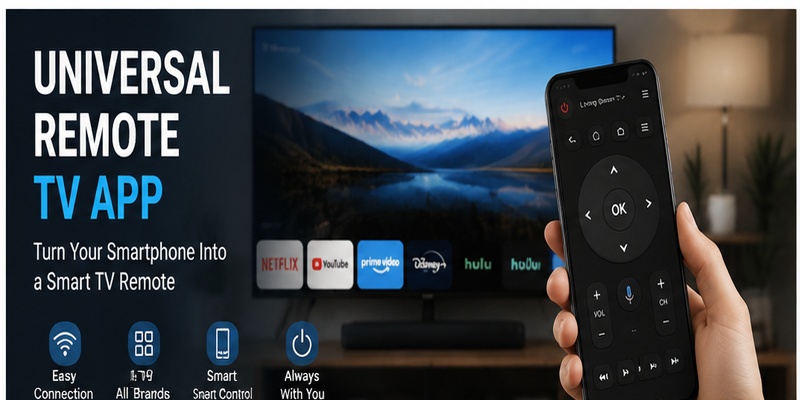
Managing a smart TV should be simple, but many users still struggle with missing remotes, multiple controllers, or complicated device setups. A universal remote tv app provides an easier way to control your television by turning your smartphone into a convenient remote control.
Instead of searching for a physical remote or buying a replacement, users can access essential TV functions directly from their phones. From changing channels and adjusting volume to launching streaming apps and typing searches faster, a mobile remote app can make everyday entertainment more comfortable.
Today, many solutions support popular brands such as Samsung, LG, Sony, TCL, Roku, and Android TV. Whether you need a backup controller, a smarter way to manage multiple devices, or a simple replacement for a lost remote, choosing the right universal remote tv app can significantly improve your viewing experience.
1. Why People Are Switching to a Universal Remote TV App
The way people interact with televisions has changed significantly over the last decade. Smart TVs now include streaming platforms, voice assistants, connected devices, and advanced entertainment features. However, one problem remains common: losing, damaging, or managing too many physical remotes.
A universal remote tv app solves this problem by allowing users to control their television directly from a smartphone. Instead of searching for a traditional remote, users can simply open an application and manage their TV from a device they already carry every day.
For many households, the television setup includes multiple devices:
- Smart TV
- Streaming box
- Soundbar
- Gaming console
- Media player
Each device may require a different controller. This creates unnecessary complexity, especially when family members need quick access to basic functions such as volume, power, and navigation.
A smartphone-based remote provides a more convenient approach. A single application can combine multiple controls into one interface, helping users reduce clutter and simplify their entertainment setup.
Download Universal TV Remote➡️ Explore More: How to Reset Your Apple TV Remote: Pairing, Volume, and No-Remote Fixes
2. How Does a Universal Remote TV App Replace Your Physical Remote?
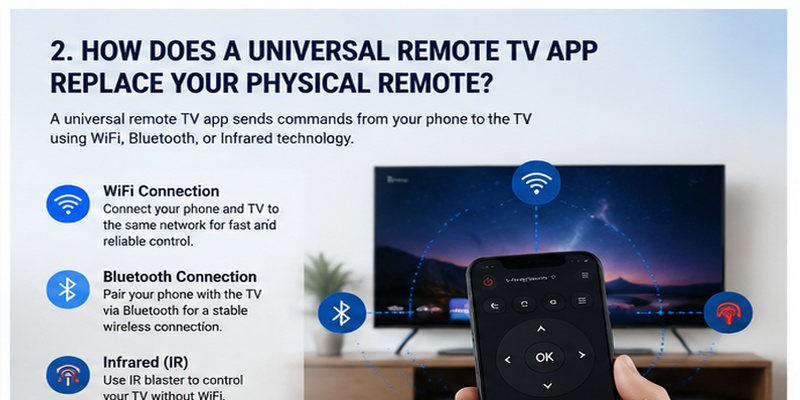
A universal remote tv app works by sending commands from your smartphone to the television. Depending on the device, the connection can happen through WiFi, Bluetooth, or infrared technology.
Although the experience feels similar to using a normal remote, the technology behind it is different.
WiFi-Based Remote Control
Most modern smart TVs use WiFi communication. The phone and television connect through the same home network, allowing the application to send commands instantly.
This method is commonly used by:
- Samsung Smart TVs
- LG Smart TVs
- Android TVs
- Google TVs
- Roku TVs
WiFi control does not require pointing the phone toward the television. Users can control the TV from different positions in the room.
Infrared Remote Technology
Some smartphones include infrared sensors. These devices can send signals directly to televisions in the same way as traditional remote controls.
An infrared-based universal remote tv apk can be useful because it does not require internet access or network pairing.
However, infrared has limitations:
- The phone must face the TV
- Distance may affect performance
- Not all smartphones support IR
Bluetooth Connection
Bluetooth provides another option for smart devices. It offers stable communication without requiring the same WiFi network.
Bluetooth-based applications are especially useful for newer smart televisions and streaming devices.
3. What TVs Can You Control With a Universal Remote TV App?
One of the biggest advantages of a universal remote tv app is wide compatibility. Many applications support multiple television manufacturers instead of focusing on one specific brand.
Common supported brands include:
| Brand | Supported Functions |
| Samsung | Navigation, volume, smart features |
| LG | Menu control, apps, playback |
| Sony | Android TV functions |
| TCL | Smart TV navigation |
| Hisense | Basic remote controls |
| Roku TV | Streaming control |
| Fire TV | Media navigation |
Samsung and LG Smart TVs
Samsung and LG televisions are among the most popular smart TV brands, and many remote applications are optimized for these platforms.
Users can usually control:
- Power
- Volume
- Input selection
- App navigation
- Playback controls
A universal tv remote control app can be especially useful when the original Samsung or LG remote is unavailable.
Android TV and Google TV
Android-based televisions often provide excellent smartphone integration. Users can search content, enter text, and navigate menus more efficiently.
The phone keyboard feature is one of the biggest advantages compared with traditional remotes.
Older TVs
Older televisions may have fewer smart features, but infrared-compatible applications can still provide basic control.
This makes smartphone remotes useful for both modern smart TVs and traditional television systems.
📖 Read More: Apple TV Remote Volume Not Working? Here’s How to Fix It
4. Key Features That Make a Universal Remote TV App Useful
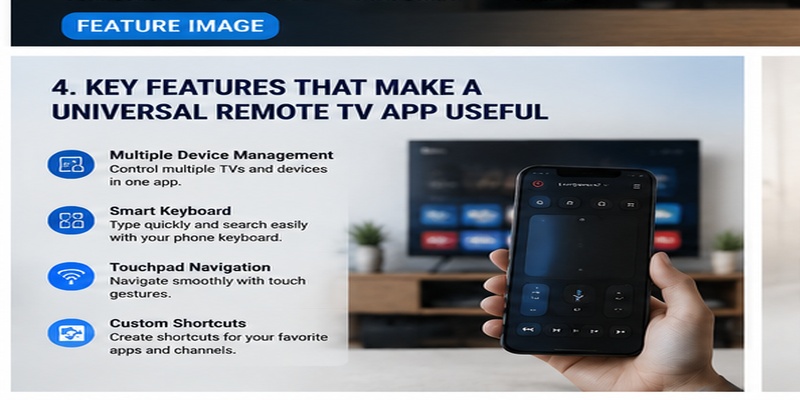
A good universal remote tv app should do more than replace basic buttons. Modern applications provide additional tools that improve everyday television control.
Multiple Device Management
Many users own several entertainment devices. A powerful app allows users to save different devices and switch between them easily.
For example:
- Living room TV
- Bedroom TV
- Streaming device
- Sound system
This eliminates the need to install separate applications.
Smart Keyboard Input
Searching for movies and shows is easier with smartphone typing.
Instead of selecting each letter using a remote, users can type directly from their phone.
This feature is especially useful for:
- Netflix searches
- YouTube searches
- Browser input
- Login information
Touchpad Navigation
Some applications transform the phone screen into a touchpad.
Users can swipe, scroll, and select options more naturally.
Custom Buttons
A quality universal remote tv control app may allow users to create shortcuts.
Examples:
- Open Netflix instantly
- Switch HDMI input
- Launch favorite channels
Customization improves speed and convenience.
Simple Interface
The best remote applications keep controls easy to understand.
Important buttons should always be visible:
- Power
- Volume
- Home
- Back
- Navigation
A complicated interface can make a simple task frustrating.
Download Universal TV Remote5. How to Install and Connect a Universal Remote TV App Correctly
Installing a universal remote tv app is usually simple, but correct setup ensures better performance.
Step 1: Download the Application
Install the application from a trusted source.
Check:
- Reviews
- Compatibility information
- Required permissions
Avoid unofficial files unless you understand the source.
Step 2: Connect Your Phone and TV
For WiFi connections:
- Connect your phone to the same network as the TV.
- Open the application.
- Allow device access.
- Select your television.
For infrared applications:
- Choose the TV brand.
- Select a remote profile.
- Test the buttons.
Step 3: Complete Pairing
Some televisions require confirmation codes.
Enter the displayed code to finish connecting.
After pairing, test:
- Power
- Volume
- Navigation
- Menu access
Step 4: Customize Your Setup
Save your television profile and configure shortcuts.
A customized universal tv remote app ios experience can make daily control much faster.
🔍 View Related Articles: Do You Need to Download the Apple TV Remote on iPhone?
6. Common Issues With TV Remote Apps and How to Fix Them
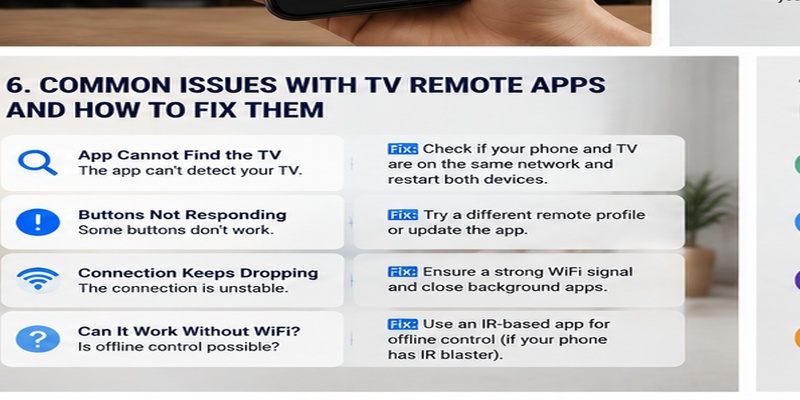
Although convenient, a universal remote tv app may experience connection problems.
The App Cannot Detect the TV
Common reasons:
- Different WiFi networks
- Disabled permissions
- Unsupported TV model
Solutions:
- Restart the app
- Restart the TV
- Check network settings
- Update software
Buttons Are Not Responding
If some buttons work but others fail, the selected remote profile may be incorrect.
Try selecting another device model or reconnecting the application.
Connection Keeps Dropping
Frequent disconnections usually happen because of:
- Weak WiFi
- Router issues
- Background restrictions
Keeping both devices connected to a stable network improves reliability.
Can It Work Without WiFi?
Many users search for a universal tv remote app no wifi solution.
The answer depends on your phone and TV.
Infrared applications can work without WiFi, while most smart TV applications require network communication.
🔍 View Related Articles: Apple TV Remote Download: Complete Guide to Controlling Apple TV From Your Phone
7. Universal Remote TV App: Is It the Best Choice for Your Smart Home?
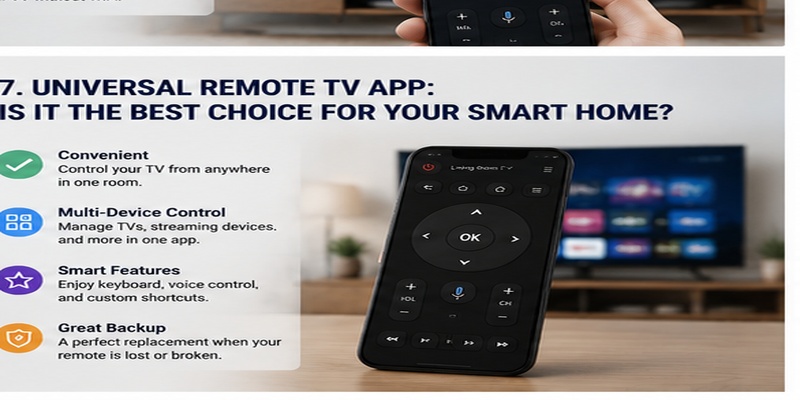
A universal remote tv app offers a convenient alternative to traditional controllers. It combines accessibility, smart features, and flexibility into a device most people already use every day.
For users who frequently lose remotes, manage multiple devices, or want faster searching, smartphone control provides clear advantages.
A physical remote still has benefits. It works instantly, does not require charging, and feels familiar. However, mobile applications provide more advanced features and better integration with modern smart homes.
The best solution depends on your needs:
| User Type | Best Choice |
| Simple TV watching | Physical remote |
| Multiple devices | Remote app |
| Smart TV users | Remote app |
| Backup control | Remote app |
| Older TV without WiFi | Infrared remote app |
Overall, a remote TV app is a practical tool for modern entertainment systems. With proper setup and a compatible television, your smartphone can become a reliable replacement for traditional remote controls.
For users looking for convenience, fewer accessories, and smarter control, a universal remote tv app is one of the easiest upgrades available for any smart home setup.
Enjoy seamless control of your TV using your smartphone. Easily navigate menus, adjust playback, and access your favorite content without relying on the original remote.
Download Universal TV Remote