
Lost Panasonic TV Remote and How to Regain Control

Short answer: Use the TV’s physical controls, an already compatible phone app, or a model-matched replacement when your Panasonic remote is lost.
A lost Panasonic TV remote does not automatically require a factory reset or a new television. The quickest solution depends on what you need right now: turning the screen on, changing an HDMI input, lowering the volume, or entering a network password.
Start by preserving the TV’s existing settings and checking the controls you already have. This guide walks through immediate recovery, explains why some phone apps cannot connect after a reset, and shows how to buy the correct handset without relying on its appearance. It also covers voice remotes, cable controllers, and a practical backup plan for the next time the remote disappears.
Lost Panasonic TV Remote Immediate Recovery
Solve the immediate task before changing the television’s setup. If the TV is already playing the correct source, you may need only a volume control while you locate or replace the handset.
1. Check the TV controls: Find the power button or control cluster using the model’s manual.
2. Try existing controllers: Test a cable or streaming remote that was previously configured for TV power or volume.
3. Open a paired phone app: Use an app that already controlled this exact television.
4. Keep the current connection: Leave working Wi-Fi, inputs, and device associations intact.
A lost Panasonic TV remote becomes a much simpler problem when one of these routes gives you the required function. There is no benefit in erasing settings to solve a missing piece of hardware.
Before pressing unfamiliar controls, note which source is showing. A simple photograph of the screen and connected device can help you return to normal viewing if input selection changes accidentally.
Limit the initial search for the handset to the places where it was last used: between cushions, under a nearby throw, beside the charging area, or with another device’s accessories. Ask other household members before moving equipment. If it is not quickly found, switch to the temporary control route rather than repeatedly disturbing the whole room.
A lost Panasonic TV remote may still be somewhere accessible while a cable handset solves tonight’s viewing. Choosing a reversible workaround gives you time to check the correct replacement model instead of making a rushed purchase that lacks a required button.
Download TV Remote App📘 Find the Right Guide: Panasonic TV Remote: Choose, Set Up and Replace It
Use the Buttons Built into Your Panasonic TV
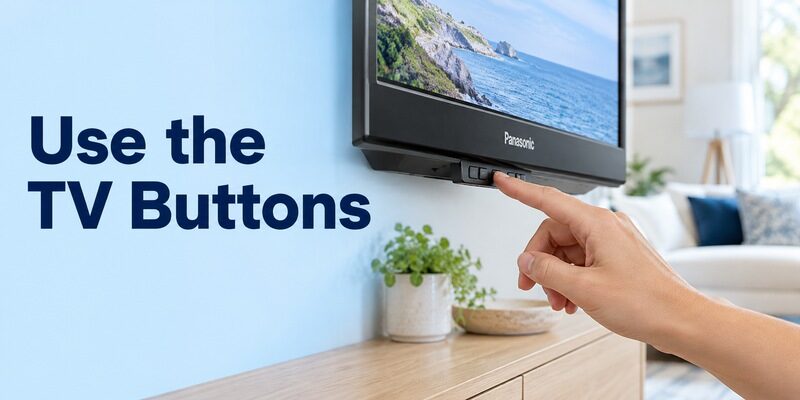
Locate the actual control
Check the lower edge, side, or rear area described in the operating instructions. Button placement differs between models. Use a light to inspect accessible areas; do not pull a large wall-mounted screen forward just to search behind it.
With a lost Panasonic TV remote, the manual’s diagram is more dependable than a video showing another television. A power symbol may indicate one button, while other models have a joystick or several controls with different functions.
Understand a short press and a menu
Some TV controls open a limited menu, while others provide only power or a small set of adjustments. Follow the instructions for your exact model. Do not assume holding the button unlocks a hidden full remote interface.
If a menu appears, read its on-screen movement and selection instructions before proceeding. Try a harmless action such as displaying the input list, then exit. Confirm what is possible before depending on that control for a more involved setup task.
If the manual describes a short menu controlled by repeated presses, read how selection and exit work before changing anything. A long hold can have a different effect from a tap, and the television may close the menu after inactivity. Practice opening and leaving it once so the control behavior is understood.
With a lost Panasonic TV remote, a successful power-button test should not be treated as proof that you can enter a Wi-Fi password. Write down which onboard functions are actually available. That determines whether a phone setup can be completed or a replacement handset is still needed.
📘 Find the Right Guide: App for Panasonic TV Remote: VIERA and Platform Options
Check What Still Works Without the Missing Handset
| Available control | Useful immediate task | Important limit |
|---|---|---|
| TV power button | Turn the set on or off | May not offer full navigation |
| Previously configured cable remote | Power, volume, sometimes input | Panasonic-specific menus may be absent |
| Existing phone remote connection | Supported navigation over the network | Needs compatible software and access |
| Streaming remote with supported TV control | Viewing and some TV functions | May primarily control the streamer |
An already configured cable remote
If your provider’s handset previously changed Panasonic volume, test it before buying anything. Keep its existing setup intact. It may provide enough control for ordinary viewing even if it lacks a dedicated picture-settings key.
A lost Panasonic TV remote does not erase that cable handset’s stored television code. If you have Xfinity equipment that still needs programming, the guide separates supported TV codes from box pairing.
A streaming device remote
A streaming remote may already operate television power or sound through supported equipment control. Test gently at a low volume. If it only moves around the streaming device’s Home screen, that is still useful for watching content from that source.
Device control and television control are different capabilities. Do not conclude that the remote is incompatible with the streamer just because it cannot open Panasonic picture settings. Decide whether its available buttons meet the immediate need.
Check controllers one at a time and return them to their original device afterward. A cable remote that controls Panasonic volume can still be paired to a particular cable box, while another similar handset in the house may be paired elsewhere. Keep those roles clear to avoid breaking a second room’s working setup.
The lost Panasonic TV remote does not mean every remaining controller should be reprogrammed. Preserve the settings of any handset that already supplies the needed command. If borrowing one from another room, note its original configuration before making a change that the other room will depend on later.
💡 Discover Helpful Guides: Download the Panasonic TV Remote App: Complete Setup Guide
Use Your Phone When the TV Is Already Reachable
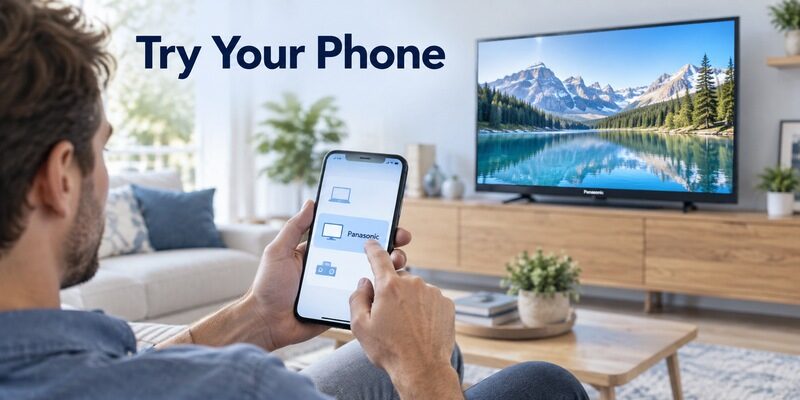
Choose the app by television platform
Panasonic televisions do not all use one mobile remote system. Compatible VIERA models may support Panasonic TV Remote 3; Panasonic Fire TV and Android TV models use their respective supported platform routes.
For a lost Panasonic TV remote, open a previously used app first. If starting from scratch, identify the platform and confirm the exact model appears within the app’s supported scope. A similar television brand name in a store listing is not enough.
Complete the connection request
Connect the phone to the appropriate home network and select the television. If a pairing code or approval appears, follow the prompt. A television that demands physical confirmation may still need an available handset or supported onboard control.
Panasonic’s official mobile-app guidance describes selecting a compatible VIERA on the same network. Do not promise app access before checking approval requirements. This is the main limitation when someone says, “I lost my Panasonic TV remote,” and has never connected a phone before.
Test the phone after leaving and reopening the app before treating it as the immediate replacement. Confirm that the intended TV remains selected and that one navigation command still works. If the connection exists only during the first setup screen, investigate that limitation while another controller is available.
A lost Panasonic TV remote can also reveal a household-access gap: only one person’s phone may already be registered. Use that working device to maintain access, then add other authorized users through the platform’s supported process. Avoid sharing personal account passwords just to provide occasional television control.
💡 Discover Helpful Guides: Can You Factory Reset a Panasonic TV Without a Remote?
Handle a TV That Is Offline or on a New Network
Preserve a working network identity
If the television is still connected to your home router, do not reset its network settings simply to start fresh. A lost Panasonic TV remote can often be bypassed while that existing connection remains available.
When a router has changed, first determine whether the TV reconnects automatically. If it does not, you need a supported way to enter the new settings. A phone on mobile data cannot directly supply commands to an unreachable local-network television.
Investigate Ethernet only when supported
A compatible television with an Ethernet port may support a wired connection to the home router. This can be worth checking in its manual, but automatic activation and mobile discovery are model-dependent. Do not buy adapters on the assumption that any USB port can become Ethernet.
Network access may still leave an approval step. Even if a cable puts the TV online, the chosen app can require confirmation. Treat a wired connection as a possible network recovery route, not a guaranteed substitute for the lost Panasonic TV remote.
Change Inputs and Restore Sound Carefully
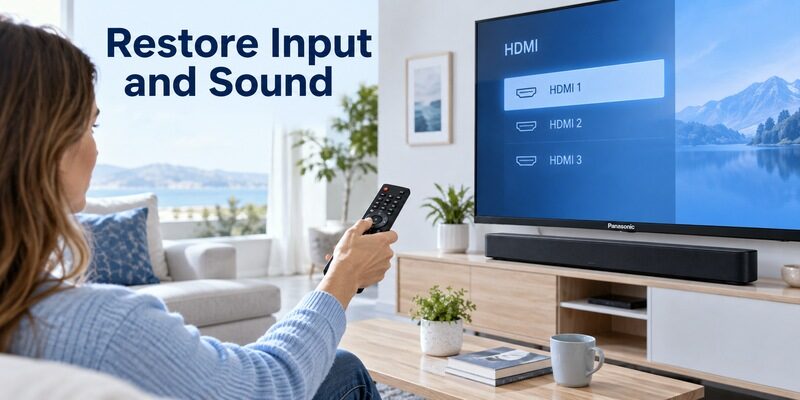
Return to the correct HDMI source
If onboard controls or an existing controller can open Inputs, choose the port used by your cable box or streamer. Read the labels on accessible cables or the device setup record instead of cycling indefinitely through every source.
After a lost Panasonic TV remote interrupts viewing, No Signal often means the wrong input is selected. It does not necessarily indicate a damaged television. Confirm the external device is powered on and that you selected its actual HDMI port.
Identify which device owns volume
The sound may come from the TV speakers, a soundbar, or an AV receiver. A remote that controls one of these might not affect another. Check the active output through whatever working menu access remains available.
Keep sound at a modest level while testing. If the lost Panasonic TV remote used to control an external system through a configured link, a replacement or temporary remote may need that setup restored before its volume keys behave the same way.
💡 Discover Helpful Guides: Panasonic TV Remote Instructions for Buttons Menus and Daily Use
Find the Correct Replacement by Model and Part Number
Start with the television identifier
Record the full television model including regional suffixes. Panasonic’s official remote compatibility resource organizes compatible parts by television series and model. Use that information or the model’s operating instructions to identify the recommended handset.
A replacement for a lost Panasonic TV remote should be matched by supported function, not only by the shape in a product photo. Several handsets can have similar navigation rings while differing in voice support, app keys, or operating-system compatibility.
Check the listing you will actually order
Confirm the selected product variant, included accessories, and written compatibility statement. A marketplace page can combine several different remotes under one listing. Ensure the selected option supports your exact television before paying.
Use the guide for the broader comparison. Save the part number once verified. That short record makes future replacement much easier than repeating the search by screen size.
| Replacement type | Main advantage | What to verify |
|---|---|---|
| Original specified handset | Closest match to original functions | Exact part and model support |
| Compatible replacement | Potentially straightforward basic control | Missing keys and voice limitations |
| Universal remote | May cover several entertainment devices | Correct library and needed commands |
| Supported mobile app | Convenient additional controller | Network, approval, and platform support |
Before ordering, compare the replacement’s actual button photograph with the tasks you cannot currently perform. Input, Settings, Guide, and the correct Home function may matter more than dedicated streaming shortcuts. Ask the seller to confirm an unclear compatibility statement using the full model code rather than accepting a general claim of Panasonic support.
A sensible replacement for a lost Panasonic TV remote should also have a clear return route if the listed compatibility proves incomplete. Keep the packaging and test the needed functions promptly after arrival. This is particularly useful when a basic infrared match works but a less common menu key does not.
Replace a Voice Remote Without Losing Features
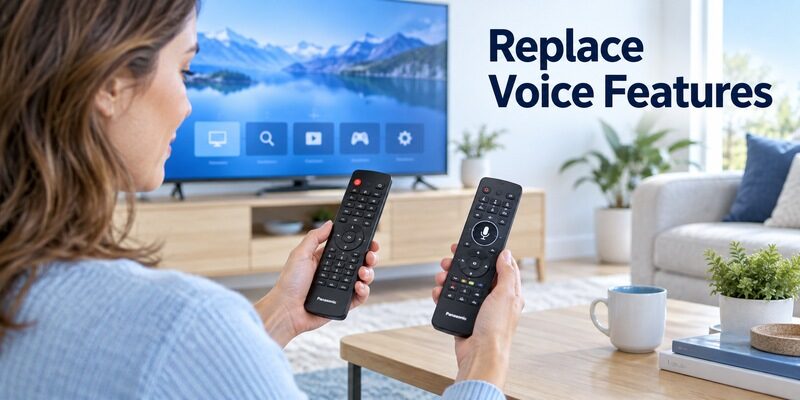
Infrared buttons and wireless features
A handset can send basic infrared commands while using a separate wireless connection for voice or other features. Consequently, a replacement that turns the television on may still lack microphone operation.
If the lost Panasonic TV remote had voice control, verify that feature explicitly. A microphone symbol printed on a generic listing does not establish compatibility with the television’s platform or its required registration process.
Follow the television’s own registration method
Use the remote setup instructions for the exact television and replacement model. Panasonic’s touch-pad, Android TV, and Fire TV arrangements should not be treated as one universal pairing shortcut. Keep another working controller available if the process requires navigation into Settings.
Test navigation and voice separately after pairing. The guide explains why identifying the platform comes before choosing a button combination.
Check whether the replacement includes instructions for the TV platform you actually own. A generic insert showing a button combination for another system is not enough. Use the television manufacturer’s model guidance to establish how wireless registration should begin and whether an existing controller is needed to select the new remote.
The lost Panasonic TV remote may have combined ordinary buttons with a microphone, but those functions should be verified independently on the replacement. If arrows work and voice does not, record that partial success. It points toward feature compatibility or registration rather than proving the entire new handset is defective.
💡 Discover Helpful Guides: Panasonic TV Remote Universal Compatibility and Setup Guide
Avoid Fixes That Make Recovery Harder
Do not factory reset to find a remote
A reset cannot locate the handset or create a missing control channel. It can remove network information, accounts, and other settings that currently let you use a phone or connected device.
Before resetting a TV with a lost Panasonic TV remote, establish how you will complete the welcome screens afterward. If you cannot answer that, preserve the working configuration and obtain a suitable controller first.
Do not assume any USB keyboard will work
Some televisions support certain USB input devices, but behavior depends on the model and screen. A keyboard that enters search text might still fail to operate initial setup or television power. Consult the documented input-device support before relying on it.
Avoid undocumented service menus and random button holds. The missing remote is a control-access problem. Changes intended for servicing the television can create a second problem without solving the first.
📘 Find the Right Guide
Panasonic TV Remote in Mobile for Android and iPhone
Build a Backup That Other People Can Use

Add a phone before the next emergency
Once a replacement works, configure a supported phone remote and test it while the physical handset remains nearby. Name the television by room and verify navigation, input, and sound controls in the actual viewing setup.
Remote TV App can provide an additional mobile route when its compatibility information covers your television. Explore as a backup, then confirm the functions it actually offers. It cannot bypass a missing network connection or approval prompt.
Make the recovery record simple
Keep the television model, replacement part number, and app name in a household note. Record which input your usual device uses and where the spare remote is stored. Do not include account passwords in a note left beside the television.
A lost Panasonic TV remote is less disruptive when another household member knows the backup method. Test the backup before you need it, including after the TV has been in standby and after the phone app has been closed.
Make the household note easy to follow without technical knowledge. Include the television’s room name, the app to open, the usual input, and where the physical spare is kept. Keep account recovery details somewhere appropriate rather than in a public note beside the screen.
Choose a consistent storage place for the remote and spare. A small tray or side-table compartment helps users return the handset after viewing. It also makes the first check obvious if control is missing again, without requiring everyone to remember where another person last sat.
📖 Explore Articles: Panasonic TV Code for Xfinity Remote and Programming Guide
Frequently Asked Questions
Can I turn on the TV without the Panasonic remote?
Yes, if the television has an accessible physical power control or another already configured controller. Check the model’s manual for button placement and operation. Phone wake is model-dependent and should not be assumed when a lost Panasonic TV remote is your only previous control.
Can an app connect before the TV joins Wi-Fi?
Usually not through a normal network remote workflow. The app needs a supported connection to discover the television. Initial network setup may require physical controls or a compatible handset, and a factory reset can remove a connection that was previously usable.
Is a universal remote enough for a Panasonic smart TV?
Yes, for some basic tasks, if its command library supports the model. It may not reproduce voice features, every app shortcut, or all settings controls. Compare your required functions before choosing it as the permanent replacement for a lost Panasonic TV remote.
Will the old remote still work if I find it later?
An infrared remote may continue to work if the TV’s relevant settings remain compatible. Wireless or voice registration can depend on how the replacement was added. Keep the old handset and test it against the model’s instructions rather than assuming replacement permanently disables it.
Should I buy the cheapest matching-looking remote?
No. Compare the full compatibility statement, required buttons, and return terms before choosing. A visually similar handset can omit a critical Input or Settings function. The useful purchase is the one that restores your actual viewing and setup tasks reliably.
Final Thoughts
A lost Panasonic TV remote is usually a reason to recover control in stages: use an existing button or controller now, preserve network access, and verify a permanent replacement by model. Do not erase a working setup to solve a missing handset.
When the replacement arrives, test the everyday functions and any voice features separately. Set up a supported phone backup while you still have menu access, and save the correct part number. Those small steps make the next missing-remote moment far easier to handle.
Download TV Remote App