
Apple TV Remote Icon: What It Means and How to Use It
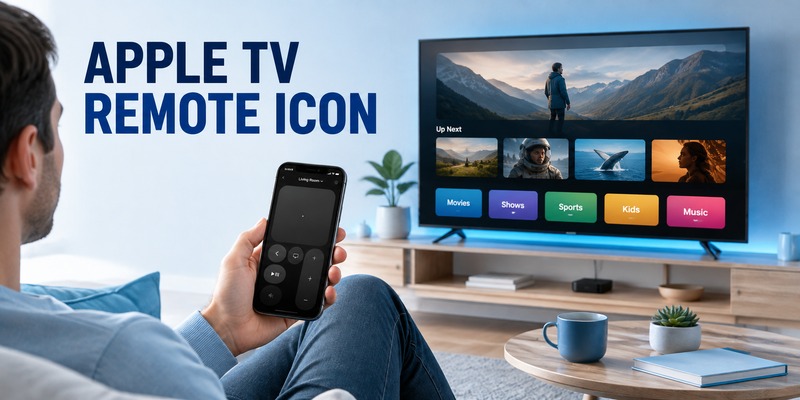
The apple tv remote icon is the visual shortcut that helps you identify or open remote-control features for Apple TV, especially on an iPhone or iPad. If you are looking for the icon because your physical remote is missing, you want to control Apple TV from your phone, or you simply do not recognize the symbol, the most important thing is to understand where it appears and what it actually does.
Depending on the Apple device and software version you use, the apple tv remote icon may appear in Control Center as the shortcut for Apple TV Remote. On Apple TV itself, you may also see remote-related symbols or status indicators that refer to remote battery, connection, or controls. The exact screen can vary, so identifying the context is more useful than memorizing one visual shape.
1. What Does the Apple TV Remote Icon Mean?
In most searches, apple tv remote icon refers to the Apple TV Remote control found in Control Center on an iPhone or iPad. Tapping that control opens a software remote that can navigate Apple TV, select items, play or pause content, return to previous screens, and access other controls supported by the connected device.
The important clue is what happens after you tap it: the correct control opens a remote interface rather than a media-sharing menu.
If your physical remote is missing, the phone-based control is often the fastest temporary solution. It lets you keep using Apple TV while you search for, charge, or replace the hardware remote.
Download LG TV Remote2. Where Can You Find the Apple TV Remote Icon?
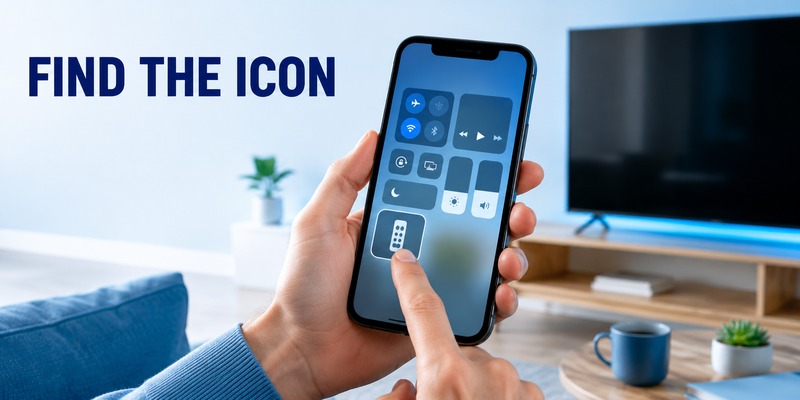
The most common place to look for the apple tv remote icon is Control Center on an iPhone or iPad. Open Control Center and look for the Apple TV Remote control. If it is available, tapping it should open the remote interface and allow you to choose an Apple TV on the same compatible setup.
On newer software versions, the arrangement of Control Center controls can change, and users can customize what appears. That means the shortcut may not be in the same position on every iPhone. Once the remote opens, select the Apple TV you want to control. You may be asked to enter a code displayed on the television the first time a connection is established.
💡 Discover Helpful Guides
Apple remote tv app: Complete Apple TV Remote Guide for iPhone, Siri Remote, Pairing & Fixes
3. What the Icon Is Designed to Help You Do
The apple tv remote icon is more than a decorative shortcut. Its purpose is to give quick access to the core navigation controls people need when watching Apple TV. That can include moving around the interface, selecting an item, going back, controlling playback, and accessing supported TV controls.
| Need | What the remote control helps with |
| Navigate menus | Move through apps, settings, and content |
| Select content | Open highlighted items and options |
| Playback | Play, pause, and move through supported media |
| Return or exit | Go back to a previous screen or interface |
| Temporary replacement | Control Apple TV when the physical remote is unavailable |
A useful way to recognize the correct control is to think about the action you want, not only the artwork. The remote shortcut should lead to navigation controls for Apple TV, while nearby media controls may focus on playback destinations or audio. If several similar symbols appear in Control Center, open the control and confirm that you can choose an Apple TV and see a remote-style interface before relying on it.
For many users, the remote control is most valuable as a fallback. You do not need to stop using Apple TV simply because the physical remote is under the couch, has a low battery, or is temporarily unavailable.
💡 Discover Helpful Guides: Apple TV Remote Replacement: Buying and Setup Guide
4. How to Use the Apple TV Remote Icon on iPhone or iPad
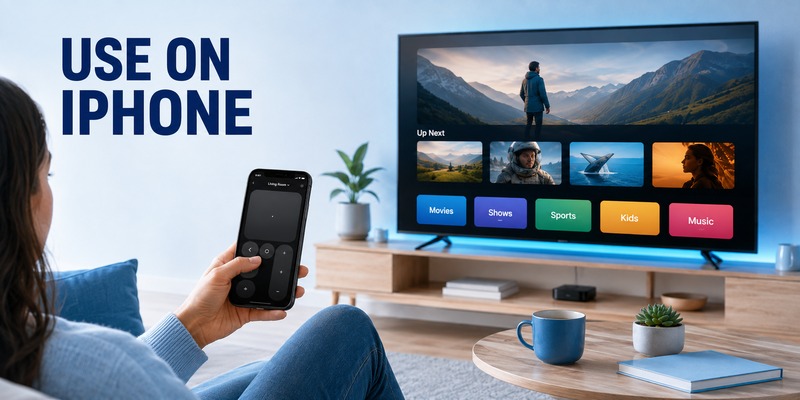
When you tap the apple tv remote icon, the first goal is to connect to the correct Apple TV. Open the remote control, choose the Apple TV from the device list, and follow any pairing prompt shown on the television. Once connected, use the touch or directional area to move through the Apple TV interface.
This is why the shortcut is useful even for people who normally prefer a hardware remote: the phone becomes an immediate control surface without adding another device to the room.
If the device does not appear, confirm that you selected the correct Apple TV and check network connectivity before repeatedly trying to pair.
5. Why the Apple TV Remote Icon May Be Missing
If the apple tv remote icon is missing, the issue is often the Control Center layout rather than the Apple TV itself. A control may have been removed, moved, or placed on another Control Center page. Start with these checks:
- Open Control Center and review all available control pages.
- Look for the Apple TV Remote control rather than only searching for a familiar position.
- Add the remote control back if your Control Center customization allows it.
- Confirm that your iPhone or iPad software is up to date enough to support the current remote experience.
- Make sure the Apple TV is powered on and available on the expected network.
If the shortcut still seems unavailable, separate display problems from connection problems. A missing control means you should review Control Center customization first. A visible control with no Apple TV listed points instead to device availability, network conditions, or pairing. This distinction prevents unnecessary resets and keeps troubleshooting focused on the part that is actually failing. It also helps when several Apple TVs are used in the same home.
If the shortcut is present but tapping it does not show your Apple TV, treat that as a connection problem rather than an icon problem.
💡 Discover Helpful Guides: How to Reset Your Apple TV Remote: Pairing, Volume, and No-Remote Fixes
6. Apple TV Remote Icon vs. a Universal Remote
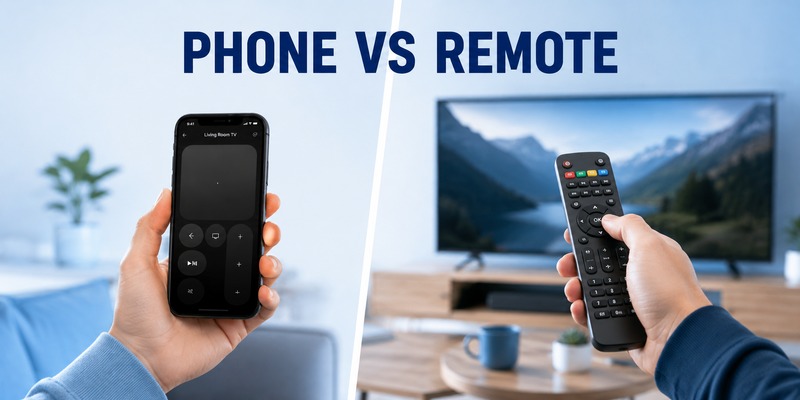
The apple tv remote icon is convenient, but a phone is not always the control method everyone wants. If you are researching an apple tv remote universal solution, check the remote’s instructions and the control method it uses. With a compatible infrared remote, Apple TV can learn button signals through the Remotes and Devices settings. Some TV or receiver remotes may also control Apple TV through HDMI-CEC when the connected equipment supports and enables that feature.
| Control option | Main advantage | Best for |
| Phone remote | Always nearby for many users | Backup control and quick navigation |
| Siri Remote / Apple TV Remote | Native Apple TV experience | Daily Apple TV use |
| apple tv universal remote | Can reduce the number of physical remotes | Multi-device entertainment setups |
A universal remote can be useful, but the phone control remains a practical backup when the physical remote is unavailable or needs reconfiguration.
7. When a Remote TV App Is a Useful Alternative
Apple’s built-in remote control is convenient, but some users want one app that can help manage more than one television brand or smart TV in the home. In that situation, a Remote TV App may be worth considering, especially when the goal is convenient phone-based control rather than replacing every feature of Apple’s own remote interface.
The best choice depends on what you need. Use Apple’s built-in remote control when you want the most direct Apple TV navigation. Consider a Remote TV App when you also want a broader remote-control option for other compatible TVs and devices.
📖 Explore Articles: Apple TV Remote for iPhone: How to Set Up and Use Your iPhone as an Apple TV Remote
8. FAQ About the Apple TV Remote Icon
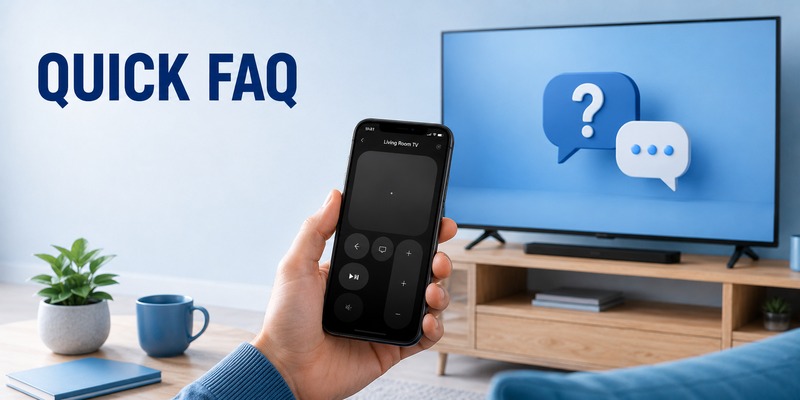
Is the Apple TV Remote icon the same as the Apple TV app icon?
No. The apple tv remote icon opens remote-control functionality, while the Apple TV app is primarily for discovering and watching video content.
Can I use the remote icon if my physical remote is lost?
Yes. If your iPhone or iPad can connect to the Apple TV, the apple tv remote icon can give you software controls while the physical remote is missing.
Why can I see the icon but not my Apple TV?
The remote shortcut can be visible even when the target Apple TV is not currently reachable. Check that the Apple TV is on, that the mobile device is using the expected network, and that you selected the correct Apple TV.
Can any universal remote control Apple TV?
No. Compatibility depends on the remote and the control method. Apple TV can work with supported TV or receiver remotes through HDMI-CEC, and it can learn signals from many infrared universal remotes.
Do I need to install a separate app to get the Apple TV Remote control?
On current iPhone and iPad software, the remote control is integrated into Control Center rather than requiring a separate Apple TV Remote download. If you cannot see the apple tv remote icon, first check your Control Center controls and device software before searching for another download.
📘 Find the Right Guide: Apple TV Remote iPad: How to Set Up and Control Apple TV From Your iPad
9. Final Thoughts
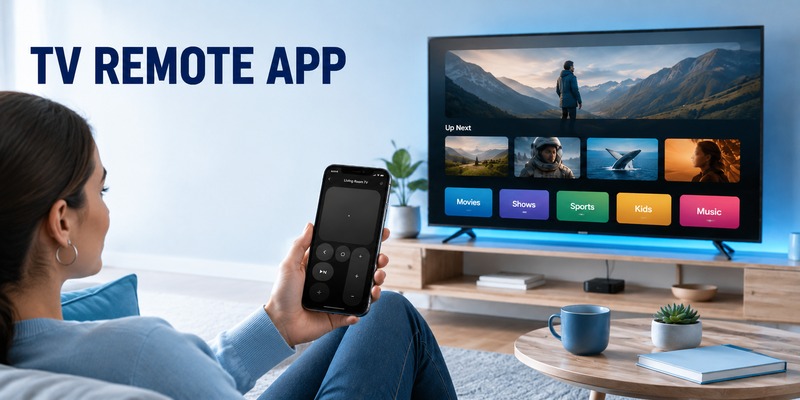
The apple tv remote icon is a simple shortcut with an important job: it gives iPhone and iPad users fast access to Apple TV controls when they want to navigate without reaching for the physical remote. If the shortcut is missing, first check Control Center customization. If the icon is available but Apple TV does not appear, focus on the device connection and network. And if your goal is to simplify a larger entertainment system, a compatible universal remote or phone-based remote solution can complement Apple’s built-in control rather than replace it completely.
Download LG TV Remote