
Free Remote App for Apple TV: Control Apple TV From Your iPhone
Losing the Siri Remote does not have to interrupt what you are watching. If you have an iPhone or iPad nearby, Apple already provides phone-based controls through Control Center. That makes a free remote app for apple tv useful when the physical remote is missing, charging, damaged, or simply on the other side of the room.
The word “free” can be confusing, though. Apple’s own remote experience is built into iPhone and iPad software rather than offered as a separate paid download. Third-party apps can add broader TV control, but their supported devices, ads, subscriptions, and connection methods vary. When someone searches for a free remote app for apple tv, the real goal is usually simple: control Apple TV without buying another physical remote.
This guide explains the practical options. You will learn which devices work with phone controls, how touch navigation behaves, why Wi-Fi matters, what Android users should expect, and how to compare a free remote app for apple tv with universal remote apps.
1. What a Free Remote App for Apple TV Really Means
A free remote app for apple tv should cover the everyday actions normally handled by a physical remote: navigation, selection, back, play or pause, and access to common controls. On iPhone and iPad, Apple provides Apple TV Remote through Control Center, so many users do not need to install another app.
This is important because search results often mix together three different products: Apple TV streaming apps, Apple TV remote controls, and universal TV remotes. The Apple TV streaming app is for watching content. It is not the same thing as a remote interface. If your goal is navigation, choose a tool that explicitly supports remote control.
For many iPhone owners, a free apple tv remote app for iphone is effectively already available. Open Control Center, select the Remote control, choose the Apple TV, and follow the pairing prompt if one appears. That is usually the simplest way to get a free remote app for apple tv working quickly.
A third-party app can still make sense if you want one interface for several television brands or a different control layout. A free remote tv app for iphone may be more useful in a mixed-device household, but check which features remain free before relying on it.
Download LG TV Remote2. Apple TV Remote Compatibility
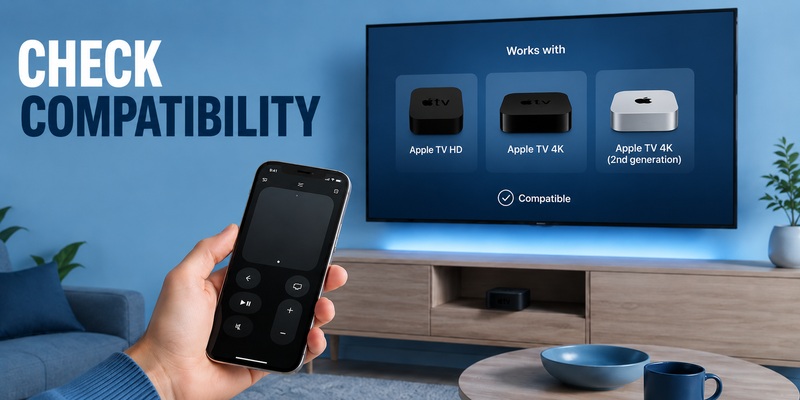
Before choosing a free remote app for apple tv, confirm what you are trying to control. Apple’s current support guidance says the Apple TV Remote in Control Center works with Apple TV 4K, Apple TV HD, and AirPlay-compatible smart TVs. For a supported smart TV, the TV may need to be added to the Home app and assigned to a room.
That makes apple tv remote compatibility more important than the visual design of the app. A polished interface is useless if it cannot communicate with your Apple TV model. With third-party apps, check the supported devices, required phone software, and whether the app controls the Apple TV box, the television, or both.
You should also separate navigation from volume control. A free remote app for apple tv may navigate tvOS correctly while volume depends on your television, soundbar, receiver, HomePod, or AirPlay speaker setup. Apple notes that Control Center volume buttons can work with supported audio configurations, while some TVs still require their original remote.
Use this quick apple tv remote compatibility checklist:
- Confirm your Apple TV model.
- Keep iPhone and Apple TV software updated.
- Put both devices on the same Wi-Fi network during setup.
- Test navigation and volume separately.
- For universal apps, confirm whether Apple TV itself is supported.
These checks help distinguish an app limitation from a TV or audio-system limitation.
💡 Discover Helpful Guides
Apple remote tv app: Complete Apple TV Remote Guide for iPhone, Siri Remote, Pairing & Fixes
3. How to Set Up a Free Remote App for Apple TV on iPhone
For iPhone users, the easiest free remote app for apple tv is usually the Apple TV Remote control built into iOS. You do not need to begin in the App Store. Open Control Center and look for the Remote control; if it is missing, add it to Control Center.
Setup is straightforward:
- Connect the iPhone and Apple TV to the same Wi-Fi network.
- Open Control Center.
- Tap the Apple TV Remote control.
- Choose your Apple TV or supported smart TV.
- Enter the four-digit code shown on the television if requested.
- Test navigation and playback.
This process answers what many people mean by free tv remote app for iphone no subscription: they want essential remote control without paying another recurring fee. Apple’s built-in control is a natural starting point because it is integrated into the phone.
A free remote app for apple tv can also make text entry easier. Typing a search term on the phone keyboard is often faster than moving through an on-screen keyboard with a physical remote. Keep the phone remote available even after you find the Siri Remote; it is a useful backup when the hardware remote is charging or unavailable.
If the Apple TV does not appear, first check Wi-Fi and software updates, then restart the devices if necessary before trying a different app.
4. How Apple TV Touch Controls Work
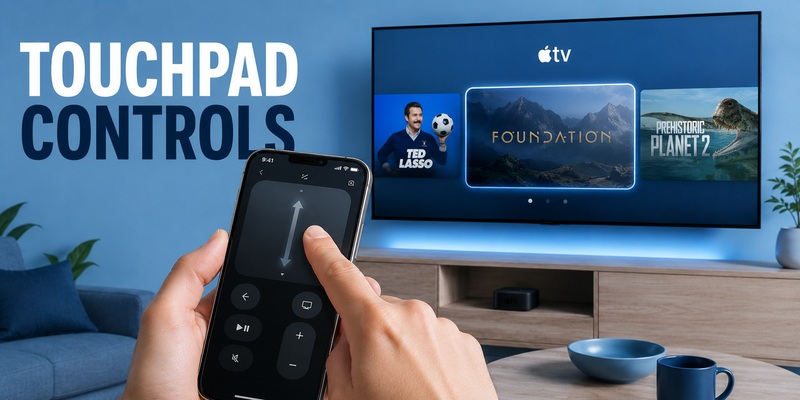
A good free remote app for apple tv should make navigation feel natural even without physical buttons. Apple’s iPhone remote provides a touch area where you can swipe up, down, left, or right to move through the Apple TV interface. Selecting an item works like pressing the center control on a physical remote.
This virtual apple tv remote touchpad is one reason the phone works well as a backup. Swipes can move quickly through rows of apps and long lists, while play/pause and other relevant controls remain available on screen. Apple’s current Apple TV guide describes touch-area gestures and buttons for common navigation tasks.
The physical Siri Remote still offers tactile feedback and can be quicker when you want to control the TV without looking at another screen. However, a free remote app for apple tv has its own advantage: the phone is often already in your hand, and text entry is more convenient.
The apple tv remote touchpad experience is also worth checking in third-party apps. Look for responsive swipes, clear buttons, and a layout that does not hide essential controls behind extra menus. If navigation feels delayed or inconsistent, the app may be less practical than Apple’s built-in option.
For everyday viewing, the best interface is usually the one that lets you reach Play, Back, Home, and directional navigation with the fewest taps.
💡 Discover Helpful Guides: Apple TV Remote Replacement: Buying and Setup Guide
5. Built-In Apple Remote vs Third-Party Apps
Apple’s built-in control should be the benchmark for anyone seeking a free remote app for apple tv. It is designed around Apple TV and requires no separate remote hardware. If Apple TV is the only device you need to control, it may already cover the important functions.
Third-party apps become more useful when you want broader device support. A universal remote can potentially manage several televisions or ecosystems from one screen. Users searching for a tv remote free app for iphone often care more about multi-device convenience than Apple TV alone.
The key is to verify what “free” includes. Some apps are free to install but reserve advanced functions for paid plans. If your priority is a genuinely free iPhone remote experience, compare basic navigation, power, volume, saved devices, ads, and subscription prompts before choosing.
A third-party option such as Remote TV App can be considered when you want broader phone-based TV control. Judge it by whether its supported devices and available controls match your setup rather than by the number of features listed.
In short, use Apple’s built-in remote for simple Apple TV control. Consider a universal free remote app for apple tv when you want one phone interface to handle more than Apple TV.
💡 Discover Helpful Guides: How to Reset Your Apple TV Remote: Pairing, Volume, and No-Remote Fixes
6. Can a Free Remote App for Apple TV Work Without Wi-Fi?
People searching for a free tv remote app for iphone without wifi usually want a backup that still works when the home network has problems. For Apple’s Control Center remote, network connectivity matters. Apple’s troubleshooting guidance tells users to make sure the iPhone or iPad is on the same Wi-Fi network as the Apple TV or compatible smart TV.
For that reason, a free remote app for apple tv should not be assumed to work with no Wi-Fi at all unless the developer clearly documents another supported connection method. A phone app cannot simply become an infrared remote on an iPhone because current iPhones do not provide a general-purpose IR blaster.
There is also a difference between losing internet access and losing the local Wi-Fi network. If your internet service is down but the router still provides a working local network, some local communication may remain available. If the router is off or the phone and Apple TV are isolated on different networks, the phone remote may fail to connect.
A free remote app for apple tv is therefore best treated as a convenient network-based controller, not as a guaranteed offline replacement. Keep the physical Siri Remote charged if you need control during router failures, initial setup, or network troubleshooting.
7. Using an Android Phone With Apple TV
Android users may search for a free apple tv remote app for android, but the situation differs from iPhone. Apple’s current remote-control documentation centers on iPhone, iPad, and Apple Watch. Apple also offers an Apple TV app for Android, but that app is for watching Apple TV content and should not be confused with the Apple TV Remote controls built into iOS.
If you need a free remote app for apple tv on Android, you will generally be evaluating third-party options. Check whether an app explicitly supports your Apple TV model or instead controls only the television connected to it. A generic “TV remote” label does not guarantee tvOS navigation.
Connection requirements matter too. Many remote apps rely on the phone and target device being on the same local network. Some may offer power or volume control for a TV brand without replacing the Apple TV navigation controls you expect.
Before installing any free remote app for apple tv, review the app’s current compatibility list, pricing model, recent reviews, and privacy information. If you have both iPhone and Android devices in the household, Apple’s built-in iPhone remote can remain the Apple TV-specific backup while a universal app handles broader TV control.
📖 Explore Articles: Apple TV Remote for iPhone: How to Set Up and Use Your iPhone as an Apple TV Remote
8. How to Choose an iPhone TV Remote App
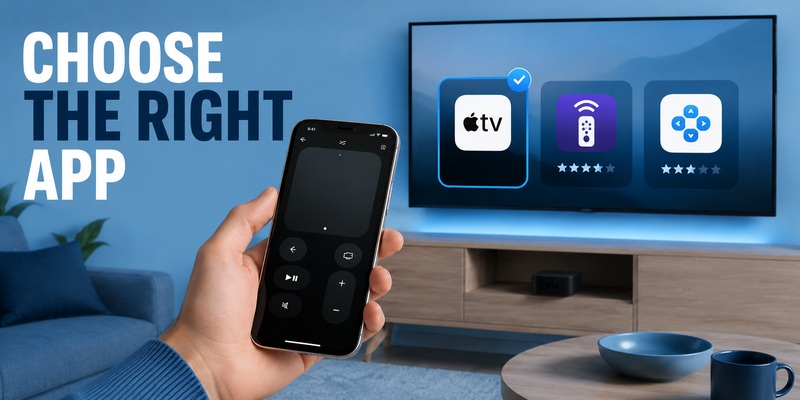
Choosing a free remote app for apple tv is easier when you start with your actual use case. If you only need Apple TV navigation, begin with the built-in Control Center remote. If you want to manage several televisions, a universal app may make more sense.
The question what is the best free tv remote app for iphone has no single answer for every home. Reliability, supported devices, responsive controls, transparent pricing, and connection requirements matter more than a long feature list.
Use this comparison framework:
| Need | Best starting point |
| Lost Siri Remote | Apple TV Remote in Control Center |
| Faster typing | iPhone remote controls |
| Several TV brands | Universal remote app |
| No recurring payment | Verify the current free feature set |
| No Wi-Fi | Keep a compatible physical remote available |
| Android-only household | Check third-party Apple TV support carefully |
A free remote app for apple tv should also be quick to launch. If basic navigation takes several screens, it may be less convenient than Control Center. A universal app should let you switch devices without repeating setup every time.
If the app adds multi-brand support or a control layout you prefer, it may be worth keeping. Otherwise, the simplest free remote app for apple tv may be the one already built into iOS.
9. Frequently Asked Questions
Is there a free remote app for Apple TV on iPhone?
Yes. Apple includes Apple TV Remote controls in Control Center on iPhone and iPad. For Apple TV 4K or Apple TV HD, this is usually the first free remote app for apple tv option to try before installing a third-party app.
Do I need to download a free Apple TV remote app for iPhone?
Usually, no. The built-in Apple TV Remote is available through Control Center on supported iPhones and iPads. A separate free apple tv remote app for iphone is mainly useful when you want a different interface or broader universal-TV support.
Can I control Apple TV if I lose the Siri Remote?
Yes. When your iPhone and Apple TV can connect properly, Control Center provides navigation and playback controls. Keeping a free remote app for apple tv available on your phone gives you a practical backup while the physical remote is lost or charging.
Does an Apple TV phone remote work without Wi-Fi?
Not in every setup. Apple’s troubleshooting instructions expect the iPhone or iPad and Apple TV to share the same Wi-Fi network. If offline operation is essential, verify the connection method before relying on a free remote app for apple tv.
Can an iPhone remote control Apple TV volume?
Sometimes. Volume behavior depends on your television and audio configuration. A free remote app for apple tv may navigate Apple TV correctly even if volume still needs the TV remote or a supported HomePod, soundbar, or AirPlay speaker setup.
Should I use Apple’s remote or a universal remote app?
Use Apple’s built-in control when Apple TV is your main target. Consider a universal remote app when you want broader phone-based control across compatible TVs or devices. Compare compatibility and the available free features before making it your everyday remote.
📘 Find the Right Guide: Apple TV Remote iPad: How to Set Up and Control Apple TV From Your iPad
10. Final Thoughts
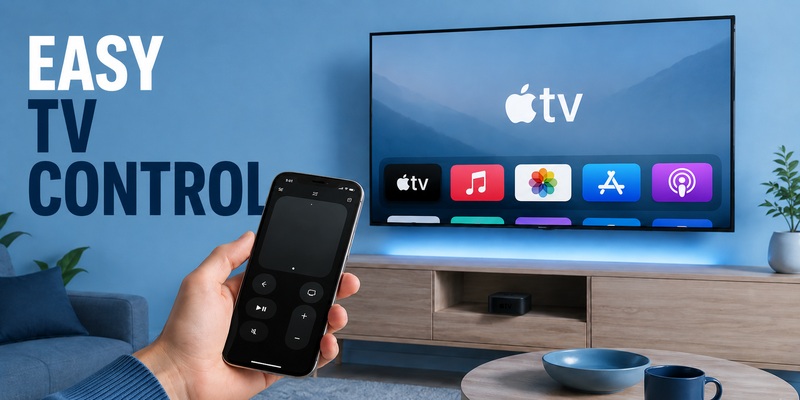
A free remote app for apple tv can replace the Siri Remote for many everyday tasks. On iPhone and iPad, Apple already provides phone controls through Control Center, including touch navigation, selection, playback, and convenient text input without requiring a separate paid remote.
Compatibility is the first thing to check. Apple’s built-in remote is designed for Apple TV 4K, Apple TV HD, and supported AirPlay-compatible smart TVs, while volume behavior may depend on the rest of your audio setup. Wi-Fi also matters, so a free remote app for apple tv is best viewed as a network-based controller rather than a guaranteed offline remote.
Third-party apps can add value when you want one interface for several TVs or when you use a platform outside Apple’s phone ecosystem. Compare supported devices, free features, connection requirements, and privacy before choosing. For most users, a free remote app for apple tv is most valuable as an always-available backup.
If you simply need Apple TV control from an iPhone, start with Control Center. If you want broader TV control, consider a compatible Remote TV App. The best free remote app for apple tv is the one that supports your exact devices, reaches the controls you use quickly, and removes friction from everyday viewing.
Download LG TV Remote