
Insignia TV Remote Input Button: Location, Use, and Manual
By the Remote TV App Team
Last updated: September 2026
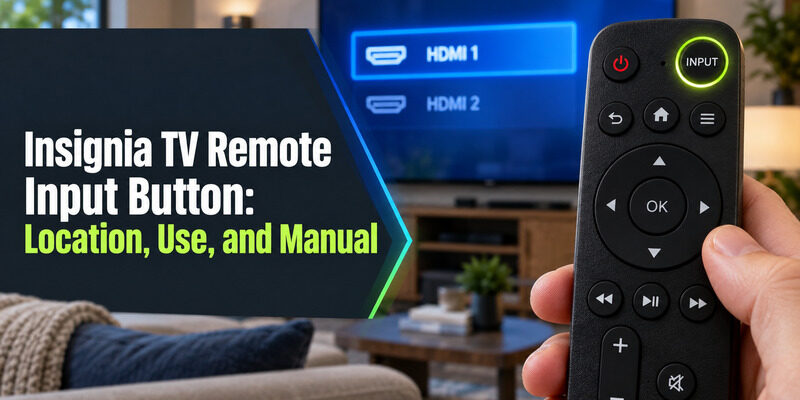
Short answer: On most Insignia remotes, the insignia tv remote input button is labeled “Input” or “Source” and sits near the top of the remote, close to the power button, so it’s easy to find by feel even in a dark room.
This guide covers exactly where to find it on different remote generations, how to use it to switch between HDMI ports and apps, general remote size and layout specs, how to get the official manual if you need more detail than a single button explanation covers, and what to check if that specific button stops responding while everything else on the remote still works.
Where Is the Input Button on an Insignia Remote?
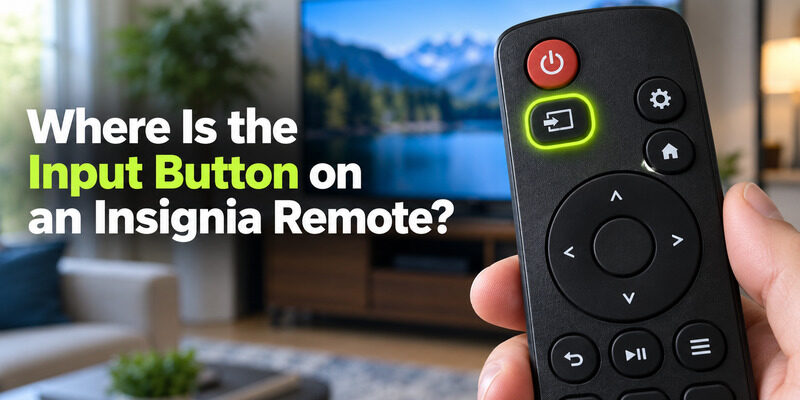
The input button’s exact position shifts slightly between remote generations, but it’s consistently grouped near the top controls rather than mixed in with the navigation cluster.
Standard Infrared Remote Layout
On the basic infrared remote, the insignia tv remote input button usually sits directly below the power button or just above the number pad, often marked with an icon that looks like a small screen with an arrow pointing into it. It’s one of the few buttons placed in isolation rather than grouped with others, which makes it easy to locate by touch without needing to look down at the remote while the TV is on. Learning the exact position of the insignia tv remote input button by feel saves a noticeable amount of time for anyone who switches sources often.
Fire TV Edition Remote Layout
The Fire TV Edition voice remote handles input switching differently — since most content runs through built-in streaming apps, a dedicated input button is smaller or sometimes accessed through a Settings menu shortcut instead of a physical key on the remote face. Some Fire TV Edition remotes still include a small labeled key near the number-free top row, but it’s easy to overlook next to the more prominent voice search button.
| Remote Type | Input Button Location | Icon Style |
| Standard infrared remote | Below power button or above number pad | Screen-with-arrow icon |
| Fire TV Edition remote | Settings menu, or a smaller dedicated key | Text label or small icon |
💡 Discover Helpful Guides: Insignia TV Remote App: Free Options and How to Set Up
How to Use the Input Button to Switch Sources
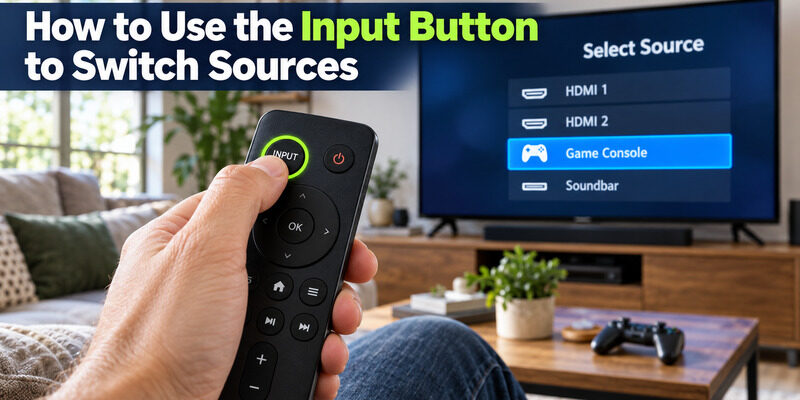
Once you’ve located the insignia tv remote input button, using it to switch sources is a single-press action on most models.
Cycling Through Connected Devices
Press the button once to open a list of connected inputs — HDMI 1, HDMI 2, and so on — then use the navigation pad to select the one you want and press OK. Repeated presses without selecting will cycle through the list automatically on some older models, jumping to the next connected source each time rather than opening a menu to choose from.
Renaming or Identifying Inputs
Most Insignia TVs let you rename each HDMI input from the settings menu, so “HDMI 1” can become “Game Console” or “Soundbar” for faster recognition next time you press the insignia tv remote input button. This is especially useful in households with several devices connected at once, since the default numbered labels don’t say anything about what’s actually plugged into each port.
| Common Insignia Remote Buttons | Typical Location |
| Power | Top-left or top-center |
| Input/Source | Below power, or top row |
| Home | Center, above navigation pad |
| Volume | Left side, vertical rocker |
| Channel/Menu navigation | Right side or center D-pad |
| Number pad | Lower half of remote |
Insignia Remote Size and Layout
Beyond the insignia tv remote input button specifically, general remote dimensions come up often enough to be worth covering directly.
Typical Remote Length and Size
Most standard Insignia remotes measure close to 7 to 8 inches long, though exact dimensions vary by model year and whether it’s the basic infrared version or the larger Fire TV Edition voice remote, which tends to run slightly shorter and wider due to its different button layout. Weight and thickness stay fairly consistent across generations even when the exact length shifts by a few millimeters between model years.
Differences on Smaller TV Models
A remote bundled with a smaller screen size, such as a 32-inch set, is typically the same remote used across the broader Insignia lineup rather than a scaled-down version — button layout and size stay consistent regardless of the TV size it ships with. This means the insignia tv remote input button sits in the same relative position whether the paired TV is a compact bedroom set or a large living-room screen.
Download TV Remote App📘 Find the Right Guide: Insignia TV Remote Replacement: Options and Buying Guide
Getting the Manual or Instructions
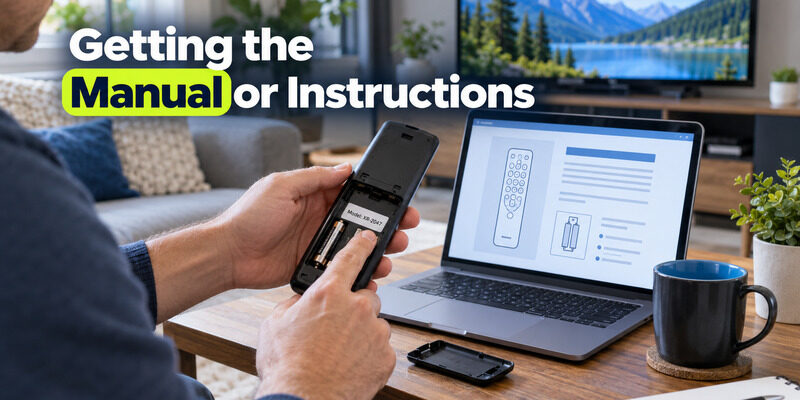
For anything beyond basic insignia tv remote input button identification, the printed or digital manual covers every function in detail.
Where to Find the Official Manual
Insignia includes a physical quick-start guide in the box with new TVs and remotes, and the full instruction manual — including a PDF version — is typically available through Best Buy’s support pages, since Insignia is a Best Buy house brand. Searching the exact model number printed on the back of the TV or the inside of the remote’s battery compartment gives the most accurate match.
Using an Older Remote Model’s Manual
If you have an older Insignia remote model with a slightly different button layout, the manual for your specific model number gives the most accurate button map, since a handful of legacy layouts moved the input button or added extra shortcut keys that newer manuals don’t cover. Comparing your remote’s physical layout against the diagram in the manual is the fastest way to confirm you’re looking at the right version.
What to Do If the Input Button Doesn’t Work
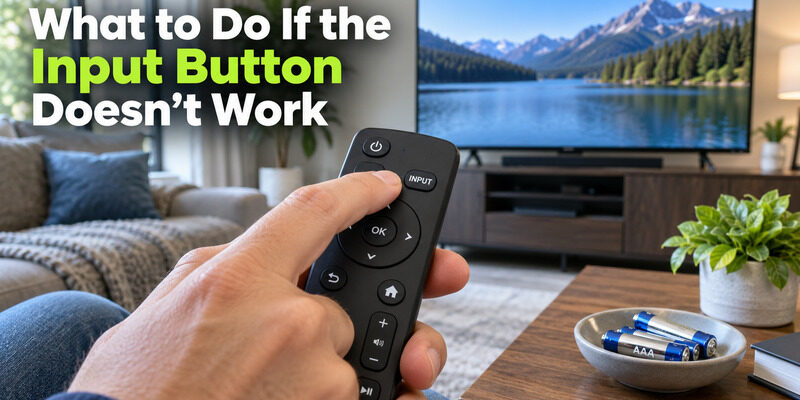
An unresponsive insignia tv remote input button usually points to one of the same causes as any other unresponsive button on the remote, rather than something specific to that one key.
Quick Checks Before Assuming It’s Broken
Confirm the batteries are fresh and correctly oriented, and check that nothing is blocking the line of sight between the remote and the TV’s sensor — the input button uses the same signal path as every other button on a standard infrared remote. Try pressing it firmly a few times in a row, since a slightly worn spot under that one key can sometimes still respond to a harder press even after light taps stop working. If only this one button fails while everything else works, a guide to an covers physical button and membrane troubleshooting in more depth.
When to Consider a Replacement
If the input button specifically has stopped responding due to a worn keypad membrane under that one spot, an is usually simpler than attempting a repair on a single dead button, especially since the membrane under one key wearing out often signals the rest of the keypad isn’t far behind. In the meantime, the TV’s own settings menu can switch inputs without needing that specific remote button at all.
📖 Read More Guides: Insignia TV Remote Codes: Complete Programming Guide
FAQs About the Insignia Remote Input Button
What does the input button look like on an Insignia remote?
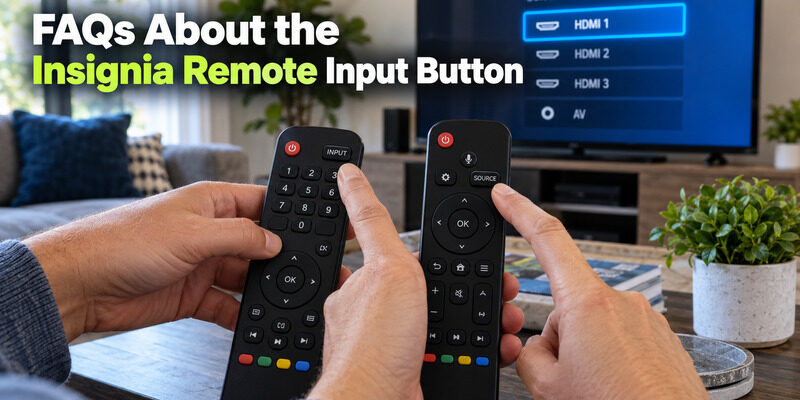
It’s usually marked with a small screen-and-arrow icon or the word “Input” or “Source,” positioned near the top of the remote close to the power button rather than within the main navigation cluster. On some remote generations it’s a raised or textured key, making it easier to identify by feel in a dark room.
How do I switch inputs without the input button?
If the input button itself isn’t working, the TV’s own settings menu — reachable through the joystick control on the TV set — has an input selection option that doesn’t require that specific remote button. This works as a full substitute until the remote is fixed or replaced.
How long is a standard Insignia remote?
Most standard Insignia remotes measure roughly 7 to 8 inches in length, though this varies slightly by model year and whether it’s a basic infrared or Fire TV Edition voice remote, with the latter often running a bit shorter and wider.
Where can I download the Insignia remote manual as a PDF?
Best Buy’s support pages, as the retailer behind the Insignia brand, typically host the official PDF manuals for both the TV and its included remote by model number, searchable using the number printed on the TV or remote itself.
Does every Insignia remote have an input button?
Nearly all standard infrared remotes do, though some Fire TV Edition voice remotes handle input switching through the on-screen Settings menu rather than a single dedicated physical key, since most content on those models runs through streaming apps instead of external HDMI sources.
💡 Discover Helpful Guides: Insignia TV Remote Not Working? How to Fix It Fast
Final Thoughts
The insignia tv remote input button is easy to find once you know it sits near the top controls, separate from the navigation cluster, and it works with a single press to cycle through connected HDMI sources. An insignia tv remote input button that stops responding while other buttons still work usually shares the same battery or keypad cause as any other unresponsive key, and the fixes are identical to troubleshooting any other single button on the remote.
Download TV Remote App