
Panasonic TV Remote Replacement Buying and Compatibility Guide
Short answer: Choose a Panasonic TV remote replacement by matching your full TV model and required functions.
A remote that looks right may operate basic controls while omitting Menu, Input, or voice features. Before ordering, identify the television, record the old handset’s complete part number if available, and decide whether you need the original layout or simply reliable everyday control.
This guide helps you compare a genuine Panasonic TV remote with compatible replacements, evaluate online and local listings, and test a purchase while its return option remains available. It also explains when a universal handset or supported phone connection can cover a temporary gap, without assuming that every Panasonic television has the same software or remote technology.
Start a Panasonic TV Remote Replacement Search with the TV Model
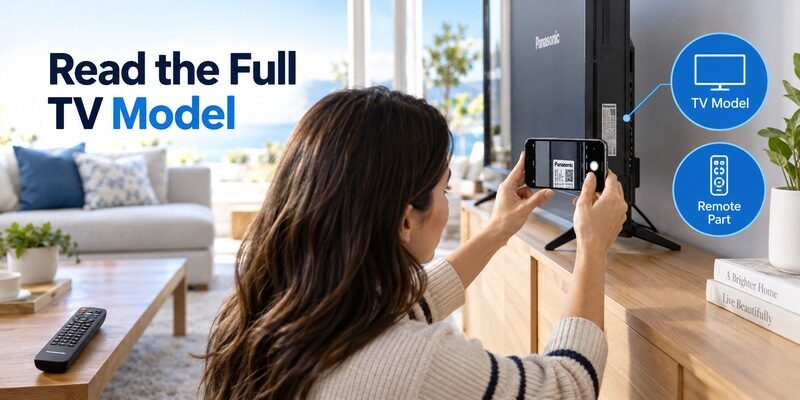
Copy the complete television identifier
Use the model printed on the television label or shown in its information menu. Copy every letter and suffix. A description such as “Panasonic 55 inch” is too broad for choosing a part, because different televisions of that size can use different controls.
The TV model is the starting point for compatibility. Keep a clear photograph of it so you can send the exact identifier to a seller. If a wall mount makes the label inaccessible, check the purchase paperwork or manual rather than moving the television without appropriate help.
Record the old remote part number
Look on the back and inside the battery compartment of the old panasonic tv remote. A handset part number is different from a television model and a universal programming code. Recording all three under distinct labels prevents a surprisingly common purchasing mistake.
A panasonic tv remote replacement can have a different part number when the manufacturer documents it as a substitute. Ask for that compatibility evidence. “Looks the same” and “same brand” leave important questions unanswered, especially when the original included voice or unusual menu keys.
If you are buying for someone else, ask for photographs of both the TV label and the handset before choosing a product. A remembered screen size or approximate purchase year can narrow a conversation but should not finalize an order. Store those photographs with a short list of required tasks so the panasonic tv remote replacement can be assessed even when you are away from the television.
Download TV Remote App📘 Find the Right Guide: Panasonic TV Remote: Choose, Set Up and Replace It
Decide Whether the Existing Remote Really Needs Replacing
A completely silent handset
Before spending money, try the correct fresh batteries, confirm polarity, and clear the path to the TV receiver. Check whether the television responds to its own physical controls. A replacement handset will not repair a TV that cannot start or receive commands.
Panasonic’s remote troubleshooting guidance includes checking receiver obstruction and battery installation. Those simple checks are worthwhile before a panasonic tv remote replacement purchase. If the remote was dropped, soaked, or has damaged battery contacts, record that history when assessing whether repair is realistic.
One missing function
A failed microphone with working navigation suggests a different problem from every button failing. Likewise, volume directed to a soundbar may behave differently from television volume. Investigate the specific symptom before deciding that the entire handset is defective.
Use the guide for that diagnosis. Replace for an identified need, such as physical damage, missing essential commands, or confirmed incompatibility. This keeps a new purchase from reproducing the same unresolved setup problem.
💡 Discover Helpful Guides
Can You Factory Reset a Panasonic TV Without a Remote?
Compare Original Compatible and Universal Choices
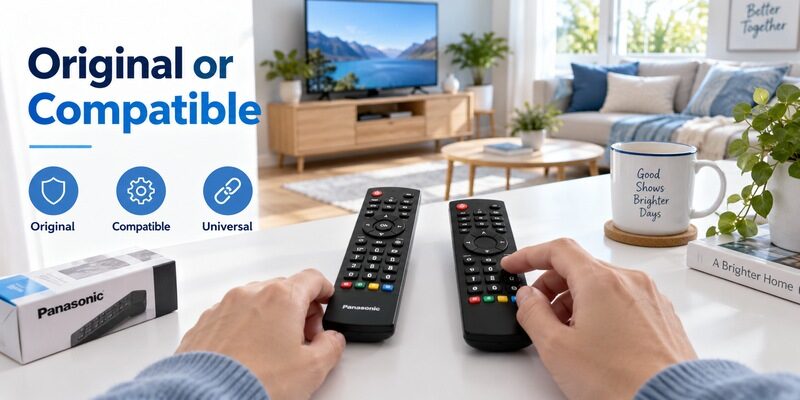
A panasonic tv remote replacement should be judged by compatibility, useful buttons, and the seller’s evidence. Price becomes meaningful after those requirements are met.
| Type | Main advantage | Main question |
|---|---|---|
| Genuine original or documented substitute | Closest documented model match | Is the part authentic and suitable for this TV |
| Third-party compatible replacement | Often a familiar dedicated layout | Which functions and models are explicitly supported |
| Universal multi-device remote | Can serve several devices | Does its TV profile include essential menu controls |
| Used original handset | May preserve an older layout | Are contacts and frequently used buttons sound |
Original parts
An original panasonic tv remote can be a sensible choice when preserving a specific button layout matters. Compare its complete part number with the official compatibility reference. A listing’s photograph, description, and delivered item should agree.
Words such as “original style” do not necessarily mean manufacturer-made. Ask a seller directly whether the item is genuine or third-party. A documented compatible alternative may still suit your needs; the important point is knowing which product you are buying.
Compatible replacements
A third-party panasonic tv remote replacement deserves a function-level check. Confirm Input, arrows, OK, Back, and the relevant menu key, alongside volume and power. If the listing says that voice is excluded, accept that limitation only if voice is unnecessary for your viewing routine.
A lower price cannot compensate for a missing essential control. Consider the cost of buying twice, returning an unsuitable item, or needing another remote for setup. Those practical costs often matter more than a small difference in the advertised handset price.
📘 Find the Right Guide: App for Panasonic TV Remote: VIERA and Platform Options
Read Official Part References Correctly
Use examples as examples
Panasonic’s television remote compatibility directory associates different series with different handsets. For example, it lists N2QAYB000820 for TC-A400, A410, and A420 series, and N2QAYB000926 for several TC-AS500 through AS540 series entries.
These examples show why a panasonic tv remote replacement search needs the full television identifier. They are not a universal shopping list. Check the entry for your exact set, including any regional or size details, rather than assuming a nearby model belongs to the same group.
Ask about superseded parts
An older original part may have been replaced by another documented part. Ask the manufacturer or seller to identify the substitute and confirm its function coverage. Keep the answer with the order record so that a later discrepancy is easy to explain.
Do not interpret an unavailable original as proof that the television cannot be controlled. A compatible replacement, universal remote, or used genuine handset may remain an option. Evaluate those alternatives using the same model and control requirements.
Check whether an online product page groups several TV families together while selling different handsets in a selector. Selecting your model in a compatibility search does not always select the matching purchase variant automatically. Read the final item description in the basket. This last identity check is especially useful for a panasonic tv remote replacement ordered from a page with many nearly identical photographs.
Protect Voice and Platform Features
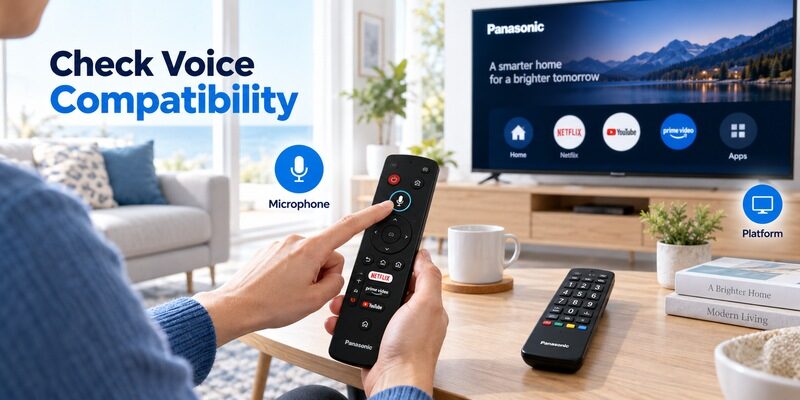
Voice control requires a specific match
When looking for a panasonic tv remote original with voice control, confirm the TV platform and supported handset family. A microphone symbol printed on a case is insufficient. The remote may require pairing and a compatible voice service in addition to ordinary button operation.
A panasonic tv remote replacement that restores infrared power can still lack the wireless features used for voice. Ask explicitly whether microphone operation is supported on your full TV model, and whether the seller provides the relevant pairing instructions.
Older VIERA controls have their own priorities
For an older TV, aspect ratio, input selection, and a usable Menu key may be more important than streaming service shortcuts. Match the controls to the television’s real interface. A modern-looking remote is not automatically a better replacement for an older one.
Compare the original layout with the proposed replacement before ordering. Identify which button will perform each indispensable task. If the seller cannot explain how to access a setting you regularly use, continue looking rather than hoping that an unlabelled key will do it.
💡 Discover Helpful Guides: Can You Factory Reset a Panasonic TV Without a Remote?
Evaluate Online Listings and Local Sellers
Online marketplace purchases
An amazon panasonic tv remote listing can contain several selectable variants under one page. Check the selected variant, compatibility text, and actual seller before paying. Customer comments about another model or variant do not prove that the selected item fits your television.
Save the listing details and order confirmation. For a panasonic tv remote replacement, written compatibility and a workable return process are more useful than an attractive photograph. Check whether batteries are included and whether any required programming instructions arrive with the item.
Buying nearby or in another region
If you search panasonic tv remote near me or panasonic tv remote shop near me, call with the exact TV model before travelling. Ask whether you can bring the old remote for comparison. A nearby store is useful when it can identify the part, not merely when it stocks Panasonic-labelled products.
Regional searches such as panasonic tv remote nz and panasonic tv remote original india still need model-level checks. Stock, prices, shipping, and return conditions change, so verify them with the seller at the time of purchase. No single price represents every region or handset type.
For an imported television, mention the original sales region when asking about compatibility. Local availability alone does not establish that a handset supports an imported model’s layout or platform features. If a shop offers to order a part, have the full model written on the order confirmation. A carefully specified panasonic tv remote replacement is easier to resolve if the delivered item differs from what was discussed.
Compare Total Cost and Return Conditions
Compare the complete purchase, including delivery and the consequence of a mismatch. A panasonic tv remote price shown without shipping or the correct variant can be misleading.
| Purchase detail | What to establish |
|---|---|
| Compatibility | Full TV model and required features |
| Item identity | Genuine third-party or used condition |
| Total cost | Handset delivery and any applicable charges |
| Setup | Instructions and any pairing requirement |
| Returns | Deadline condition requirements and return cost |
For a used original, request clear photographs of the battery compartment and frequently pressed keys. Worn labels alone may be cosmetic, but damaged contacts or inconsistent button response directly affect usefulness. Ask whether navigation and input selection were checked, not only whether the power light appears.
A panasonic tv remote replacement with uncertain compatibility can become expensive even when its initial price is low. Choose a seller who answers the actual model question and explains the return process clearly. Avoid assuming that a generic “universal” label shifts responsibility away from verifying fit.
Consider how soon the remote is needed. A local compatible handset with confirmed basic controls may be useful while a specialist original is sourced, but buying both only makes sense when that temporary access matters. If an existing controller can handle the television for another few days, waiting for a documented match may cost less overall. Decide from the household’s needs rather than a delivery countdown on the listing.
💡 Discover Helpful Guides: Panasonic TV Remote Instructions for Buttons Menus and Daily Use
Inspect and Set Up the New Handset
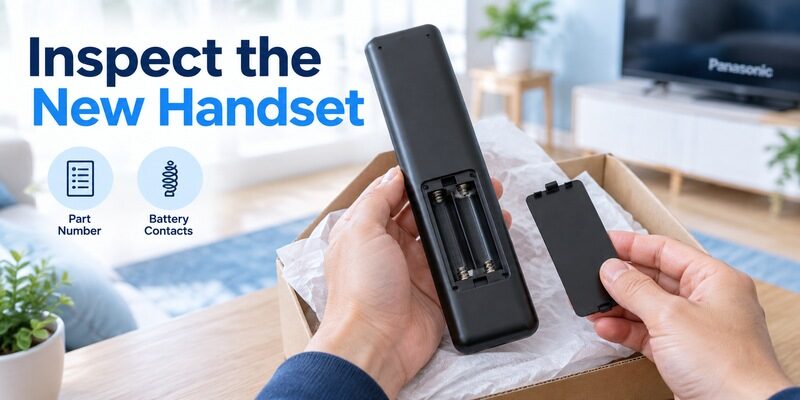
Check the delivered item first
Compare the received part number and button layout with the order. Inspect the battery contacts and cover without dismantling the case. Photograph an obvious mismatch or shipping damage before using the item, and keep the packaging until testing is complete.
Install the specified batteries with the marked polarity. Follow the instructions for the delivered handset. A basic compatible infrared replacement and a wireless voice remote can have very different setup requirements despite arriving for the same television brand.
Program or pair only when required
For a universal model, use its own code list and programming procedure. For a compatible Bluetooth voice model, follow the television’s matching remote registration instructions. An ordinary original infrared handset generally does not need Bluetooth pairing to send its basic TV commands.
If your panasonic tv remote replacement starts the TV but voice does not work, consult before deciding that the product is faulty. Keep the old working control available during setup if possible.
Test the Replacement During the Return Window
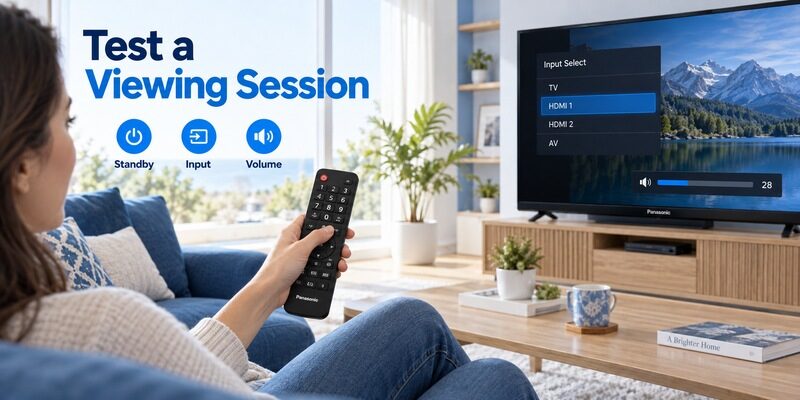
Run a normal viewing session
Start from standby, choose the usual input, adjust volume, mute, and navigate a television menu. Then return to the program without changing an important setting. A complete session exposes missing functions that a quick power-button test can miss.
Test the panasonic tv remote replacement from the seat where it will be used. A close-range demonstration beside the TV does not answer whether everyday operation is comfortable. Include other regular viewers so unfamiliar button labels become apparent while a return remains possible.
Record a specific failure
If one function fails, note the active input, device mode, and exact button. Compare with the original if it still works. This separates a handset problem from a cable-box menu or soundbar setting that the television remote never controlled directly.
Describe the failed task precisely when contacting the seller. “Power works but Input does not open the source selector” is actionable; “does not work” leaves too many possibilities. Request clarification or a suitable exchange rather than repeatedly resetting the television.
Keep test conditions consistent during a comparison. Use the same seat, clear the same receiver path, and check the same television menu with both handsets. If the old remote is unreliable, describe that limitation instead of treating it as a perfect reference. A panasonic tv remote replacement that fails one controlled test gives the seller clearer evidence than a collection of inconsistent attempts across different inputs and devices.
💡 Discover Helpful Guides: Panasonic TV Remote Universal Compatibility and Setup Guide
Keep a Backup While Waiting for Delivery
A supported phone connection can reduce the inconvenience of a lost or damaged handset. Remote TV App can provide navigation on compatible networked setups while you arrange a panasonic tv remote replacement. Check the compatibility information and test access before relying on it.
A phone backup still needs a working supported connection. It cannot guarantee first-time setup on an offline television or recover a TV that will not start. If on-screen approval is required, use an existing controller or suitable physical TV controls to complete it.
Once the replacement arrives, keep its model and purchase record with the television paperwork. If another remote is lost later, you can repeat a known match instead of starting from a vague product search. A small record is especially helpful when buying for a relative who cannot easily read the rear label.
Frequently Asked Questions
Must the replacement be made by Panasonic
Not necessarily. A documented compatible product may provide the controls you need. Confirm exact model support and function coverage, and distinguish genuine manufacture from wording such as original style. A panasonic tv remote replacement should be judged on that evidence before price.
Is matching screen size enough
No. Different television families can share the same size while using different handsets or smart features. Use the complete television model and the remote part number where available.
Should I keep the old remote
Keep it during testing if any functions still work. It can help compare button behavior or reach settings. Once the new panasonic tv remote replacement passes the required tasks, retain its identity with the purchase record.
Does a basic compatible remote restore voice
Only when voice support is explicitly confirmed for the remote and TV combination. An infrared replacement that handles volume and power does not automatically provide wireless microphone operation.
📘 Find the Right Guide
Panasonic TV Remote in Mobile for Android and iPhone
Final Thoughts
If the replacement is intended for a relative, leave a short note naming the input and the buttons used most often. Avoid including programming combinations in that everyday note, because an accidental setup sequence can change a universal handset’s behavior. Keep technical identifiers in a separate record. This small handover helps a panasonic tv remote replacement remain useful after the person who installed it has gone home, and makes later support easier without asking the viewer to read tiny labels again.
Buy a panasonic tv remote replacement only after confirming the full TV model, essential buttons, and any voice requirements. Compare genuine and compatible choices on documented function coverage, total cost, and a usable return option.
When the handset arrives, test a real viewing session before discarding packaging. A correctly matched replacement should make ordinary tasks predictable again. Keep a supported phone backup and the successful part number available so the next lost remote is easier to resolve.
Download TV Remote App