
Hisense 4K TV Remote: Models, Setup, and Replacements
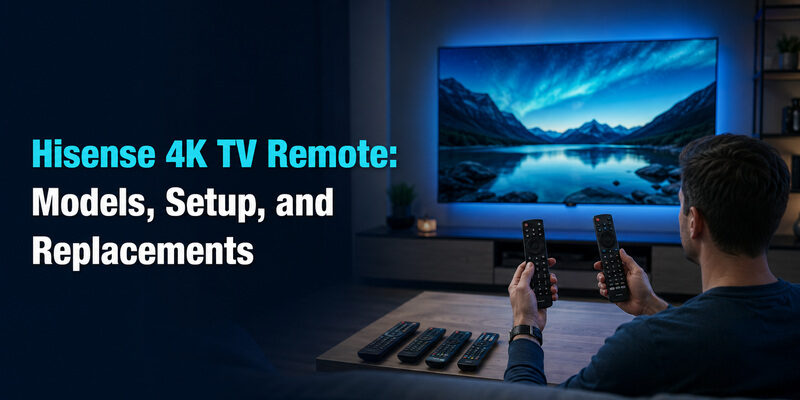
A Hisense 4K TV remote varies by which smart platform the TV runs, with Roku models using a voice remote, VIDAA models using their own branded remote, and older 4K sets often shipping with a simpler infrared-only remote.
Beyond the platform, buyers researching a hisense 4k tv remote usually land on one of a few specific questions: which exact model they have, how to find a misplaced one, or whether a replacement is worth buying versus using a universal remote.
This guide covers the common Hisense 4K remote types, how to identify the model you actually own, and what to do if it’s lost, broken, or simply not responding.
Hisense 4K TV Remote Types by Smart Platform
Most current Hisense 4K TVs run one of two smart platforms, and the remote that ships with each looks and behaves differently.
Hisense Roku TV Remote With Voice Control
The hisense roku tv remote with voice control includes a microphone button for voice search and dedicated buttons for major streaming apps. It pairs over Bluetooth, using a small pairing button located under the battery cover.
This is the most common remote on mid-range and higher 4K Hisense models sold through major retailers in the US.
Hisense VIDAA 4K Remote
TVs running Hisense’s own VIDAA platform use a similarly featured voice remote, but with a different button layout and app shortcuts tailored to VIDAA’s home screen rather than Roku’s.
Download LG TV RemoteIdentifying the Hisense Tv Remote En 83801 Model
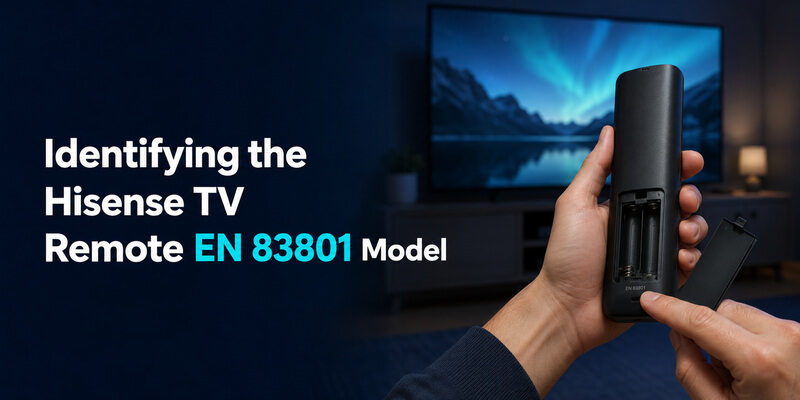
The hisense tv remote en 83801 is a specific infrared remote model used on several Hisense 4K TV series without Bluetooth voice features. You can confirm this is your model by checking the small printed code on the back of the remote, usually near the battery compartment.
This model controls power, volume, input, and basic menu navigation but does not include a microphone button, since it’s designed for TVs without built-in voice assistant support.
How Long Is a Hisense TV Remote
Most Hisense TV remotes measure roughly 5 to 6 inches long, similar in size to remotes from other major TV brands, though exact dimensions vary slightly by model and remote generation.
Newer voice remotes with a microphone button tend to run a bit shorter and more compact than older infrared-only remotes, which sometimes include a longer button layout for numeric channel entry.
 Discover Helpful Guides: Hisense TV Remote App: Control Your Hisense TV From Your Phone
Finding a Lost Hisense TV Remote
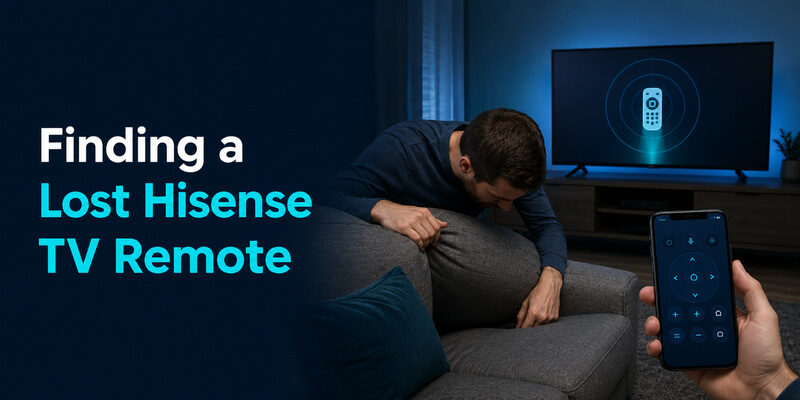
A hisense tv remote finder built into some TV models can help locate a misplaced remote through the TV’s own settings menu, though this feature isn’t available on every Hisense TV.
- Check Settings > Remote & Accessories for a “Find My Remote” or similar option on newer smart models
- If no finder feature exists, try the physical button panel on the TV to at least power on and check basic functions while searching
- Consider the Remote TV App as a temporary stand-in while you search — see below
Hisense 43 Inch and 55 Inch 4K TV Remote Compatibility
Screen size does not change which remote a Hisense TV uses — a hisense 43 inch 4k tv remote control and a hisense 55 inch 4k tv remote pairing process are identical as long as both TVs run the same smart platform and remote generation.
What actually determines compatibility is the smart platform (Roku, VIDAA, or Google TV) and remote model, not the screen size printed on the box.
 Find the Right Guide: Hisense TV Remote Batteries: Size, Replacement, Drain, and Fixes
Are Hisense 4K TVs Good Enough to Justify a Genuine Remote
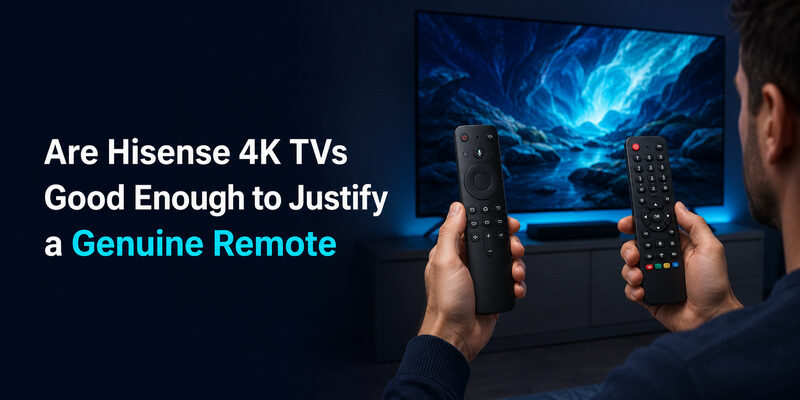
Buyers sometimes ask are hisense 4k tvs good enough to warrant paying for a genuine replacement remote rather than a cheaper universal one, and the honest answer depends on how much you rely on voice search and app shortcuts day to day.
If those smart-platform features matter to you, a genuine or platform-matched remote is worth the extra cost. If you mainly use a streaming stick or box for content and just need the TV remote for power and volume, a universal remote is a perfectly reasonable substitute.
Adjusting Hisense 4K Settings Without Losing Remote Function
Hisense 4k settings for picture mode, HDR, and sound are all accessed through the same remote and menu system regardless of which 4K model you own, so a replacement or universal remote will still reach every setting as long as it has working Menu, OK, and directional buttons.
If a specific settings shortcut button (like a dedicated Picture Mode key) doesn’t exist on a replacement remote, the same setting is still reachable through Settings > Picture in the on-screen menu.
 Read More Guides: Hisense TV Code for Universal Remote: Verified Codes and Programming Steps
Buying a Replacement Hisense 4K TV Remote
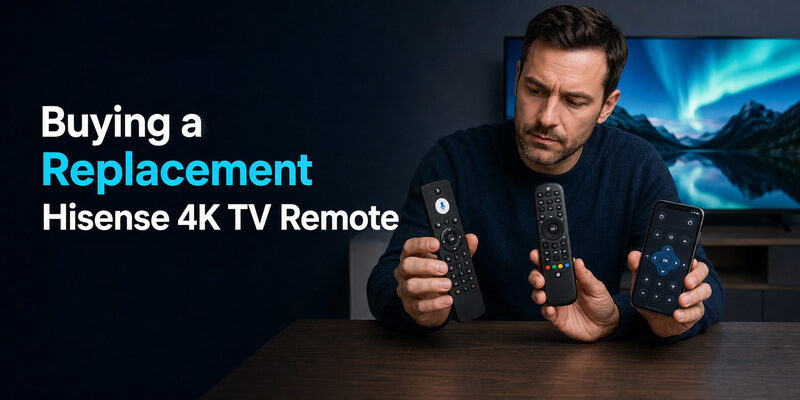
When a Hisense 4K remote is lost or stops working, three replacement paths cover most situations.
| Option | Covers | Best For |
| Genuine platform-matched remote | Full functionality including voice and app shortcuts | Restoring exact original behavior |
| Universal remote (coded or auto-search) | Power, volume, input, channel | A fast, low-cost stopgap |
| Remote TV App | Power, volume, navigation over Wi-Fi | Immediate free control while you decide |
Can a Remote TV App Cover a Hisense 4K TV
The Remote TV App works with Hisense 4K TVs the same way it works with other Hisense models — it turns a phone into a working remote over the same home Wi-Fi network, handling power, volume, and navigation without extra hardware.
It’s especially useful right after buying a hisense 4k tv remote replacement online, since it keeps the TV usable during the wait. as a free option before spending on a physical replacement.
Read More Guides: How to Open Hisense TV Remote Safely for Batteries, Cleaning, or Repair
FAQs About Hisense 4K TV Remotes
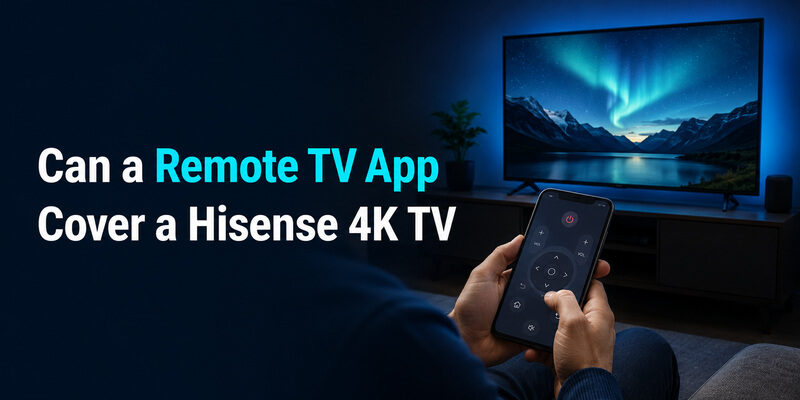
Can I use my phone as a Hisense 4K TV remote?
Yes. The Remote TV App controls power, volume, and navigation over Wi-Fi and works as a genuine stopgap while you source a physical replacement.
Is there a free Hisense 4K TV remote app?
Yes — both the Remote TV App and Hisense’s own official remote app are free to install and control the TV over the same Wi-Fi network.
Can I use a universal remote with a Hisense 4K TV?
Yes, for power, volume, input, and channel control. Voice search and streaming-app shortcuts require a genuine or platform-matched remote.
 Browse How-To Guides: Hisense Remote Control Manual: Buttons, Pairing, Apps, and Troubleshooting
Final Thoughts
A hisense 4k tv remote is not one single product — it changes based on the smart platform your TV runs and the specific remote generation it shipped with, so identifying your exact model is the first step before buying a replacement or troubleshooting a pairing issue.
Once you know the platform and model, pairing, resetting, and replacing the remote all follow predictable steps, and the Remote TV App remains a free way to keep the TV usable at any point along the way.
Download LG TV Remote