
How to Connect Google TV to WiFi Without Remote: 5 Working Methods
The easiest way to learn how to connect google tv to wifi without remote is to restore the TV’s previous Wi-Fi name and password, then use a phone remote to enter the new network settings.
A phone remote cannot normally discover a Google TV that is offline or connected to a different isolated network, so the order matters. Recreate the old network first, connect through Ethernet when supported, attach a compatible USB input device, or pair another remote. Choose the least disruptive method available and avoid factory-resetting the TV until you have a confirmed way to complete setup again.
Choose the Right Recovery Method
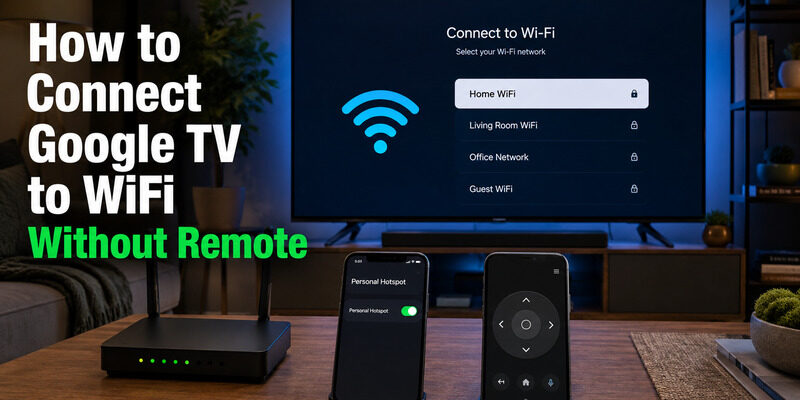
Before testing how to connect google tv to wifi without remote, identify what the TV remembers and which ports or controls are available.
| Situation | Best first method | What you need |
|---|---|---|
| Router was replaced but old credentials are known | Recreate the old SSID and password | Router settings or second phone hotspot |
| TV/streamer supports wired networking | Connect Ethernet | Built-in Ethernet or compatible adapter |
| TV has USB ports and accepts input devices | Use keyboard or mouse | Wired USB keyboard or mouse |
| Device has a pairing button | Pair a replacement remote | Compatible remote and batteries |
| TV is already on the same Wi-Fi as your phone | Use a virtual remote | Google TV, Google Home, or compatible app |
Check for physical buttons on the television as well. Some TVs offer power, input, and limited navigation through a joystick under the bezel. A Google streaming dongle may have a device button for pairing or reset, but it is not a full menu controller.
Download LG TV Remote🛠️ Learn with Step-by-Step Guides: Apple TV Remote Icon: What It Means and How to Use It
Recreate the Old Wi-Fi With a Hotspot
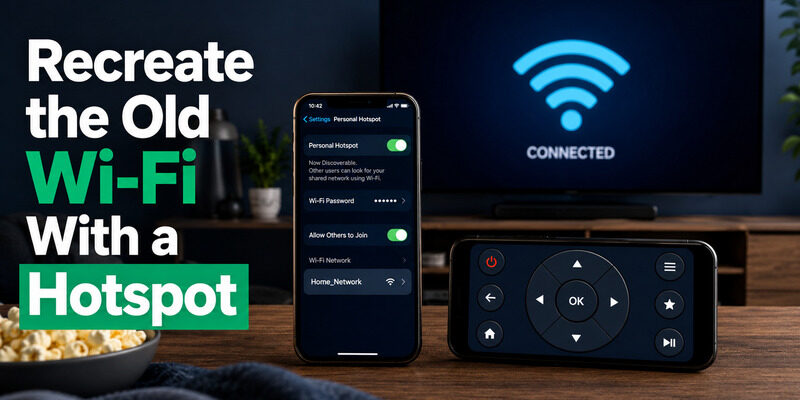
The hotspot method is often the quickest answer to how to connect google tv to wifi without remote after changing routers. Google TV automatically reconnects when it sees the same saved network name and password.
- On one phone, create a mobile hotspot using the exact old Wi-Fi SSID and password.
- Match capitalization and security settings as closely as the phone allows.
- Turn off the old router or move the Google TV away from competing saved networks.
- Restart the TV or streaming device and wait for it to join the hotspot.
- Connect a second phone to that same hotspot.
- Use the second phone as the virtual remote and open Settings > Network & Internet.
- Select the new home Wi-Fi and enter its password.
Why two phones are usually needed
The phone hosting a hotspot may not be able to join its own Wi-Fi network or discover clients the same way a second device can. One phone supplies the temporary network; the second phone becomes the controller. Some hotspot implementations also isolate clients, so this method is not guaranteed on every handset.
Avoid a common credential mistake
Use the old network name and password exactly. A trailing space, different uppercase letter, or switch from WPA2 to an unsupported security mode can prevent automatic reconnection. Give the TV a minute after boot; it may not join instantly.
Once control is restored, move both TV and controller phone to the new home network. Do not leave the TV dependent on a metered hotspot.
🛠️ Learn with Step-by-Step Guides: How to Control Google TV With Phone on Android and iPhone
Use a Phone Remote When the TV Is Reachable
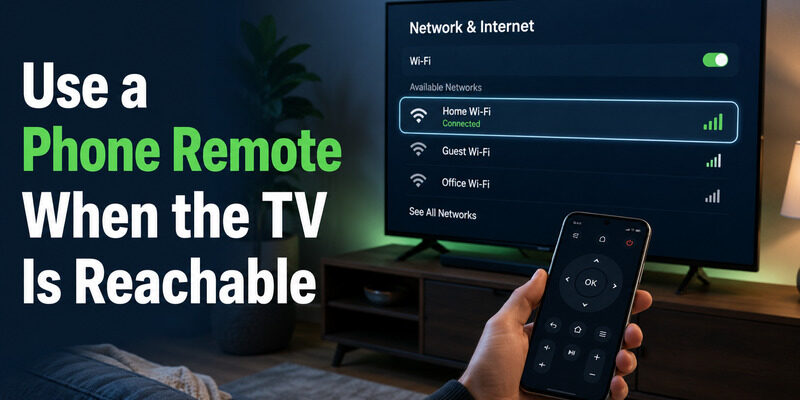
If the TV is already online, how to connect google tv to wifi without remote becomes a normal settings change. Open the Google TV app, Google Home, or another compatible controller, choose the TV, enter the pairing code, and navigate to Settings > Network & Internet.
Google’s official mobile-remote steps require the phone and TV to use the same Wi-Fi network. That is why this method works after the hotspot restores connectivity but not when the TV is completely offline. For detailed Android and iPhone steps, see .
Change networks without losing control
Have the new Wi-Fi password copied on the phone before opening settings. Select the new network, enter the password, and wait for Google TV to reconnect. Then move the phone to the same new network before reopening the remote.
The phone may briefly show the TV as unavailable during the switch. That is expected. Wait 30–60 seconds and scan again rather than repeating the password entry.
📘 Find the Right Guide: Apple TV Remote iOS: Set Up, Connect, and Fix Common iPhone Remote Problems
Connect Ethernet Temporarily
Wired networking can bypass Wi-Fi discovery altogether, making it a dependable method for how to connect google tv to wifi without remote. Some Google TV televisions include an Ethernet port. A Google TV Streamer has built-in Ethernet, while other streaming devices may require a compatible power/Ethernet adapter.
- Connect the TV or streaming device to the router with Ethernet.
- Restart the device and wait for a wired connection.
- Connect the phone to the router’s Wi-Fi.
- Open the phone remote and select Google TV.
- Navigate to Network & Internet and configure Wi-Fi.
- Confirm the wireless connection before removing Ethernet.
This method is reliable because the phone and TV remain on the same local network even though one endpoint is wired. If the router separates wired and wireless clients or uses guest isolation, enable normal local communication first.
Use a USB Keyboard, Mouse, or TV Controls
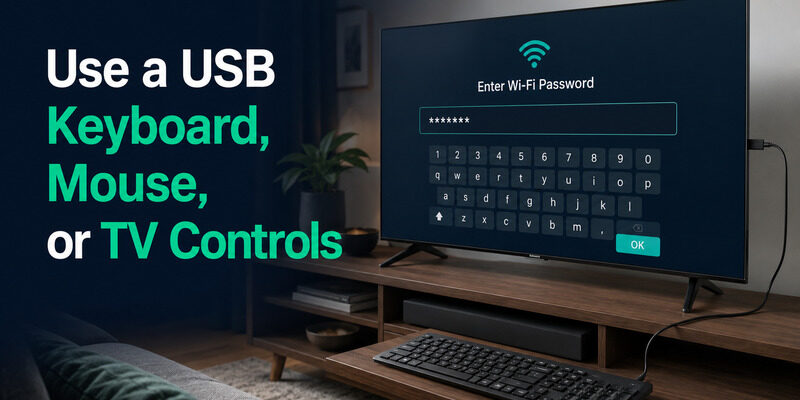
On a television with Google TV built in, a wired USB keyboard or mouse may provide enough navigation for how to connect google tv to wifi without remote. Plug it directly into the TV, wait for recognition, and try arrow keys, Enter, Escape/Back, or mouse clicks.
Keyboard path
Use arrow keys to reach the profile or Settings icon, press Enter, open Network & Internet, select the Wi-Fi network, and type the password. Keyboard layouts and Back behavior differ by manufacturer, so test on the home screen before opening a critical dialog.
Physical TV controls
Look under the center bezel, along the lower edge, or on the rear panel for a joystick or multi-function button. Some televisions allow directional navigation with short presses. Others expose only power and input, so do not assume the button can complete Wi-Fi setup.
| Input option | Advantage | Limitation |
|---|---|---|
| USB keyboard | Fast password entry | Not every TV maps all keys |
| USB mouse | Easy pointing on compatible menus | Some Google TV screens are not mouse-friendly |
| TV joystick | No extra accessory | Often offers limited navigation |
| Game controller | May navigate Bluetooth/USB menus | Pairing may require existing control |
Streaming dongles without a full-size USB host port usually cannot use a keyboard directly unless a compatible hub and power arrangement are supported.
💡 Discover Helpful Guides: Do You Need to Download the Apple TV Remote on iPhone?
Pair a Compatible Replacement Remote
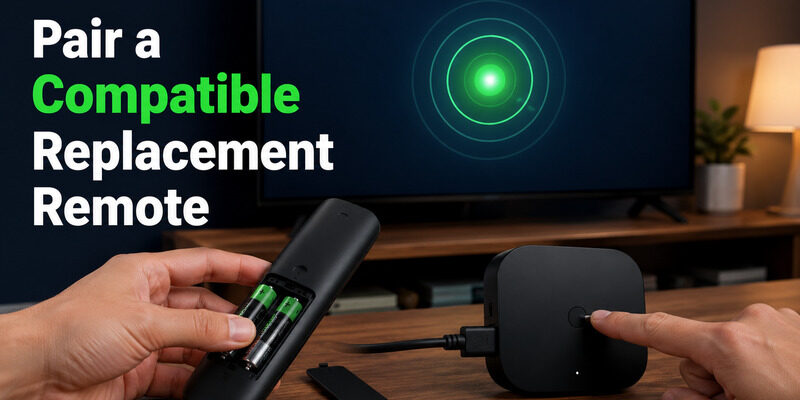
A new remote is the cleanest route for how to connect google tv to wifi without remote when the TV is offline and no temporary network or wired input is available. For Chromecast with Google TV or Google TV Streamer, Google’s replacement setup uses the button on the back of the streaming device to enter pairing mode. Insert two AAA batteries in the compatible Voice Remote and follow the on-screen pairing prompt.
For a television with Google TV built in, match the remote to the exact brand and model. Manufacturer button combinations can differ from Google’s streaming devices. The guide explains OEM, official Voice Remote, Bluetooth, infrared, and universal options.
Pairing a remote does not require the TV to be online, which makes it the most dependable recovery method when the network is completely unavailable. It also reduces the risk of getting stuck after a reset.
Avoid Resetting Google TV Without Remote
A reset google tv without remote search often leads to the physical factory-reset button, but that is rarely the right first move for how to connect google tv to wifi without remote. A reset erases saved networks, accounts, apps, and preferences. It can leave the device at the initial setup screen with no working controller.
Use a factory reset only when the device itself is malfunctioning and you already have one of these:
- a compatible paired or replacement remote;
- a working phone-based setup path;
- a manufacturer-confirmed physical setup control;
- a USB input device known to work with that TV.
For users asking can you use google tv without remote, the answer is yes after a phone, keyboard, game controller, or alternative remote is connected. The difficult part is first-time control while the device is offline.
🛠️ Learn with Step-by-Step Guides: Apple TV Remote Volume Not Working? Here’s How to Fix It
Use Remote TV App After Reconnecting
After completing how to connect google tv to wifi without remote, pair a backup controller before putting the TV back into daily use. Remote TV App can control supported TVs across the same local network, helping with navigation and playback if the physical remote is lost again. A prepared backup also makes the next how to connect google tv to wifi without remote recovery much faster.
Visit the homepage for compatibility and setup guidance. Keep the app’s local-network permission enabled and connect the phone to the same SSID as the television.
Final Thoughts
The safest sequence for how to connect google tv to wifi without remote is to restore network access first, then use a phone to change settings. Recreate the old SSID with a router or two-phone hotspot, try Ethernet, use a compatible USB input, or pair a replacement remote.
Do not factory-reset merely because the Wi-Fi password changed. A reset removes the very network information that makes phone control possible. Once the TV is connected, verify the phone remote, save the new Wi-Fi details, and keep a backup control method ready for the next outage.
Download LG TV Remote