
Hisense TV Remote Replacement: Complete Buying Guide
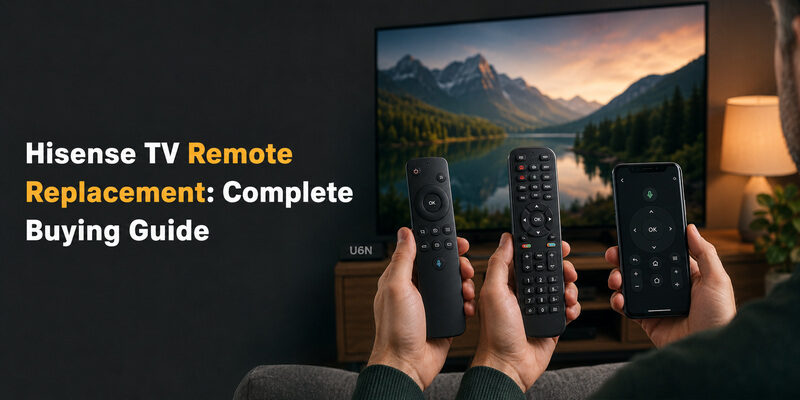
A genuine Hisense TV remote replacement matched to your exact TV model gives the most reliable result, since it restores every original button and smart-platform shortcut without any programming step.
Not every TV needs the same replacement, though. A Hisense Google TV remote, a Hisense Xumo TV remote, and an older infrared remote all use different pairing methods, and a universal remote is a valid lower-cost option when you just need basic power and volume control back.
This guide walks through how to choose the right hisense tv remote replacement for your specific TV, plus what to do once it arrives.
Genuine Replacement vs. Universal Remote: Which to Buy
A genuine replacement restores full functionality, including voice search, streaming app shortcuts, and any custom buttons your original remote had — but it can take longer to arrive if it needs to be ordered through a service center.
A universal remote is usually cheaper and available same-day at most electronics stores, but it typically only covers power, volume, input, and channel control unless you buy a more advanced smart-remote model.
Think about how you actually use the TV before deciding. If voice search and one-touch app launching are part of your daily routine, the wait for a genuine part is usually worth it. If you mainly just need to turn the TV on and change the volume, a universal remote solves the problem today.
| Option | Covers | Best For |
| Genuine Hisense remote | Full functionality including voice and app shortcuts | Restoring exact original behavior |
| Universal remote | Power, volume, input, channel | A fast, low-cost stopgap |
Choosing a Hisense TV Remote Replacement by Model
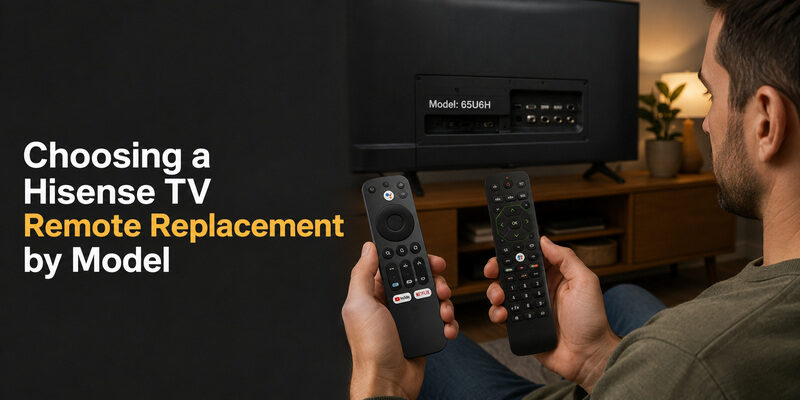
The right replacement depends on which smart platform and remote generation your TV originally shipped with.
Hisense Google TV Remote Replacement
TVs running Google TV use a remote with dedicated streaming-app buttons and a Google Assistant microphone key. A replacement remote for google hisense tv remote replacement needs to match this exact button layout, since a mismatched universal remote won’t have a working Assistant button.
Pair a genuine replacement the same way as the original: insert batteries with the TV powered on, and most models connect automatically within about 30 seconds.
Hisense Xumo TV Remote Replacement
Xumo TV models use their own remote design, distinct from both Google TV and VIDAA remotes. A hisense xumo tv remote replacement should be sourced specifically for Xumo-platform TVs — a Google TV or VIDAA remote will not control Xumo’s menu system correctly even if the buttons look similar.
Check the small platform logo printed on the remote’s face before buying, since it’s the fastest way to confirm compatibility from a product photo.
💡 Discover Helpful Guides: Hisense TV Remote App: Control Your Hisense TV From Your Phone
Using a One For All URC 1916 as a Hisense Replacement
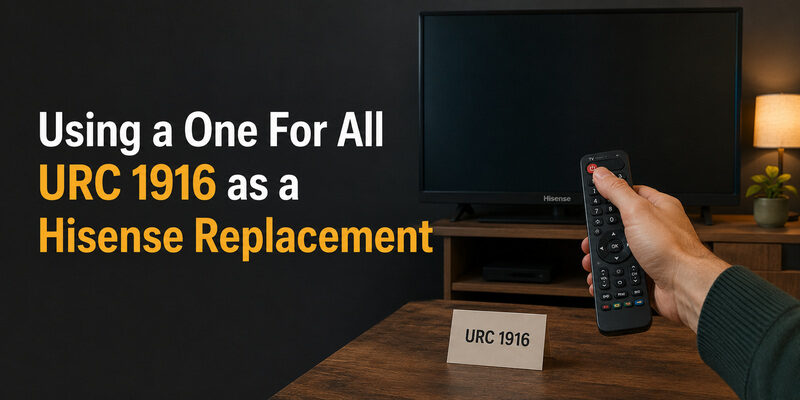
The one for all urc 1916 hisense tv remote replacement is a popular pre-programmed universal option that ships already configured for a wide range of Hisense TV models, which skips the manual code-entry step most universal remotes require.
It still needs a quick verification step after unboxing: point it at the TV and press Power. If the TV responds immediately, no further setup is needed; if not, the remote includes a fallback auto-search mode in its manual.
This option tends to suit older Hisense TVs best, since pre-programmed universal remotes are built around widely-used code libraries that cover established models more completely than the newest releases.
Where to Buy a Replacement Remote for a Hisense TV
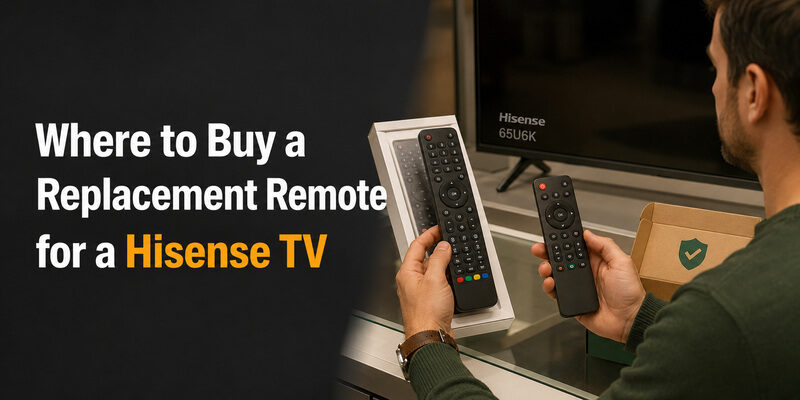
Authorized Hisense service centers and official parts retailers offer the most reliable match, since they can verify your exact TV model before shipping.
General electronics retailers and online marketplaces carry both genuine and universal options side by side — read the listing carefully to confirm which one you’re ordering, since photos of genuine and compatible remotes often look nearly identical.
If you’re not sure which category a listing falls into, look for the words “compatible with” versus “genuine” or “OEM” in the title. Listings that only show a stock photo without a specific model number attached are the ones most likely to be a mismatch.
- Have your TV’s model number ready, usually printed on a label on the back panel or in Settings > Support > About
- Confirm whether the listing is for a genuine OEM part or a compatible third-party remote
- Check the return policy before ordering, since a wrong-model remote is otherwise hard to return once the battery cover has been opened
📘 Find the Right Guide: Hisense TV Remote Batteries: Size, Replacement, Drain, and Fixes
Setting Up Your Hisense TV Remote Replacement
Once the replacement arrives, insert fresh batteries first — even a brand-new remote can behave erratically on old or low-quality batteries included in some third-party packaging.
For Bluetooth remotes, power on the TV and wait about 10 seconds for automatic pairing; if nothing happens, hold OK and Back together for five seconds to trigger manual pairing mode. For infrared remotes, simply point it at the TV and test a button — no pairing step is required.
Test every button once before considering setup finished, not just power and volume. A remote that responds to basic controls but not to a streaming-app shortcut or the Assistant key usually means the wrong model was ordered, and it’s worth catching that early while a return is still possible.
📖 Read More Guides: Hisense TV Code for Universal Remote: Verified Codes and Programming Steps
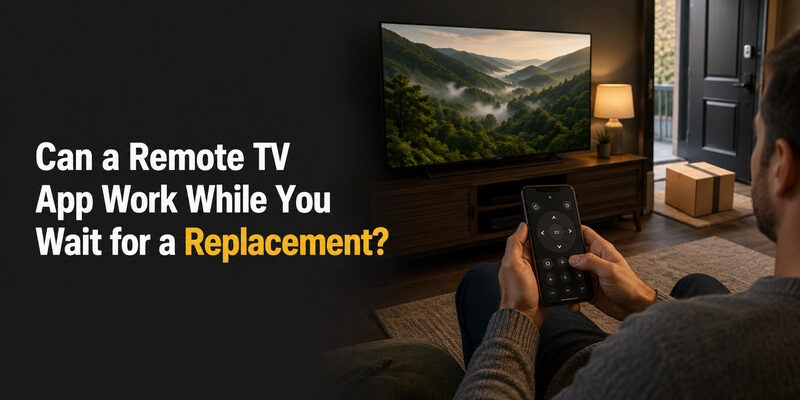
Can a Remote TV App Work While You Wait for a Replacement?
If your original remote just broke and the hisense tv remote replacement you ordered hasn’t arrived yet, the Remote TV App can bridge the gap by controlling power, volume, and navigation from a phone over the same Wi-Fi network as the TV.
It’s not a permanent substitute for a physical remote, but it keeps the TV fully usable in the meantime — you can still switch inputs, adjust volume, and launch a streaming app while the box with your replacement remote is still in transit. so you’re never stuck without a way to change the channel.
📖 Read More Guides: How to Open Hisense TV Remote Safely for Batteries, Cleaning, or Repair
FAQs About Hisense TV Remote Replacement
Can I use my phone as a Hisense TV remote replacement?
Yes. The Remote TV App controls power, volume, and navigation over Wi-Fi and works as a genuine stopgap while you source a physical replacement.
Is there a free way to replace a lost Hisense remote?
Not entirely free, but a universal remote is the lowest-cost paid option, and the Remote TV App covers basic control at no cost while you decide what to buy.
How do I reset a new replacement remote if it doesn’t respond?
Remove the batteries, hold any button for 10 seconds to clear residual charge, reinsert fresh batteries, and repeat the pairing steps for your TV’s platform.
Can I use a universal remote with a Hisense Google TV or Xumo TV?
Yes for basic power, volume, and input control, but voice search and streaming-app shortcuts require a genuine platform-matched remote.
🗺️ Browse How-To Guides: Hisense Remote Control Manual: Buttons, Pairing, Apps, and Troubleshooting
Final Thoughts
The right hisense tv remote replacement comes down to matching your TV’s smart platform — Google TV, Xumo, or VIDAA — if you want full functionality, or accepting a universal remote’s basic control set if speed and price matter more.
Confirm your model number before ordering, buy from a seller who states clearly whether the remote is genuine or compatible, and test every button as soon as it arrives. Either way, keep the Remote TV App installed as a free backup so a lost or broken remote never leaves the TV unusable while you shop for the right replacement.
Download LG TV Remote🗺️ Browse How-To Guides: How to Pair Hisense Remote to TV: Complete Setup Guide
