
How to Pair Panasonic TV Remote by Controller and TV Model
Short answer: Pair a supported wireless Panasonic remote through the matching TV model’s remote registration procedure.
There is no single button combination for every Panasonic television. If you are learning how to pair panasonic tv remote, first distinguish a conventional infrared handset from a Bluetooth voice remote, a supported VIERA touch pad controller, and a universal replacement. They solve different control problems and do not share one setup process.
This guide provides documented examples for Panasonic Z85AGZ Fire TV models, the JX600Z Android TV family, and selected VIERA touch pad setups. It explains what to prepare, how to recognize a completed connection, and what to do when Power works but navigation or the microphone still does not.
What to Identify Before Pairing
The TV model and operating platform
Copy the full TV model from its label or information screen. Record the platform shown by the matching manual, rather than inferring it from a streaming app icon. Panasonic televisions can use different operating systems, and an external streaming box can display its own home screen over HDMI.
Knowing how to pair panasonic tv remote starts with knowing which device receives the pairing request. A remote for a connected streaming stick is not automatically a remote for the television itself. Confirm the TV model and handset part together before applying a procedure you found for a similar-looking screen.
If an HDMI device’s home screen is visible, use a known TV control to open the television’s own settings before starting registration. Pairing the remote to the wrong device can leave the intended television unchanged. For how to pair panasonic tv remote, identifying that screen is an essential first test, especially when the same room contains a streaming stick with its own wireless handset.
The handset and an available control route
Install the batteries specified for the remote and keep a working controller available if possible. You may need it to open registration settings or approve a new device. Check that the proposed replacement is explicitly compatible with the television, especially when voice is required.
Do not remove your only working control prematurely. Before unpairing anything, establish how you will navigate back to the setup screen. That practical preparation matters more than memorizing a reset shortcut, because it keeps an unsuccessful registration attempt recoverable.
📘 Find the Right Guide: Panasonic TV Remote: Choose, Set Up and Replace It
How to Pair Panasonic TV Remote Using the Correct Branch
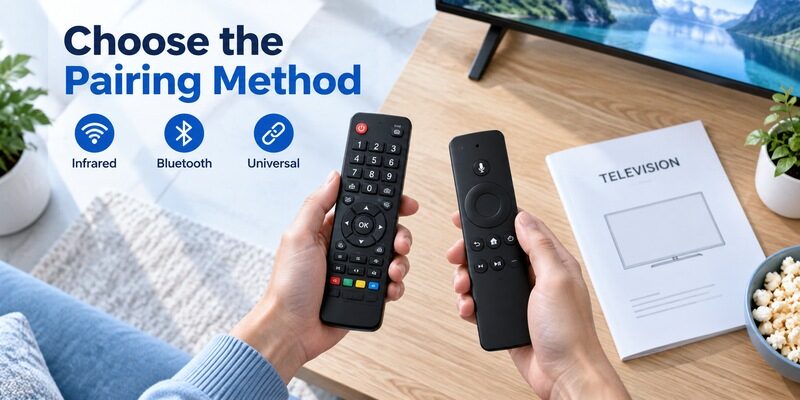
| Controller or TV example | Setup approach | Important limit |
|---|---|---|
| Conventional infrared handset | Correct compatible part and clear receiver path | Usually no Bluetooth registration for basic commands |
| Z85AGZ Fire TV family | Automatic first registration or Add New Remote | Use the supported voice remote |
| JX600Z Android TV family | Model’s RC pairing screen and prompted keys | Do not generalize its combination to every Android TV |
| Selected VIERA touch pad models | Accessory registration procedure | Supported television list applies |
| Universal multi-device handset | Remote manufacturer’s code programming | Code entry does not pair a microphone |
Pairing connects a wireless controller
Panasonic tv remote pairing establishes the supported wireless connection between a handset and a television. It may be needed for navigation, a touch surface, or voice, depending on the model. A Bluetooth audio-device menu is not necessarily the appropriate place to register a television remote.
When following how to pair panasonic tv remote instructions, look for the remote-specific menu named in the manual. A television supporting Bluetooth headphones does not imply that any Bluetooth remote is compatible. Device type and supported profile still matter.
Programming selects a command library
Panasonic tv remote programming can instead mean entering a code into a universal remote. That code selects a stored infrared command profile. It is not a wireless pairing PIN and should not be typed into an unrelated on-screen accessory prompt.
Choose the process before choosing buttons. If the handset manual talks about TV mode, Setup, and code lists, use its programming instructions. If the television is asking to register a supported voice remote, follow that model’s wireless procedure instead.
📘 Find the Right Guide: App for Panasonic TV Remote: VIERA and Platform Options
Register a Z85AGZ Fire TV Voice Remote
First registration on the documented models
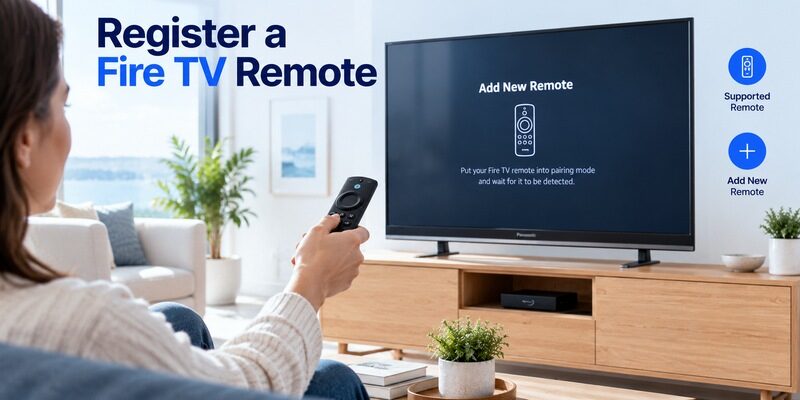
Panasonic’s operating instructions for TV-42Z85AGZ, TV-48Z85AGZ, TV-55Z85AGZ, and TV-65Z85AGZ describe automatic initial registration. With batteries installed, point the compatible remote toward the receiver from about 50 cm and press a button as directed by the initial setup flow.
These are model-specific instructions for how to pair panasonic tv remote on that Fire TV family. Stay close to the receiver during registration. If the screen does not confirm the expected progress, check batteries and compatibility rather than repeatedly moving farther away or trying unrelated button combinations.
For the documented Z85AGZ family, approach the task in this order:
1. Keep the TV controllable: Use the currently working handset to open its settings.
2. Open remote settings: Select Remotes & Bluetooth Devices and the Voice Remotes with Alexa category.
3. Start registration: Choose Add New Remote and follow the visible prompt for the compatible replacement.
4. Confirm the result: Test navigation with the new remote before changing the old registration.
This sequence explains how to pair panasonic tv remote while preserving a recovery route. If the expected menu is absent, verify the TV model and platform before proceeding.
Add a supported replacement remote
For the same documented family, the manual gives Settings, Remotes & Bluetooth Devices, Voice Remotes with Alexa, then Add New Remote. Follow the on-screen prompts using an available working control. Menu appearance can change, so use the matching current on-screen instructions where wording differs.
Keep the old working handset until the new one has been tested. In a how to pair panasonic tv remote task, “listed in the menu” and “usable for the required controls” are separate milestones. Confirm both before removing any previous registration or putting the original remote away.
💡 Discover Helpful Guides: Download the Panasonic TV Remote App: Complete Setup Guide
Pair the JX600Z Android TV Remote
Open the documented RC pairing flow
The Panasonic JX600Z operating instructions identify its supplied controller as Bluetooth and show an RC pairing flow reached from the home interface. On the settings prompt, the documented combination is OK and Home together. The screen then shows pairing progress and a success message when completed.
Use that example only for the named family and matching supplied remote. The answer to how to pair panasonic tv remote can differ even between Panasonic Android TV models. A nearby series number or identical-looking Home key does not make the same combination universal.
Do not treat the two named keys as independent presses when the displayed instruction requires them together. Read the on-screen prompt carefully and keep the television’s response in view. A how to pair panasonic tv remote attempt is easier to evaluate when you know the intended combination was performed on the correct screen, rather than remembering only that both keys were pressed at some point.
Respond to the result on screen
The JX600Z manual says to repeat its pairing procedure if it has not completed after more than two minutes. Before repeating, confirm that the controller is the supported one and that the screen is actually in the intended flow. Do not keep pressing both keys while navigating unrelated menus.
After success, test the directional keys and return to the home screen. Then test the microphone separately if the service is configured. A guide on how to pair panasonic tv remote should preserve that distinction because a voice-service problem can remain after the wireless controller itself has connected successfully.
Register a Supported VIERA Touch Pad Controller
Use the accessory procedure for the listed TV
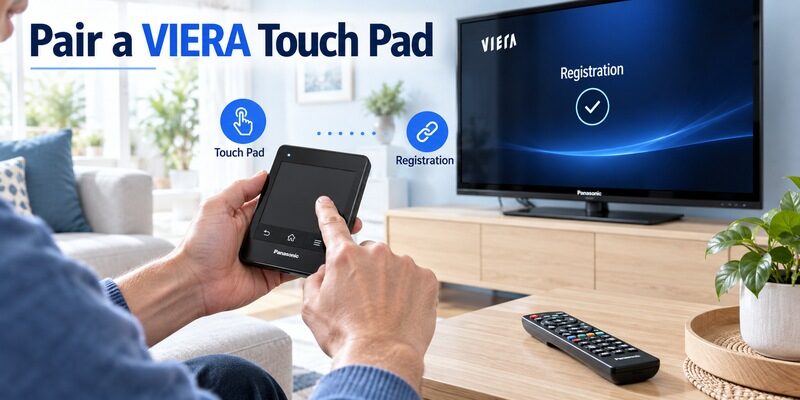
Panasonic publishes a separate touch pad registration guide for specific televisions, including TC-55EZ950 and TC-65EZ950. It describes starting registration close to the TV with a button other than Power, followed by an on-screen confirmation. Consult the supported list before using those instructions with another VIERA set.
The touch pad is a specific accessory category. Its procedure should not be applied to a conventional numeric infrared remote just because both controls came with Panasonic equipment. Identify the controller before deciding that a missing pairing menu is a fault.
Check whether the controller was recently used with another television or whether a replacement accessory has been introduced. That history can help explain why a previously familiar control is no longer registered to the intended set. When researching how to pair panasonic tv remote, include the exact accessory and TV together so the support instructions address their relationship rather than either product in isolation.
Keep power and accessory operation distinct
The documented touch pad guidance notes that Power requires pointing toward the television. That is a useful example of why a controller can combine functions with different communication behavior. For how to pair panasonic tv remote troubleshooting, a successful Power press alone cannot validate the touch surface or microphone.
Test those functions after the screen confirms registration. If they fail, follow the matching touch pad settings instructions rather than entering universal remote codes. Keep a conventional compatible handset available to navigate settings if the accessory connection becomes unavailable.
💡 Discover Helpful Guides: Panasonic TV Remote Universal Compatibility and Setup Guide
Check an Infrared Remote That Does Not Need Pairing
Confirm compatibility and signal access
An ordinary infrared television remote sends commands toward the TV’s receiver. Basic operation normally depends on the correct handset or command profile, sound batteries, and an unobstructed path. It does not require a Bluetooth relationship simply because the television is a smart TV.
If your how to pair panasonic tv remote search began because an older handset stopped working, check those basics first. Verify the full part number and try the television’s physical control. A set that cannot start or respond locally has a different problem from a remote that has lost registration.
A television receiver hidden behind a soundbar can make an infrared handset seem disconnected even though it has no pairing state to restore. Clear the documented receiver area and compare the response from a fixed position. This physical check answers a different question from how to pair panasonic tv remote, but it can be the correct solution when the original search used “pair” as a general term for restoring control.
Avoid assigning every failure to pairing
A blocked receiver, damaged contact, or worn button will not be repaired by repeating a wireless setup sequence. Test the actual failed command in a television menu and compare with a known compatible handset when available. Keep the test conditions consistent so the comparison means something.
Infrared compatibility and wireless pairing are separate checks. For a broader fault, use the guide. It covers symptoms that a pairing procedure alone cannot resolve.
📖 Read More Guides: Panasonic TV Remote Replacement Buying and Compatibility Guide
Program a Universal Panasonic-Compatible Handset
Find the remote manufacturer’s instructions
If you need to program panasonic tv remote controls on a universal handset, record the remote model and its code-list version. The required entry sequence belongs to that handset, not to a generic Panasonic TV procedure. Codes from another manufacturer may use a different library or digit format.
A search for how to program a panasonic remote to a panasonic tv can hide this distinction. Establish whether you own a Panasonic original, a dedicated third-party replacement, or a multi-device universal product. The guide helps choose the correct programming branch.
Test the profile beyond Power
After entering a supported code or completing automatic search, test Input, Menu, arrows, OK, and volume. The first profile that turns the screen off may not contain every command you need. Keep a note of partial results while trying other documented candidates.
A code cannot add unsupported voice features. Learning how to pair panasonic tv remote for a microphone handset will not make a basic infrared universal model transmit voice. Choose hardware that explicitly supports the required feature instead of treating code search as a way to acquire it.
Verify Navigation Voice and Standby Separately
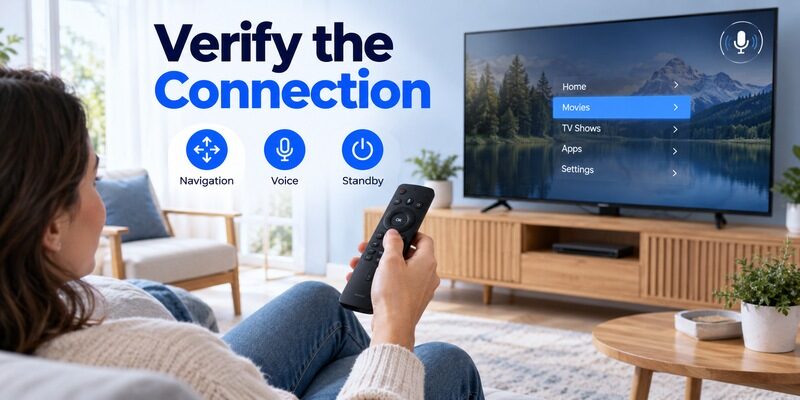
| Test | What it checks | What it does not establish |
|---|---|---|
| Power from standby | Available wake or power control | Complete wireless registration |
| Arrows and OK in TV menu | Usable navigation | Voice-service readiness |
| Back and Home | Exit and home commands | Every external-device command |
| Voice listening prompt | Voice path begins responding | Accuracy for every phrase or service |
Test harmless actions first
Open a normal menu, move the selection, and return without saving a change. Then start a familiar source and adjust volume by a small amount. This checks usable control without risking a settings change while you are still confirming which controller is active.
Successful how to pair panasonic tv remote work should survive an ordinary viewing session, not just a confirmation message. Test from the normal seat after registration completes, and let another regular viewer try the basic sequence. That exposes unusual button mappings while setup details are still fresh.
Include a return-to-standby test after ordinary navigation works, then start the television again using the supported method. Some functions can behave differently before the TV is fully awake. Completing that short cycle helps establish that the setup is useful beyond the registration screen. Keep the result with your how to pair panasonic tv remote notes so another viewer knows what was actually verified.
Distinguish speech failure from connection failure
If the microphone opens a listening interface but a command fails, investigate language, service support, and the request itself. If no listening interface appears, review the remote’s voice compatibility and registration. Those outcomes call for different checks.
Keep a short note of which test passed. A how to pair panasonic tv remote support request is much clearer when it says “navigation works after registration, but no listening prompt appears” than when it says the entire remote will not connect.
📖 Read More Guides: Panasonic TV Remote Viera Model Identification and Controls
Recover from an Unsuccessful Pairing Attempt
Check power distance and the active screen
Use fresh correctly installed batteries and move to the distance specified in the model instructions. Confirm that the television is on the intended registration screen. If several similar TVs are nearby, identify the correct one and avoid using another remote during the attempt.
For panasonic tv remote bluetooth pairing, changing one condition at a time prevents uncertain results. Do not simultaneously reset the router, erase the television, and change the handset. Begin with the requirements of the local remote connection, then investigate network-dependent voice services separately.
Reset only the matching handset
How to reset panasonic tv remote control depends on the controller family. A battery-removal check for a conventional remote is different from a multi-button reset for a wireless voice handset. Follow the exact diagram in the matching manual, including duration and any pause or battery reinsertion step.
A panasonic tv remote reset should not be confused with restoring the television to factory settings. The latter can remove accounts and network configuration without solving a hardware mismatch. If a documented remote reset fails, confirm compatibility with the manufacturer or seller before expanding the scope of changes.
Stop repeating an incompatible procedure
If the handset never appears and its compatibility remains uncertain, obtain a definite model-level answer. A Bluetooth logo on two devices does not establish that they can serve the intended remote-control roles. Repeating how to pair panasonic tv remote shortcuts from several unrelated models cannot overcome unsupported hardware.
Record the TV model, handset part number, procedure followed, and visible result. This is enough to begin a useful support conversation without dismantling anything. If the remote is new, preserve its packaging and return options while the mismatch is investigated.
💡 Discover Helpful Guides: Lost Panasonic TV Remote and How to Regain Control
Use a Supported Backup to Keep Access to Settings
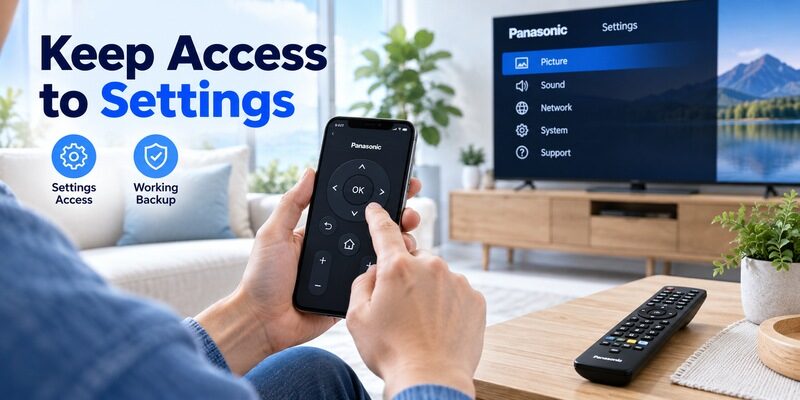
Remote TV App can help navigate a compatible TV when an existing supported network connection is available. Use it as an alternate input method while working through the correct remote setup, and check the requirements first. It does not turn an unsupported handset into a compatible one.
When learning how to pair panasonic tv remote without a working original, confirm that the phone can already reach the television and complete any required approval. Some TV physical controls provide only basic input or volume functions, so they should not be assumed to offer full registration-menu access.
Keep whichever control method is working until the replacement passes verification. This practical approach avoids losing access halfway through setup and makes a failed attempt easier to recover from. Once finished, save the successful model-specific instructions with the television’s records.
If a support agent recommends another attempt, ask which model-specific procedure and visible result they expect. That makes the retry informative instead of another round of mixed shortcuts. Save the final remote model and successful settings route after connection is restored. Future questions about how to pair panasonic tv remote can then begin from a known working combination rather than an unverified search result.
💡 Discover Helpful Guides: Panasonic TV Remote Not Working Troubleshooting Guide
Final Thoughts
When setup is complete, make sure the regular viewer knows which remote now controls the television and which handset belongs to any external streaming device. Store spare controllers separately enough that they are not confused during the next pairing attempt. A small label on a storage tray can be more useful than changing remote settings again when the wrong handset is picked up.
Keep the complete operating manual available, including its model list and controller diagram. An isolated screenshot of a button combination can lose the conditions that made it correct. Retaining that context helps future troubleshooting stay with the verified television and accessory combination instead of gradually collecting incompatible instructions from different products.
The reliable answer to how to pair panasonic tv remote is identify the controller, use its exact model procedure, and verify each required function. Fire TV voice remotes, JX600Z Android TV controllers, VIERA touch pads, and ordinary infrared handsets belong to different setup branches.
Preserve a working control route, follow on-screen confirmation, and test navigation separately from voice and standby power. If registration fails, check compatibility and the documented prerequisites before resetting unrelated equipment or erasing the television.
Download TV Remote App