
TCL TV Remote Original With Voice Control: Setup, Features & Compatibility
By the Remote TV App Team
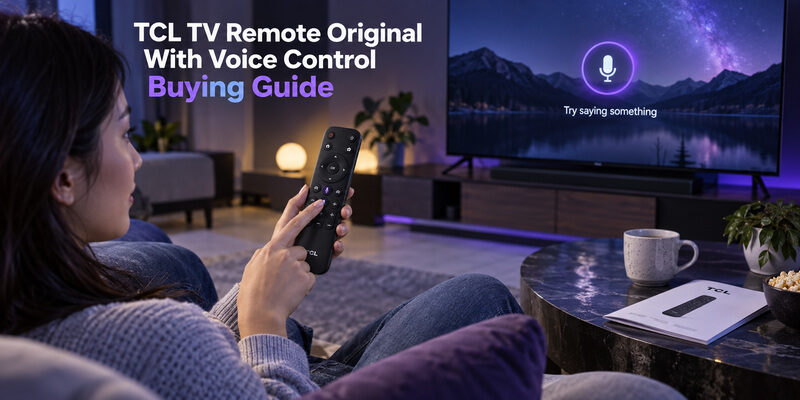
Short answer: Buy the original voice remote confirmed for your exact TCL model and pair it using that platform’s instructions.
A microphone button and TCL branding do not establish that a handset is the correct original replacement. The television platform, remote part number, regional version, and supported features all matter. Basic buttons can work even when the wireless connection needed for voice has not been established.
This guide to a TCL TV remote original with voice control explains what to verify before buying, how to set up the supported connection, and how to separate microphone failures from assistant or network problems. It also distinguishes push-button voice from hands-free television microphones so you can choose the feature you actually need.
Verify a TCL TV Remote Original With Voice Control
Match the television and replacement part
Find the complete television model and, if available, the original handset’s model or part identifier. Use the television manual, accessible product label, or purchase record. Keep regional suffixes because a similar family name does not necessarily identify the same supplied accessories.
For a TCL TV remote original with voice control, ask the supplier to confirm both the exact replacement part and its supported television models. An answer limited to “for TCL smart TVs” leaves the main compatibility question unanswered.
Separate original provenance from compatible operation
An original manufacturer replacement and a third-party compatible handset are different product claims. Both may be offered in search results with similar photographs. Read the description carefully and ask what will actually be supplied if the wording mixes “original,” “replacement,” and “compatible.”
A logo is not sufficient proof of origin. When choosing a TCL TV remote original with voice control, retain the seller’s item description, part information, and return terms. Those records are more useful than assuming a familiar button layout proves authenticity or full feature support.
💡 Discover Helpful Guides: TCL TV Remote: Complete Setup, App, Codes, Troubleshooting & Replacement Guide
Decide Which Voice Feature You Need
Use push-button voice for deliberate requests
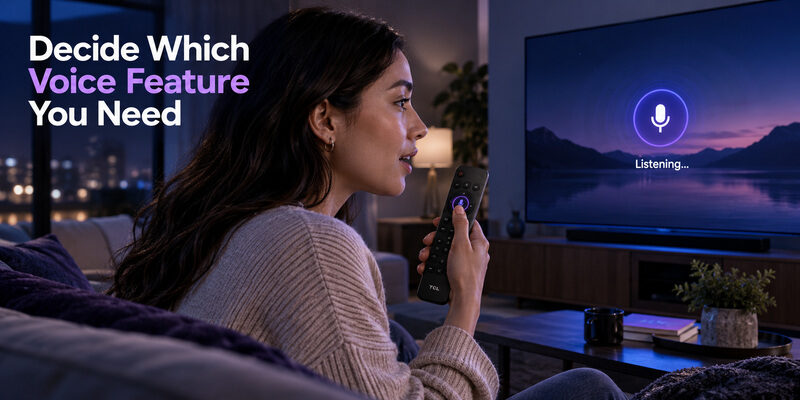
On supported TCL Google TV setups, TCL’s assistant instructions describe holding the remote’s assistant or microphone button while speaking. This uses the handset microphone and differs from asking the television to listen continuously for a wake phrase.
A TCL TV remote with voice control can therefore be useful without hands-free television microphones. Check the actual supported assistant and commands for the platform, and begin with a simple search or device command described by the manufacturer.
Treat hands-free microphones as a television feature
Some TCL televisions include hands-free voice features and a physical microphone switch. Support varies by model and configuration. That switch controls the television’s microphone arrangement rather than proving that the handheld remote’s microphone is on or off.
Remote voice and hands-free TV voice are separate paths. Buying a TCL TV remote original with voice control does not automatically add far-field microphones to a television that lacks them. Choose the remote for its documented functions instead of interpreting every microphone-related feature as interchangeable.
📘 Find the Right Guide: TCL TV Remote Control Replacement Buying Guide
Identify the Platform Before Following Pairing Advice
Recognize Google TV and Android TV requirements
TCL’s Google TV pairing guidance describes holding Home and OK until the pairing animation or confirmation appears. Its Android TV remote troubleshooting likewise distinguishes basic infrared control from the wireless connection used for supported voice functionality.
Use the specific instructions for your model and supplied controller. A TCL TV remote original with voice control may need pairing even when Power responds immediately. That combination of symptoms is a reason to check the control paths, not proof that the new remote is defective.
Keep Roku and Fire TV instructions separate
Roku voice remotes use their own documented pairing process, with hardware differences between models. TCL Fire TV remote guidance uses a different procedure, including holding Home during the relevant setup sequence. Do not combine button combinations from unrelated platforms.
| Television platform | Pairing reference to use | Important distinction |
|---|---|---|
| TCL Google TV | TCL’s model-relevant Google TV guidance | Home and OK on supported TCL controllers |
| TCL Android TV | TCL Android TV remote instructions | IR basics and wireless voice can differ |
| TCL Roku TV | Roku voice remote pairing guidance | Method varies with remote hardware |
| TCL Fire TV | TCL Fire TV remote setup guidance | Separate pairing sequence from Google TV |
The TV’s platform determines the starting instructions. A TCL TV remote original with voice control should not be programmed with a random universal-remote code to establish its voice connection.
Check the Purchase Offer Beyond the Microphone Button
Confirm included equipment and condition
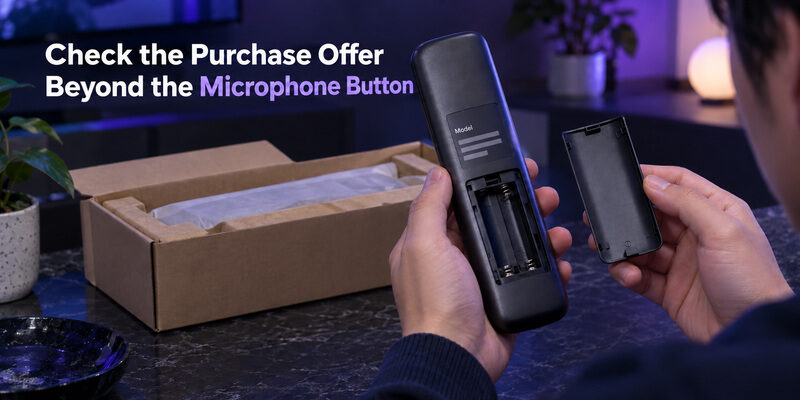
Check whether batteries or charging accessories are included, according to the remote’s actual power design. For a used handset, ask about the battery compartment, microphone opening, and button condition. A product can be original while still being worn or damaged.
Inspect clear photographs of the item rather than relying only on a stock image. A TCL TV remote original with voice control should arrive with the promised model and features, including the correct button arrangement for the confirmed replacement.
Evaluate returns and support
Use the current price and terms shown for your region. Compare equivalent condition and feature sets, including delivery charges and the return process if the promised voice functionality cannot be established on the listed compatible television.
A precise compatibility promise is part of the offer. Ask whether the seller will support a pairing problem and how to handle a supplied model that differs from the listing. This matters more than choosing solely by the lowest advertised price.
📖 Read More Guides: TCL TV Remote Download: Control Your TCL TV With Your Phone
Pair the Supported Google TV Handset
Prepare the TV and remote
Turn on the television, install the specified batteries correctly, and place the handset near the screen. Keep another working control route available if you need to enter settings. Remove obvious obstructions for any infrared commands used during the process.
For a supported TCL TV remote original with voice control, follow TCL’s Google TV sequence: hold Home and OK together until the television shows the relevant pairing animation or confirmation. Use the model’s instructions if its controller differs from the illustrated hardware.
Verify confirmation and ordinary commands
Wait for the television’s result before pressing unrelated keys. Then test Home, directions, OK, and Back. A blinking indicator or a momentary on-screen message alone is not as useful as a completed pairing confirmation followed by working commands.
Complete one documented attempt before changing anything. If the connection fails, note the last stage reached, check the battery installation, and restart according to the TV’s support guidance if needed. Repeatedly mixing button combinations can make the original problem harder to describe.
Once navigation works, test voice separately. A TCL TV remote original with voice control should be evaluated as both a controller and a microphone input, because those functions can fail for different reasons.
Make the First Voice Request Easy to Evaluate
Speak while using the documented control
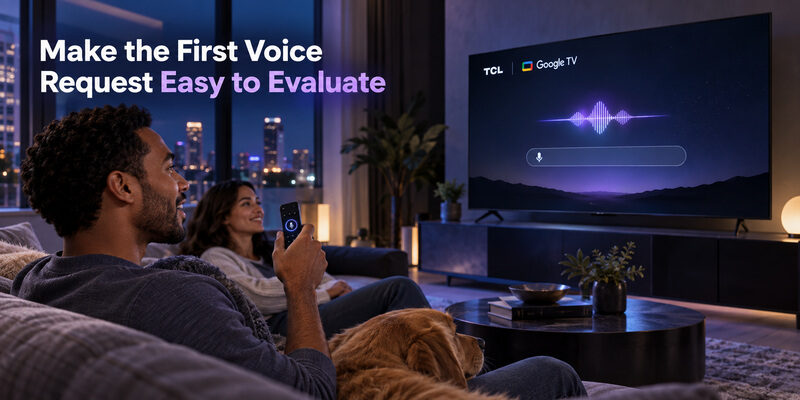
TCL’s Google Assistant guidance describes holding the relevant remote button while speaking. For this push-button action, the remote does not require you to begin with “Hey Google.” Follow the available on-screen prompt and release the control as directed by the installed interface.
Choose one short supported request, such as a simple content search. Avoid beginning with several instructions joined together. A TCL TV remote original with voice control is easier to check when you can see whether the TV started listening and recognized a straightforward phrase.
Observe recognition before judging the final result
Look for the listening response and any recognized words. If speech appears correctly but the requested service cannot open, the microphone has supplied useful evidence of working input. Investigate the service, account, region, or command support next.
Recognition and command completion are different results. TCL TV remote voice control may be functioning even when a particular title is unavailable or a streaming service needs sign-in. Do not re-pair a working handset merely because one content request cannot be fulfilled.
📖 Explore Articles: TCL TV Remote Battery Size and Replacement Guide
Review Assistant Settings and Microphone Choices
Check the television’s supported assistant configuration
TCL’s assistant guidance identifies model and configuration requirements, and notes that Apps Only mode can affect assistant and search availability on Google TV. Menus and available services can also vary by region and software version.
When reviewing TCL TV remote voice settings, use the television’s current menus and the relevant manufacturer instructions. Do not assume that a setting from another TCL generation exists in the same place or provides the same behavior.
Choose the microphone route intentionally
If you prefer push-button requests, verify that route using the handset. If the television supports hands-free voice and you want to use it, inspect the separate TV microphone switch and setup. Test the chosen method without changing both arrangements simultaneously.
Record which microphone you are testing. A TCL TV remote original with voice control can appear inconsistent when one attempt uses the remote and another relies on a television microphone that is disabled or unsupported. Keeping the routes distinct makes the result understandable.
💡 Discover Helpful Guides: TCL TV Not Responding to Remote Troubleshooting Guide
Diagnose Voice Failure by the Last Successful Stage
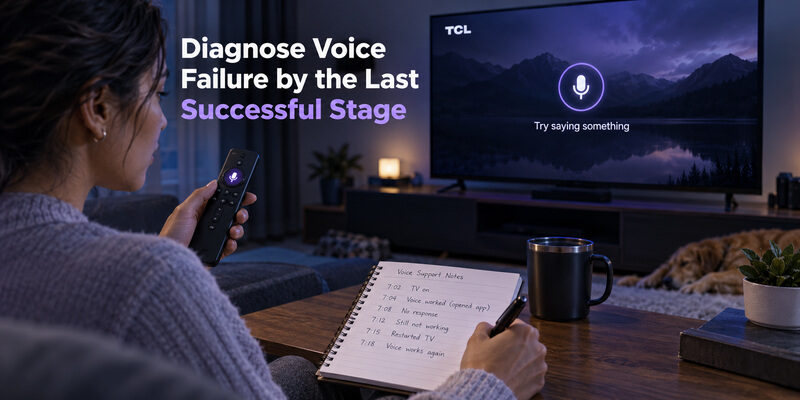
Identify whether listening starts
If no listening prompt appears, confirm the correct button, the supported voice connection, and the television’s assistant configuration. Test ordinary navigation again to establish whether the entire remote has stopped working or only voice is affected.
For TCL TV remote voice control not working, this distinction prevents a generic reset from replacing a useful diagnosis. A TCL TV remote original with voice control that handles navigation but never opens a supported listening prompt needs a more focused check of pairing and feature availability.
| Observed result | First area to investigate | Preserve this evidence |
|---|---|---|
| No buttons respond | Power, compatibility, control connection | Whether TV responds to another controller |
| Basic buttons work, no voice prompt | Wireless pairing and assistant setup | Which non-voice commands succeed |
| Prompt appears, speech not recognized | Speaking method, microphone path, environment | Whether any words are detected |
| Words recognized, task fails | Command, account, service, network, region | The recognized phrase and error |
| Voice works intermittently | Repeatable conditions and connection | When and where the failure occurs |
Compare one simple request under steady conditions
Reduce competing room sound and speak normally toward the handset microphone while following the documented button action. Repeat the same short request after checking the connection. Do not shout into or cover the microphone opening.
A repeatable test is more useful than many unrelated requests. If the TCL TV remote original with voice control recognizes one phrase reliably, use that as a baseline before investigating a different app or command category.
Decide Whether the Problem Is the Remote or the TV
Compare with another supported control route
If another compatible handset is available, test the same ordinary commands and supported voice request on the same television. Keep the TV settings and content conditions unchanged. A useful comparison isolates the controller rather than changing the whole setup at once.
A phone voice feature can also provide context, but it is not an identical microphone test. The phone uses its own input path and app implementation. Success there does not prove that the physical remote’s microphone or wireless connection is healthy.
Keep hardware conclusions proportionate to the evidence
Visible damage, a stuck microphone button, or a failure repeated on a confirmed compatible setup can justify contacting the supplier or TCL support. Describe the model, pairing result, and last successful stage. Avoid opening the remote housing while a return or support route is available.
Do not erase the television for an unproven handset fault. A TCL TV remote original with voice control may require replacement, but factory reset should follow relevant support guidance rather than serve as a routine first response to a failed voice request.
Prepare a clear support handoff
Before contacting support, write down the exact request you used and what appeared on screen. Distinguish no listening prompt, no recognized speech, and a recognized request that produced an error. Include whether the same failure happens immediately after successful pairing and whether ordinary buttons continue to respond.
For a TCL TV remote original with voice control, this record helps the supplier distinguish an incorrect part from an incomplete setup or a service-dependent problem. Keep the order description and confirmed part number available so support does not have to infer the supplied model from a general photograph.
Retest an exchange using the same baseline
If a replacement is supplied, repeat the same ordinary navigation sequence and simple supported voice request. Keep the television settings and network conditions as steady as practical. A comparison becomes less useful if you also change accounts, install a different service, and reset the TV between the two tests.
The new TCL TV remote original with voice control should first demonstrate that it can pair, then that it can trigger listening, and finally that speech is recognized. These are separate acceptance points. A service error after accurate recognition should remain a service investigation rather than automatically causing another handset exchange.
Record the successful setup method once the issue is resolved. Include the button combination used, the television platform, and any relevant assistant setting you changed. This short record is useful after a battery replacement, a future pairing loss, or a handoff to another person who did not see the original troubleshooting process.
💡 Discover Helpful Guides: 5 Best Free TCL Google TV Remote Apps to Control Your TV From Your Phone
Keep a Normal Button Routine and a Phone Backup
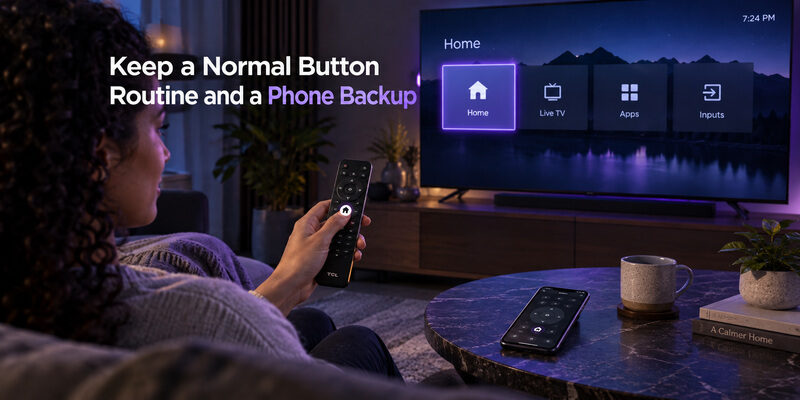
Voice is convenient, but viewers should still know how to reach Home, navigate, select, and return with Back. Test volume and input control as part of a normal viewing session. These basics keep the television usable when an assistant service or network-dependent request is unavailable.
For supported models, can provide a separate phone-control option. Verify its current compatibility and actual functions on your television. Do not assume a phone remote reproduces every original voice feature.
Keep the TCL TV remote original with voice control after phone setup, especially for first installation or network recovery. The guide covers physical connection methods, and explains that platform’s phone pairing.
Store the confirmed replacement part number with the TV model and a note of the successful pairing method. This makes a later replacement easier and prevents another search based only on a photograph or screen size.
Questions About Original TCL Voice Remotes
Does a microphone button prove a remote is original?
No. Button appearance does not establish manufacturer provenance or model compatibility. Check the part information, supplier description, and supported television list. Ask what will actually be supplied when a listing uses original and compatible wording inconsistently.
Why does Power work while voice does not?
On supported designs, basic infrared commands and wireless voice use different control paths. The handset may need pairing or the assistant may need configuration. Verify the documented setup before treating partial operation as proof that the remote is defective.
Will an original voice remote add hands-free TV listening?
No, not by itself. Hands-free television listening requires the appropriate TV hardware and supported setup. A TCL TV remote original with voice control can provide push-button microphone input without adding far-field microphones to a television that lacks them.
Must I say a wake phrase into the remote?
For the supported Google TV push-button method described by TCL, no. Hold the assistant or microphone button while speaking as instructed. Hands-free television voice is a separate method, so follow the requirements of the input route you choose.
📖 Explore Articles: TCL 32 Inch Smart TV Remote Selection Guide
Keep a Remote TV App as a Convenient Backup
Even if your TCL TV original remote with voice control works perfectly, keeping a phone-based remote as a backup can be useful. A physical remote can run out of battery, get misplaced, or temporarily lose its connection, while your phone is usually close at hand.
The Remote TV App by Begamob gives you another way to control compatible TCL TVs directly from your smartphone. Depending on your TV model and platform, you can use your phone for essential functions such as navigation, volume control, playback, Home and Back commands, and text input.
Setup is simple: connect your phone and TV to the same Wi-Fi network, open the app, and select the available television to start pairing.
A phone remote is not intended to replace every voice feature of the original TCL remote, but it can be a practical everyday controller and a useful backup when the physical handset is unavailable.
Keep your TCL remote for voice control, and use the Remote TV App by Begamob as an easy backup for everyday TV control.
Download TV Remote AppFinal Thoughts
Choose a TCL TV remote original with voice control by confirmed part identity, television model, and platform. Pair it through the appropriate instructions, test ordinary navigation, and then evaluate one simple voice request from listening prompt to final response.
Treat provenance, pairing, and assistant behavior as separate checks. That approach helps you buy the right handset, avoid unnecessary resets, and recognize when a failed request concerns a service or setting rather than the remote microphone.
