
Apple TV Remote Not Responding? 10 Practical Fixes to Get It Working Again
When your apple tv remote not responding problem appears without warning, it can feel as if the entire Apple TV setup has stopped working. In many cases, however, the cause is relatively simple: the remote has lost its pairing, the battery is low, the Bluetooth connection is weak, or the remote needs a restart.
The best approach is to troubleshoot in a fixed order rather than pressing random button combinations. Apple’s current support guidance starts with pairing the remote again. If that does not help, restart the remote, check its signal strength, charge it, and make sure Apple TV is running current software. For apple tv remote not responding after a disconnect, this order avoids unnecessary resets.
This guide walks through that process from fastest to more advanced checks. It also explains what to do when the apple tv remote stopped working only for volume or a single button, and how to keep using Apple TV from an iPhone while you troubleshoot the physical remote. For an apple tv remote not responding after a recent disconnect, the early pairing and restart steps are usually the most relevant place to begin.
1. Apple TV Remote Not Responding: Start With These Quick Checks
A apple tv remote not responding issue does not automatically mean the remote is broken. Before you reset anything, check whether the problem affects every button or only one function. That distinction can save time because total connection failure and a single unresponsive control usually have different causes.
Start with these basics:
- Move closer to Apple TV and point the remote toward the box.
- Press several different buttons, not only volume or power.
- Make sure nothing large is blocking the path around the TV, receiver, or soundbar.
- If the remote has not been charged recently, connect it to power.
- Look for a Remote Connected or Remote Disconnected message on the TV.
If the apple tv remote quit working completely, pairing and battery should be your first suspects. If navigation works but volume does not, skip ahead to the section about individual buttons and volume control. If the remote works only when you stand close to Apple TV, signal strength is more likely than pairing.
| What you notice | Most likely area to check | Best first action |
| No buttons respond | Pairing or battery | Pair the remote again |
| Remote works only nearby | Bluetooth signal | Check signal strength and obstacles |
| Only volume fails | TV/audio control | Check Volume Control settings |
| One physical button sticks | Hardware or debris | Inspect and clean carefully |
| Remote disconnects repeatedly | Pairing, charge, signal | Restart and re-pair |
When apple tv remote not responding starts suddenly, this quick classification keeps you from changing unrelated network or TV settings. For apple tv remote not responding across every button, connection checks should come before function-specific settings. The goal is to identify whether you have a connection problem, a power problem, or a function-specific problem before moving deeper into troubleshooting.
Download LG TV Remote2. Pair the Remote Again Before Trying Anything More Complex
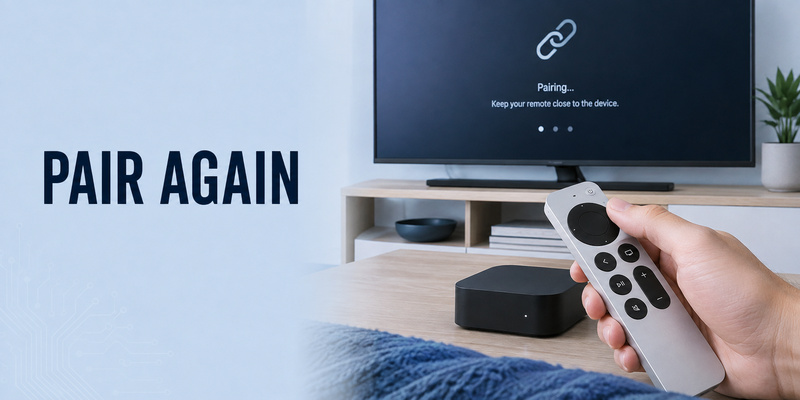
Apple’s current recommendation for apple tv remote not responding is to try pairing the remote again first. This is especially important if you recently replaced the remote, moved it between Apple TV boxes, saw a disconnected notification, or have not used the device for a while.
For newer Siri Remote models, bring the remote to about three inches from Apple TV and point it toward the front of the box. Press and hold Back and Volume Up for about five seconds. On a first-generation Siri Remote with a Menu button, hold Menu and Volume Up instead. If Apple TV asks you to place the remote on top of the box, do so until pairing finishes.
A reliable pairing sequence is:
- Turn on Apple TV.
- Bring the remote very close to the Apple TV box.
- Hold Back + Volume Up, or Menu + Volume Up on older remotes.
- Keep holding for about five seconds.
- Follow any pairing message on screen.
If my apple tv remote is not working because it lost its pairing, this can restore control immediately. If the remote does not pair, unplug Apple TV from power, wait about six seconds, reconnect it, and try the pairing sequence again. For apple tv remote not responding after the power cycle, restart the remote before another pairing attempt.
For a more pairing-specific troubleshooting path, see apple tv remote pairing not working. If the remote connects but drops again later, the guide to apple tv remote reconnect is the more relevant next step.
Do not repeatedly reset Apple TV when apple tv remote not responding is caused by a simple pairing loss. Re-pairing is faster, less disruptive, and should be tested before more invasive troubleshooting.
🛠️ Learn with Step-by-Step Guides: Apple TV Remote Icon: What It Means and How to Use It
3. Restart the Siri Remote or Apple TV Remote
If pairing does not solve apple tv remote not responding, restart the remote itself. Restarting refreshes the remote’s connection without erasing your Apple TV setup, apps, or account information.
On a Siri Remote or Apple TV Remote, press and hold the TV/Control Center button and Volume Down at the same time. Keep holding for about five seconds, or until the Apple TV status light turns off and then back on. Release the buttons and wait several seconds.
After the restart, press any button. If a Remote Connected notification appears, test the clickpad, Back, Play/Pause, and volume separately. If no connection notification appears, return to the pairing steps in the previous section.
This procedure is particularly useful when apple tv remote is not working even though it has charge and was previously paired correctly. A temporary Bluetooth or remote-state problem can make the device appear dead even when its hardware is fine.
If why is my apple tv remote not working is the question you keep coming back to after pairing, restarting is the next logical test because it separates a temporary remote software state from a more persistent battery, signal, or hardware issue.
When apple tv remote not responding continues after both pairing and restart, do not keep repeating the same combinations. Move on to power and signal checks so each troubleshooting step tests a different possible cause.
💡 Discover Helpful Guides
Apple remote tv app: Complete Apple TV Remote Guide for iPhone, Siri Remote, Pairing & Fixes
4. Charge the Remote and Rule Out a Battery Problem
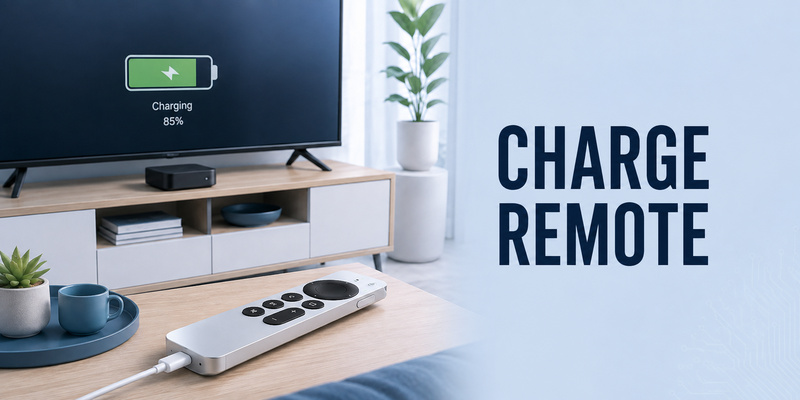
A low battery can make apple tv remote not responding symptoms look inconsistent. The remote may work briefly, disconnect, or fail to wake when you expect it to. Apple recommends charging a Siri Remote or Apple TV Remote for at least 30 minutes when troubleshooting.
Depending on the remote generation, use the appropriate USB-C or Lightning cable with a USB power adapter. Leave it connected long enough to rule out a deeply discharged battery rather than unplugging after only a few minutes. With apple tv remote not responding after charging, test from close range before assuming battery failure.
If the remote problem appears after the remote has been unused for days or weeks, charging should move near the top of your checklist. After 30 minutes, disconnect the cable and test several controls from close range.
Use this order:
- Charge the remote for at least 30 minutes.
- Move within a few feet of Apple TV.
- Press several navigation buttons.
- If nothing happens, restart the remote.
- Pair it again if the restart does not restore the connection.
A battery problem is different from a damaged charging port. If the cable will not seat properly, the remote becomes unusually hot, or it shows obvious physical damage, stop treating the problem as a normal apple tv remote not responding case and consider service instead.
The same applies if a required pairing button cannot be physically pressed. Software troubleshooting cannot repair broken hardware. But if the remote simply has not been charged recently, a proper charging session is one of the easiest fixes to test before assuming replacement is necessary. For apple tv remote not responding after sitting unused for a long time, charging before repeated resets is the cleaner diagnostic step.
💡 Discover Helpful Guides: Apple TV Remote Replacement: Buying and Setup Guide
5. Check Bluetooth Signal Strength and Remove Interference
If the remote pairs successfully but apple tv remote not responding happens from across the room, check signal quality. On Apple TV running tvOS 18 or later, Apple provides a Bluetooth signal-strength indicator for the remote under Settings > Remotes and Devices > Remote.
A weak Bluetooth RSSI reading suggests that the remote and Apple TV are struggling to maintain a reliable link. Apple recommends moving within about 20 feet, or roughly six meters, and removing objects that block the area around Apple TV, the television, receiver, or soundbar.
This is especially relevant when why isn’t my apple tv remote working has an answer that changes with distance. If the remote works perfectly from three feet away but becomes unreliable from the couch, replacing the remote before checking signal conditions would be premature.
For apple tv remote not responding mainly from the couch, compare behavior at close and normal viewing distances. Things to test include:
- Move closer to Apple TV.
- Reposition objects directly around the Apple TV box.
- Avoid hiding the box deep inside a closed cabinet while testing.
- Confirm whether performance changes when nearby equipment is moved.
- Check Bluetooth RSSI when tvOS provides the option.
| Test result | What it suggests | Next move |
| Strong signal, remote still fails | Pairing, battery, or remote state | Restart and re-pair |
| Weak signal improves nearby | Distance or obstruction | Reposition equipment |
| Signal good but only one button fails | Function-specific issue | Check button or setting |
| Remote disconnects at random | Charge or unstable connection | Charge, restart, then re-pair |
When apple tv remote not responding is distance-dependent, signal troubleshooting is more useful than resetting settings. It also explains why a remote may appear normal during setup next to the box but become unreliable during everyday use from the sofa.
💡 Discover Helpful Guides: How to Reset Your Apple TV Remote: Pairing, Volume, and No-Remote Fixes
6. Restart Apple TV and Update tvOS
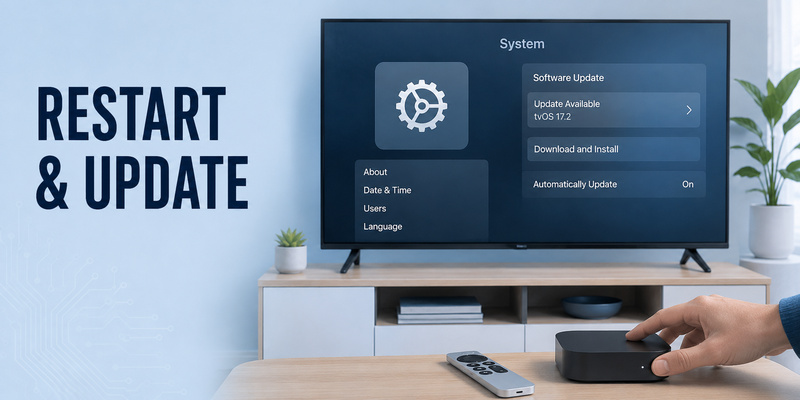
When apple tv remote not responding survives pairing, remote restart, charging, and signal checks, restart Apple TV itself. A temporary tvOS or Bluetooth service issue can sometimes affect how Apple TV communicates with an otherwise functional remote.
If you still have partial control, restart Apple TV from Settings. If you have no working remote at all, disconnect Apple TV from power, wait several seconds, and reconnect it. Apple specifically recommends a six-second power disconnect when a remote refuses to pair.
After Apple TV starts again, test the remote before making any additional changes. If needed, repeat the pairing procedure once. If apple tv remote not responding continues, confirm charge and signal again before moving toward replacement. Avoid stacking several resets together because you want to know which step actually changed the behavior.
Software also matters. Apple recommends updating Apple TV to the latest available tvOS version. If your physical remote cannot navigate the interface, you can use Apple TV Remote on an iPhone or iPad as a temporary controller, provided the mobile device and Apple TV can communicate on the same Wi-Fi network.
If apple tv remote stopped working shortly after a software change or long period without updates, confirming current tvOS is a sensible part of troubleshooting. An update is not a guaranteed fix for every remote problem, but it eliminates known software issues and keeps Apple’s latest remote support behavior in place.
A good sequence for persistent apple tv remote not responding is therefore: restart Apple TV, test, update tvOS if available, and test again. Only after those steps should you start considering a hardware failure or replacement remote. An apple tv remote not responding after Apple TV itself has restarted should then be tested again from close range before you assume the remote hardware has failed.
7. Fix One Button or Volume Control That Is Not Responding
Sometimes apple tv remote not responding describes only one feature. A search for apple tv remote not working can therefore refer to a single control rather than the whole remote. Navigation may work normally while volume, mute, power, or a physical button does nothing. That is not the same as the entire remote losing its connection.
For volume problems, Apple recommends restarting the remote first. If that does not help, go to Settings > Remotes and Devices > Volume Control and try a different available method. Depending on your setup, volume may be controlled through HDMI-CEC, infrared, a receiver, soundbar, or another audio device.
If only the volume controls are failing, see apple tv remote volume not working rather than repeatedly pairing the whole remote.
For a single physical button, inspect whether it feels different from the others. A button that sticks, fails to spring back, or requires unusual pressure may have debris or physical wear. Use a clean, dry, soft cloth around the surface. Do not pour liquid cleaner into the remote or pry under a button with a sharp tool.
If all navigation buttons respond but one key does not, the Bluetooth connection is probably not the main issue. If none of the buttons respond, return to pairing, restart, charging, and signal checks.
This distinction matters because apple tv remote not responding is a broad symptom. The most efficient fix comes from matching the troubleshooting step to what is actually failing instead of assuming every problem requires the same reset. When apple tv remote not responding refers only to one control, troubleshoot that control path before replacing the whole remote.
📖 Explore Articles: Apple TV Remote for iPhone: How to Set Up and Use Your iPhone as an Apple TV Remote
8. Use Your iPhone or iPad as a Temporary Apple TV Remote
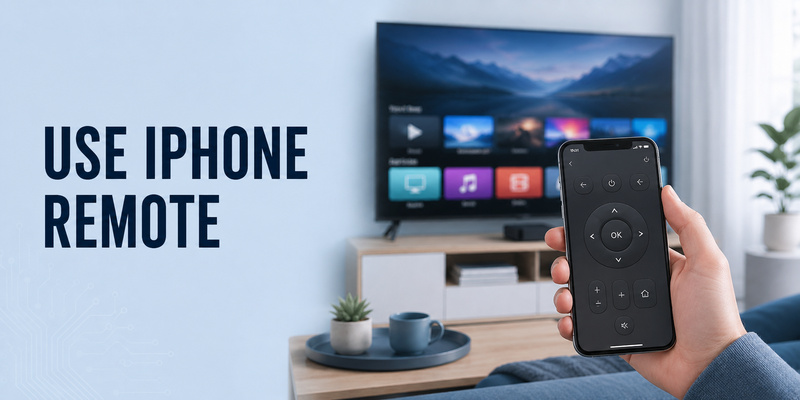
If the physical apple tv remote not responding problem prevents you from navigating Settings, an iPhone or iPad can provide a useful backup. Apple TV Remote is available through Control Center on supported Apple mobile devices.
Open Control Center, add or select Remote, then choose your Apple TV. If prompted, enter the passcode shown on the television. For setup and troubleshooting, Apple says the iPhone or iPad should be on the same Wi-Fi network as Apple TV.
The phone remote lets you navigate menus, enter text, start playback, and reach settings while you work on the physical controller. During apple tv remote not responding troubleshooting, this keeps access to diagnostics and software updates available. It is especially useful for checking tvOS updates, restarting Apple TV through Settings, or verifying whether Apple TV itself is functioning normally.
If my apple tv remote is not working but the iPhone controller works immediately, that is useful diagnostic information. It suggests Apple TV is operational and narrows the problem toward the physical remote, its pairing, its charge, or its signal.
For a dedicated walkthrough, see how to use Apple TV remote on iPhone. If you want broader phone-based television control across supported devices, a Remote TV App can also serve as a convenient backup depending on your TV platform and connection setup.
It also gives you a way to reach Settings while apple tv remote not responding prevents normal navigation.
9. Frequently Asked Questions
Why is my Apple TV remote suddenly not responding?
The most common areas to check are pairing, battery charge, remote state, and Bluetooth signal. Start by pairing the remote close to Apple TV. If that fails, restart the remote, charge it for at least 30 minutes, and check signal strength when available.
What should I do if my Apple TV remote quit working completely?
If apple tv remote quit working with no buttons responding, charge it first if battery status is uncertain, then try pairing with Back/Menu + Volume Up. If pairing fails, restart the remote with TV/Control Center + Volume Down and try pairing again.
Why is my Apple TV remote not working but my iPhone remote works?
If why is my apple tv remote not working while the iPhone remote works normally, Apple TV itself is probably still reachable. Focus on the physical remote: charge it, restart it, re-pair it, and check Bluetooth signal strength before considering hardware replacement.
Do I need to reset my entire Apple TV when the remote stops responding?
No. A full Apple TV reset is usually unnecessary for apple tv remote not responding. Start with remote pairing, remote restart, charging, and Apple TV restart. These steps preserve your apps and settings while testing the most common connection problems first. For most apple tv remote not responding cases, a full erase of Apple TV would be far more disruptive than the problem requires.
Can a Remote TV App replace the physical Apple TV remote?
A Remote TV App can be a useful phone-based option for compatible televisions, while Apple’s built-in Apple TV Remote in iPhone or iPad Control Center is the primary Apple-specific backup. Compatibility and available controls depend on the device and network setup.
📘 Find the Right Guide: Apple TV Remote iPad: How to Set Up and Control Apple TV From Your iPad
10. Final Thoughts
When apple tv remote not responding, the fastest solution is usually a structured troubleshooting sequence rather than a factory reset. Start by pairing the remote again close to Apple TV. If that fails, restart the remote with TV/Control Center + Volume Down, then test the connection again. Keeping that order makes apple tv remote not responding easier to diagnose because every step tests a different failure point.
Next, charge the remote for at least 30 minutes, check Bluetooth signal strength, reduce distance and obstructions, and restart Apple TV. If the remote works except for volume or one button, troubleshoot that function separately instead of treating the entire remote as disconnected.
The pattern behind remote-control complaints is that several different problems can produce the same symptom. Pairing loss, low charge, weak Bluetooth signal, tvOS state, and physical button damage each require a different fix.
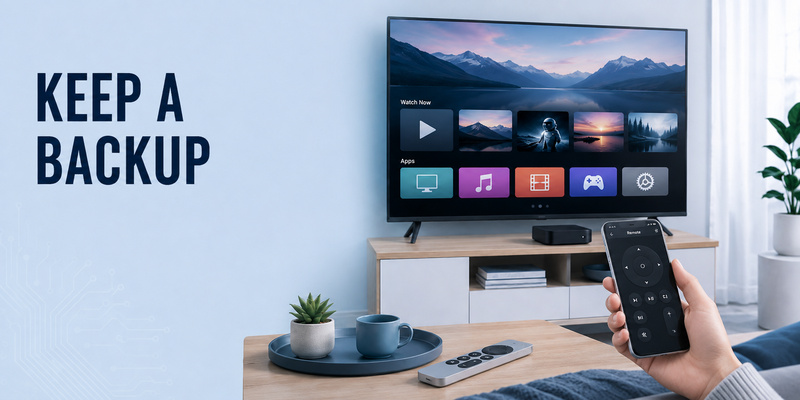
If the physical remote remains unusable, Apple TV Remote on iPhone or iPad can keep your Apple TV accessible while you troubleshoot. A compatible Remote TV App can also provide broader phone-based TV control for supported setups. This backup is especially practical when apple tv remote not responding blocks access to the settings you need for further diagnosis.
In most cases, apple tv remote not responding can be narrowed down without replacing the entire Apple TV box. Work through pairing, restart, charging, signal, software, and individual-button checks in that order, and only move to repair or replacement when the evidence points to a genuine hardware problem. If apple tv remote not responding remains after every connection and power test, hardware service becomes a much more reasonable next step.
Download LG TV Remote